This tag collects practical guides for moving digital files between the many devices and storage formats people use every day. It is written for everyday consumers, not IT professionals, who are trying to get photos, documents, music, or other data from one place to another without losing anything in the process. Whether you are switching phones, backing up a laptop, or just trying to free up space on a tablet, these articles walk through the steps in plain language.
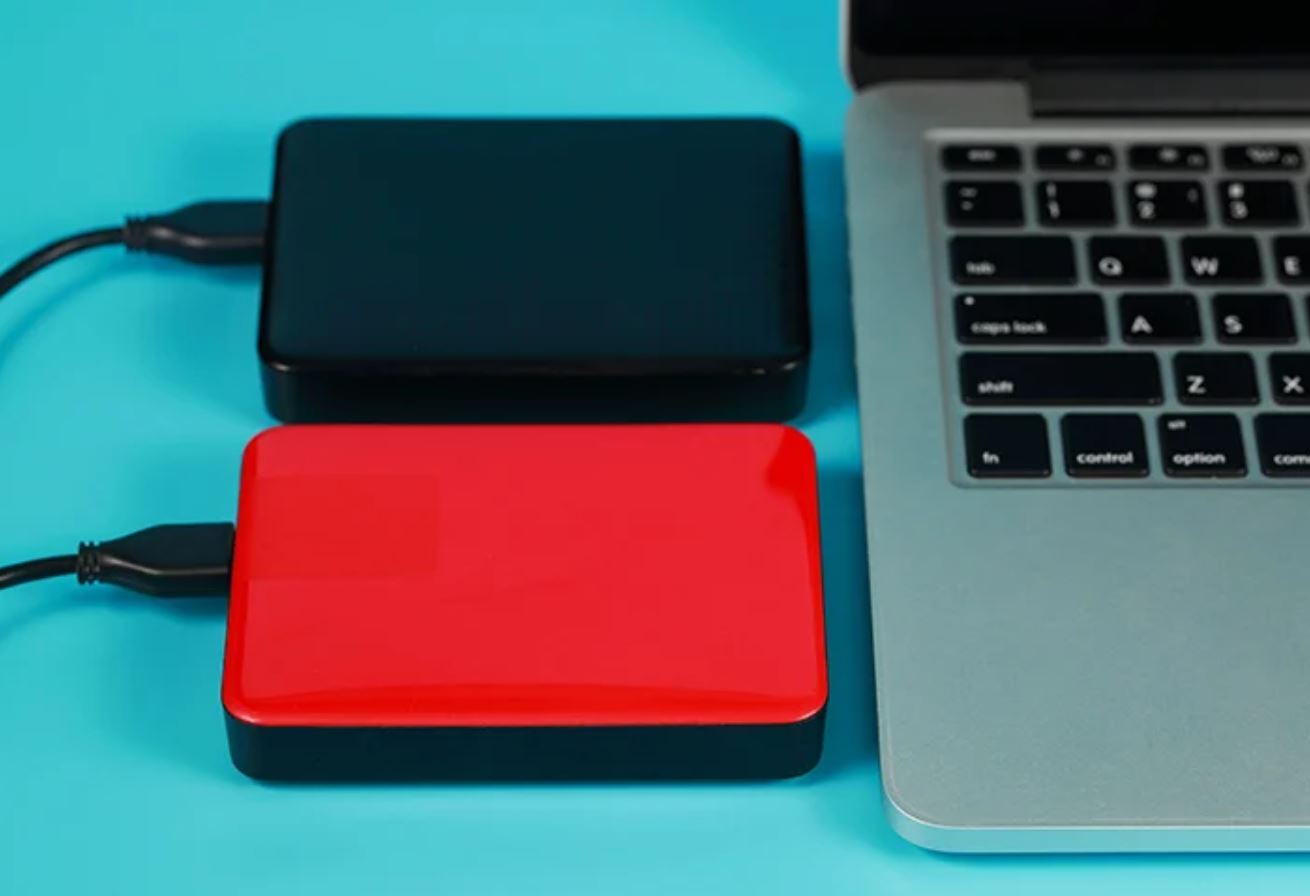
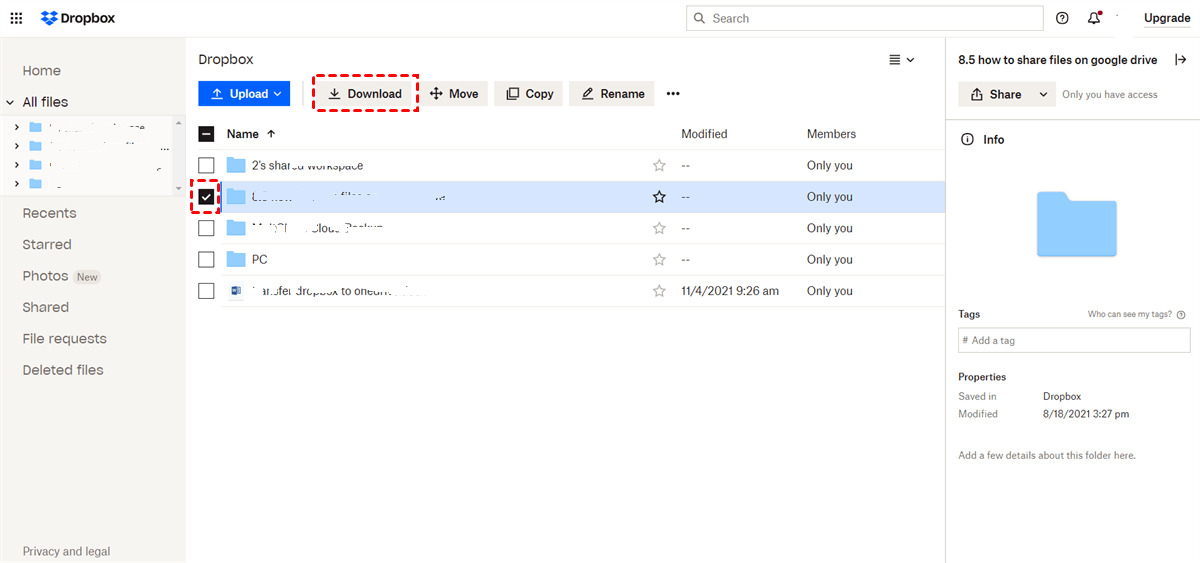
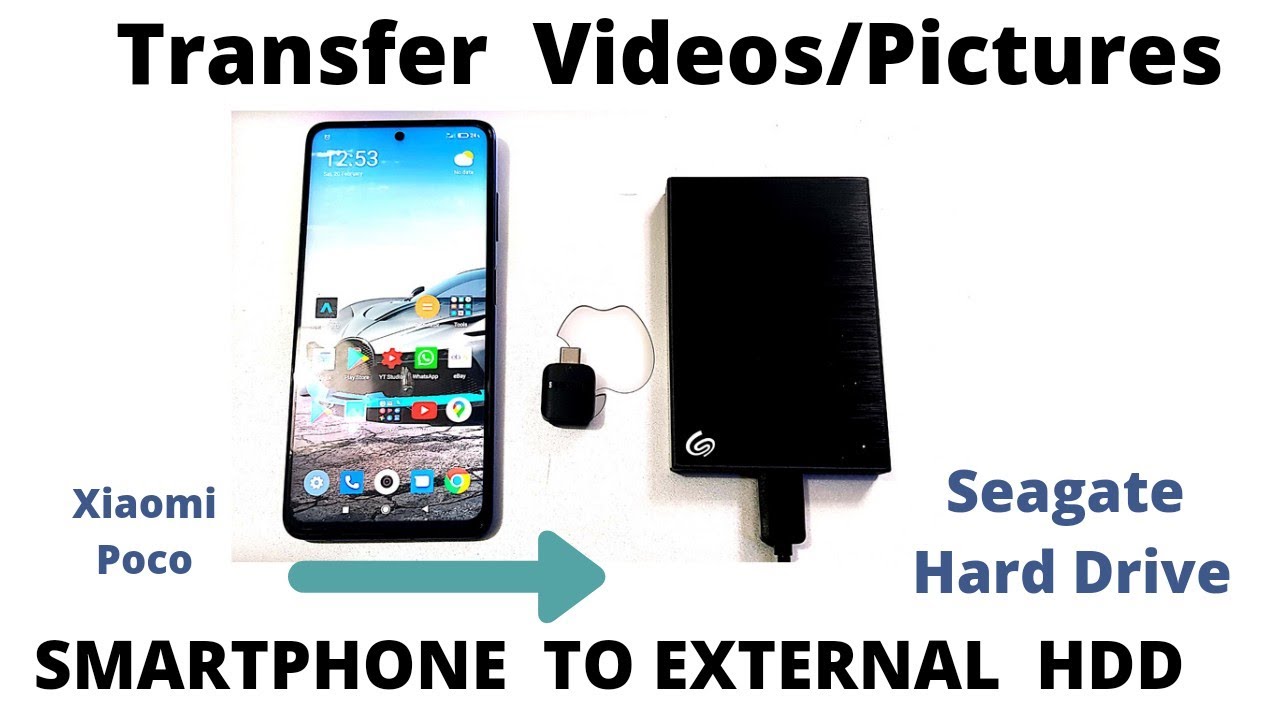
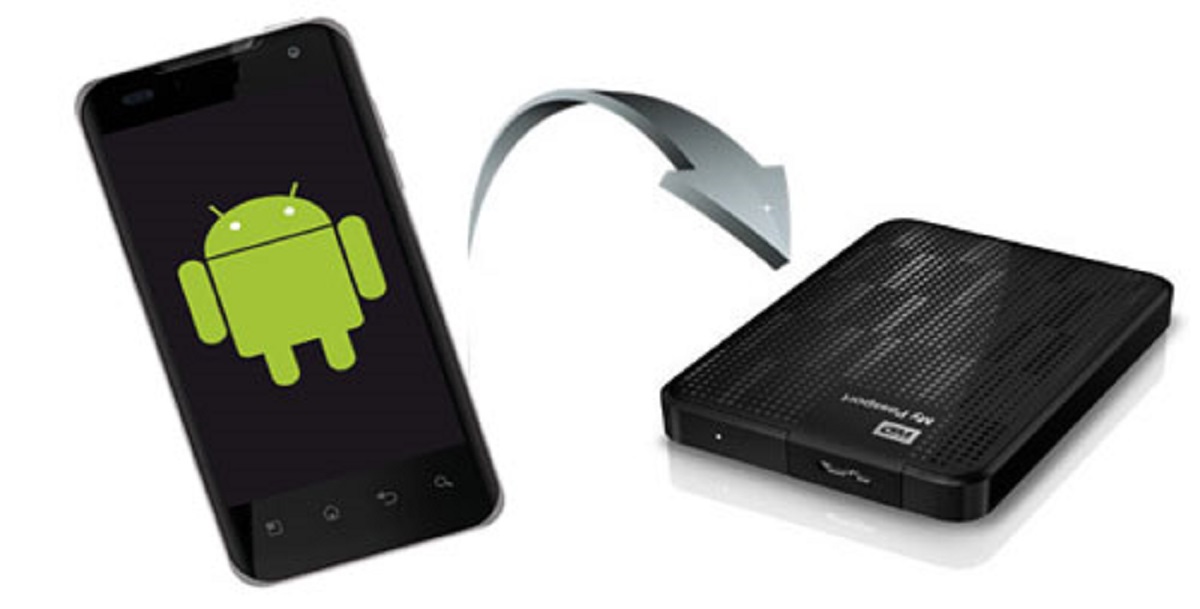
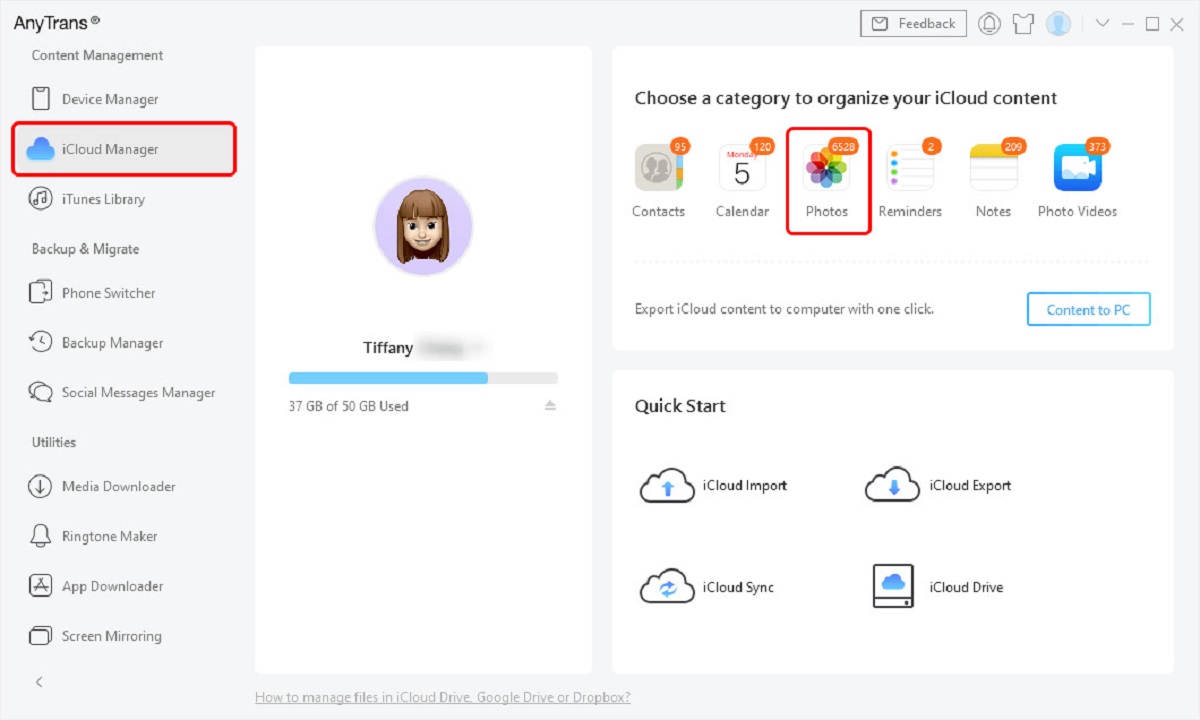
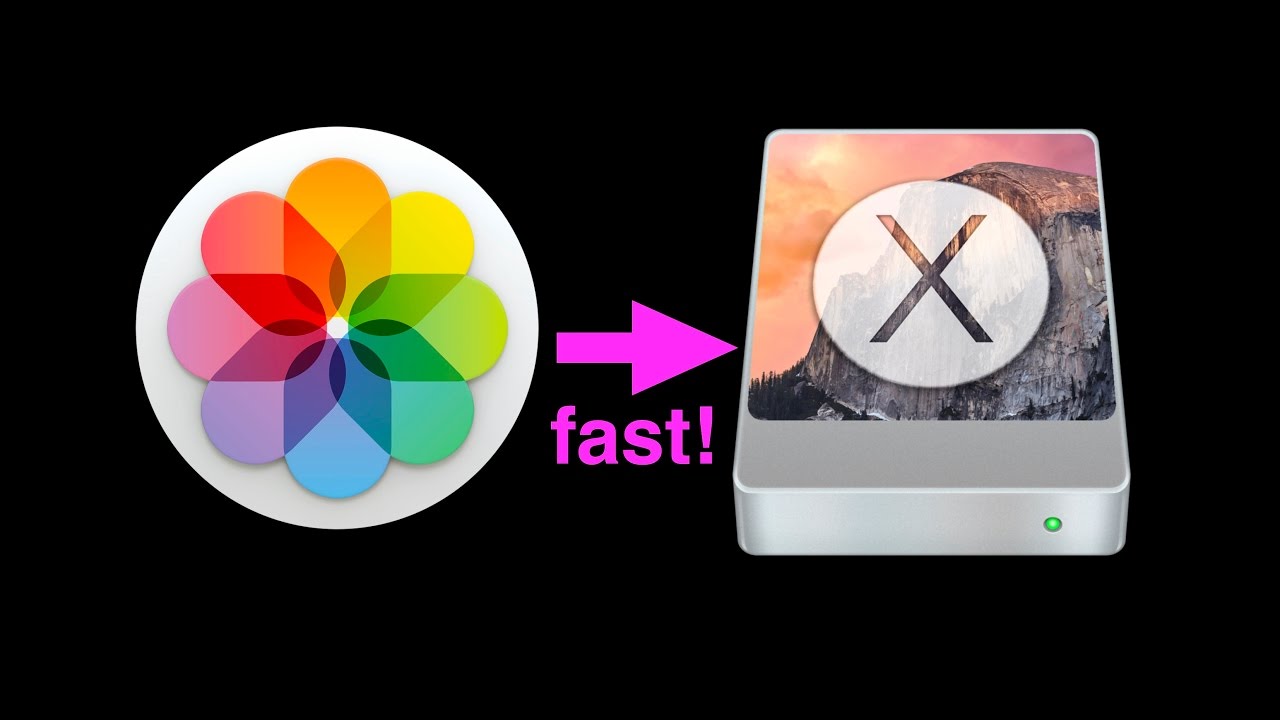
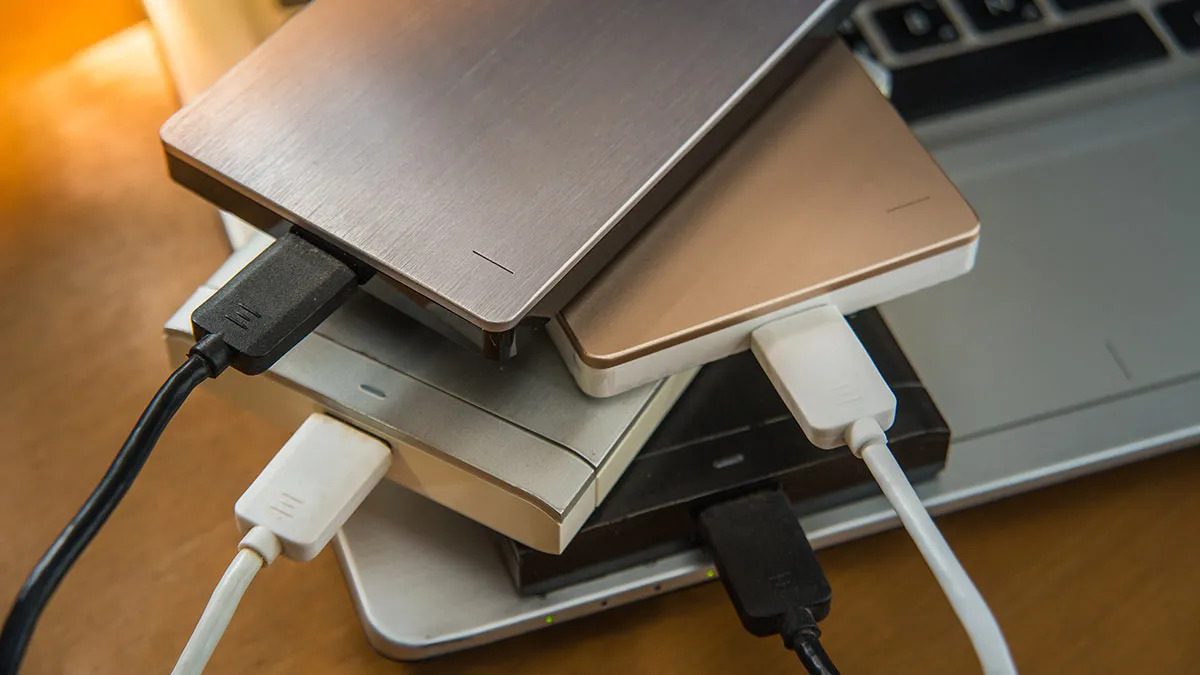
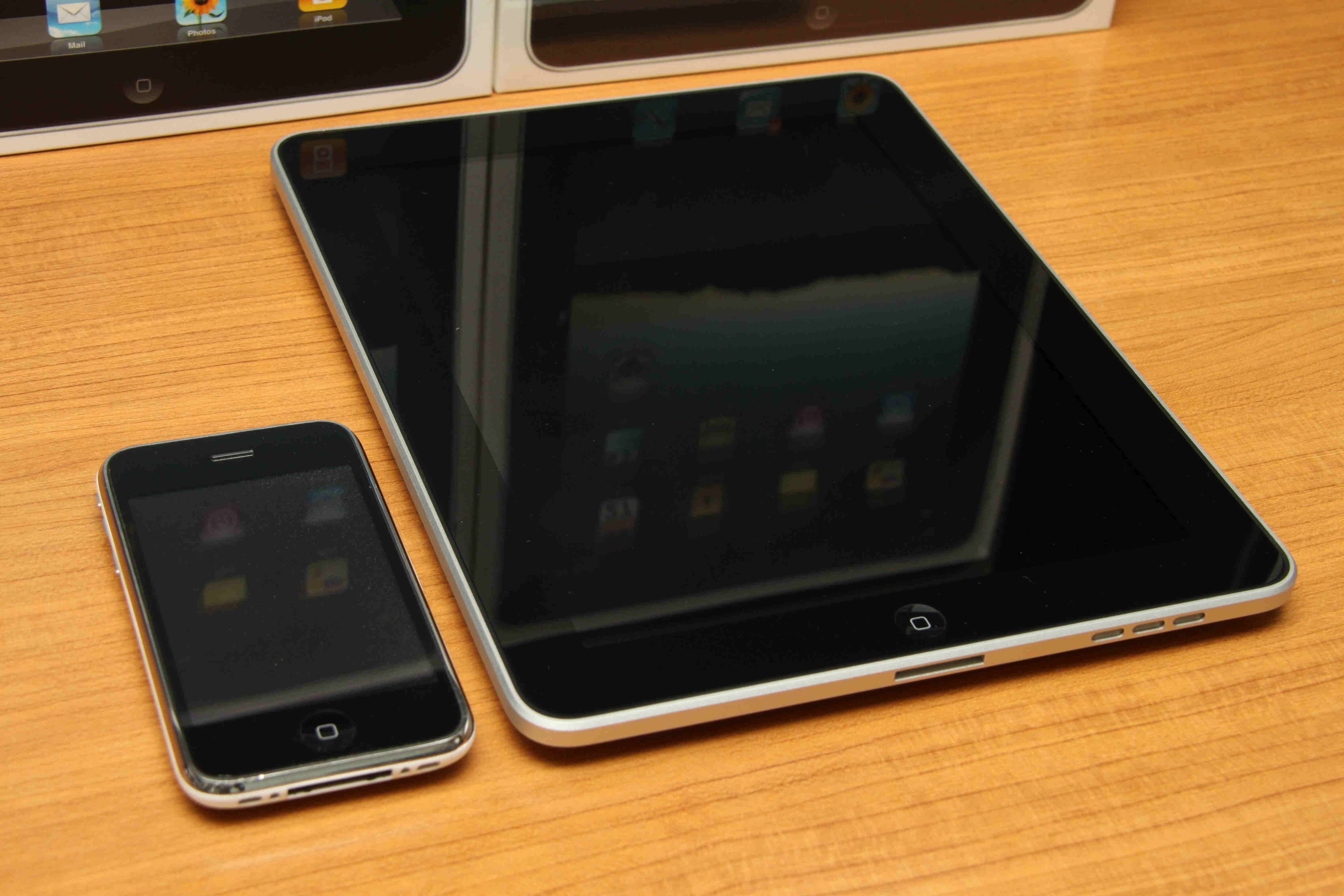
The articles fall into a few clear themes. One group focuses on moving files between mobile devices and computers, such as transferring photos from a Samsung phone to a PC, connecting an iPhone to a Chromebook, or getting data from an Android phone to a tablet. Another group deals with external storage, covering topics like moving photos to an external hard drive, copying files between two drives, or using a specific brand like Western Digital or Seagate. A third set handles cloud and app-specific downloads, including saving Snapchat Memories to a computer, downloading pictures from Amazon Photos, or moving files from iCloud to an external drive. Several articles also address memory cards, like removing an SD card from a Fire Tablet or accessing one on a Chromebook.
Where a topic touches on security or legal boundaries, the guides are framed as safe, legitimate alternatives, for example, explaining how to download your own purchased Barnes & Noble ebooks to a computer, or how to retrieve your own Amazon Photos library. The goal is always to help readers manage their own data responsibly, not to bypass protections or pirate content. In every case, the focus stays on clear, step-by-step actions that get the job done.