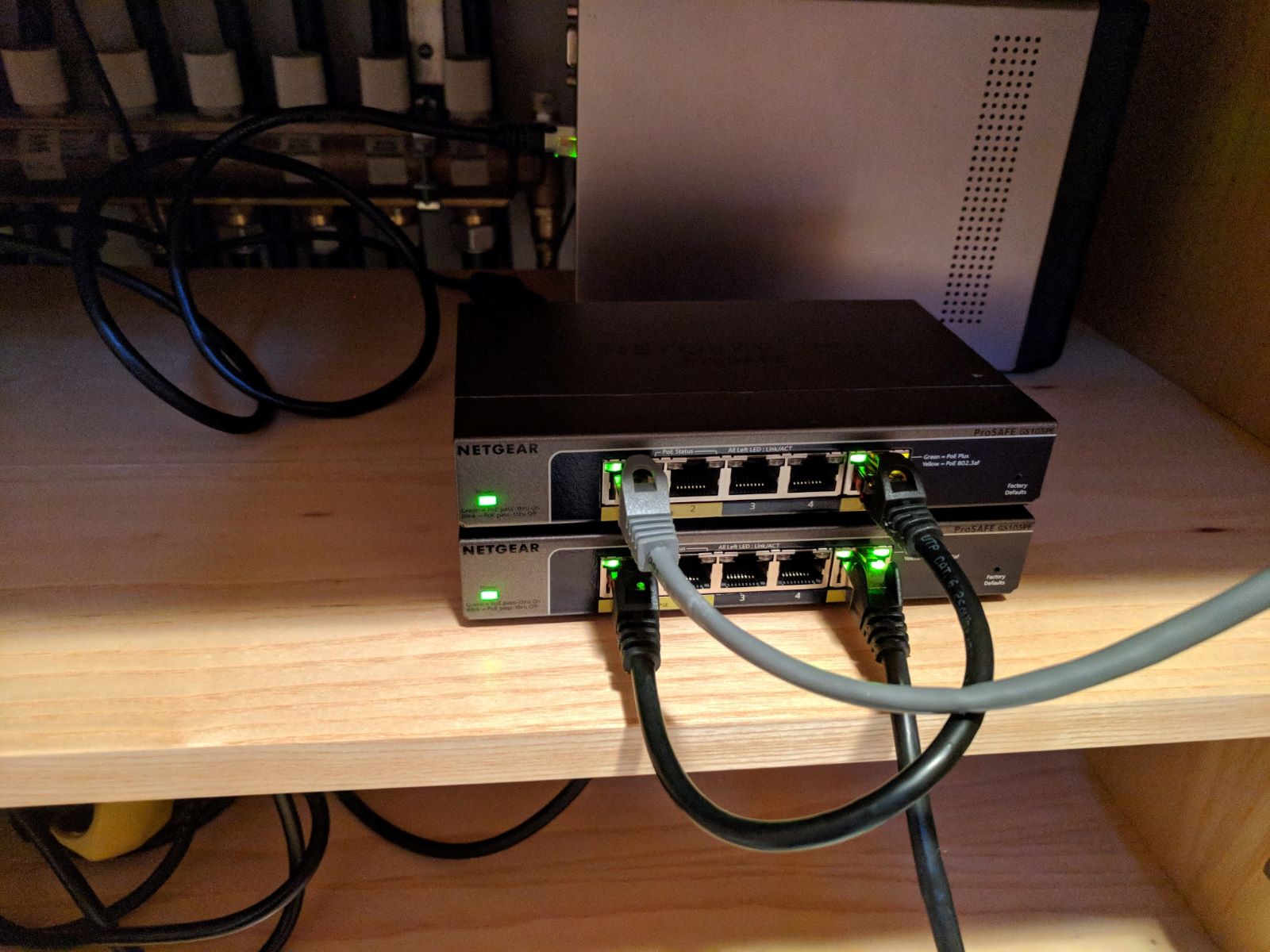
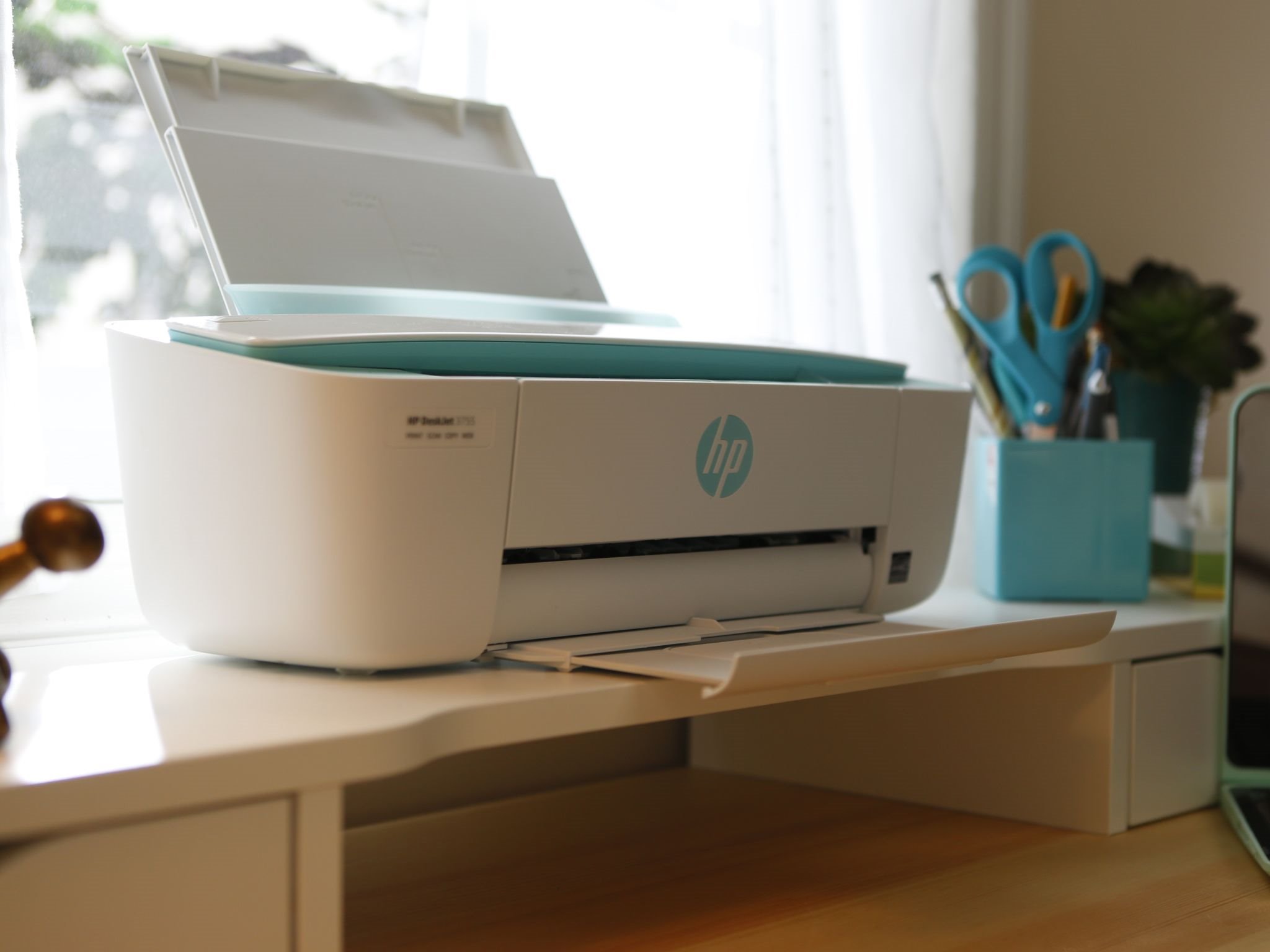
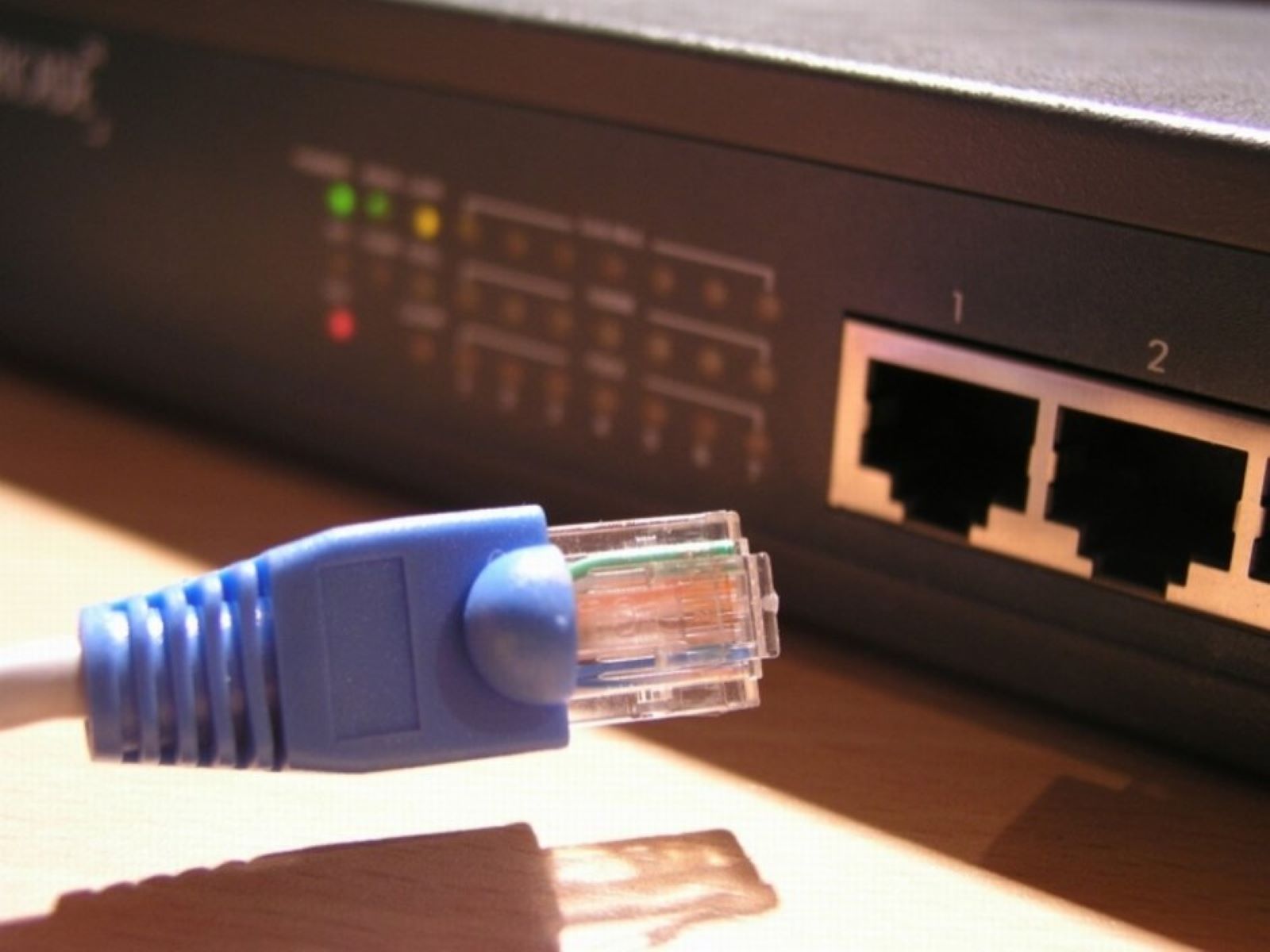
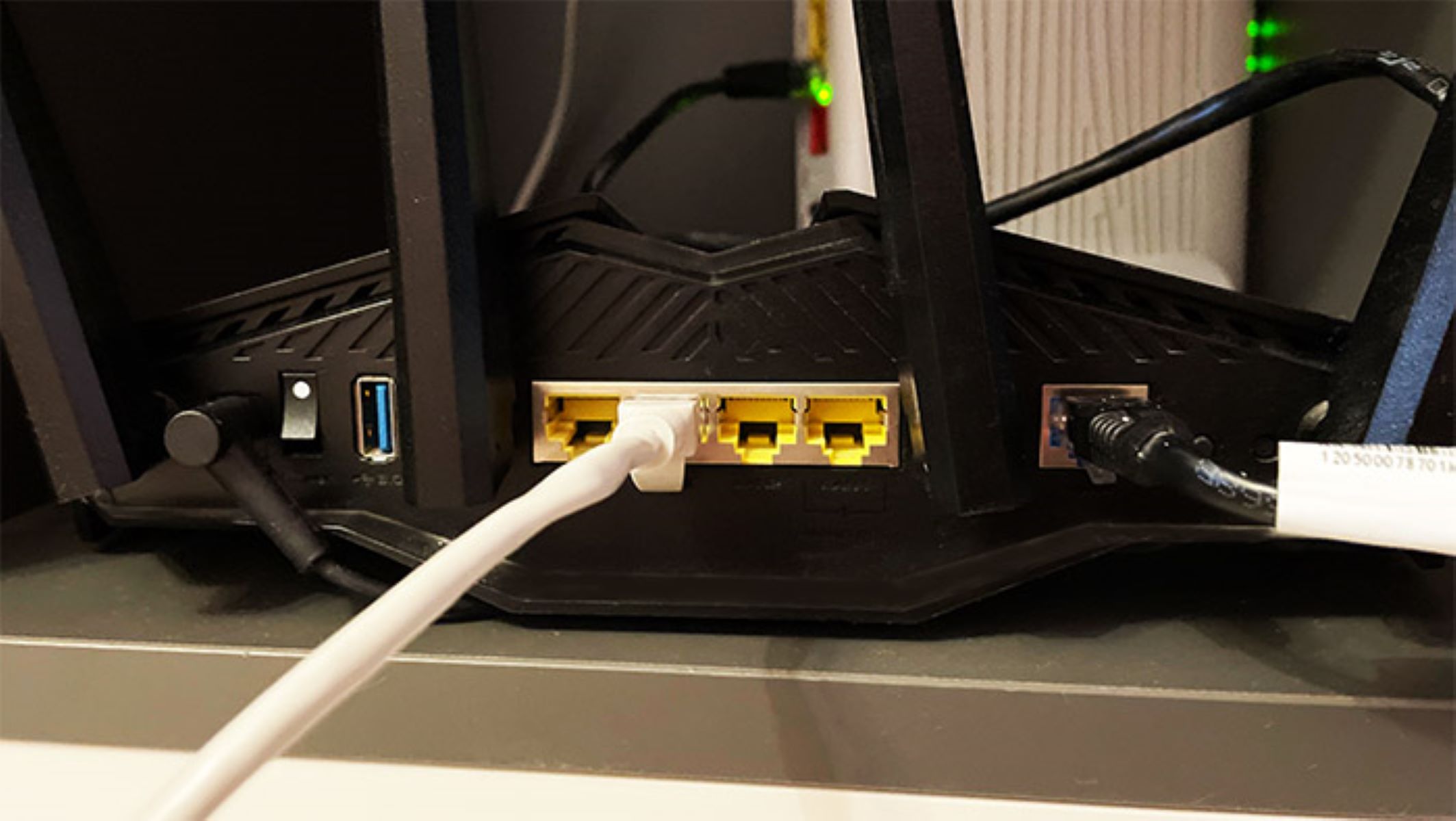
Practical, real-world guides for anyone who needs to get their home network working, whether that means plugging in a new console, fixing a dropped connection, or simply understanding the cables and ports already in their walls. It is written for non-technical users: renters, parents, remote workers, and hobbyists who want clear steps without jargon. If you have ever stared at a blinking port or wondered why your printer won’t connect, this is the starting point.
The articles fall into three broad themes. First, there are connection and setup guides: how to wire a PS5, Dell laptop, HP printer, or Xfinity router, and how to link two Orbi or Netgear routers. Second, there are troubleshooting and identification pieces, what the orange light on an Ethernet port means, how to tell Cat6 from Cat8 cable, and how to find an IP address or activate a wall port. Third, several articles address distance and placement problems, such as extending Wi-Fi with an Ethernet cable, getting a connection when the router is far away, or what to do if you have no Ethernet outlet at all.
Within those themes, you will find specific help like transferring files between PCs with a cable, speeding up game downloads on a PC or PS5, and understanding what an Ethernet protocol actually is. A few articles also cover legitimate workarounds for everyday annoyances, for example, connecting a Roku to Wi-Fi without a remote, changing Wi-Fi on Sonos, or turning off Wi-Fi without killing the router. These are presented as safe, practical solutions, not as ways to bypass security or access anything you shouldn’t. The focus is always on getting your own equipment working reliably.