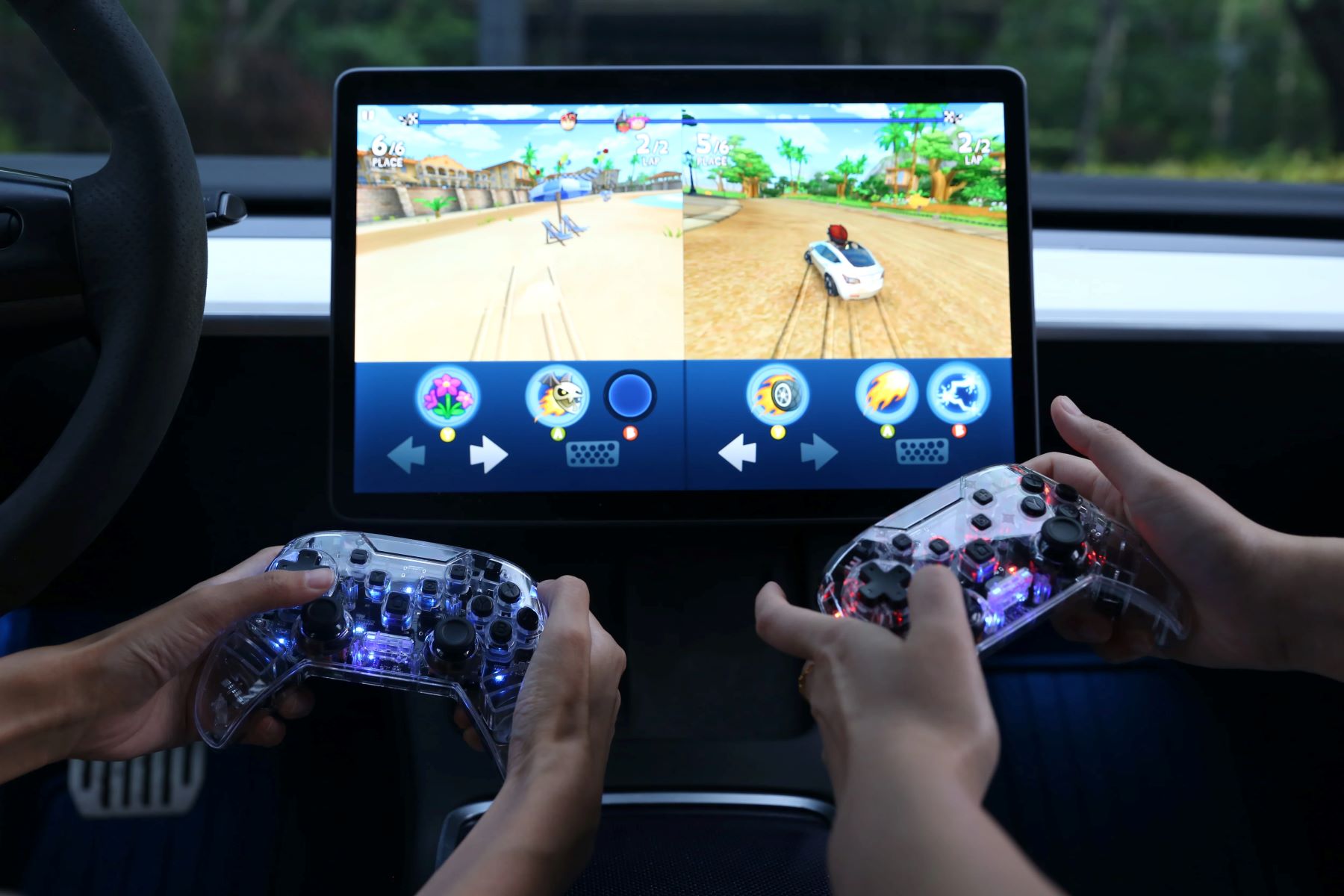
To set up a game controller for Fallout 4 on PC, you need to physically connect your controller, enable Steam’s controller support, and then switch the game’s input method from...
To hook up a game controller to a smart TV, you can use either a Bluetooth wireless connection or a USB cable. This guide covers both methods for the most...
To connect a Bluetooth game controller to Windows 10, open Settings > Devices > Bluetooth & other devices, turn on Bluetooth, put your controller in pairing mode, and select it...
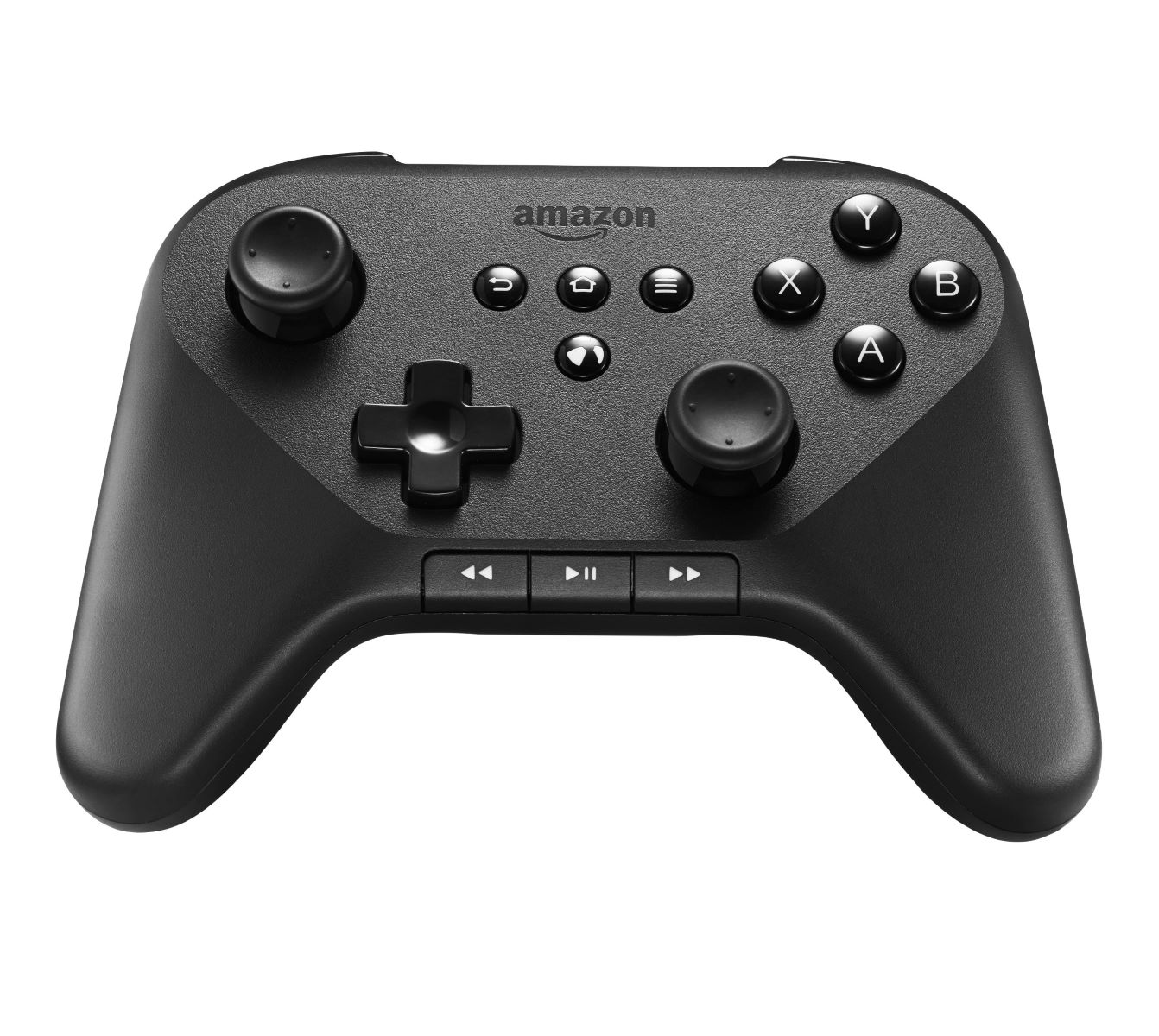
You can pair an Amazon Fire game controller with PC using standard Bluetooth, and no special driver is needed. While Amazon officially documents pairing this controller with Fire TV devices,...
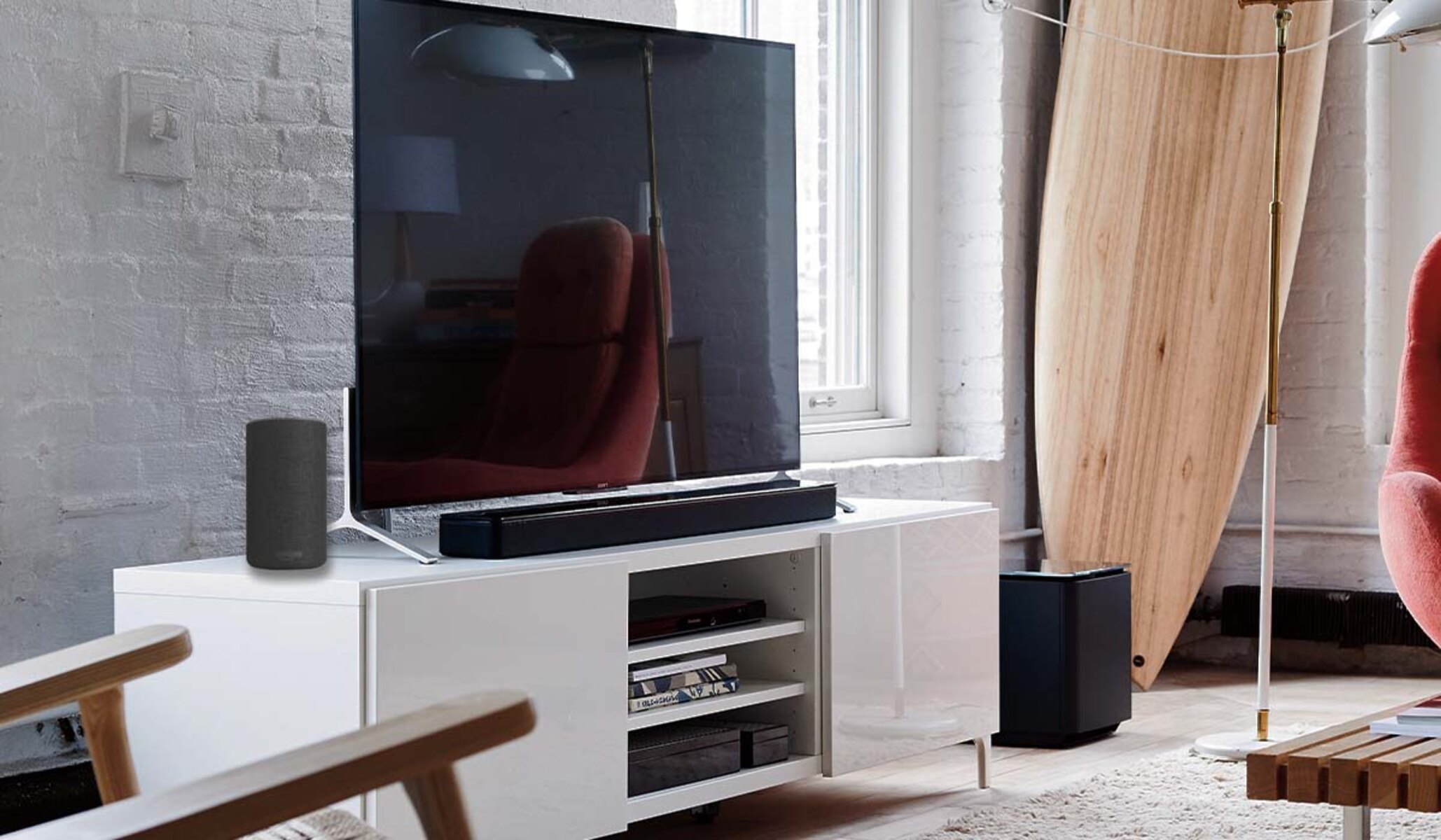
To connect a Bose soundbar to an LG TV, use an HDMI ARC cable for the best audio quality and remote control integration, or an optical cable if your TV...
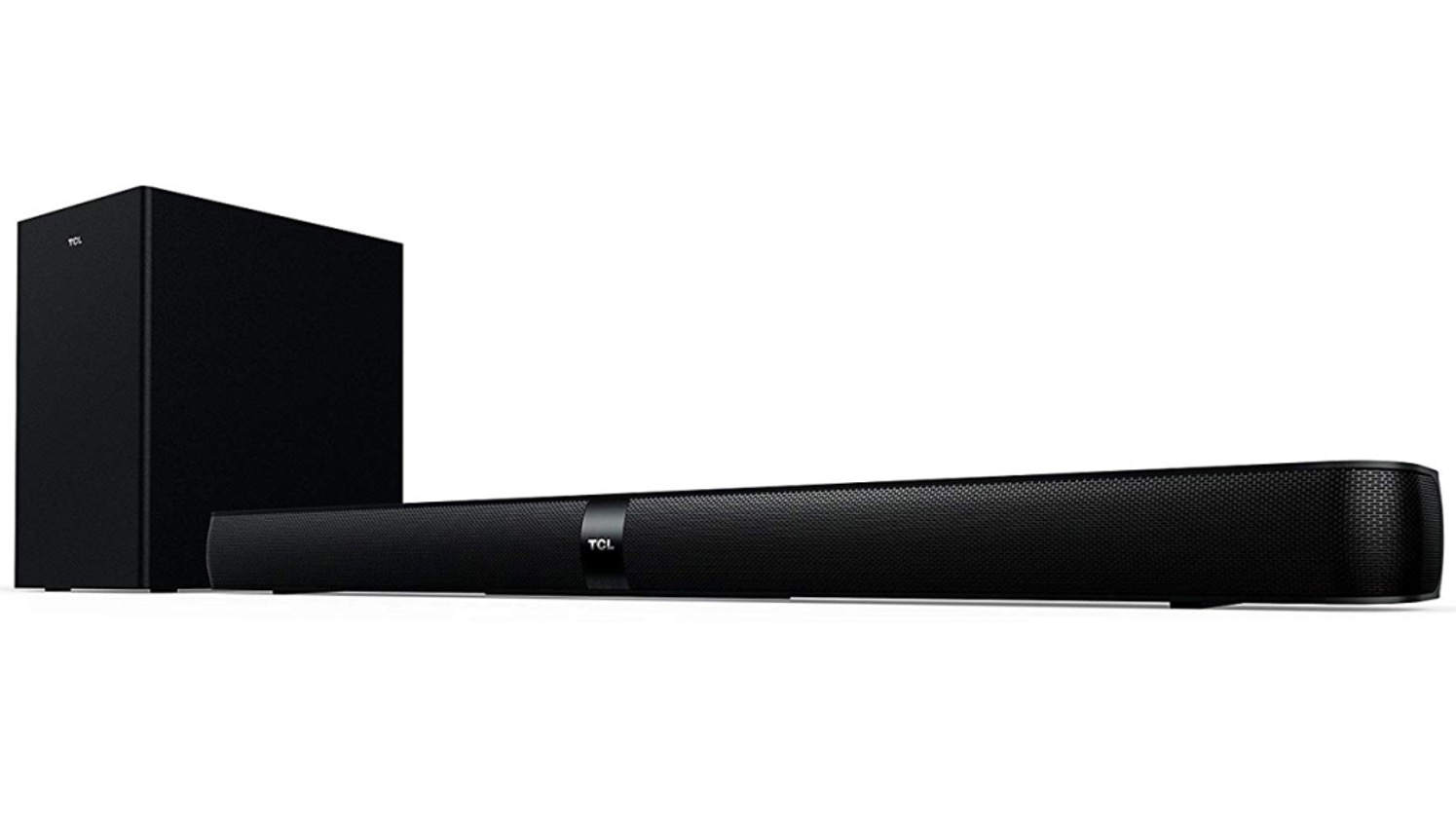
To pair a TCL soundbar to a subwoofer, simply plug both into power and turn them on, the wireless connection usually establishes itself within a few seconds. If the subwoofer’s...
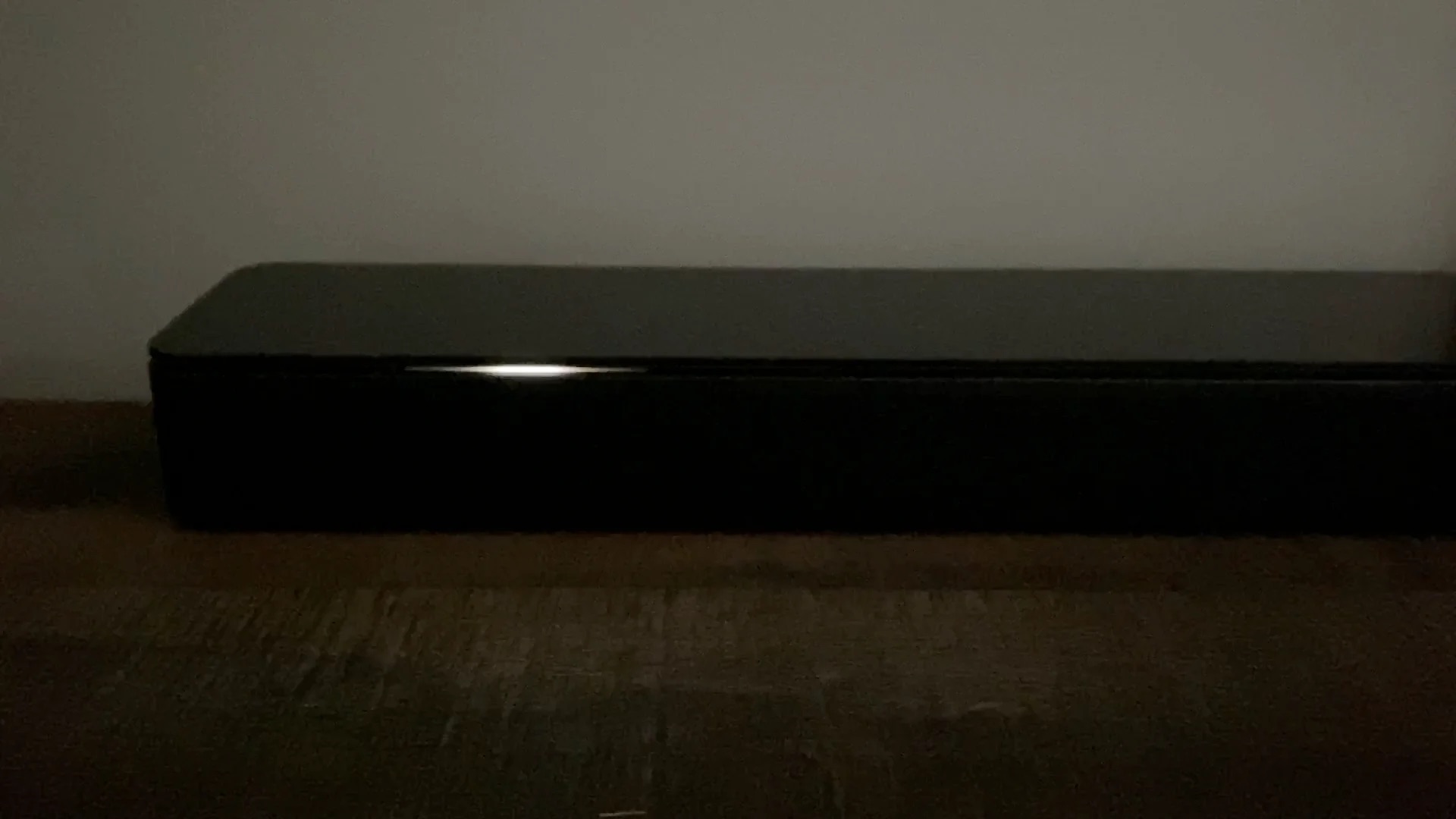
A flashing white light on a Bose soundbar is the device's primary way of communicating its current state, most commonly indicating a startup sequence, an active software update, or a...
To connect Alexa to a soundbar, you have two main paths: pair your Echo device to a Bluetooth or AUX soundbar for louder audio, or activate the Alexa features already...
To connect a Bose soundbar to a Samsung TV, use an HDMI cable with the ARC or eARC ports for the best audio quality and unified remote control. This method...
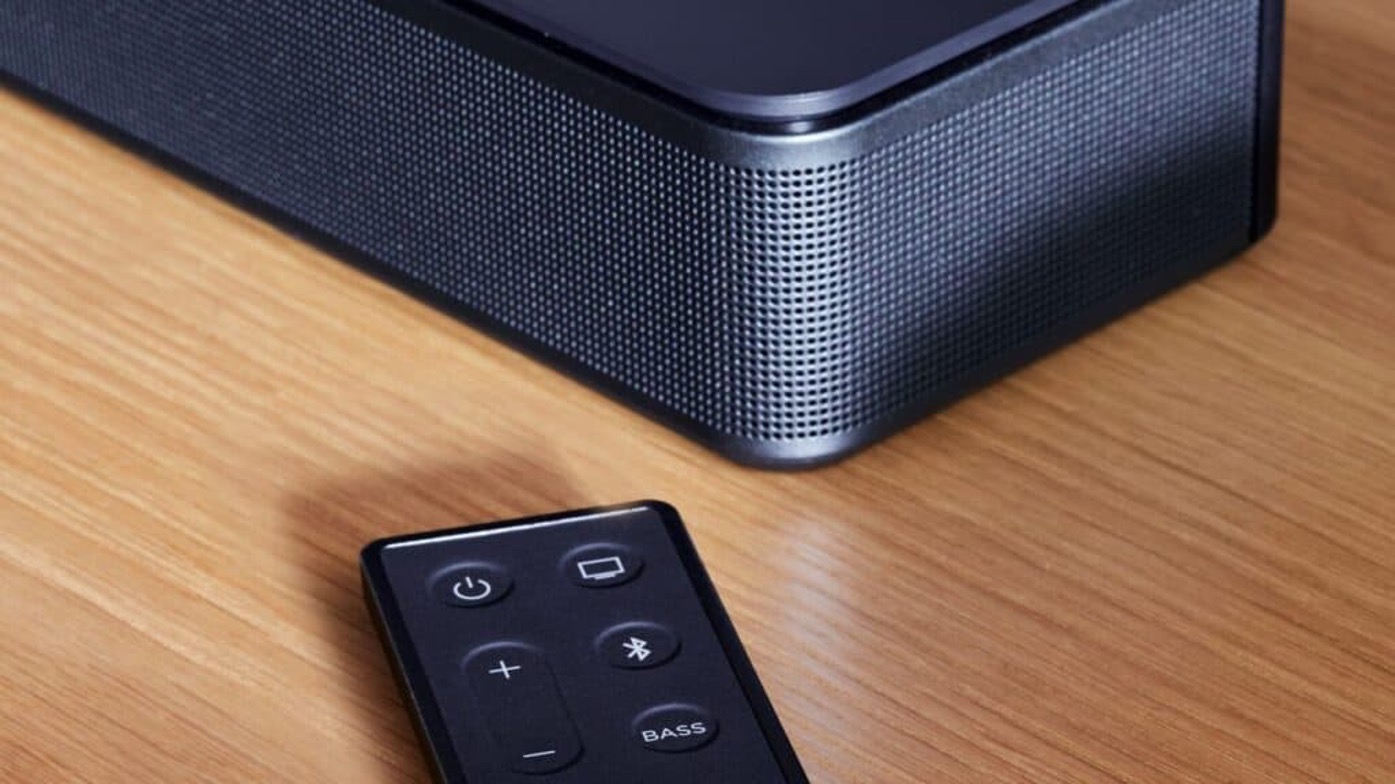
To connect to Bose soundbar via Bluetooth, press and hold the Bluetooth button on your remote until the soundbar's light blinks blue, then select the soundbar from your device's Bluetooth...
To pair an LG subwoofer with a soundbar, the quickest route is to let the two devices connect automatically when you power them on together, most LG wireless subwoofers are...
To connect a Sonos soundbar to Bluetooth, you first need to know which model you own, because only the Arc Ultra and Beam Ultra have built-in Bluetooth. For those models,...
This website uses cookies so that we can provide you with the best user experience possible. Cookie information is stored in your browser and performs functions such as recognising you when you return to our website and helping our team to understand which sections of the website you find most interesting and useful.
Strictly Necessary Cookies
Strictly Necessary Cookie should be enabled at all times so that we can save your preferences for cookie settings.
If you disable this cookie, we will not be able to save your preferences. This means that every time you visit this website you will need to enable or disable cookies again.