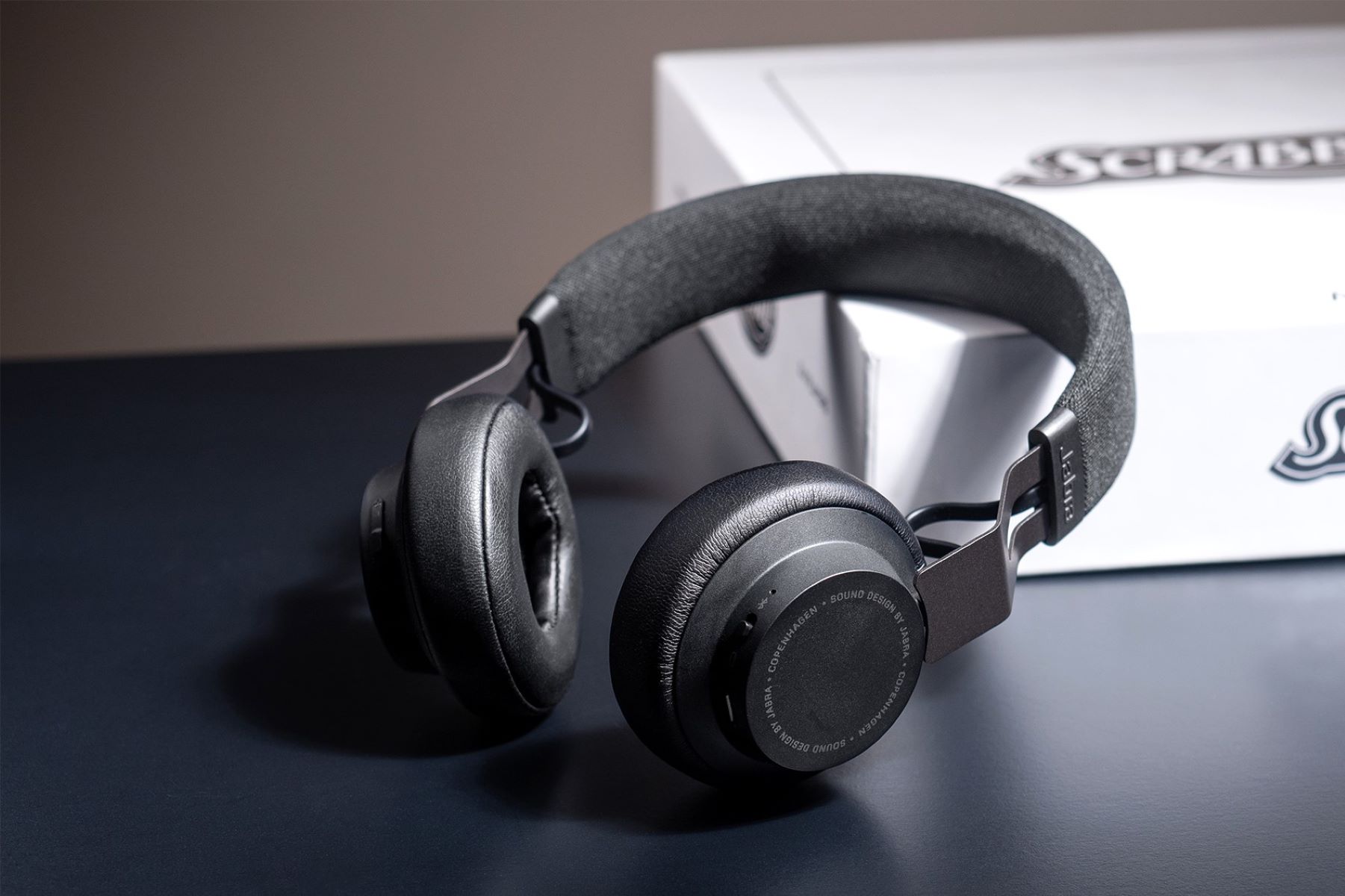
If your Jabra mic not working during calls or meetings, the problem is usually a simple setting, connection, or firmware issue rather than a hardware failure. Start by checking the...
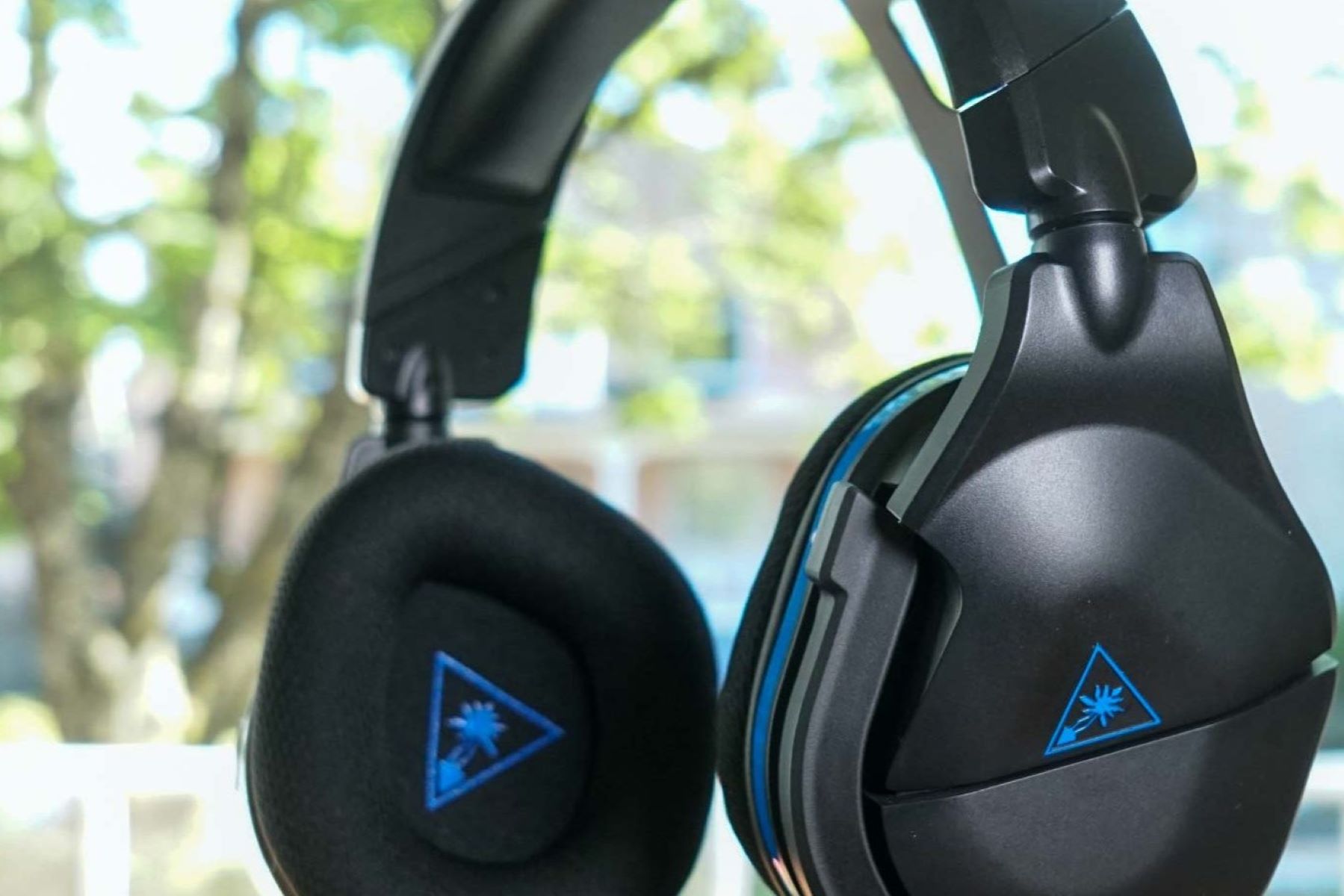
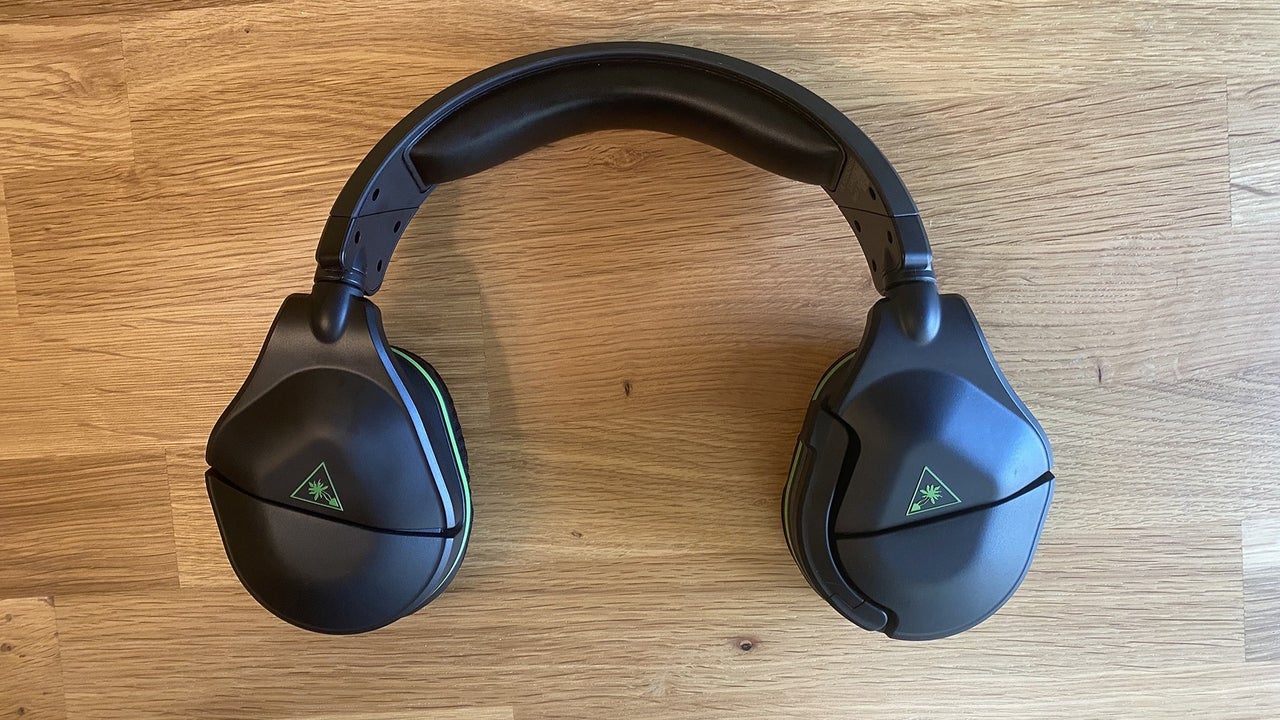
To connect Turtle Beach headset to PC, first identify your headset's connection type, 3.5mm jack, USB cable, or USB wireless dongle, as this determines the exact setup steps. Then physically...
To connect your Turtle Beach headset to your Xbox, plug the 3.5mm cable into the controller's bottom jack for wired models, or insert the USB transmitter into the console for...
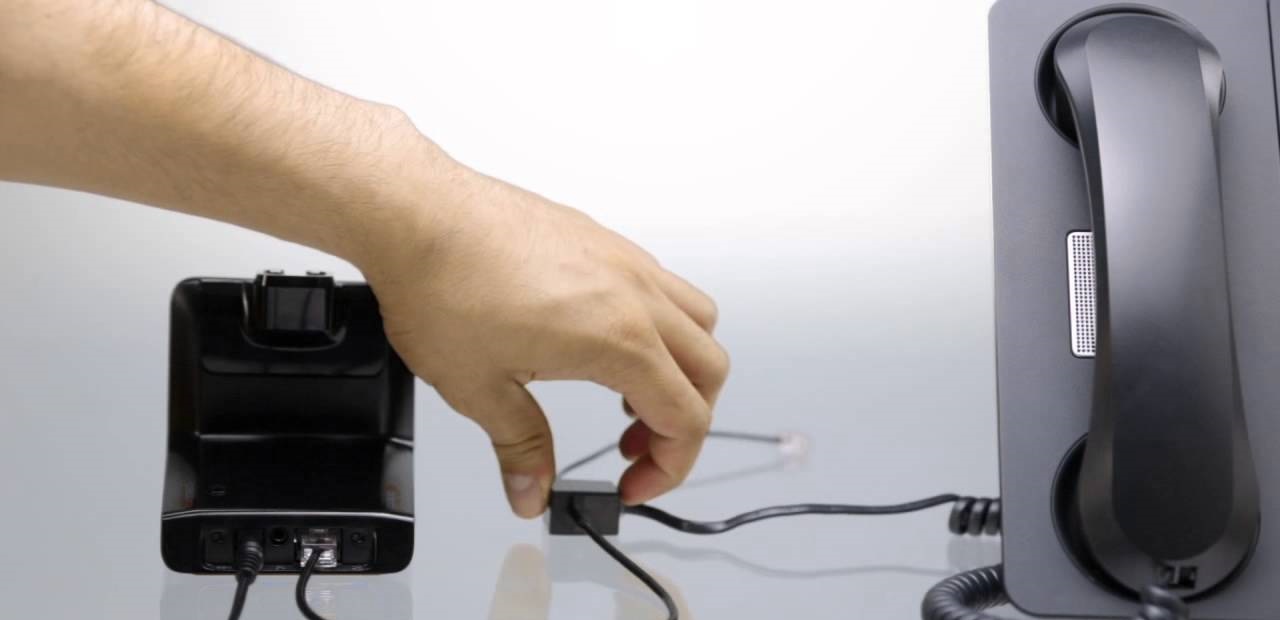
To connect a Plantronics headset on a Cisco phone, you have three paths: a direct wired plug into the headset port, a wireless audio-only hookup via a telephone interface cable,...
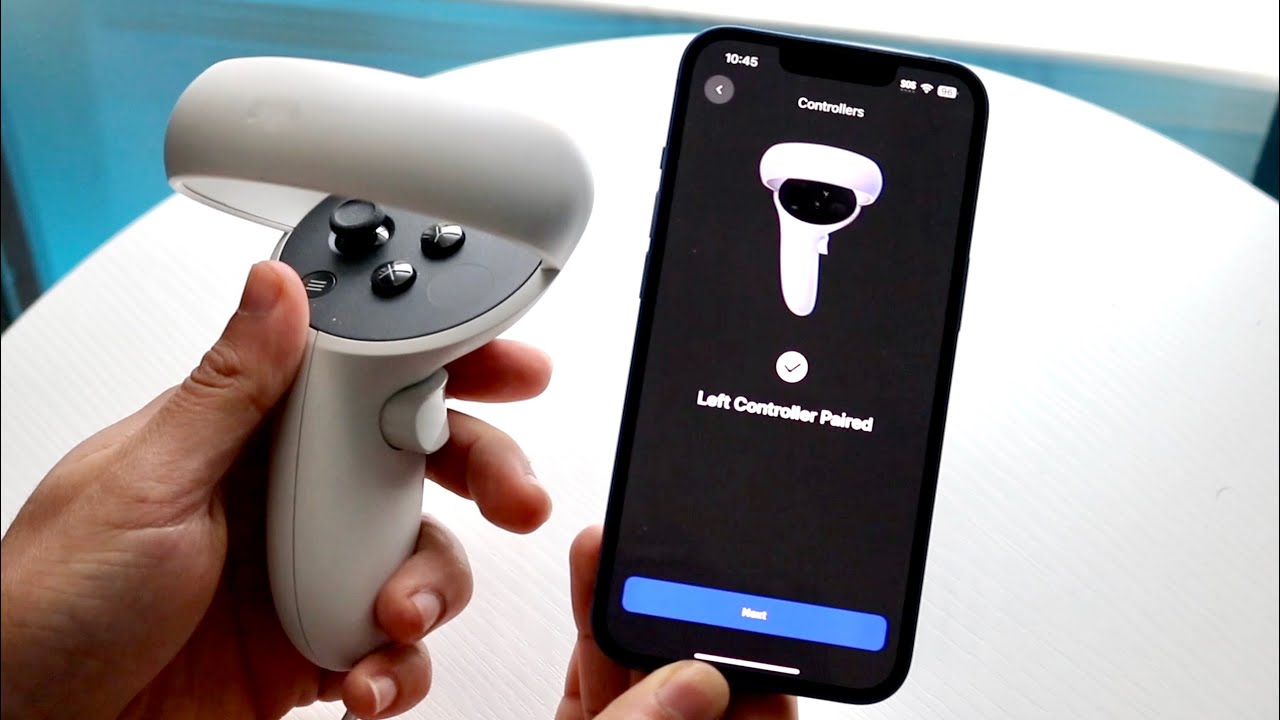
Oculus controller pairing connects your Meta Quest Touch controllers to your headset through the Meta Horizon mobile app, establishing a Bluetooth link that enables precise motion tracking in virtual reality....
To identify your Jabra headset model, the fastest method is to download and run the Jabra Direct app on a Windows or macOS computer, it automatically detects your connected device...
Setting up your Spade and Co smartwatch requires the right companion app and a few careful steps to ensure a smooth connection. This guide covers the complete smartwatch setup and...
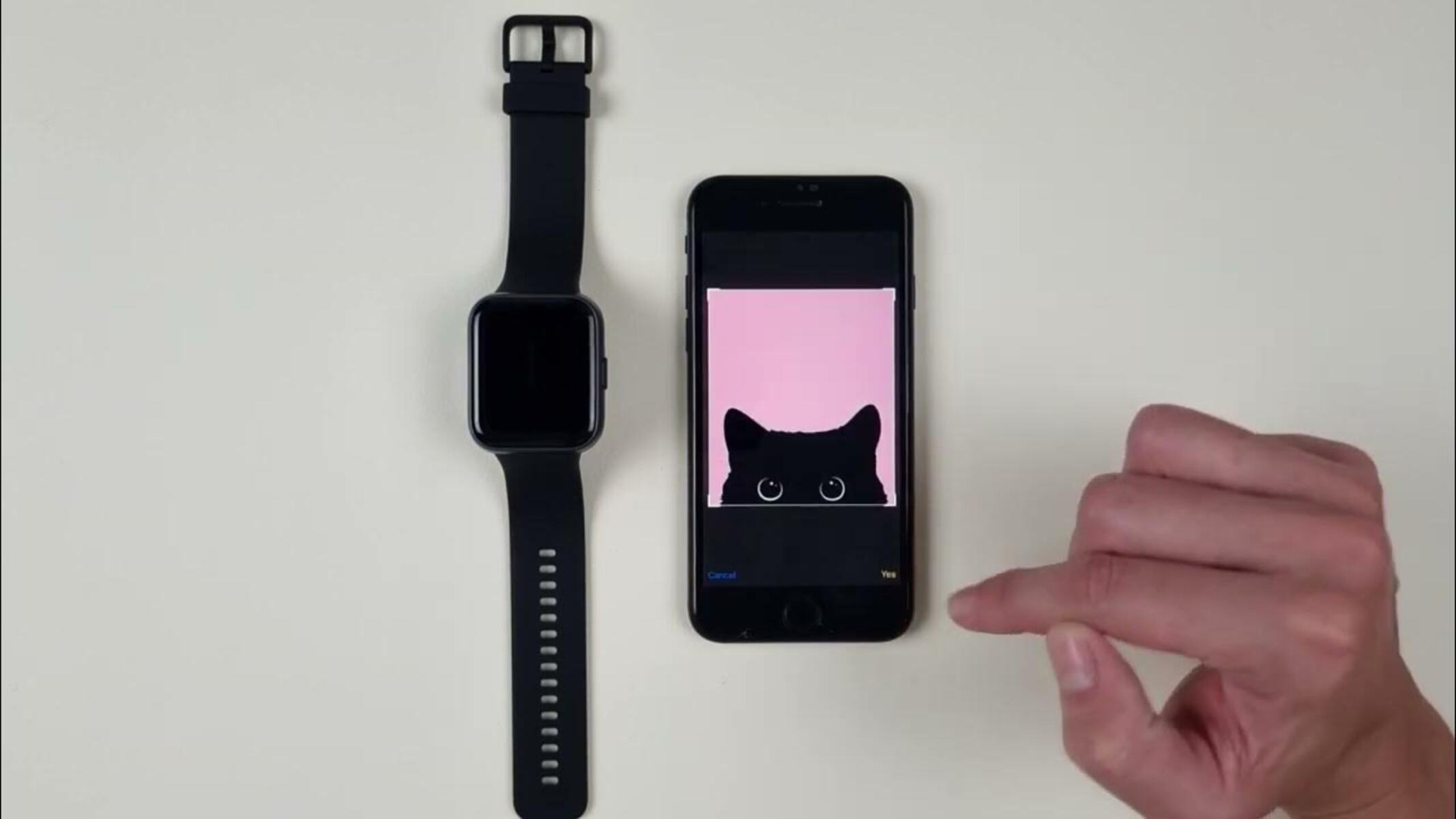
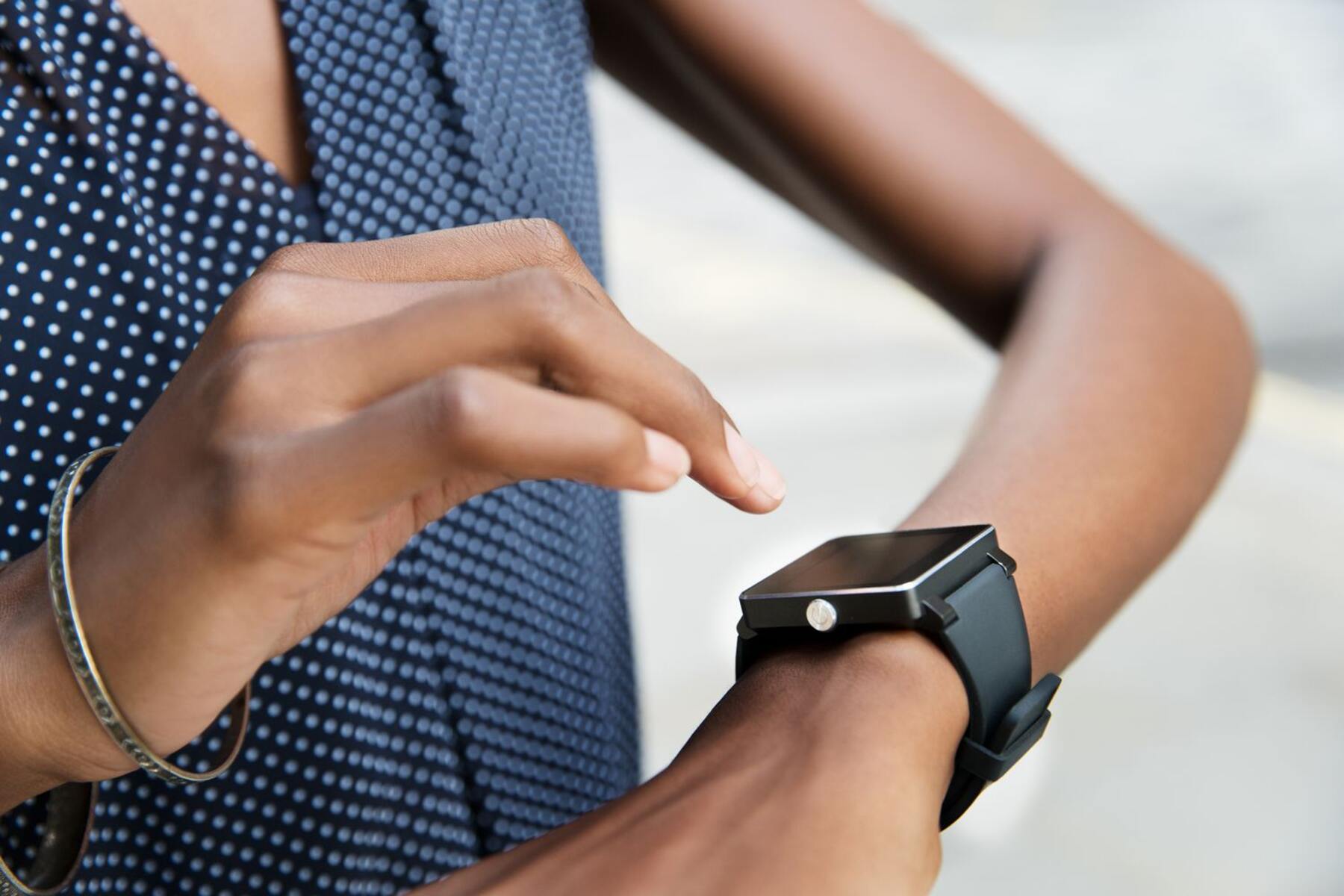
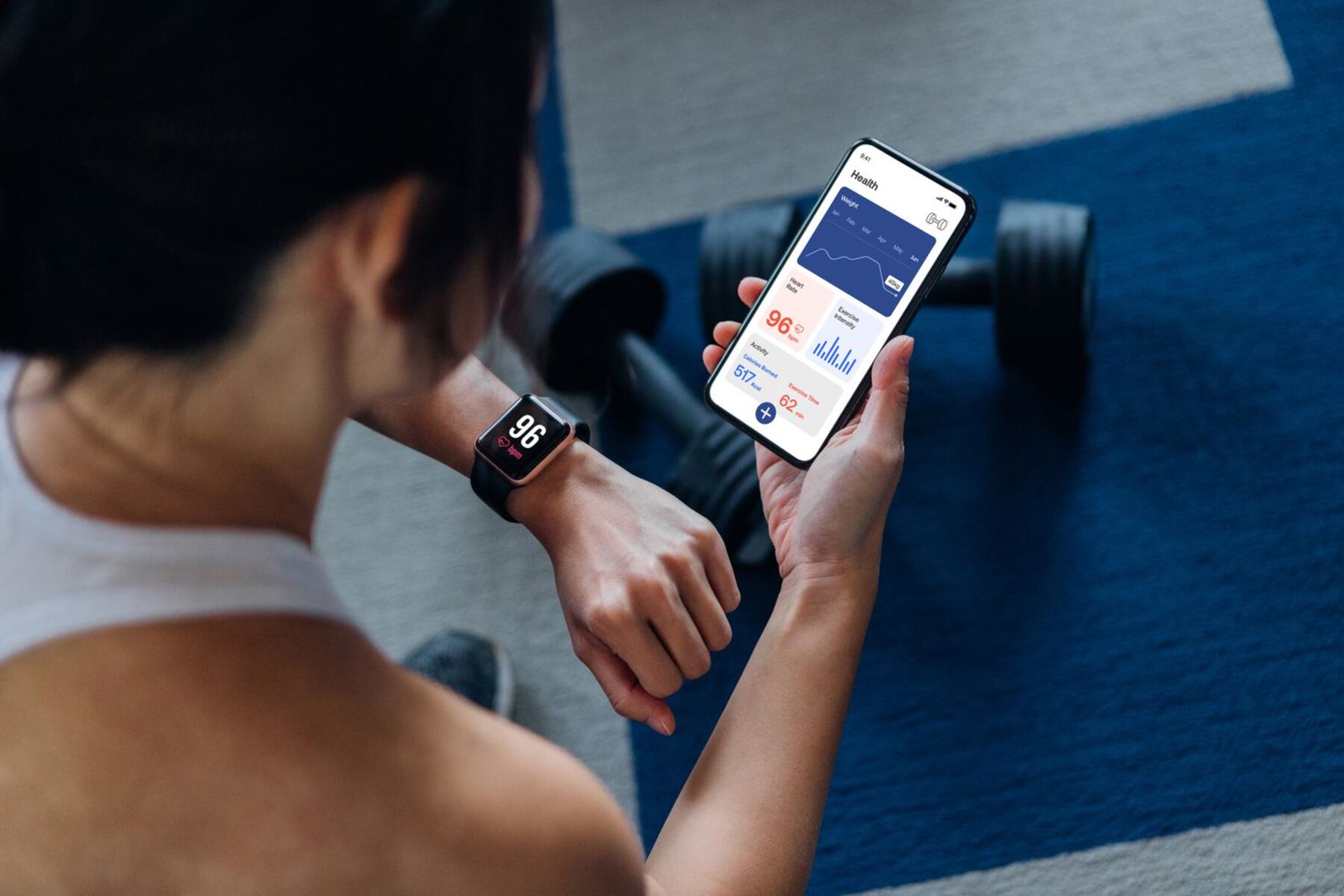
A smartwatch setup guide helps you move from unboxing to a fully functional wearable in minutes. The entire smartwatch setup and pairing process is designed to get your watch connected...
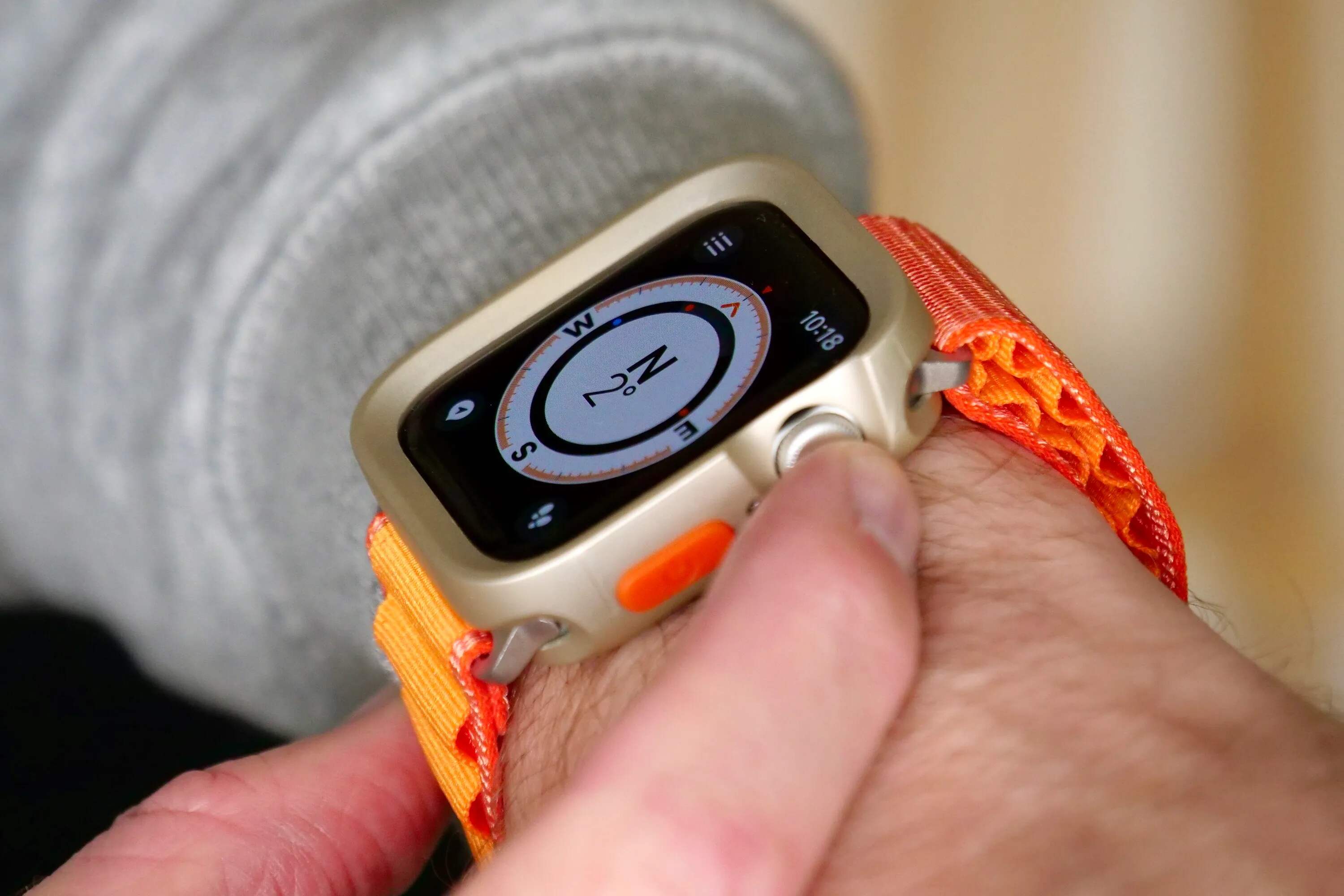
The typical smartwatch range from phone via Bluetooth is approximately 30 feet (10 meters) in open, unobstructed spaces, but the actual smartwatch range from phone can vary significantly between 15...
Building your own smartwatch from scratch is a rewarding DIY electronics project that gives you a fully functional, personalized wearable. This diy smartwatch creation guide walks you through the entire...
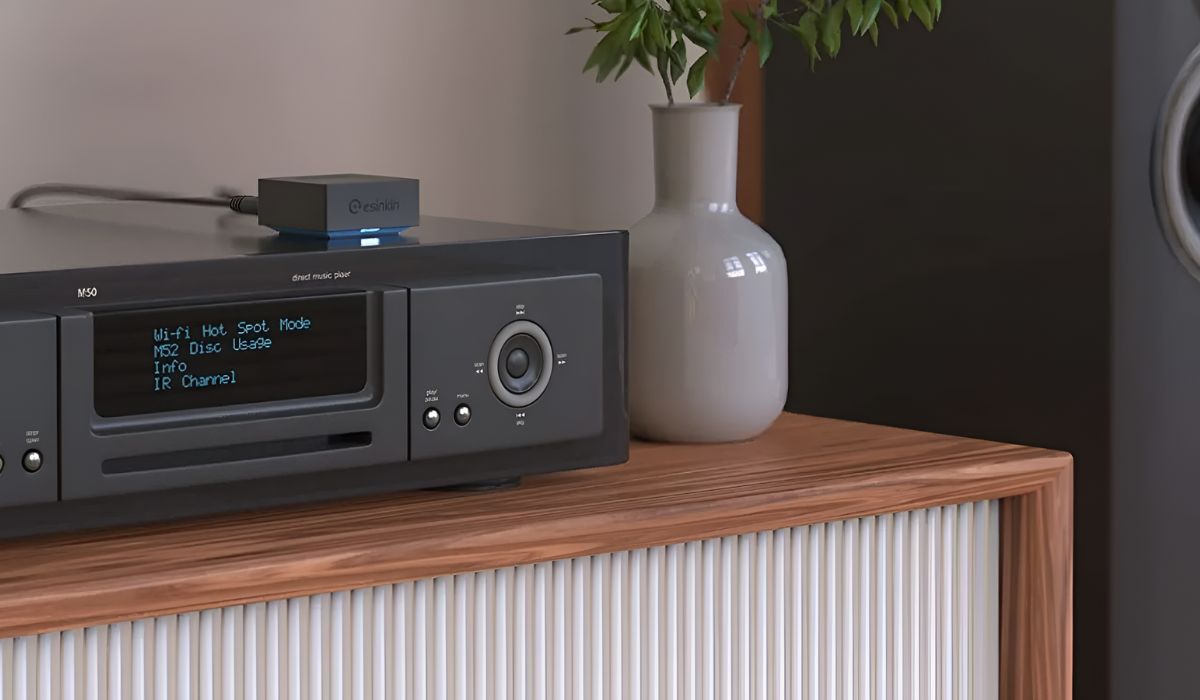
To set up Bluetooth yamaha receiver for music streaming, press the BLUETOOTH button on your remote control, then press and hold the MEMORY button for three seconds until "Searching..." appears...
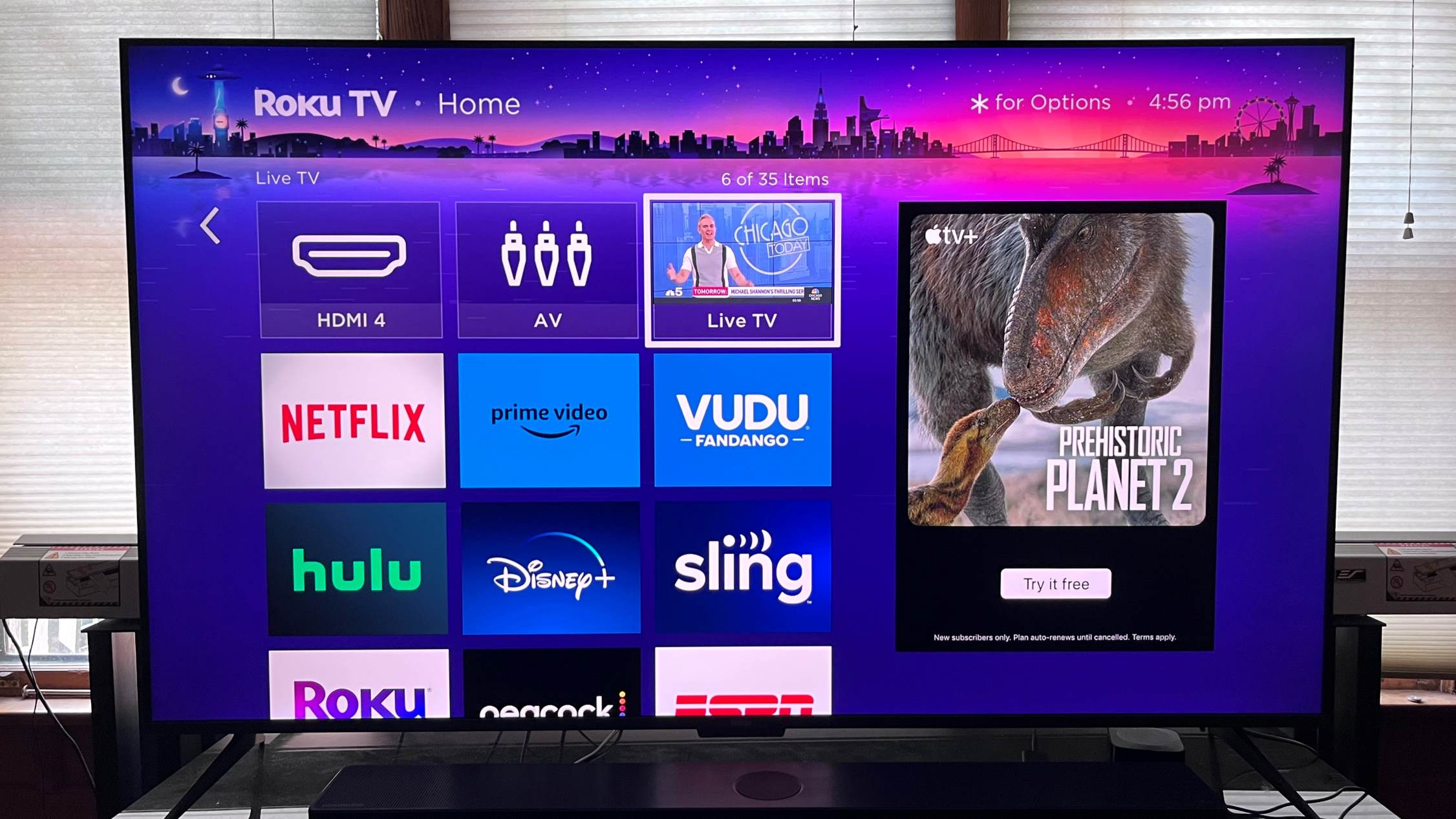
To connect a game controller to a Roku TV, you must use a game console like an Xbox, PlayStation, or Nintendo Switch plugged into an HDMI port, because Roku TVs...
This website uses cookies so that we can provide you with the best user experience possible. Cookie information is stored in your browser and performs functions such as recognising you when you return to our website and helping our team to understand which sections of the website you find most interesting and useful.
Strictly Necessary Cookies
Strictly Necessary Cookie should be enabled at all times so that we can save your preferences for cookie settings.
If you disable this cookie, we will not be able to save your preferences. This means that every time you visit this website you will need to enable or disable cookies again.