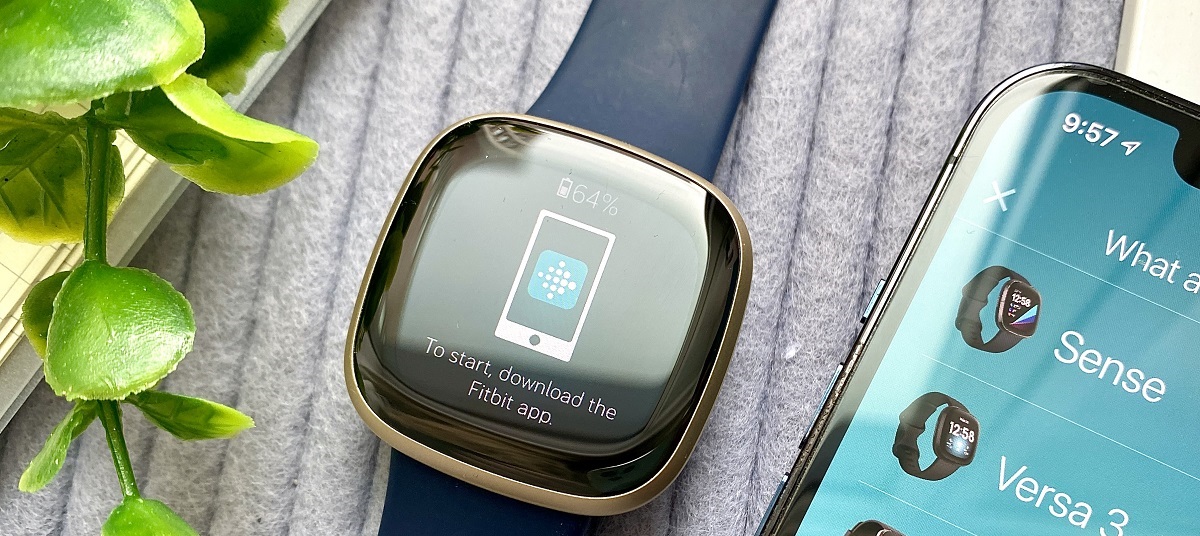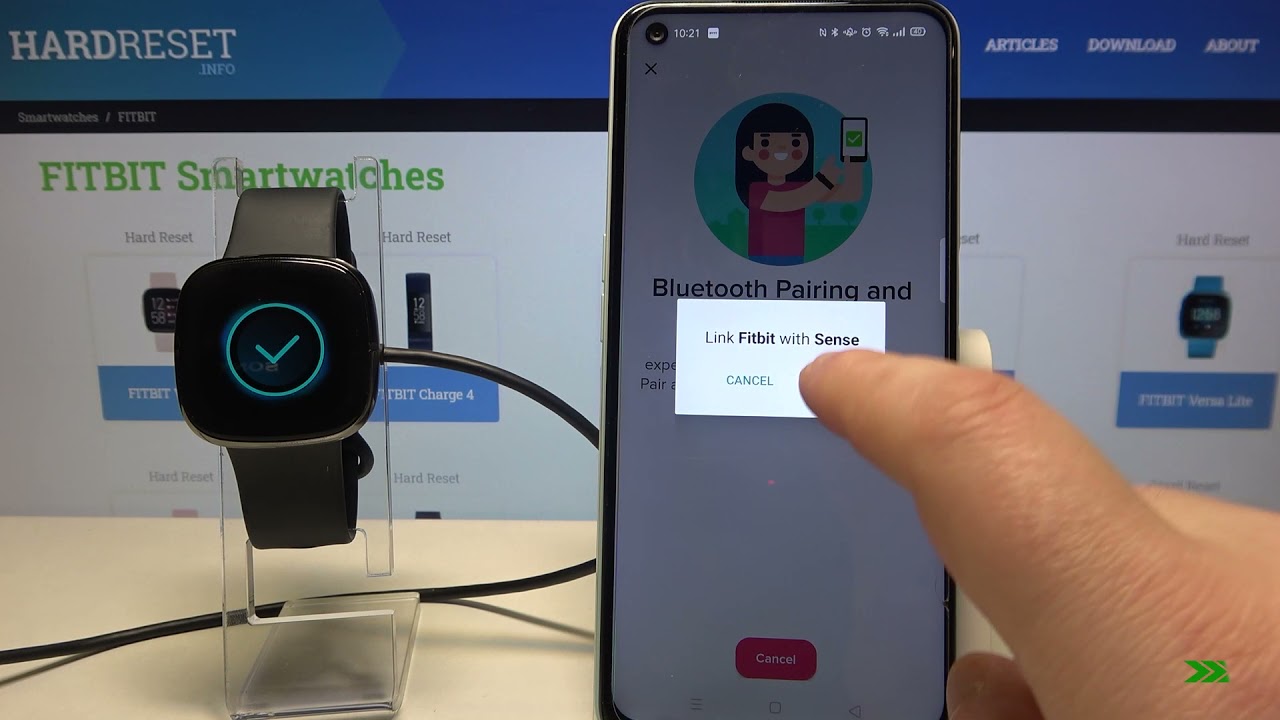
To connect Fitbit to Bluetooth, you’ll pair the device through the official Fitbit app on a compatible phone, tablet, or Windows 10 PC. The process takes about five minutes: enable...
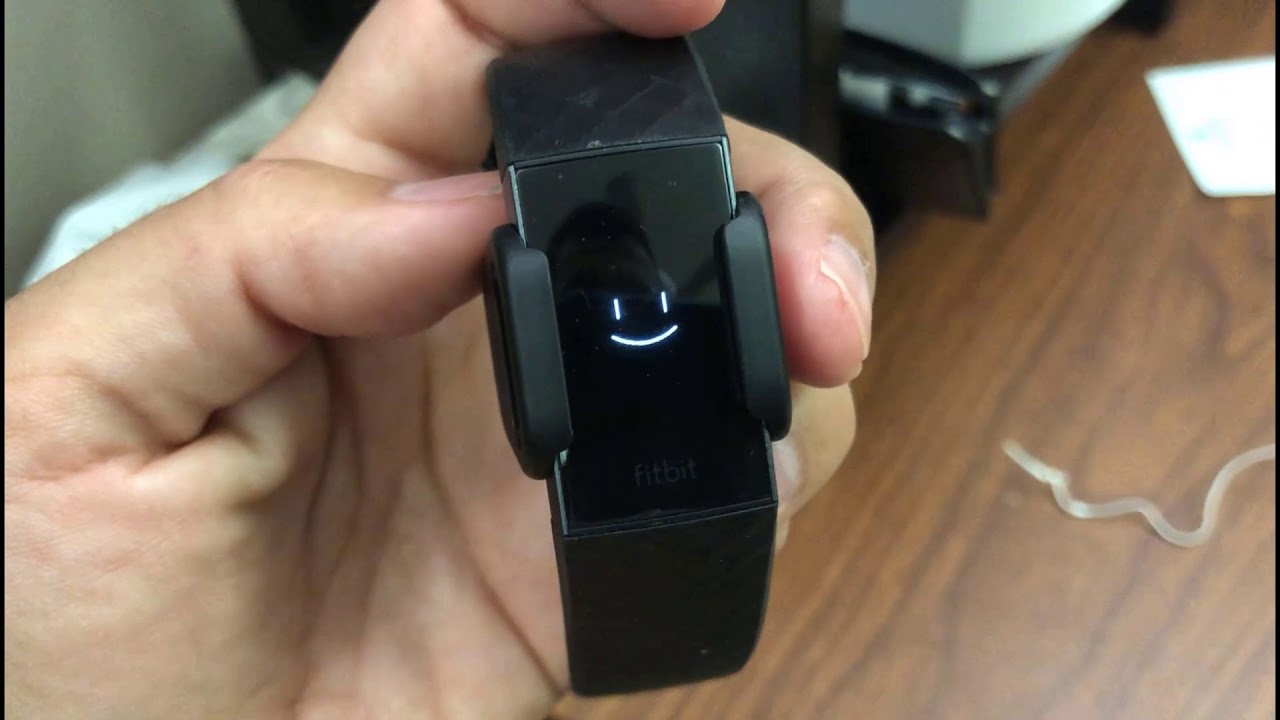
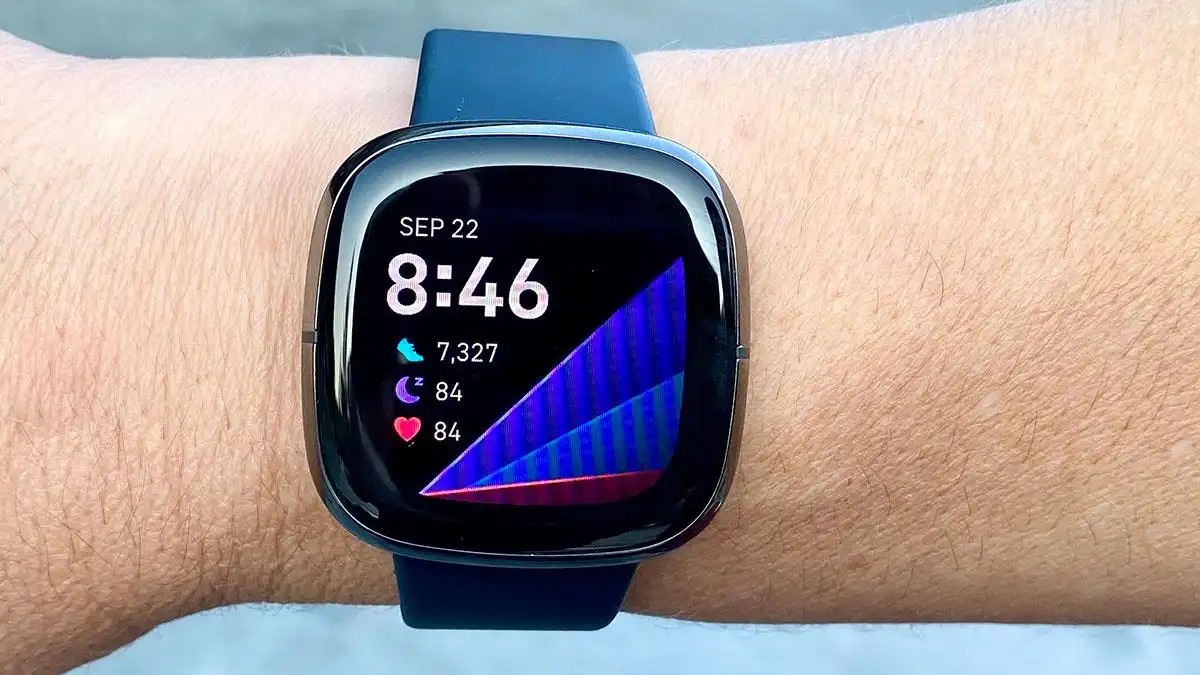
If your Fitbit is not vibrating for messages, the most common culprits are accidentally enabled Do Not Disturb or Sleep Mode, misconfigured notification settings, or an unstable Bluetooth connection. This...
To pair your Fitbit with your phone for the first time, you need to download the Google Health app and sign in with your Google Account. This guide walks you...
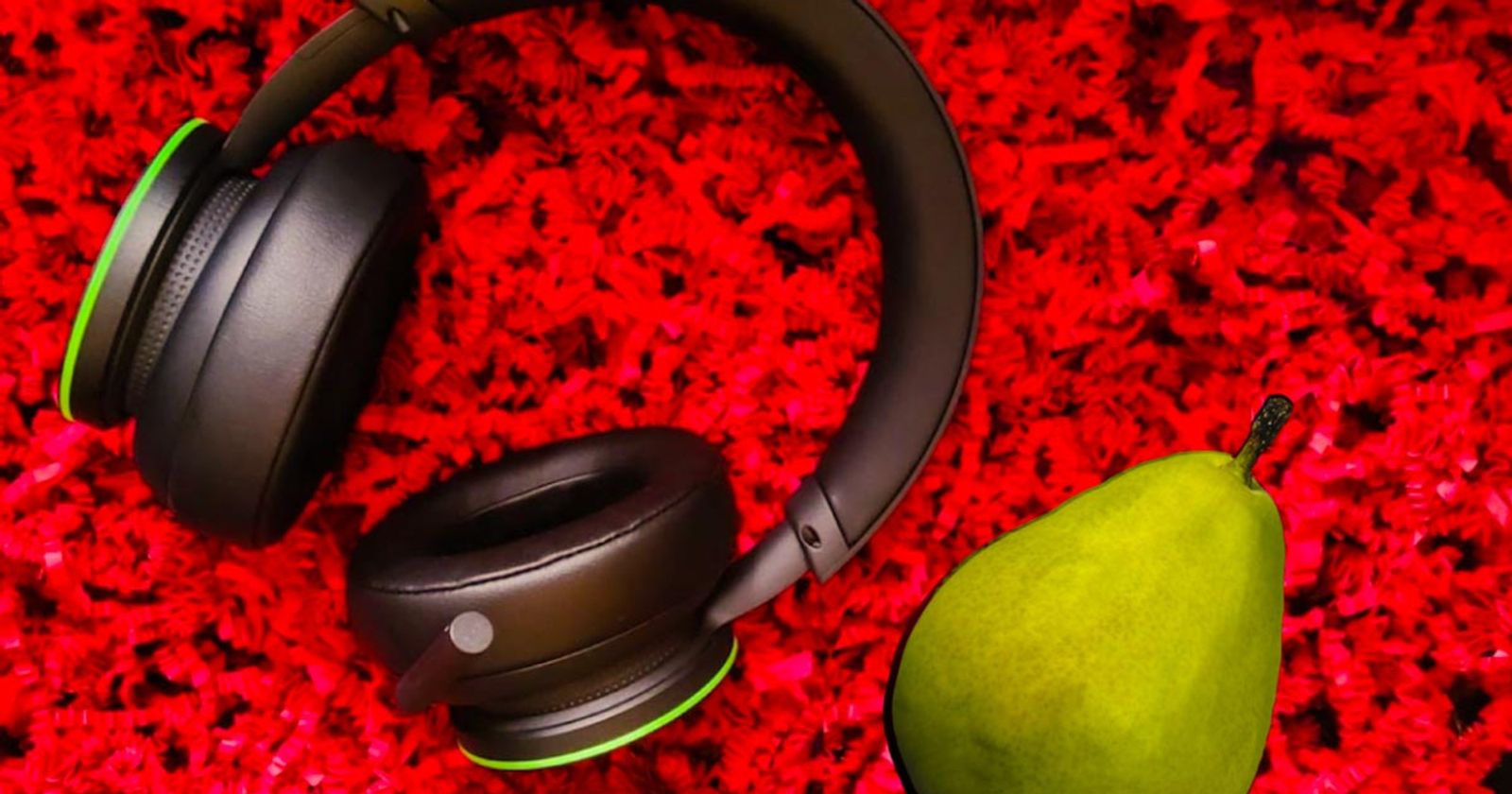
To use your Xbox Wireless Headset on PC, you have two connection options: an Xbox Wireless Adapter for full features and spatial audio support, or standard Bluetooth for a quick...
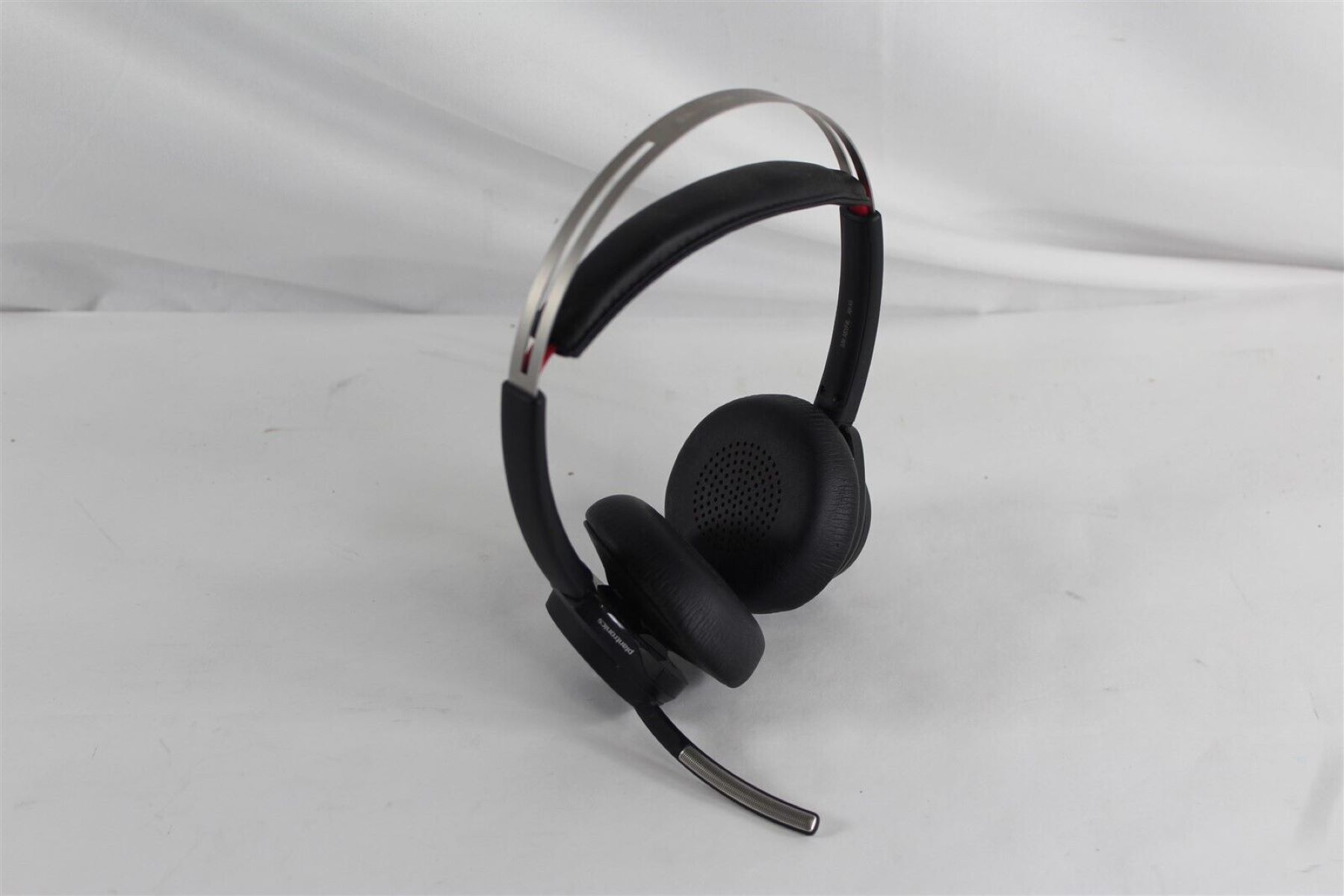
To complete a Poly headset setup, first install the HP Poly Studio Desktop App (formerly Poly Lens) on your computer, then charge the headset, pair it via USB dongle or...
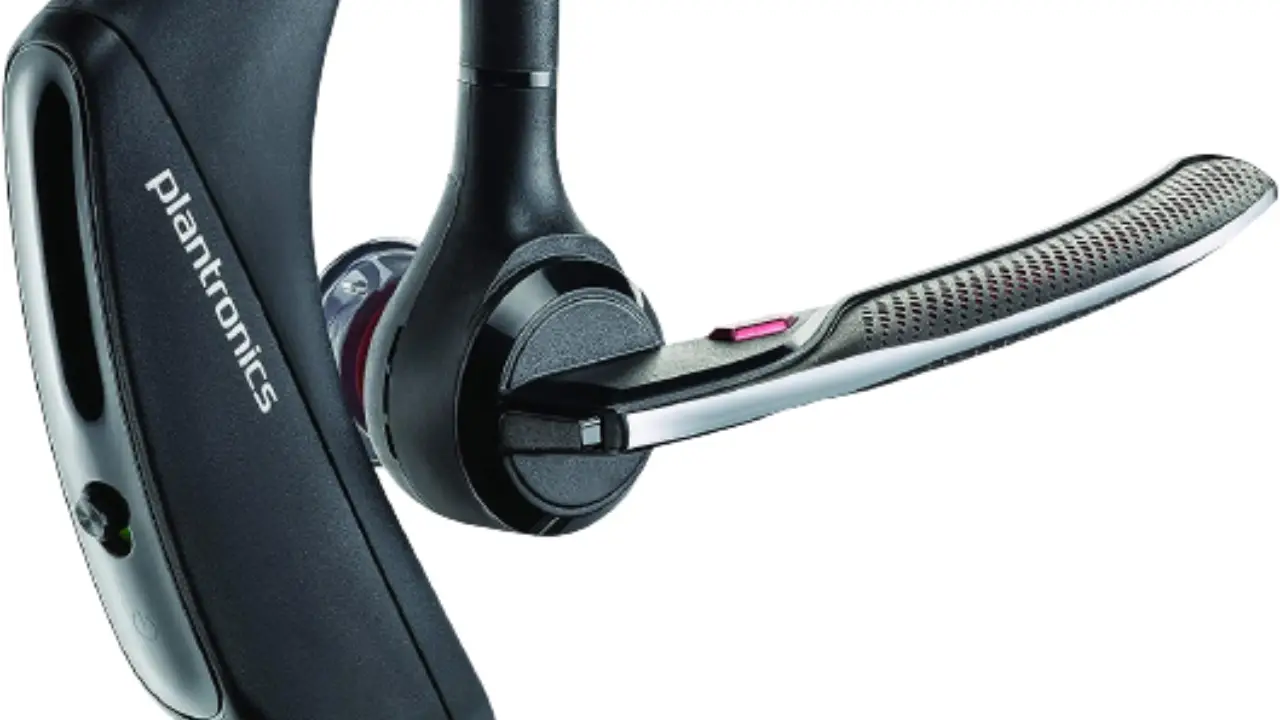
To stop your Plantronics headset from beeping, you first need to identify the beep pattern your device is producing, as each pattern points to a different issue. This guide covers...
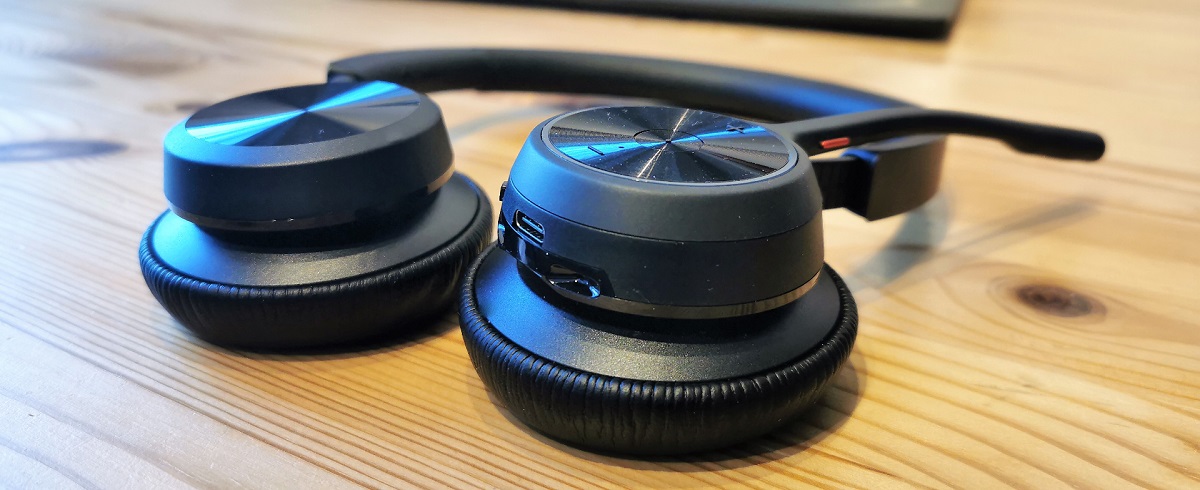
Poly headset pairing starts by putting the headset into pairing mode: press and hold the call button for 3-5 seconds until the LED flashes red and blue or you hear...
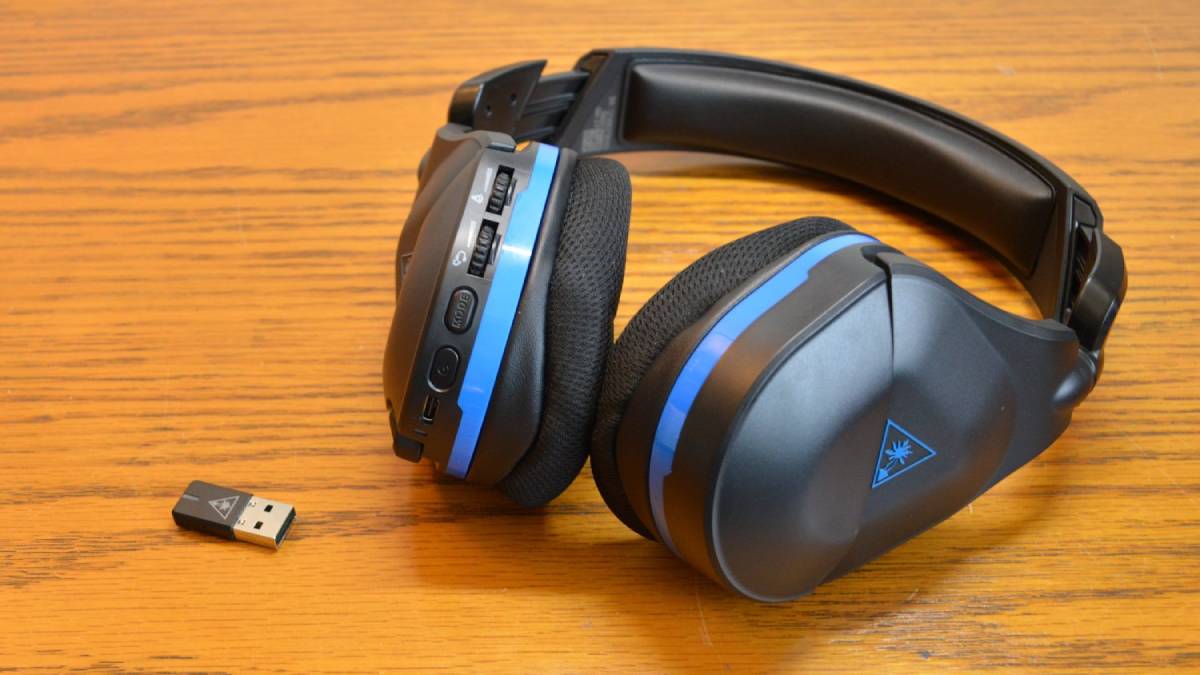
Turtle Beach headset pairing is straightforward once you know which connection method your specific model uses. Whether you are connecting a headset to a console, a transmitter, or a phone,...
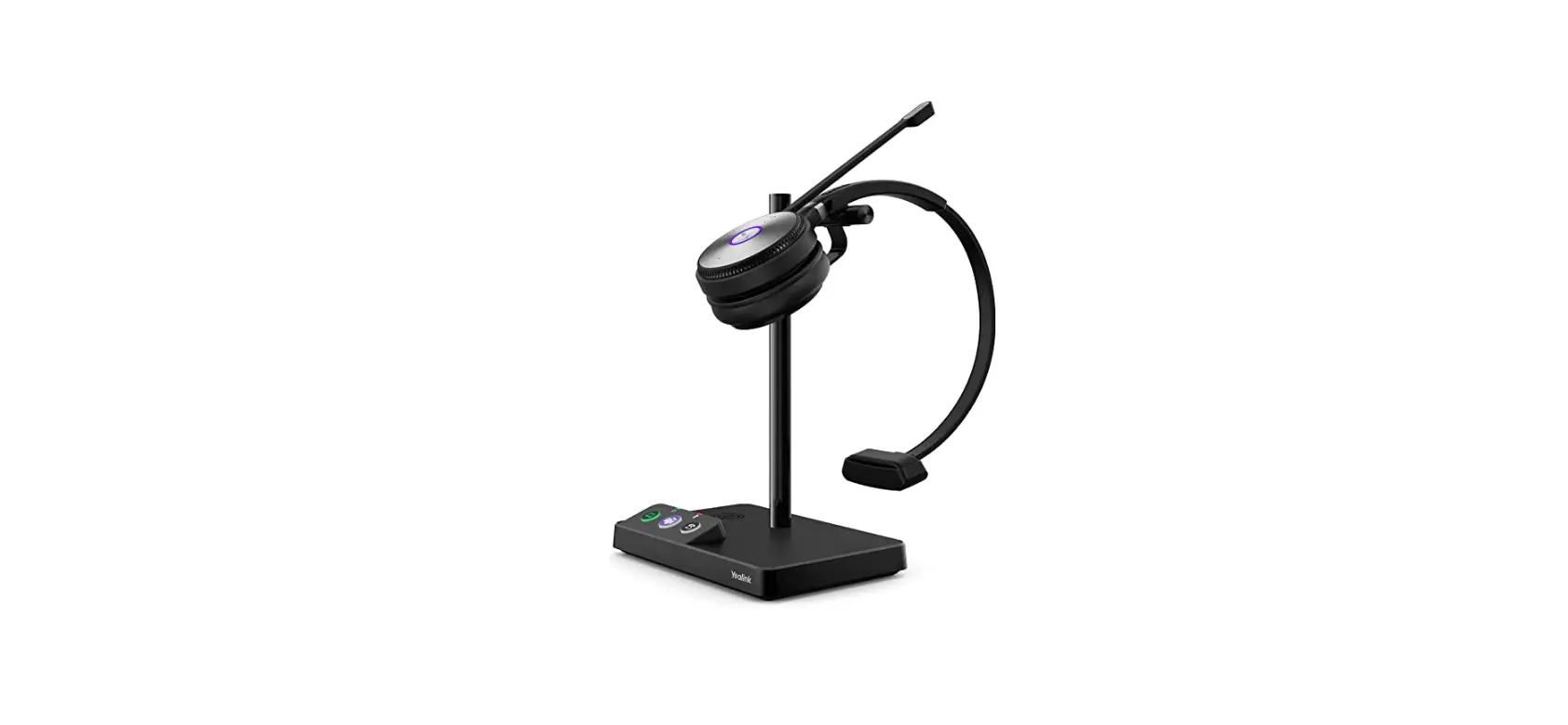
To factory reset a Yealink headset, you need to know your specific model because the reset method differs between the WH62/WH63 and WH66/WH67 series. This headset reset guide covers the...
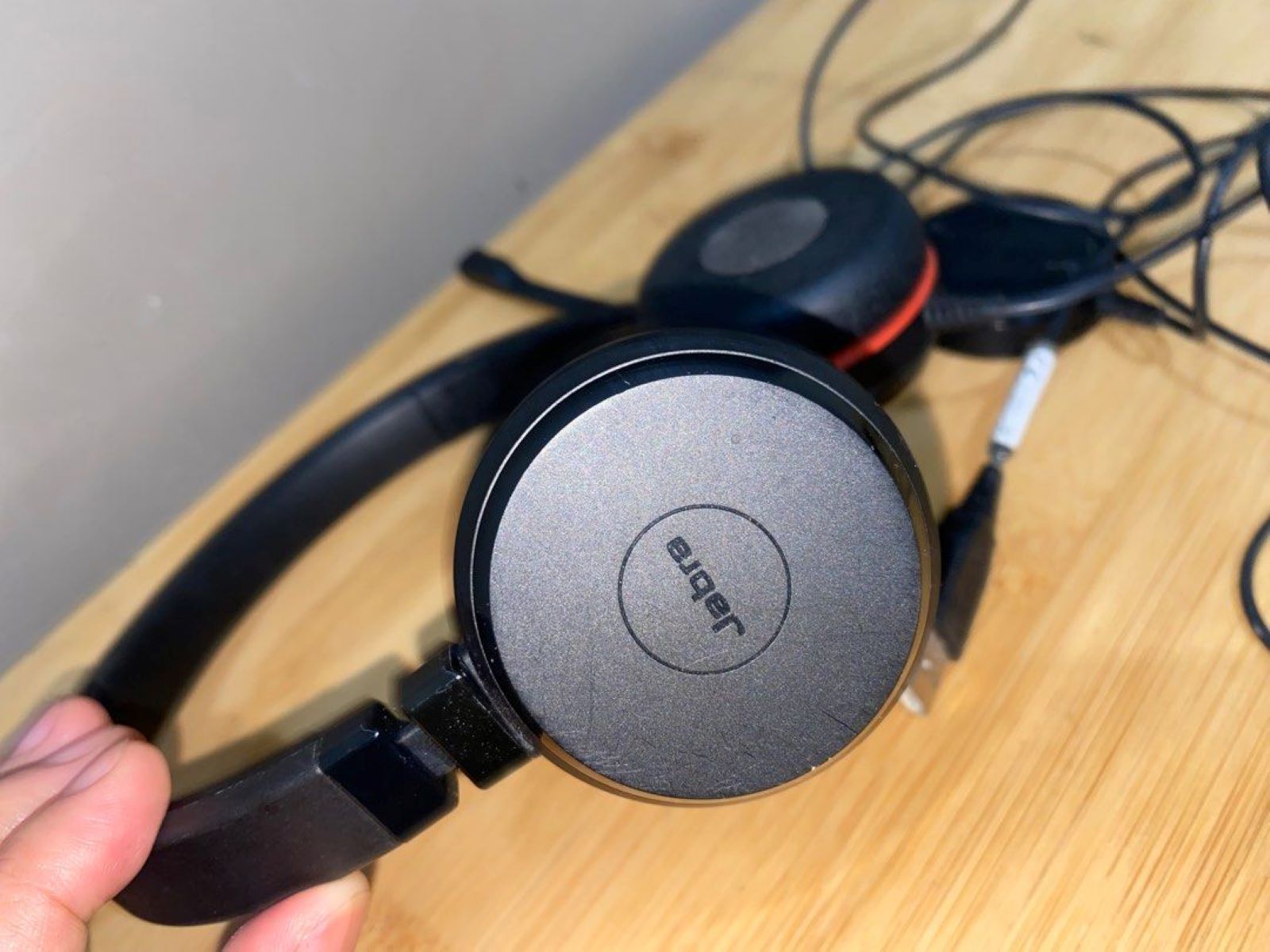
If your Jabra mic not working during calls or meetings, the problem is usually a simple setting, connection, or firmware issue rather than a hardware failure. Start by checking the...
To connect Turtle Beach headset to PC, first identify your headset's connection type, 3.5mm jack, USB cable, or USB wireless dongle, as this determines the exact setup steps. Then physically...
To connect your Turtle Beach headset to your Xbox, plug the 3.5mm cable into the controller's bottom jack for wired models, or insert the USB transmitter into the console for...
This website uses cookies so that we can provide you with the best user experience possible. Cookie information is stored in your browser and performs functions such as recognising you when you return to our website and helping our team to understand which sections of the website you find most interesting and useful.
Strictly Necessary Cookies
Strictly Necessary Cookie should be enabled at all times so that we can save your preferences for cookie settings.
If you disable this cookie, we will not be able to save your preferences. This means that every time you visit this website you will need to enable or disable cookies again.