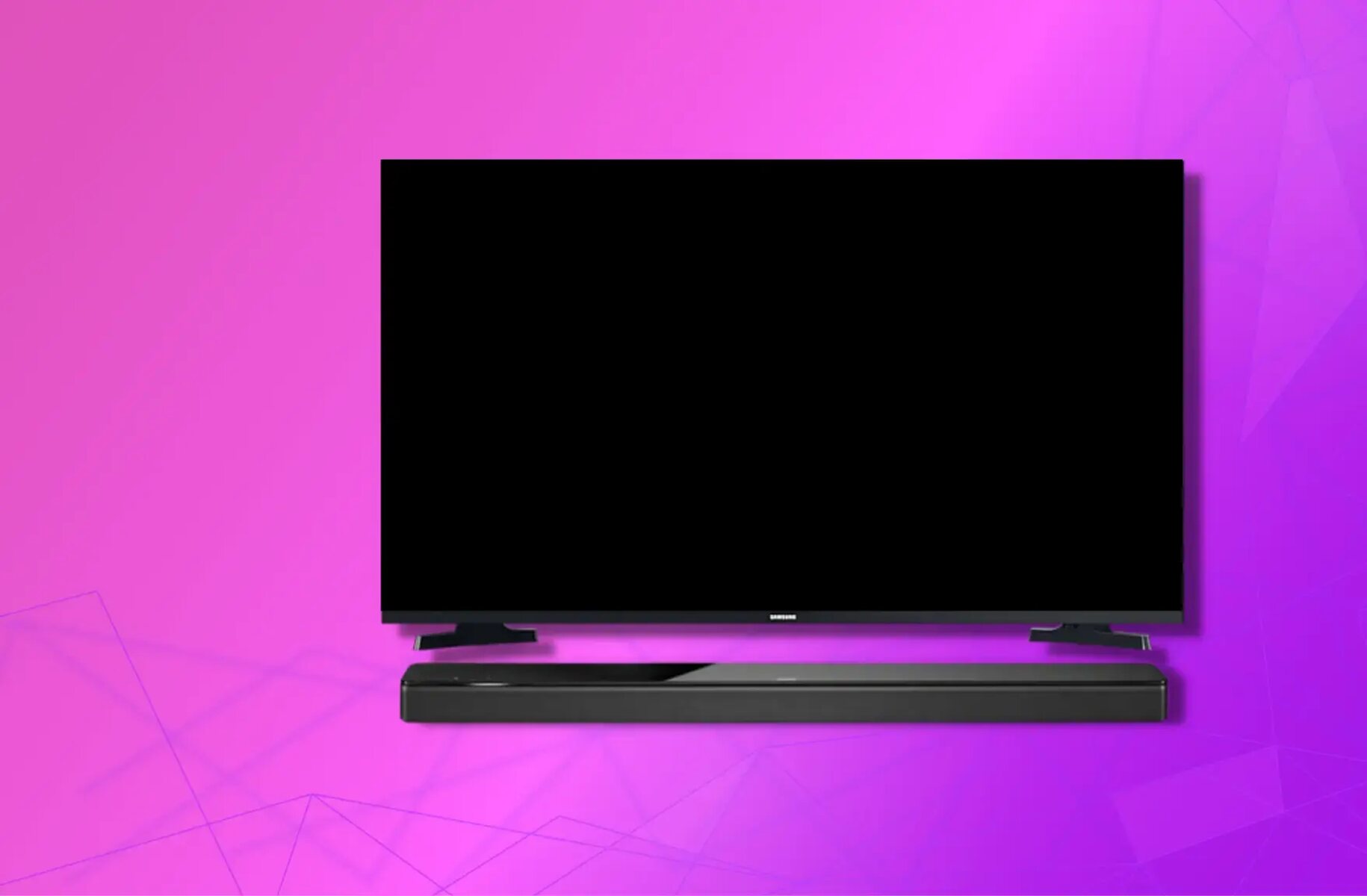
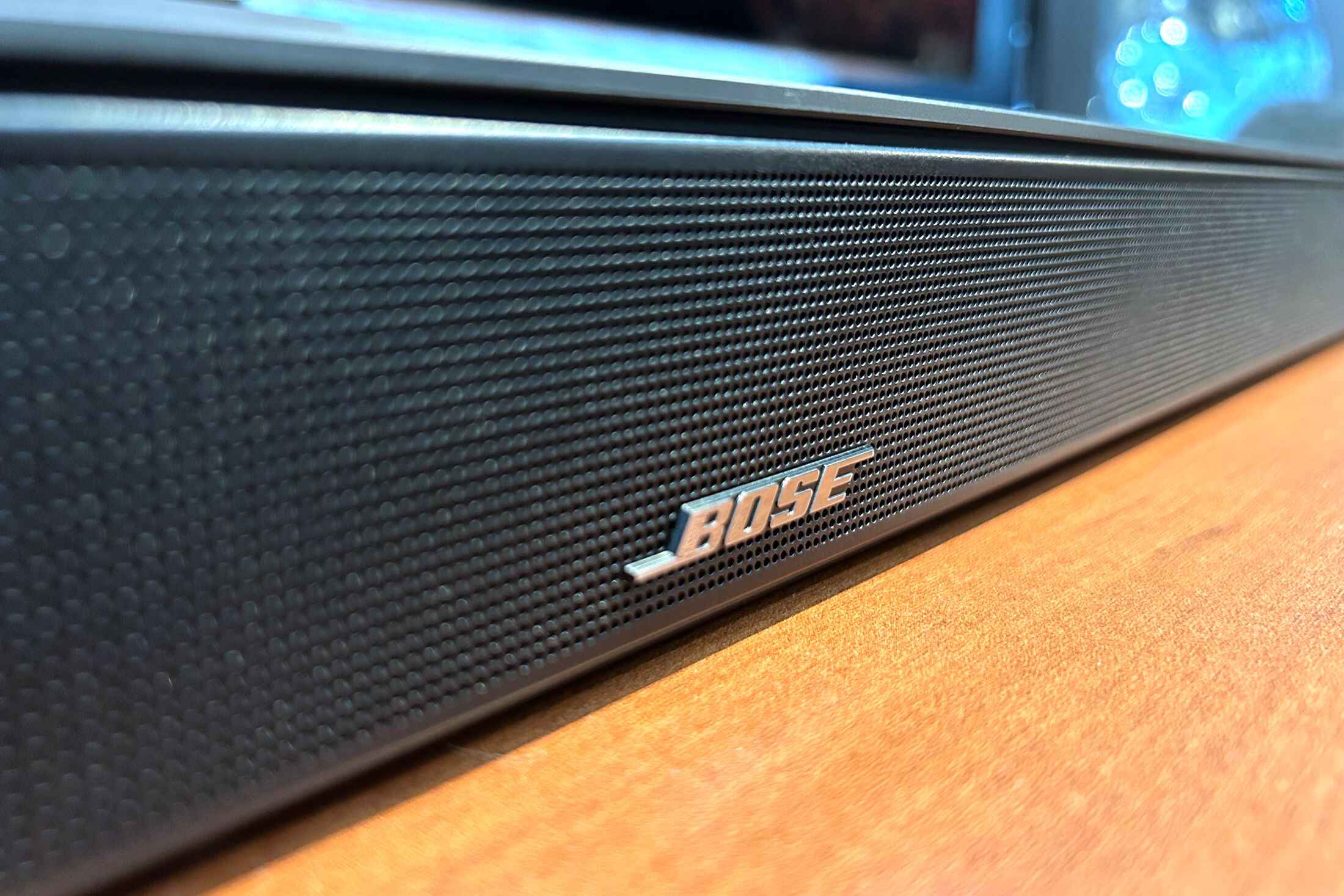
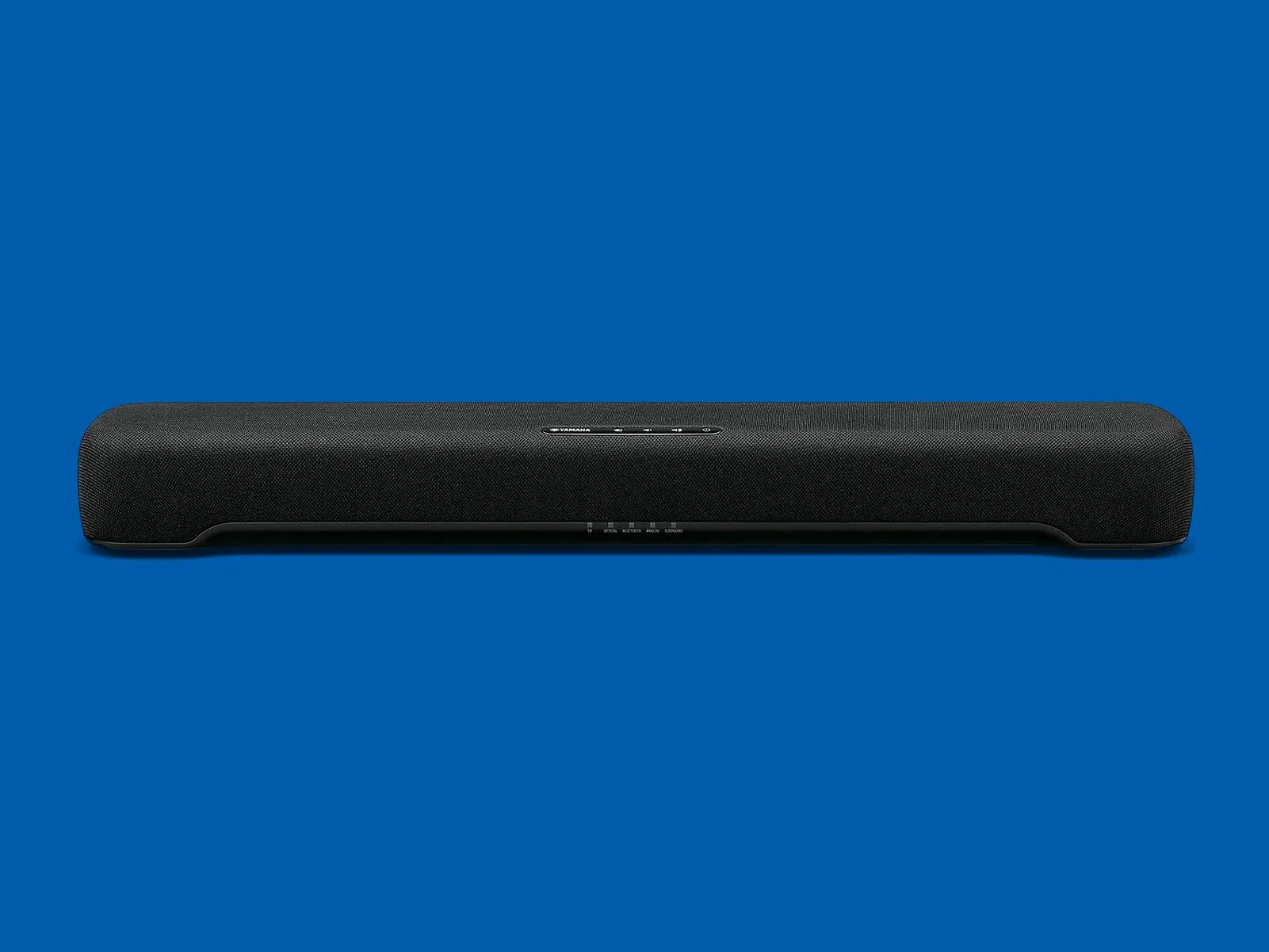
To connect a Bose soundbar to a Samsung TV, use an HDMI cable with the ARC or eARC ports for the best audio quality and unified remote control. This method...
To connect to Bose soundbar via Bluetooth, press and hold the Bluetooth button on your remote until the soundbar's light blinks blue, then select the soundbar from your device's Bluetooth...
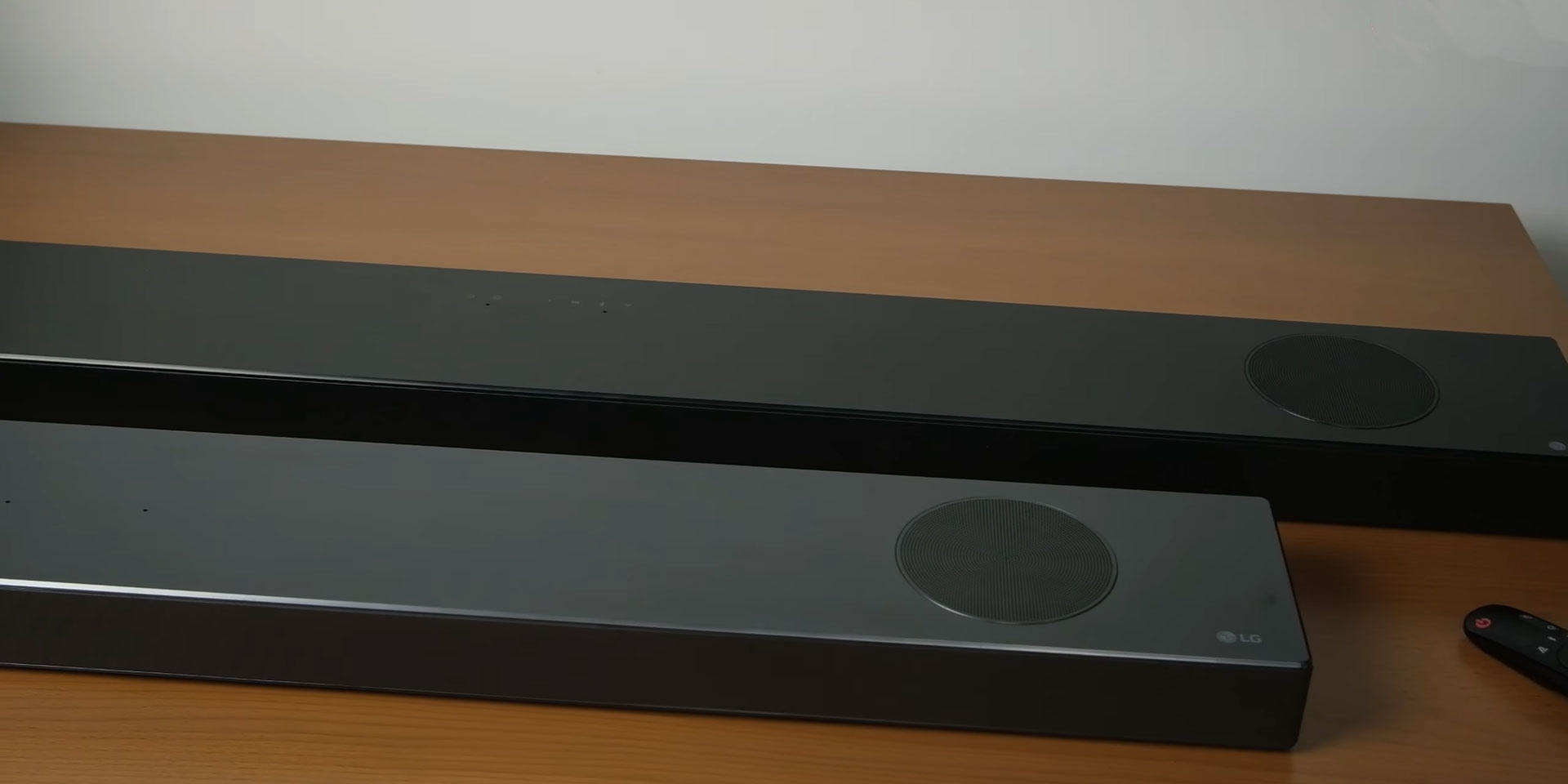
To pair an LG subwoofer with a soundbar, the quickest route is to let the two devices connect automatically when you power them on together, most LG wireless subwoofers are...
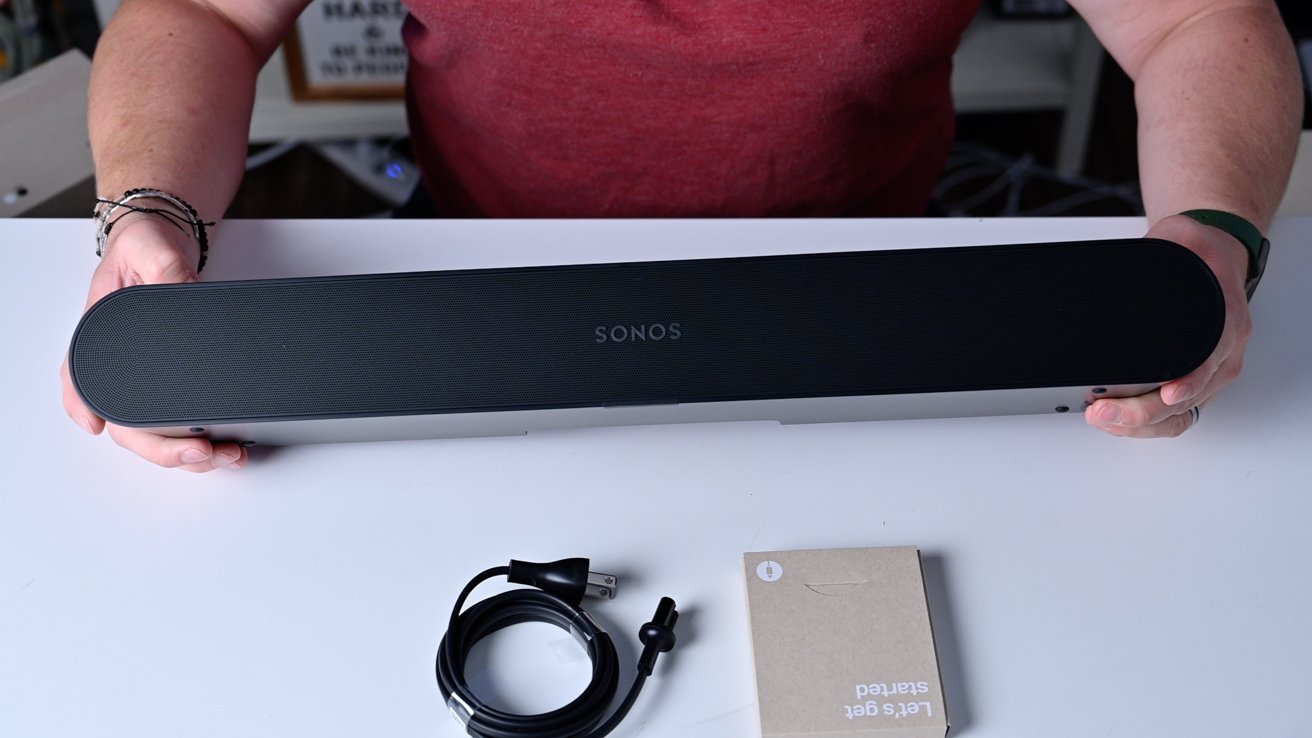
To connect a Sonos soundbar to Bluetooth, you first need to know which model you own, because only the Arc Ultra and Beam Ultra have built-in Bluetooth. For those models,...
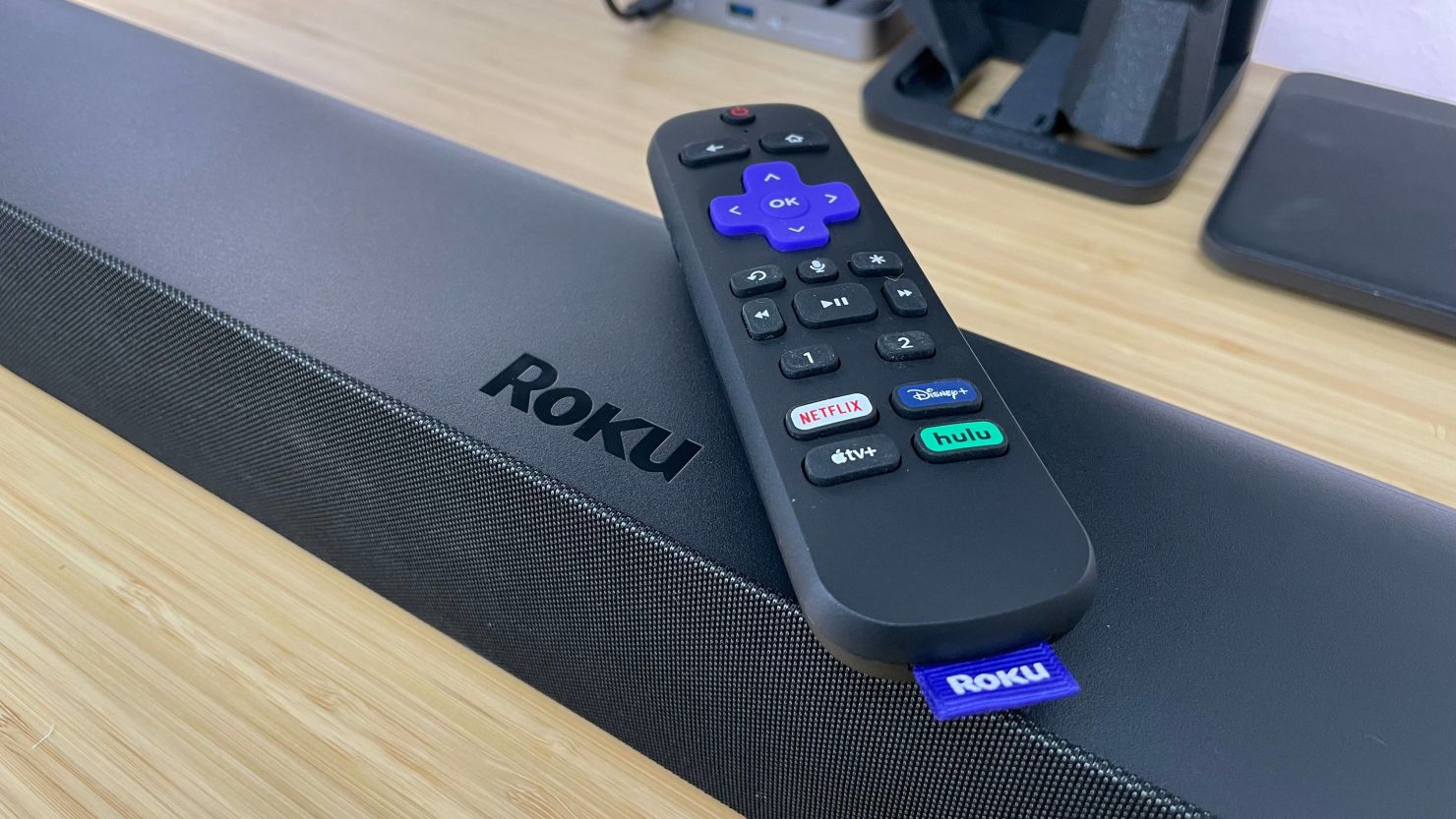
To connect an Onn soundbar to a Roku TV, you have three options: HDMI ARC, optical cable, or Bluetooth. Setup takes minutes, and the best method for high-quality, synchronized audio...
To stop someone from connecting to your Bluetooth soundbar Vizio, you need to remove the unwanted device from the soundbar's paired list and then prevent future pairing attempts by using...
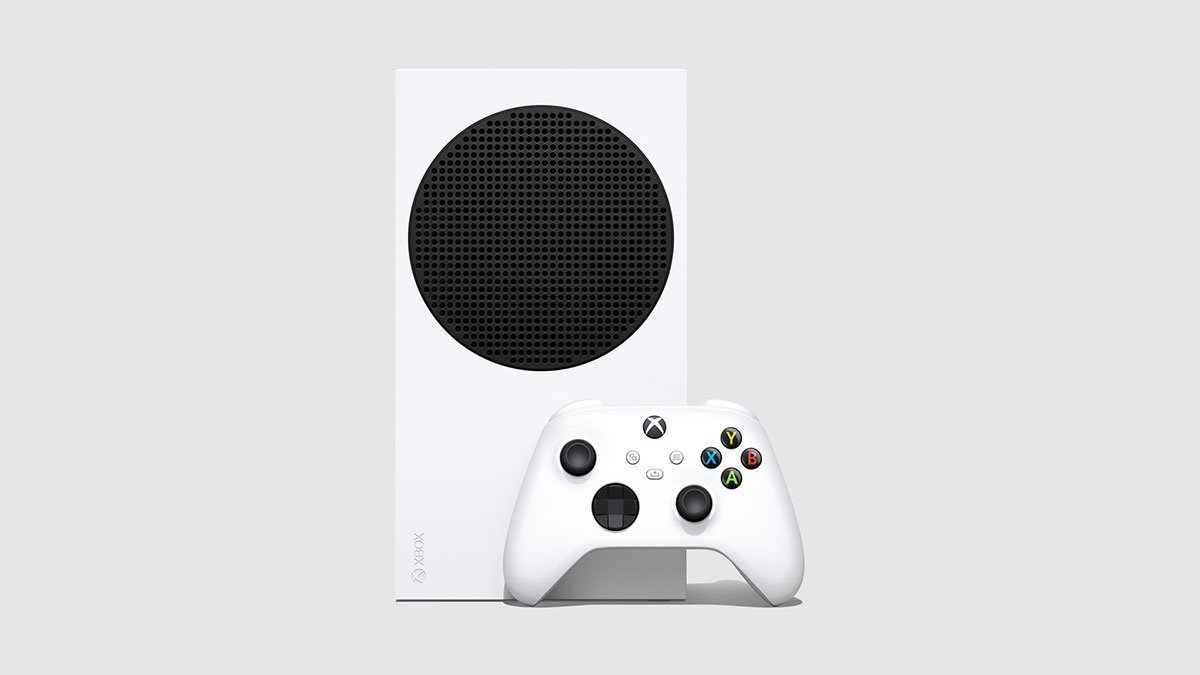
You cannot connect Xbox to soundbar via Bluetooth directly, because Xbox consoles do not support Bluetooth audio output. Instead, the accurate workaround is to connect your soundbar to your TV...
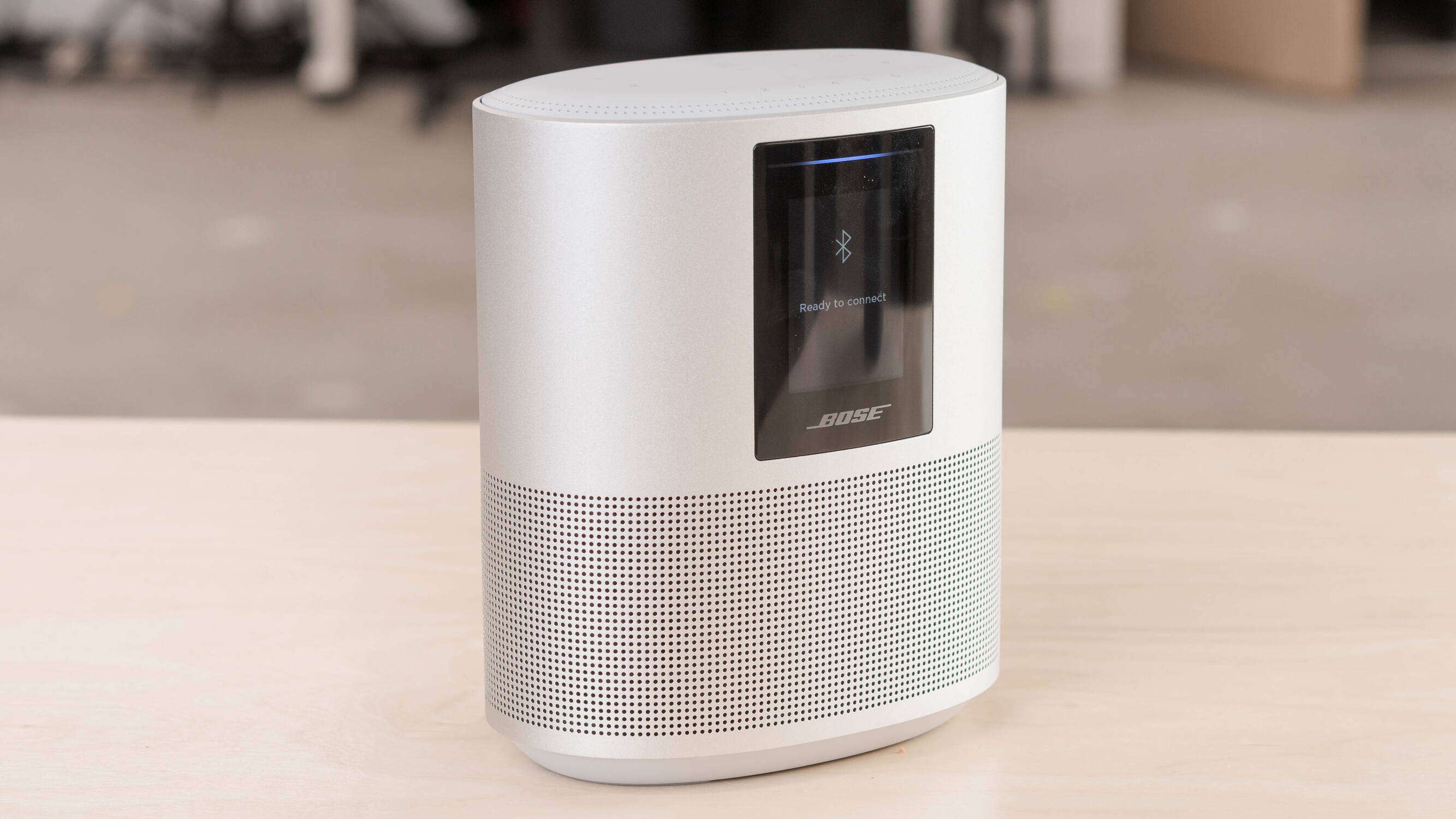
To reset a Bose smart speaker, you first need to decide whether a simple reboot or a full factory restore is needed. A soft reset corrects minor glitches without clearing...
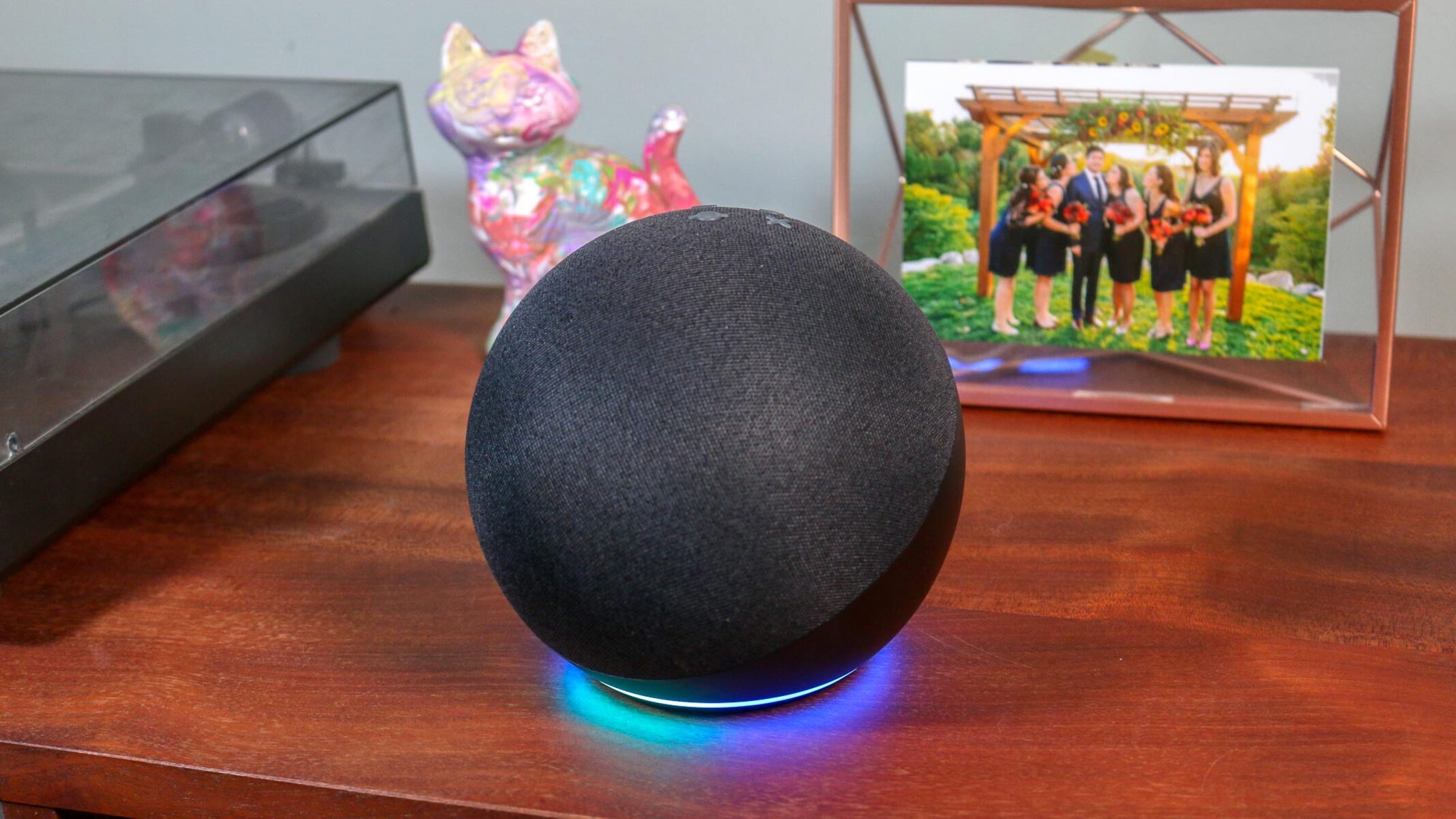
Your Amazon Echo isn't limited to being a voice assistant; it doubles as a high-quality speaker for your phone, tablet, or computer. There is no official "Smart Speaker Mode" toggle,...
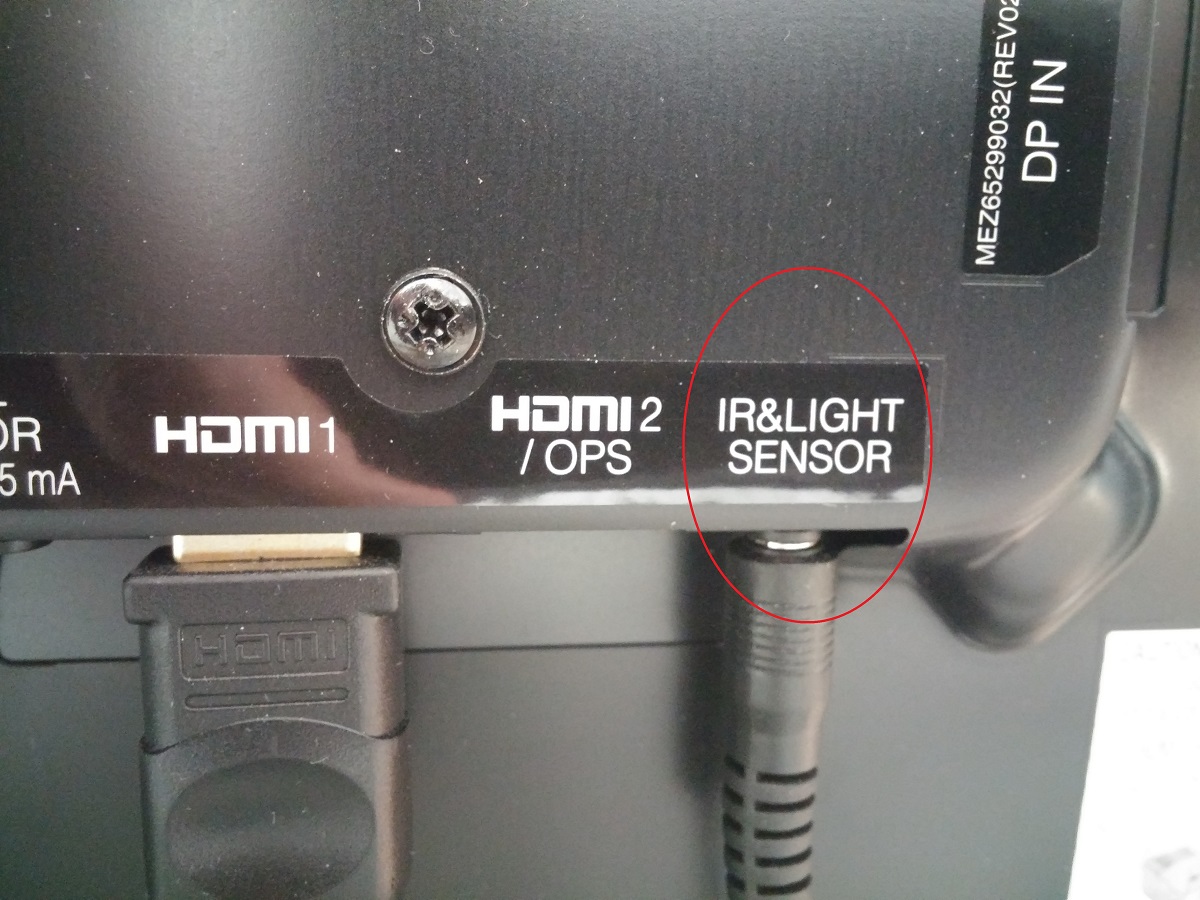
On most LG OLED TVs, the IR sensor is a small, dark, glossy window located on the bottom bezel, typically near the center or slightly off-center beneath the screen. For...
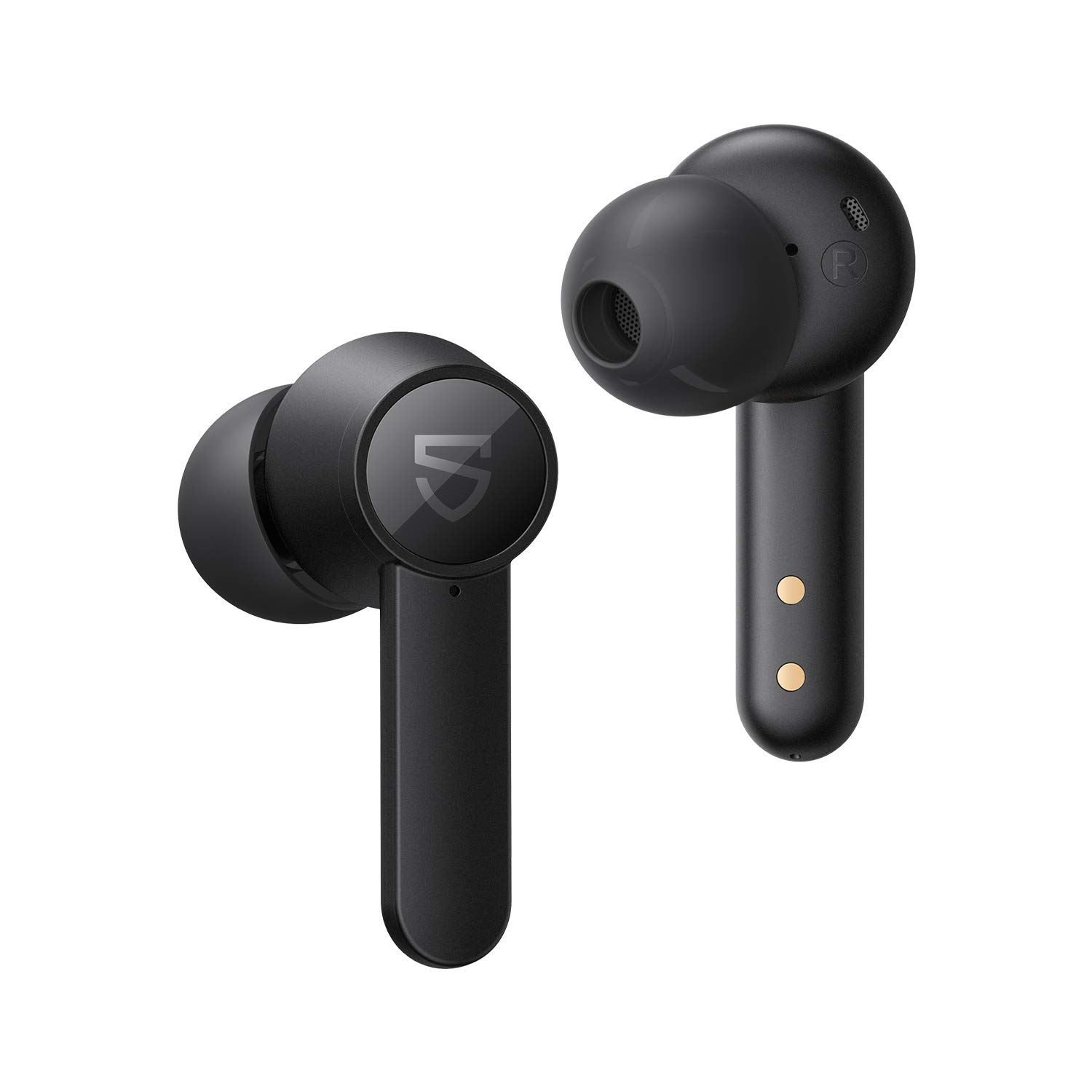
To pair SoundPEATS wireless earbuds, start by opening the charging case lid or removing the earbuds from the case to trigger automatic power-on and pairing mode. Then, select your specific...
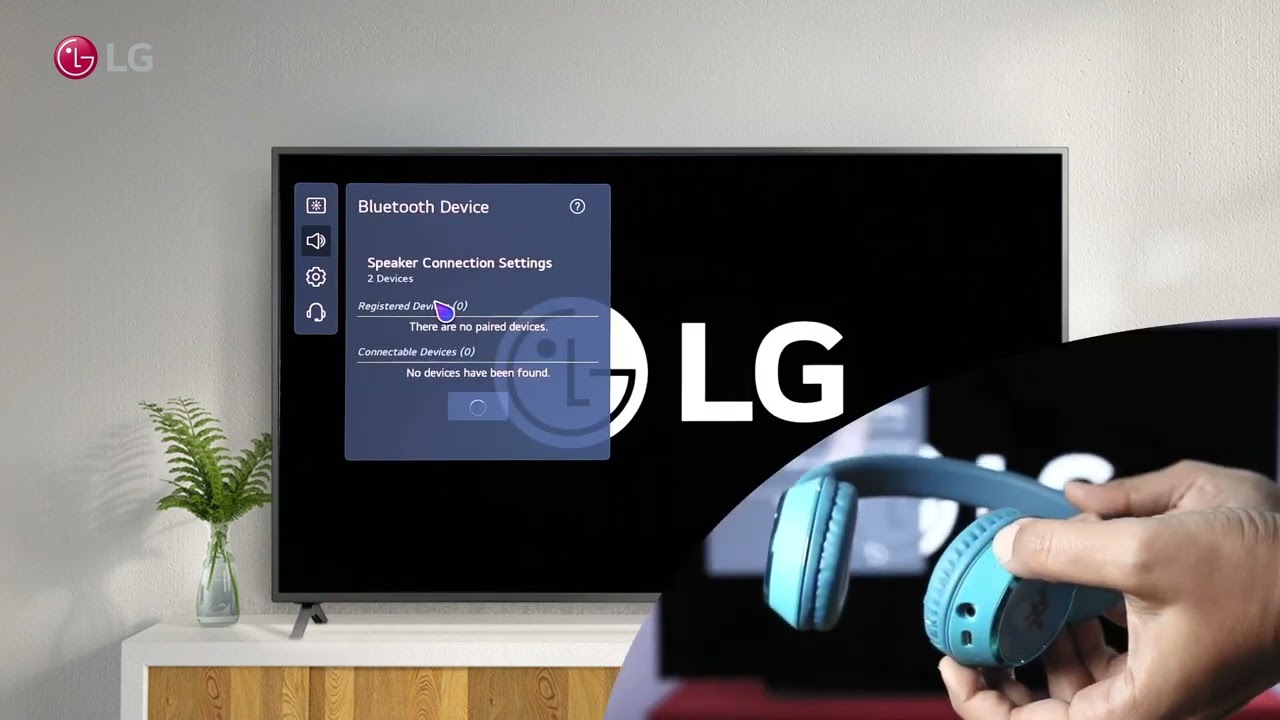
To connect hearing aids to your LG smart TV, you can stream audio directly from the TV to compatible Bluetooth hearing aids using the TV's built-in Sound Out settings. This...
This website uses cookies so that we can provide you with the best user experience possible. Cookie information is stored in your browser and performs functions such as recognising you when you return to our website and helping our team to understand which sections of the website you find most interesting and useful.
Strictly Necessary Cookies
Strictly Necessary Cookie should be enabled at all times so that we can save your preferences for cookie settings.
If you disable this cookie, we will not be able to save your preferences. This means that every time you visit this website you will need to enable or disable cookies again.