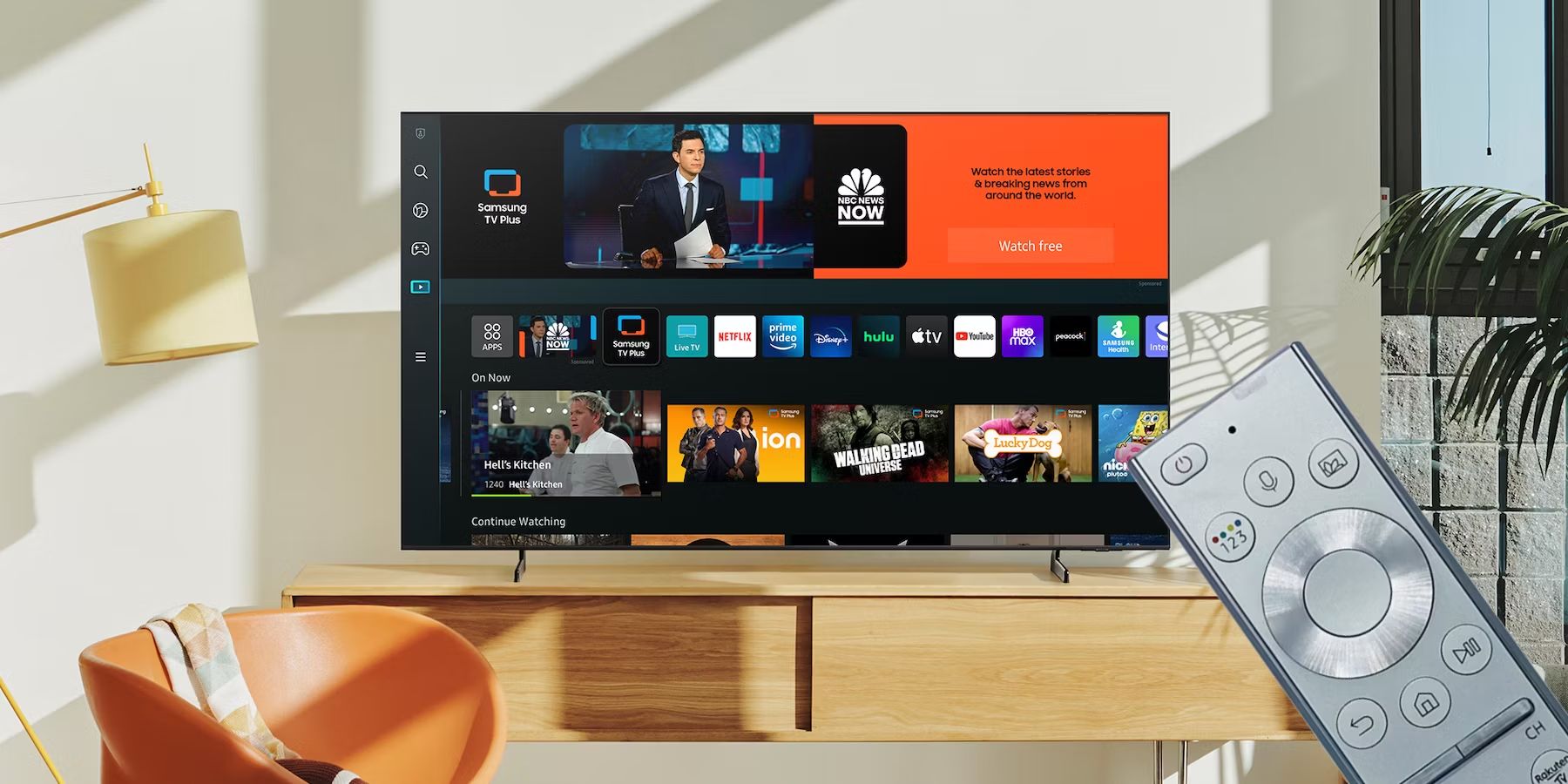
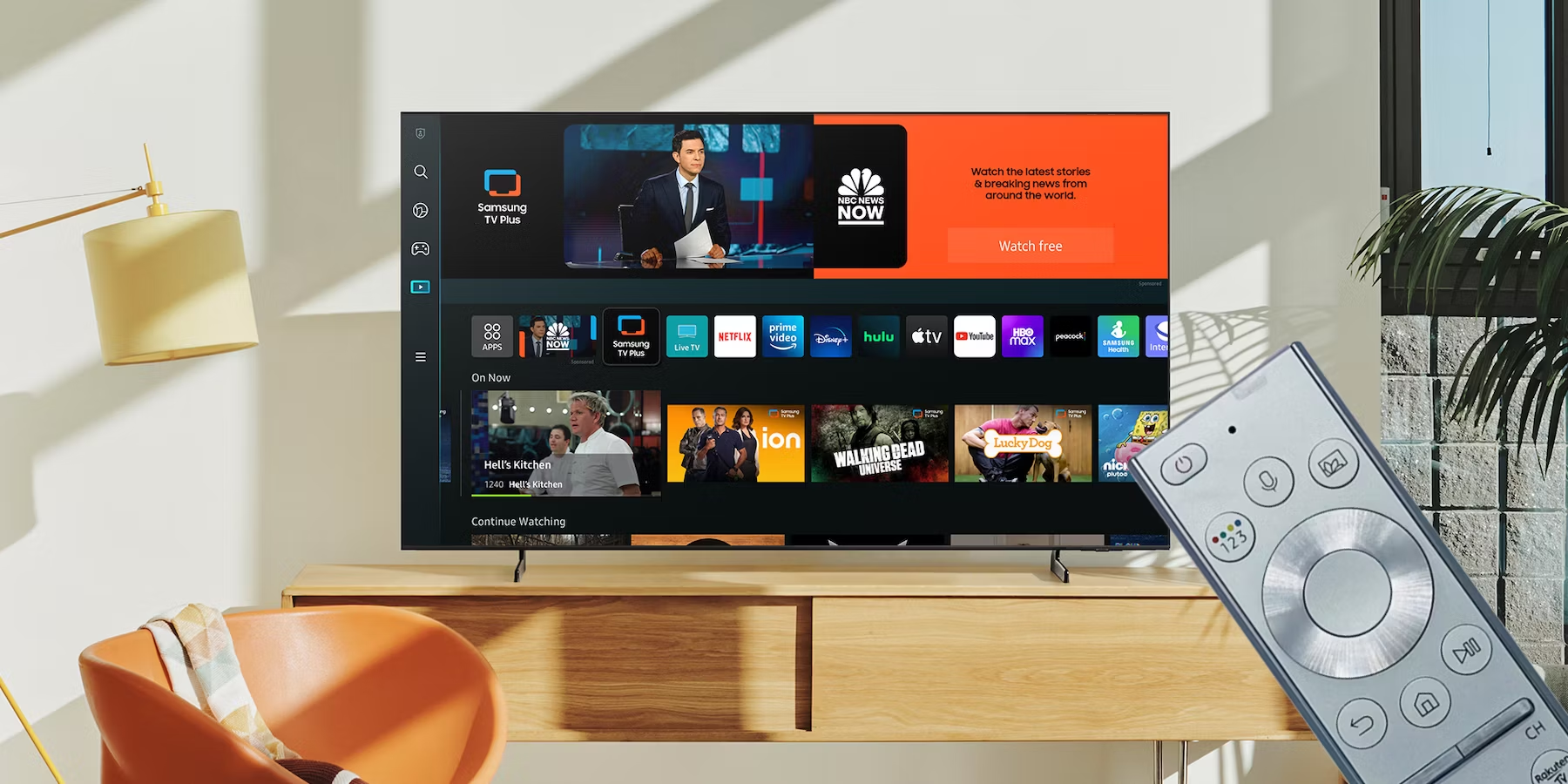
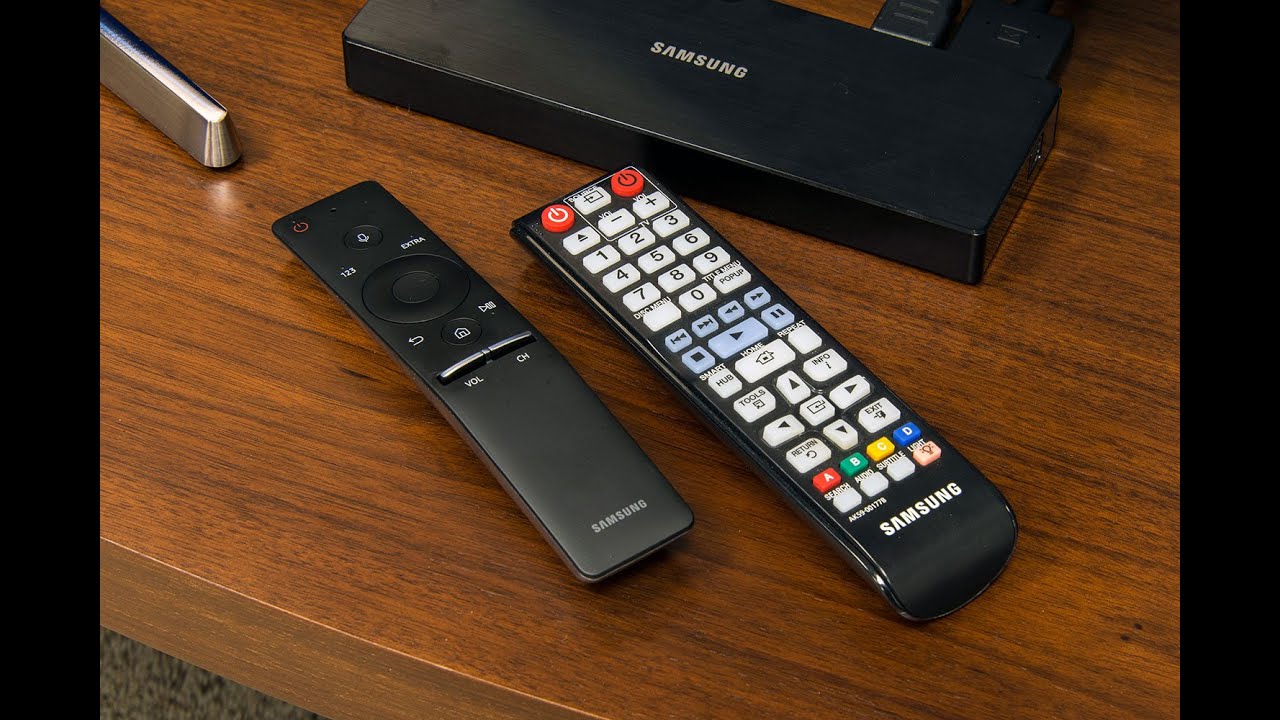
First time setup and pairing for your Samsung smart TV remote To use my Samsung smart TV remote for voice commands and smart hub navigation, you must first connect remote...
To connect remote to Samsung Smart TV, first identify whether you have a Bluetooth Smart Remote or a standard infrared (IR) remote, as the pairing method differs. Before you start:...
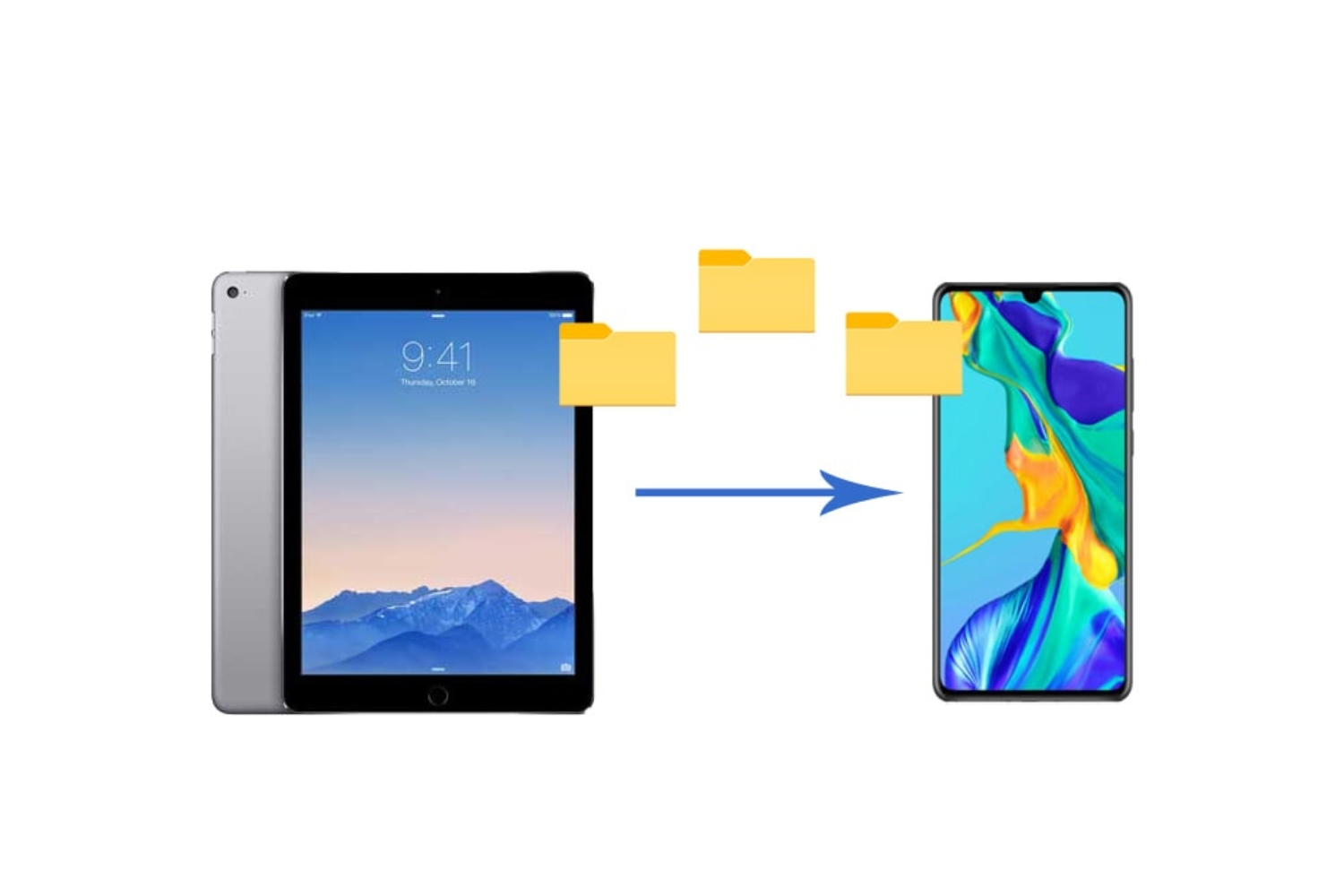
To transfer data from tablet to phone, the best method depends on your specific needs: wireless transfer apps and Wi-Fi Direct are fastest for large files, while Bluetooth works for...
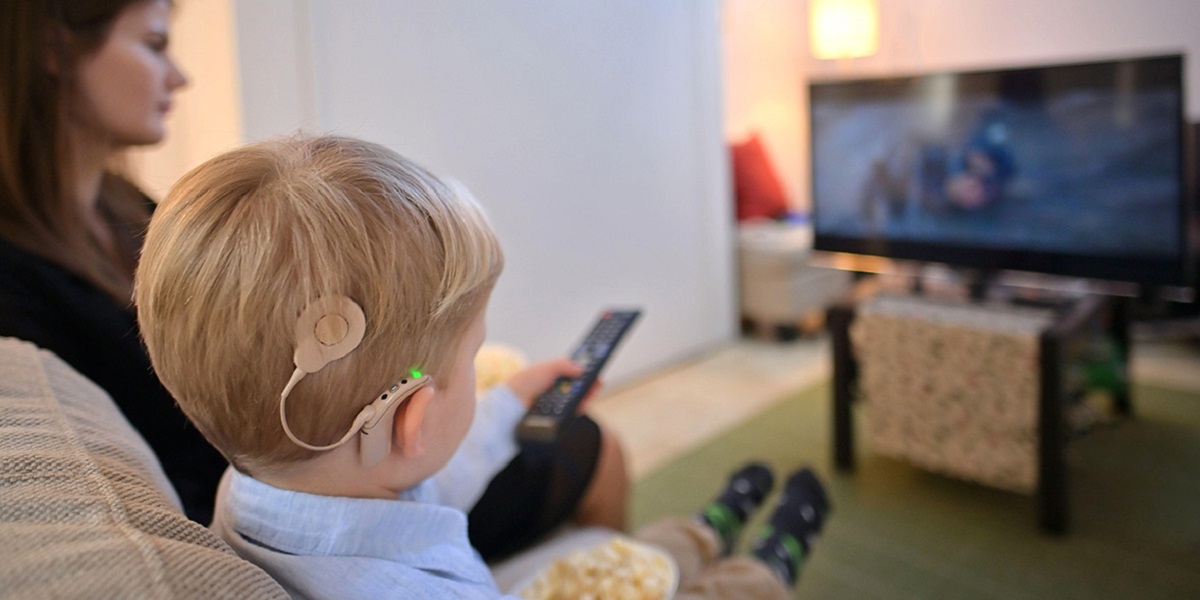
To connect your hearing aid to a smart TV, the most direct method is to pair them via Bluetooth, which lets you stream TV audio directly into your ears for...
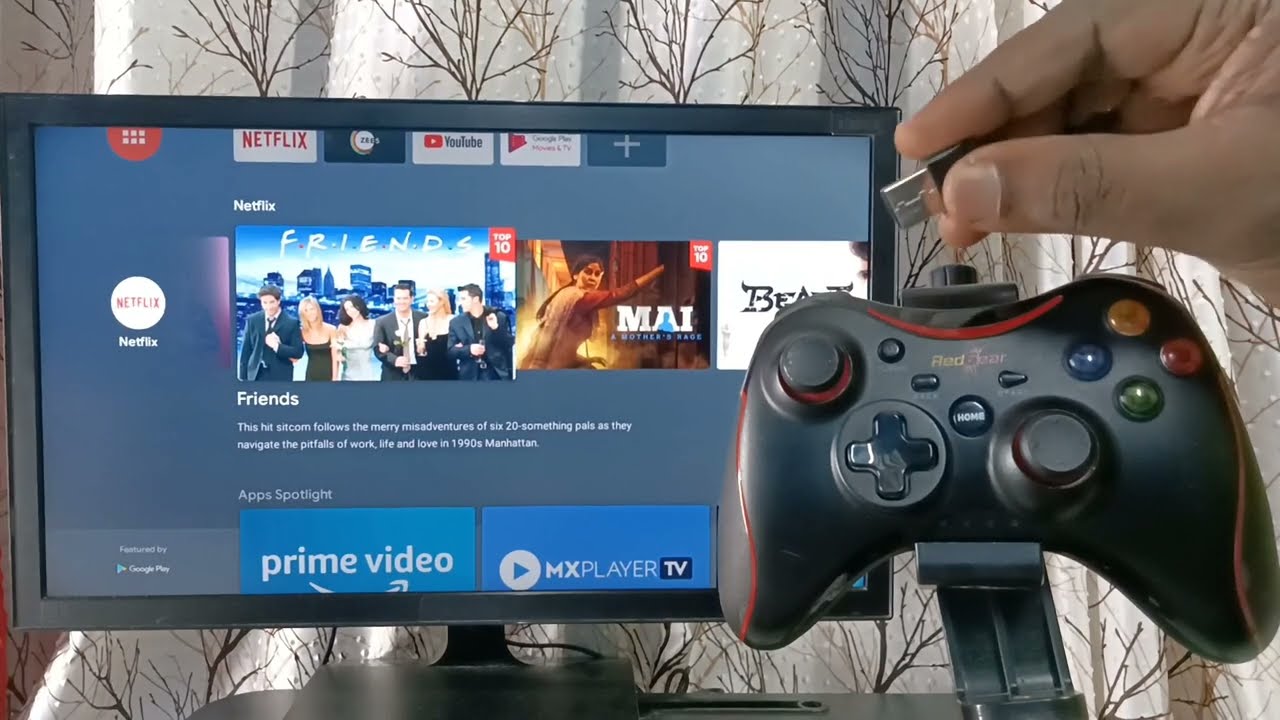
The quickest answer to which Samsung smart TV game controller works with Gaming Hub is the PDP REPLAY Wireless Controller, which is officially certified for the platform, alongside major Bluetooth...
To add Bluetooth to a TV that lacks it, the most reliable solution is to use an external Bluetooth transmitter that plugs into your TV's audio output, not a USB...
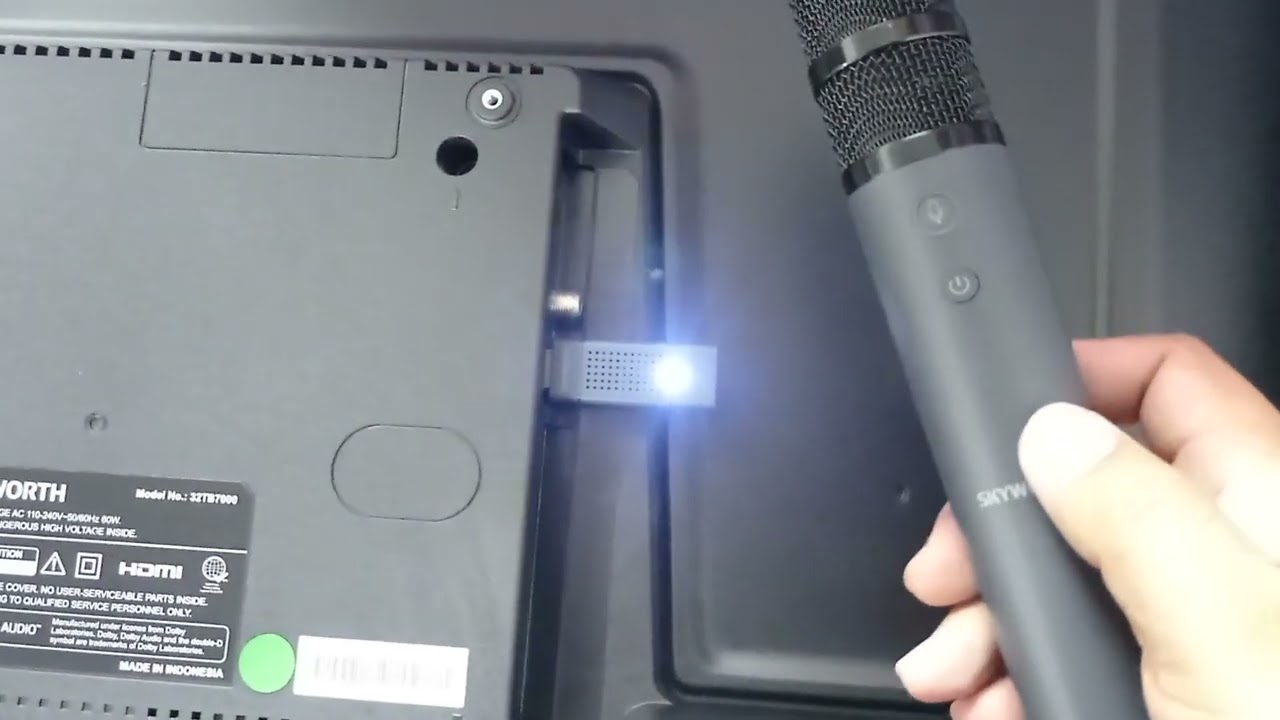
To connect a wireless microphone to a smart TV, you must use a workaround because most smart TVs do not have a dedicated microphone input for karaoke or voice amplification....
To connect a Bluetooth speaker to your Vizio Smart TV, first confirm your TV has built-in Bluetooth by checking for a "Bluetooth Headphones" option in the settings menu. If it...
To pair a Samsung smart TV remote manually, point it at the TV's sensor and press and hold the Return and Play/Pause buttons simultaneously for 3-5 seconds until an on-screen...
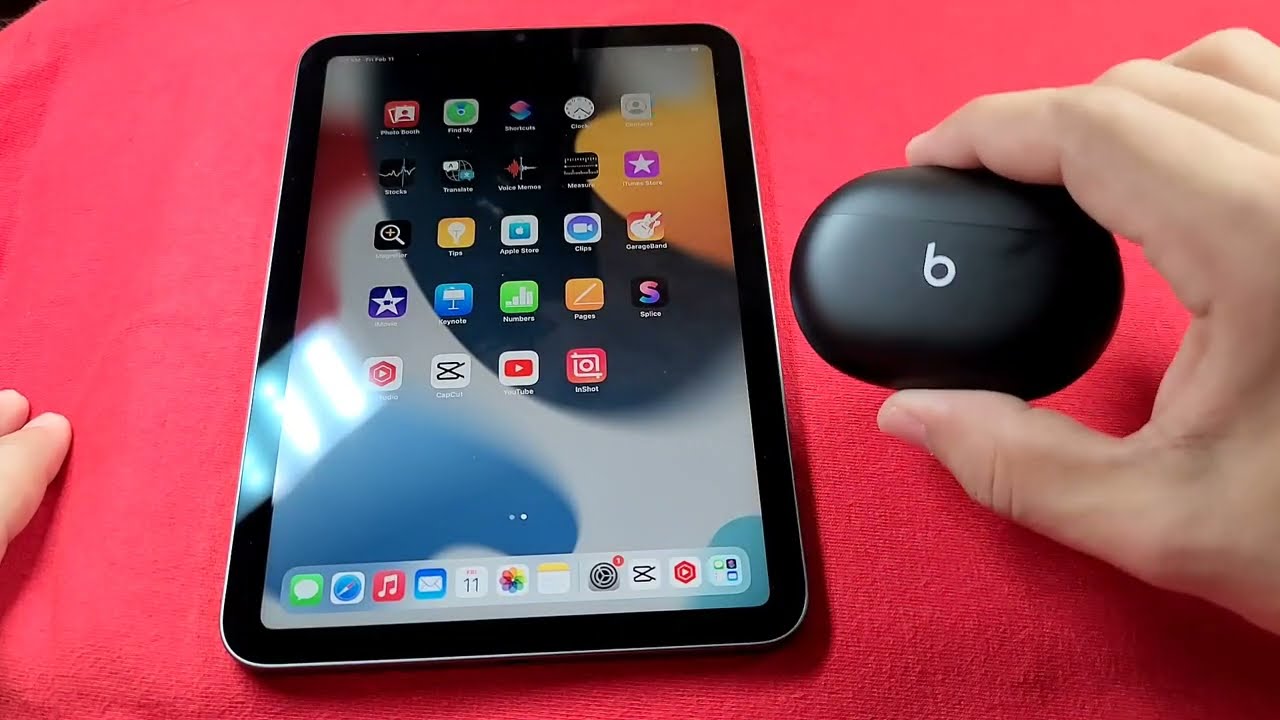
To pair earbuds to tablet, the process is the same across iPad, Android, and Fire devices: turn on Bluetooth on the tablet, put the earbuds in pairing mode, then tap...
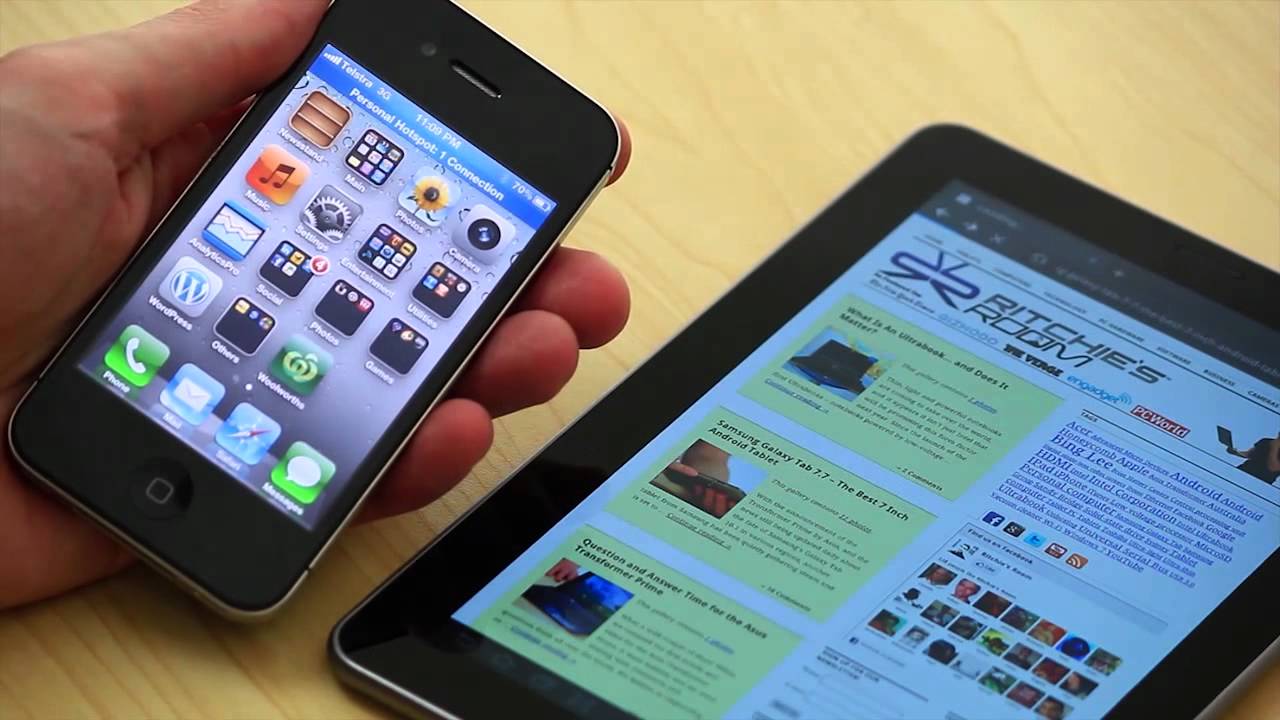
To connect an iPhone to an Android tablet, you cannot rely on a seamless Apple-to-Android handoff, but you can accomplish five practical tasks: sharing internet, transferring files, syncing via cloud...
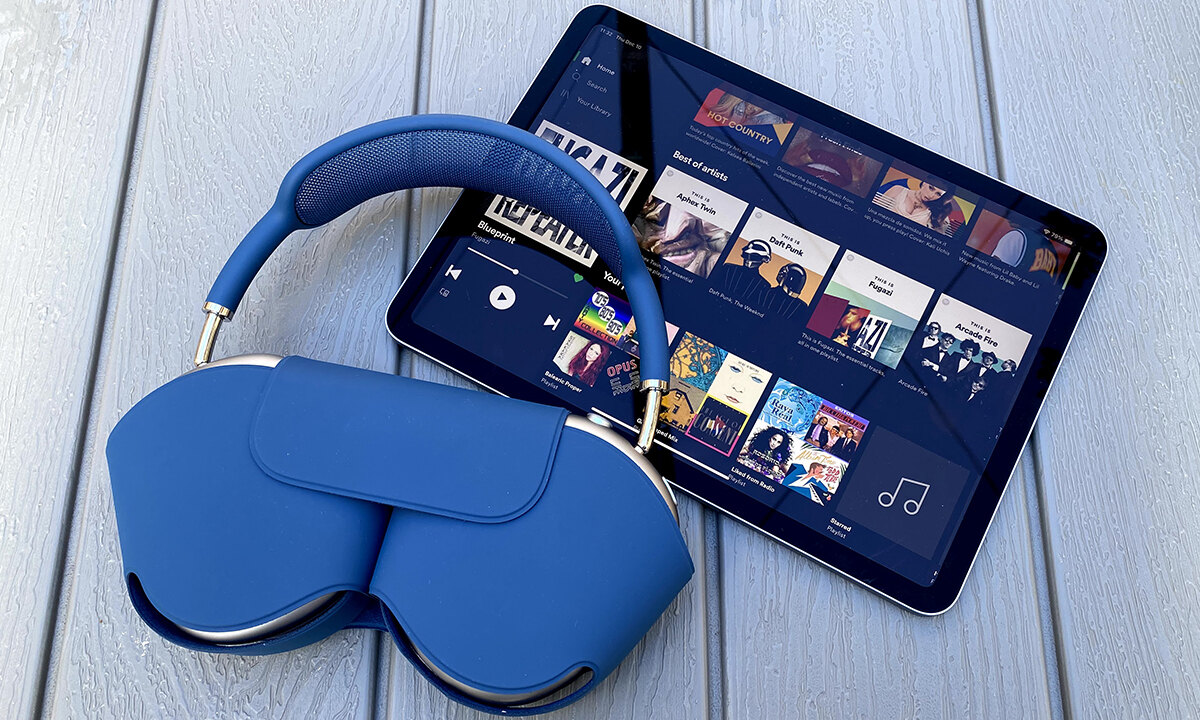
To connect wireless headphones to your Amazon Fire tablet, turn on Bluetooth in Quick Settings and select your headphones from the list. This lets you listen to audio privately without...
This website uses cookies so that we can provide you with the best user experience possible. Cookie information is stored in your browser and performs functions such as recognising you when you return to our website and helping our team to understand which sections of the website you find most interesting and useful.
Strictly Necessary Cookies
Strictly Necessary Cookie should be enabled at all times so that we can save your preferences for cookie settings.
If you disable this cookie, we will not be able to save your preferences. This means that every time you visit this website you will need to enable or disable cookies again.