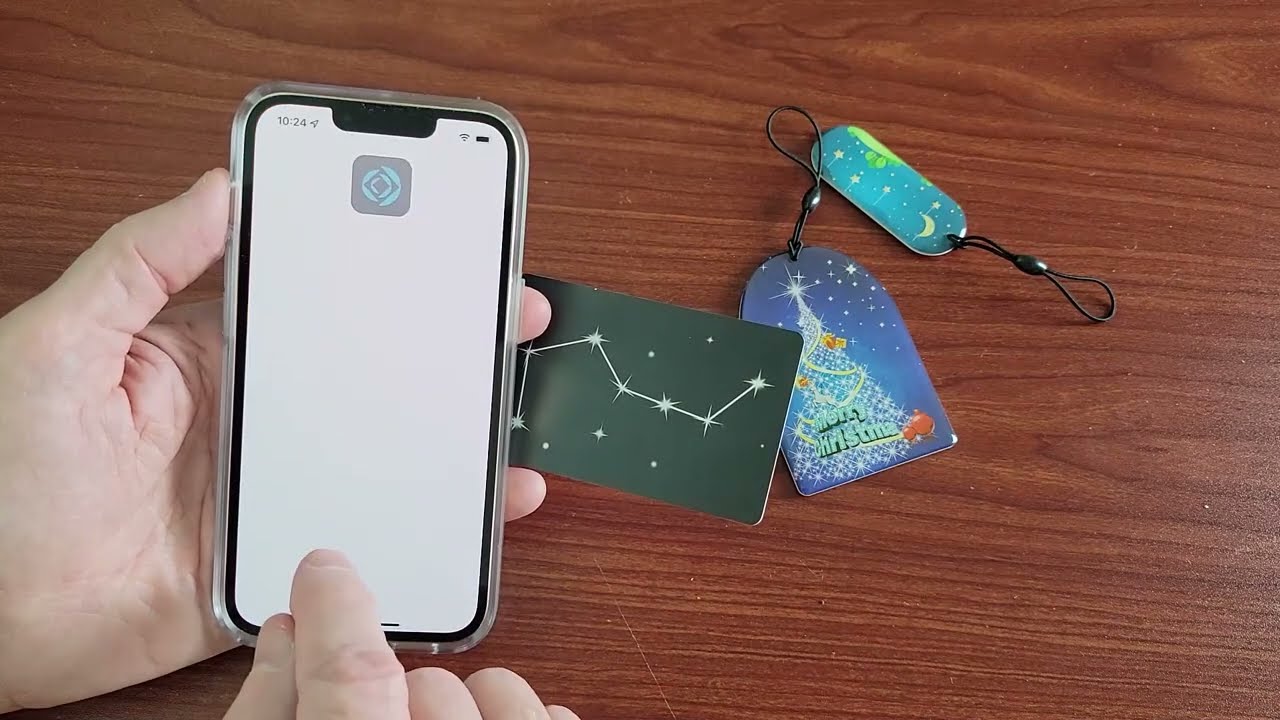
Yes, you can scan RFID with an iPhone, but only if the tag uses NFC (Near Field Communication), which is a specific type of high-frequency RFID operating at 13.56 MHz....
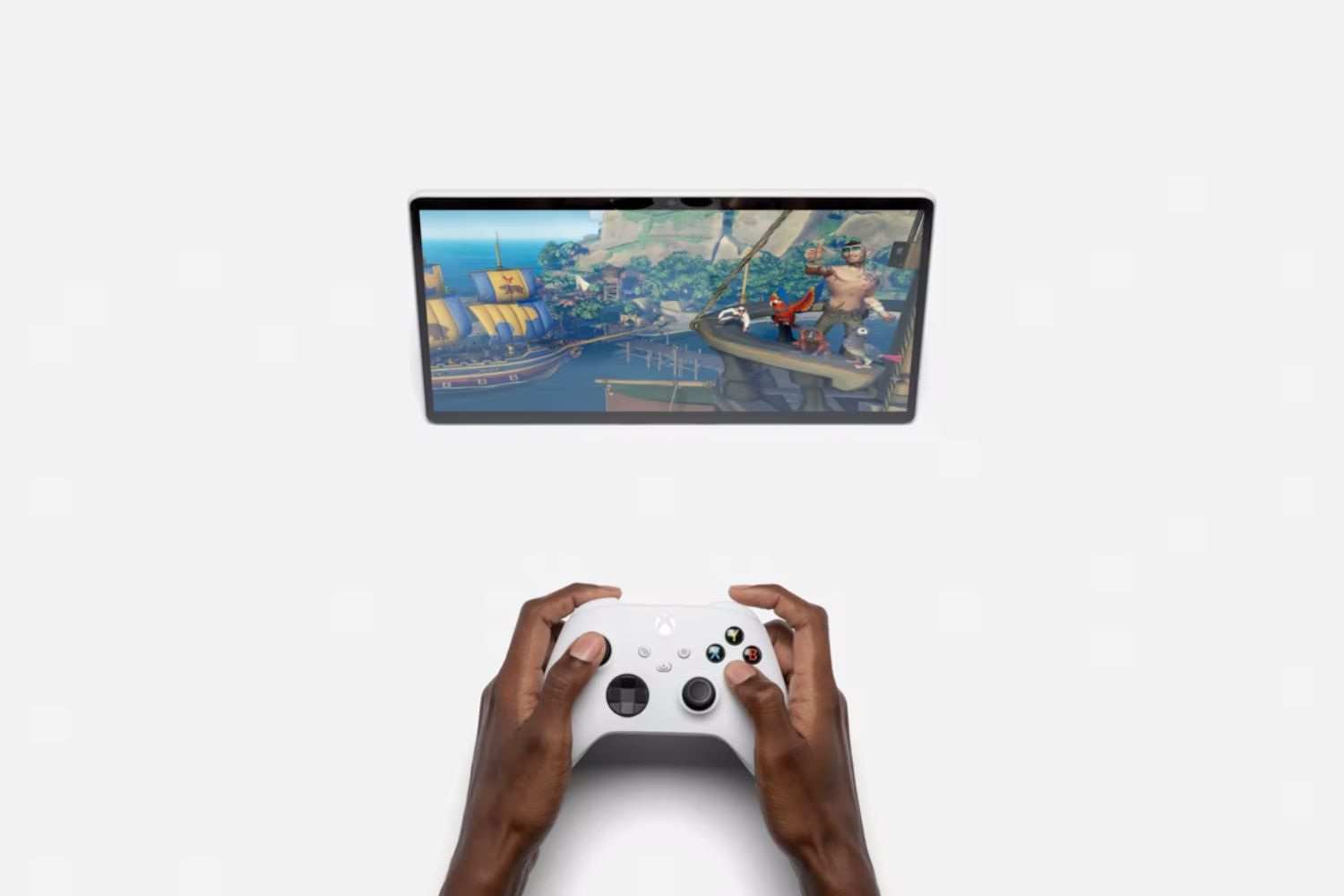
To connect your Xbox controller to your tablet, you need a Bluetooth-capable controller and a tablet running Android 9 or later (Android 10 or newer recommended) or an iPad with...
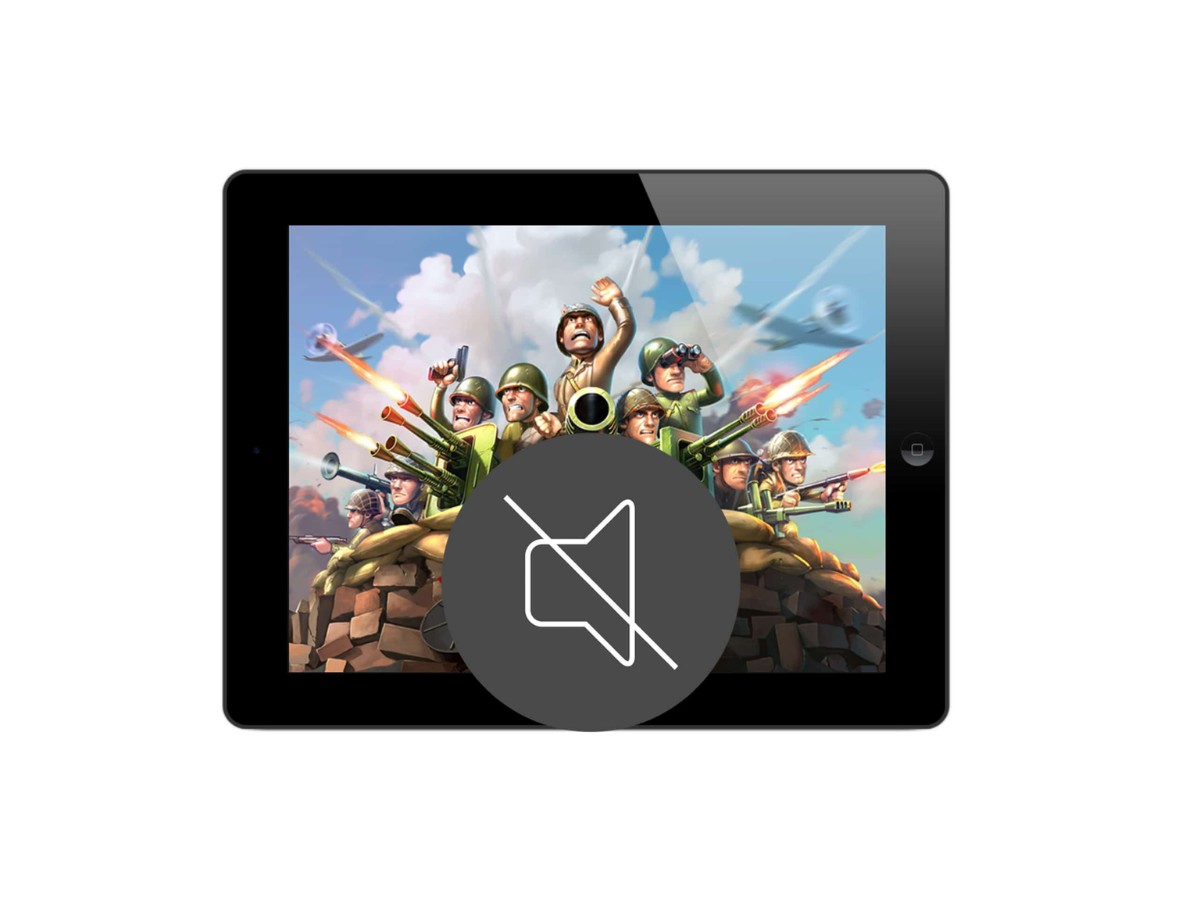
To get sound back on your tablet, start by checking the physical volume buttons on the side of your device to ensure the volume is turned up, and swipe down...
To pair Bose noise cancelling headphones, put them into pairing mode, enable Bluetooth on your phone, tablet, or computer, and select your Bose headphones from the device's Bluetooth settings. Most...
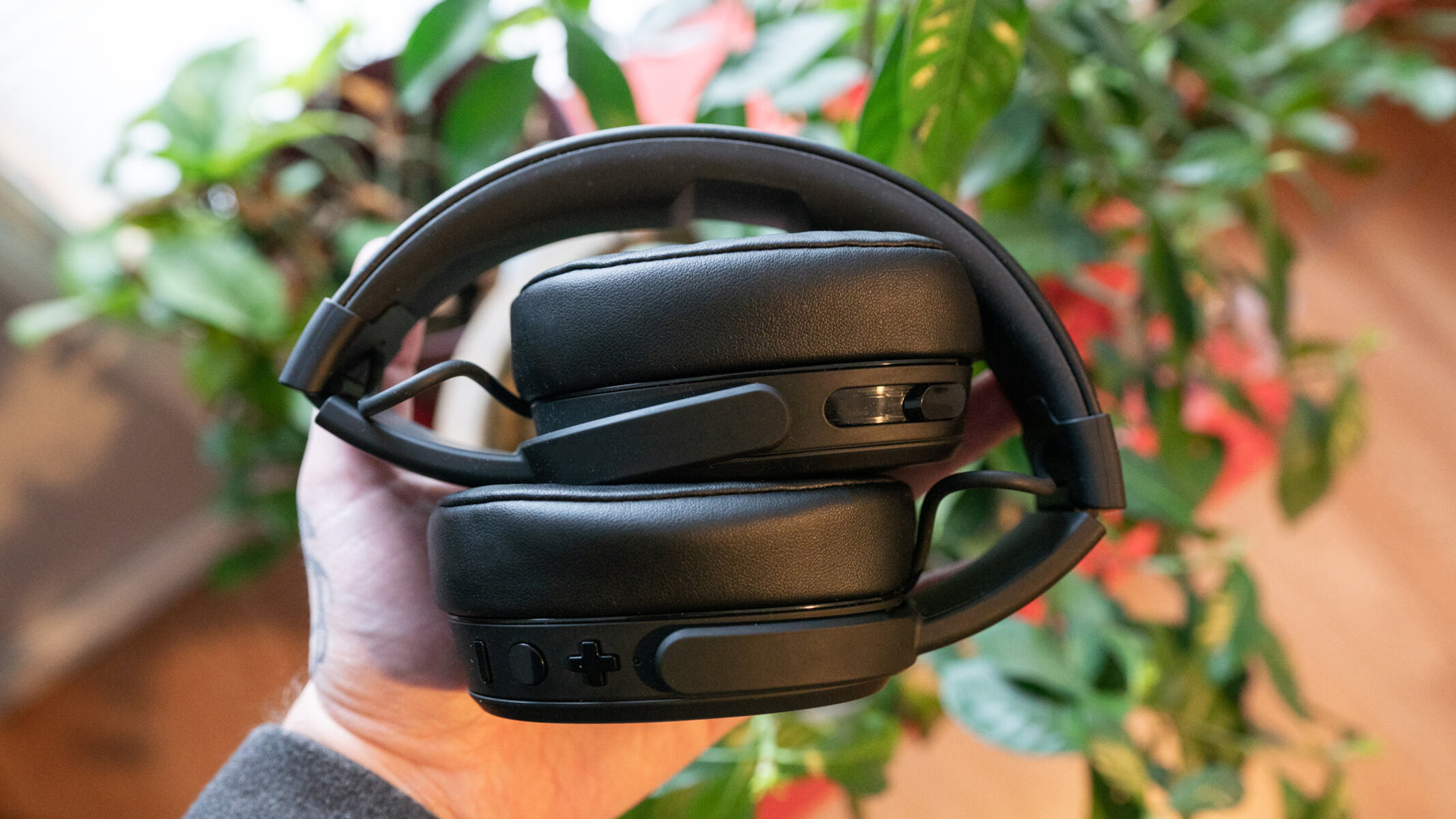
To pair Skullcandy noise cancelling headphones, power them on and enter pairing mode, then select them from your device's Bluetooth list. The exact button combination varies by model, but a...
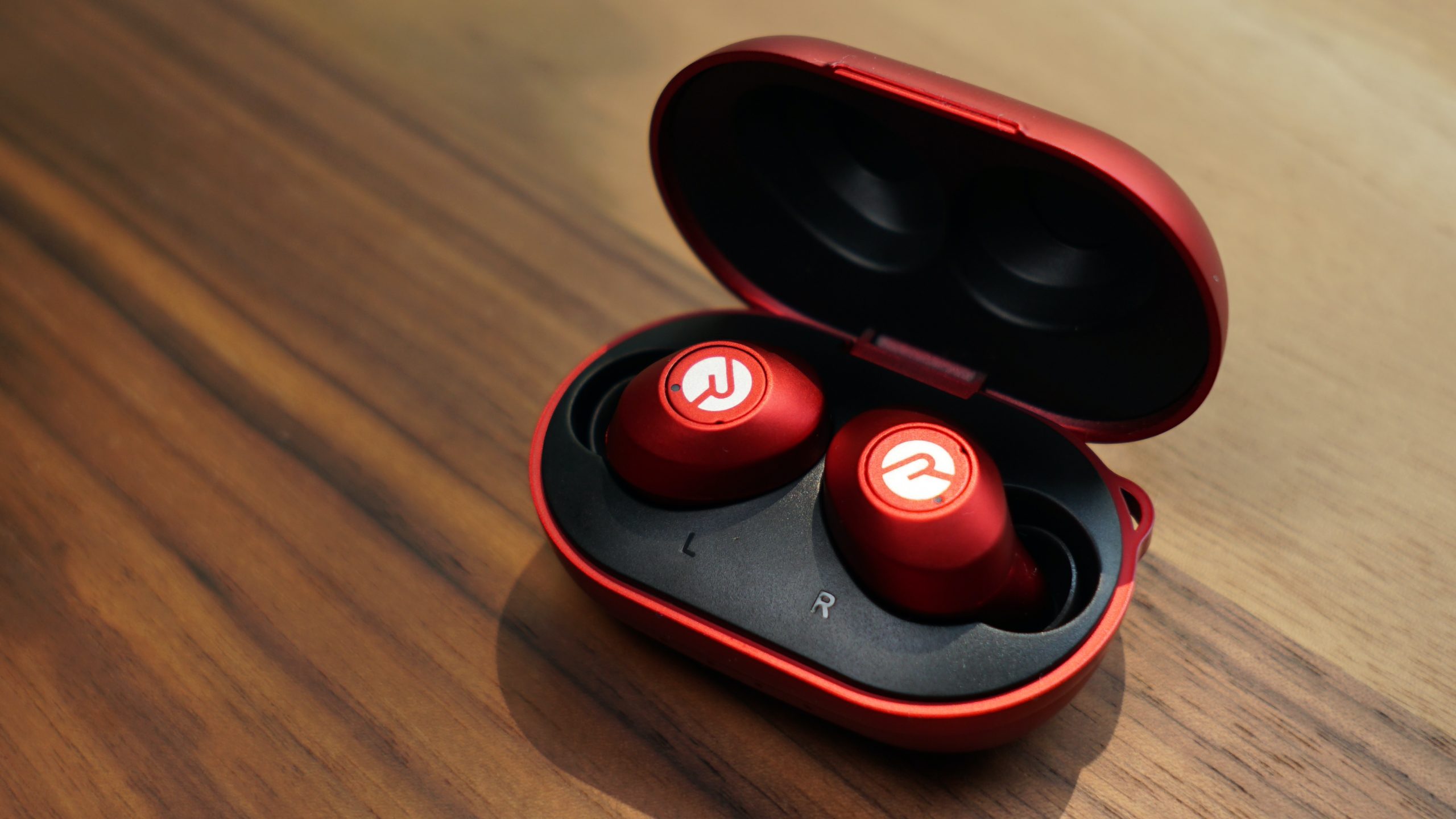
To turn on noise cancelling on Raycon earbuds, press and hold the right earbud for 1.5 seconds. This gesture toggles between Active Noise Cancellation (ANC) and Awareness Mode on the...
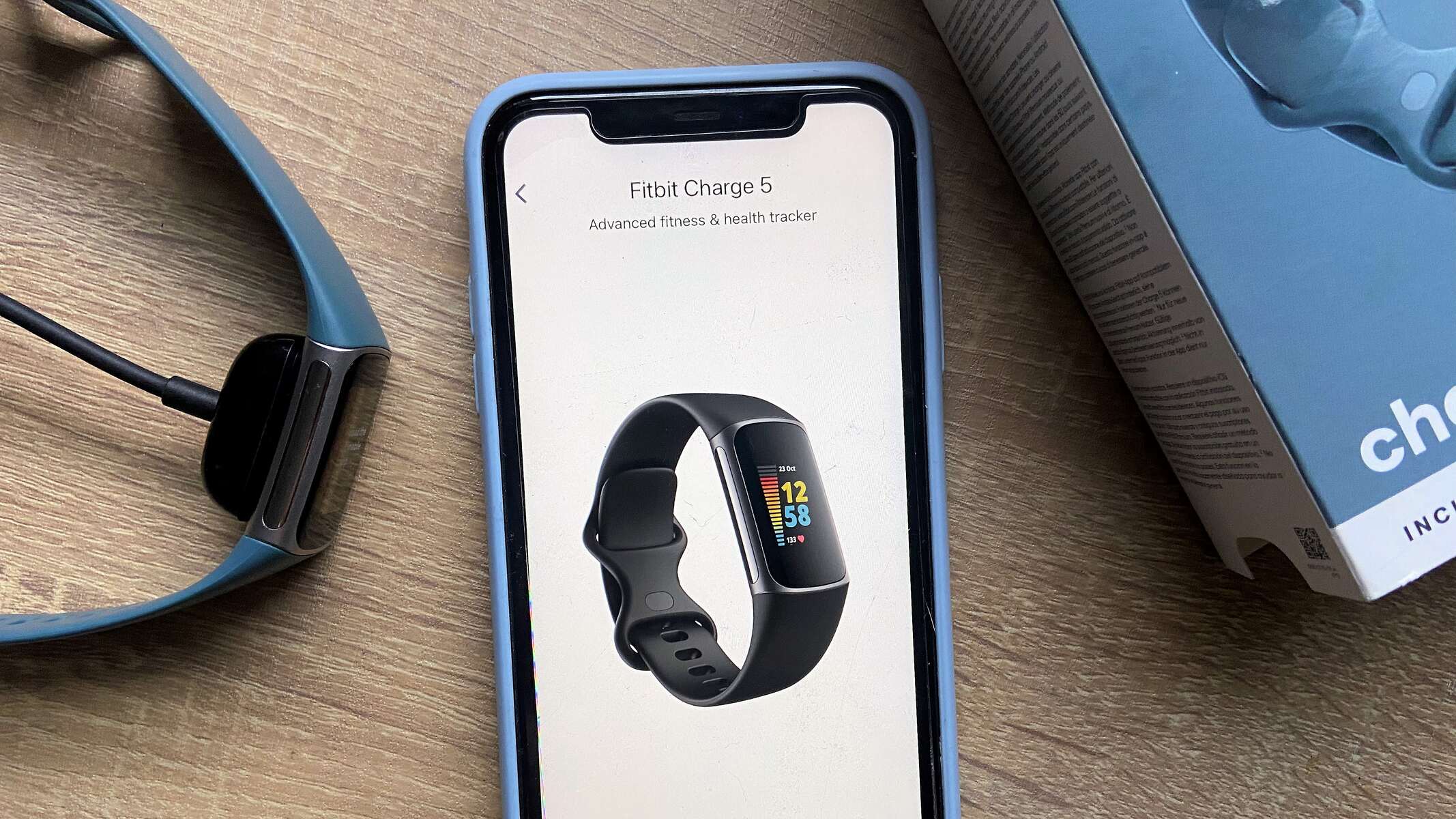
You can use a Fitbit without a smartphone for daily activity tracking, sleep monitoring, and heart rate insights, but the device still needs a phone or computer for its initial...
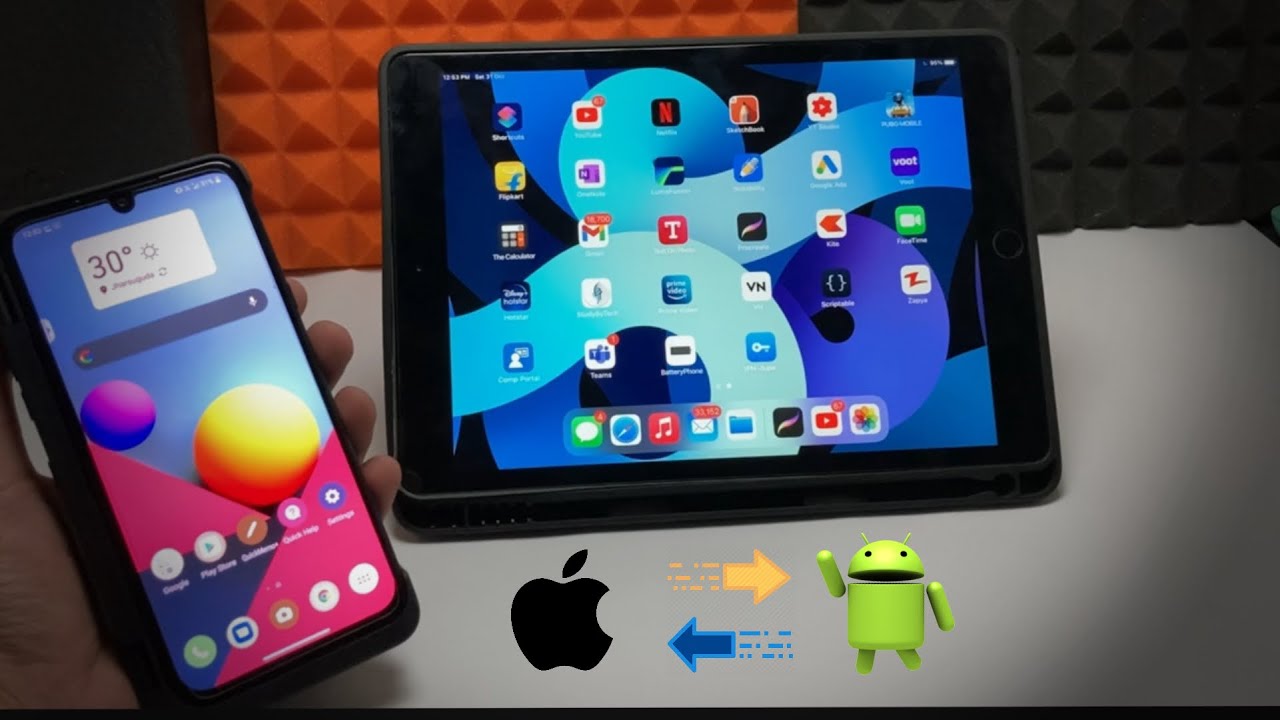
The fastest way to transfer files from android phone to tablet is to use Quick Share, a built-in wireless feature that requires no cables or computer. This method works on...
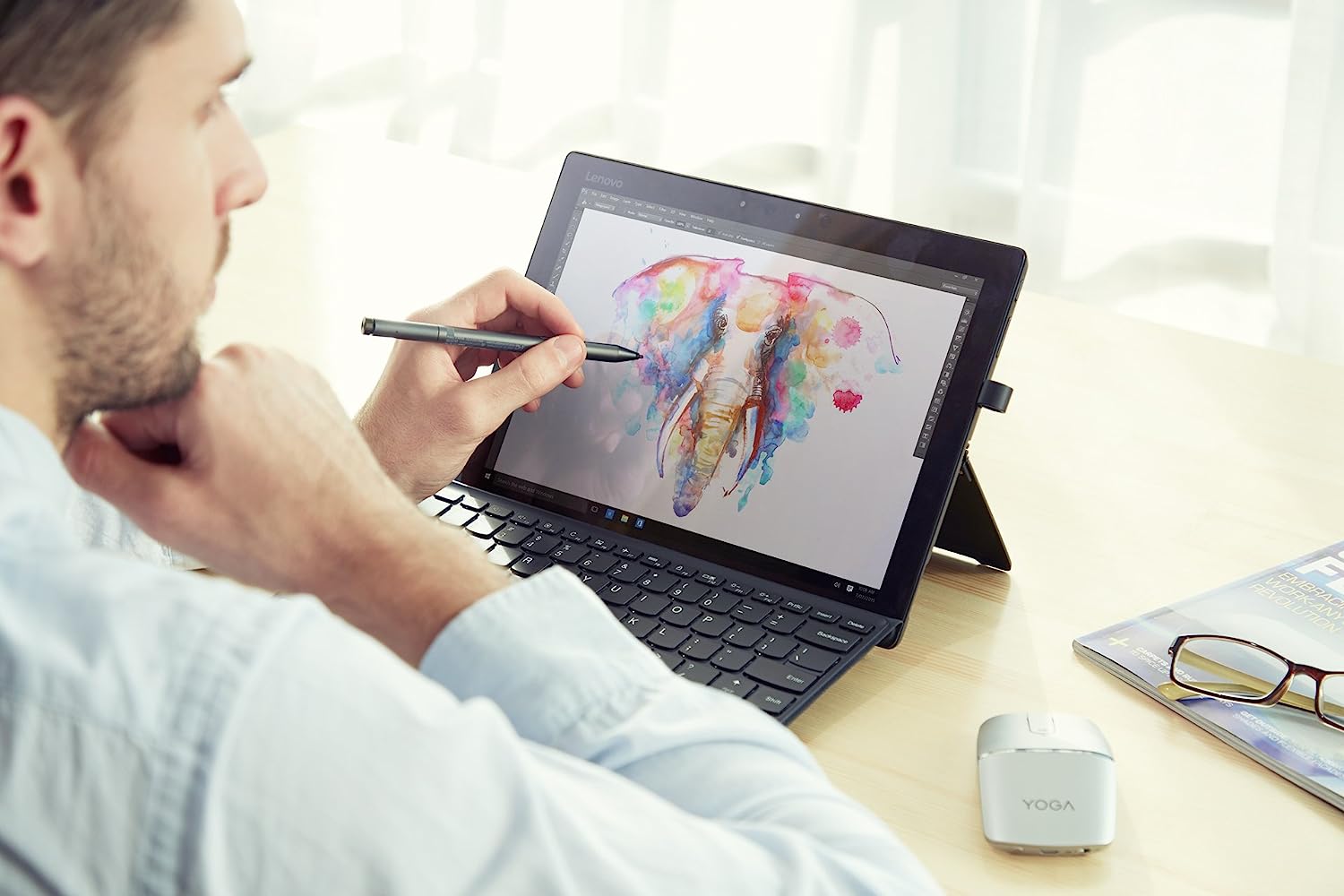
To connect Lenovo pen to tablet, first ensure your tablet supports an active stylus, then enable Bluetooth and put the pen into pairing mode to establish a wireless connection. This...
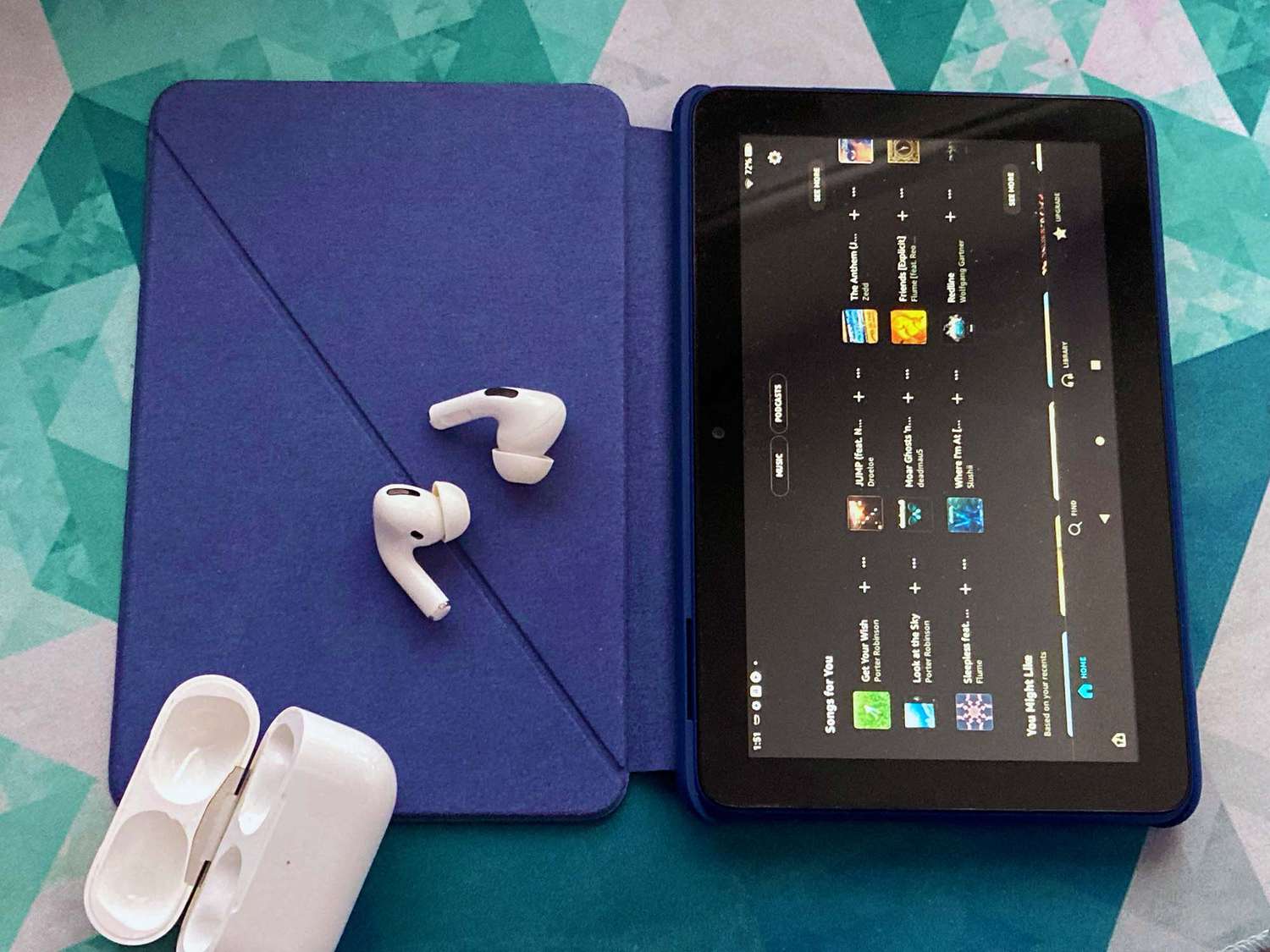
To pair AirPods with a Fire tablet, turn on Bluetooth in the tablet's settings and put the AirPods into pairing mode by holding the setup button on the case until...
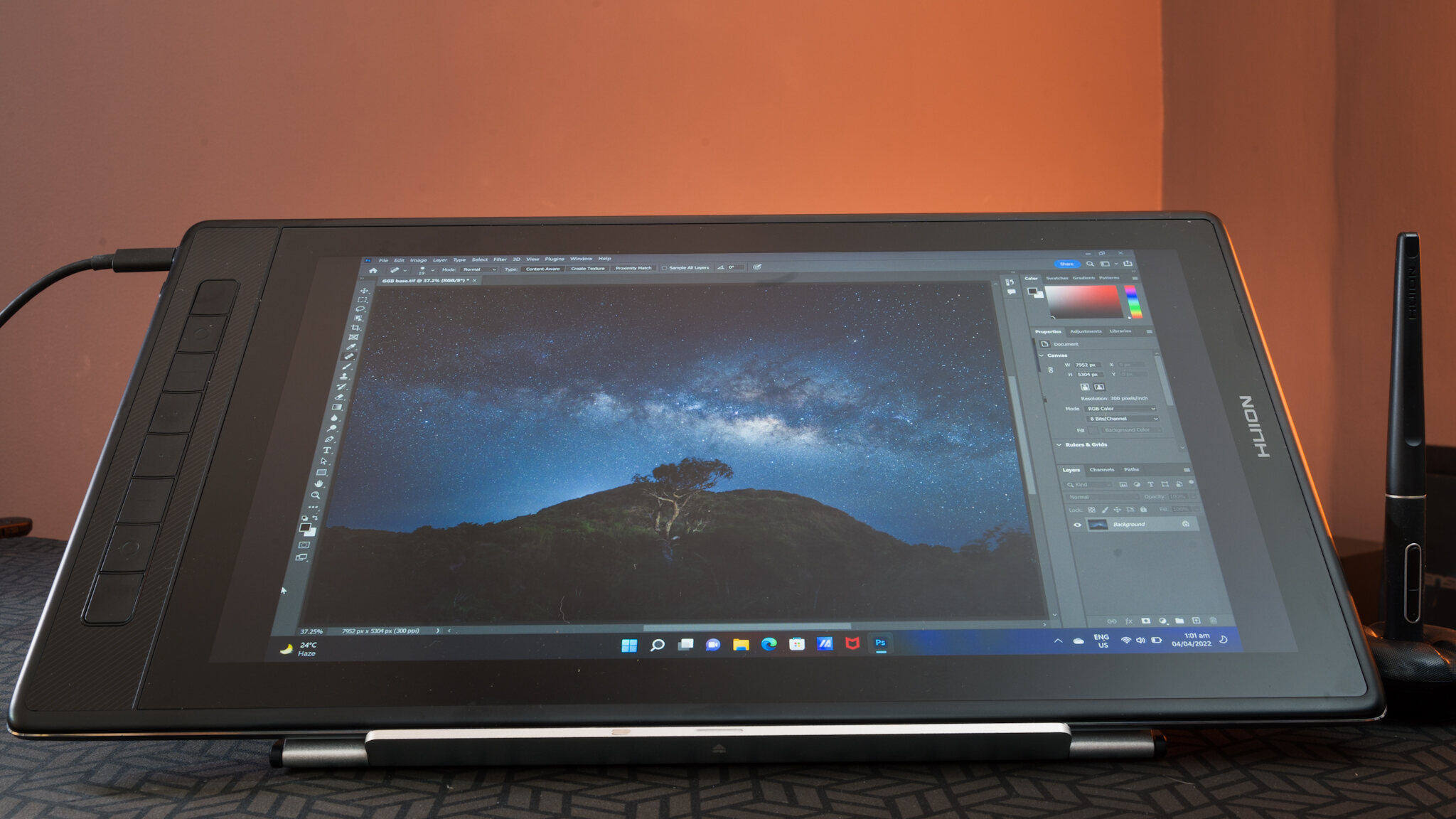
Before you connect your Huion pen to tablet: check compatibility To connect a Huion pen to tablet, plug the included USB cable into your computer, install the correct driver from...
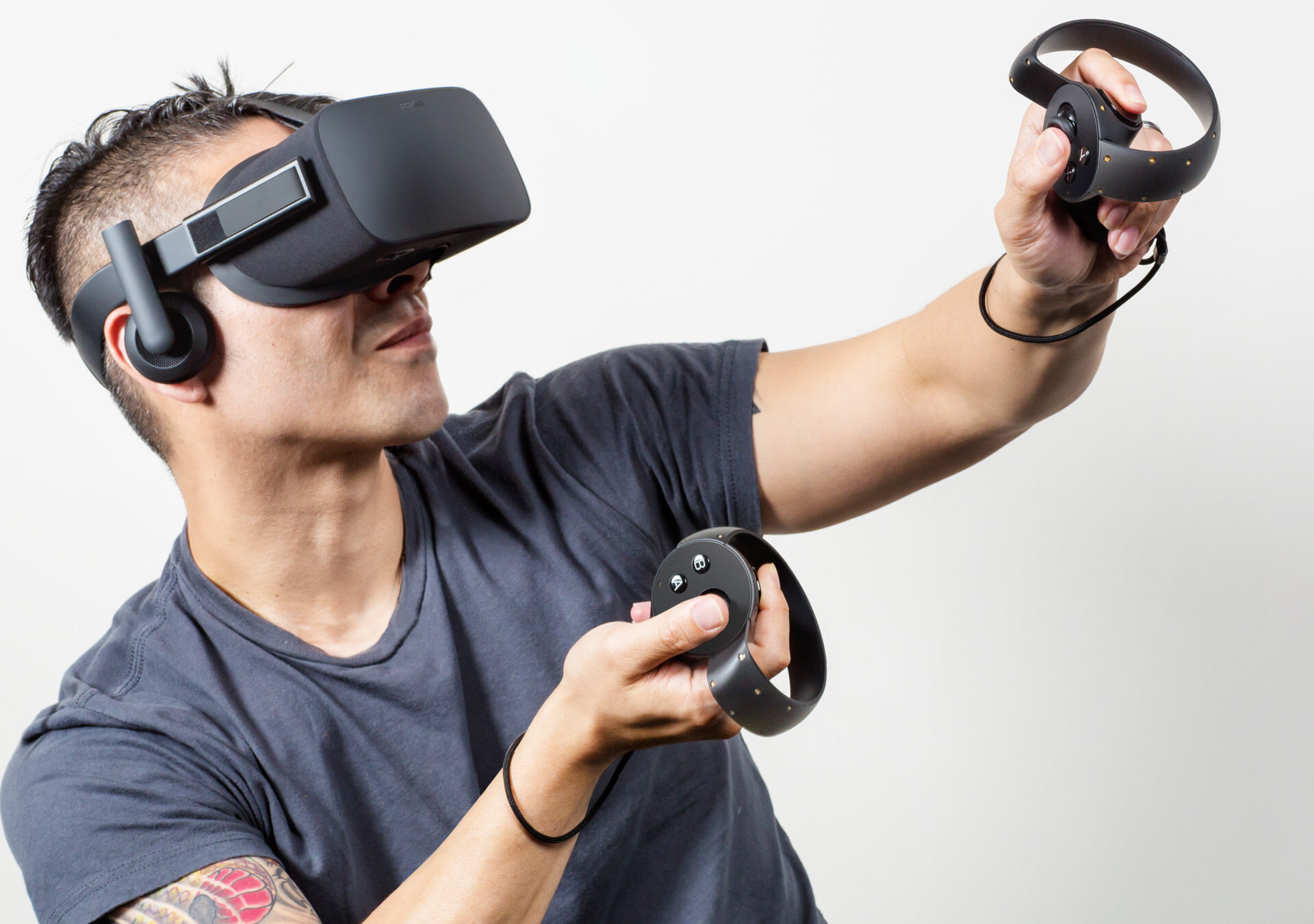
To connect a VR controller to a VR headset, you must follow the specific pairing process for your device brand, as the steps differ between Meta Quest, Valve Index, and...
This website uses cookies so that we can provide you with the best user experience possible. Cookie information is stored in your browser and performs functions such as recognising you when you return to our website and helping our team to understand which sections of the website you find most interesting and useful.
Strictly Necessary Cookies
Strictly Necessary Cookie should be enabled at all times so that we can save your preferences for cookie settings.
If you disable this cookie, we will not be able to save your preferences. This means that every time you visit this website you will need to enable or disable cookies again.