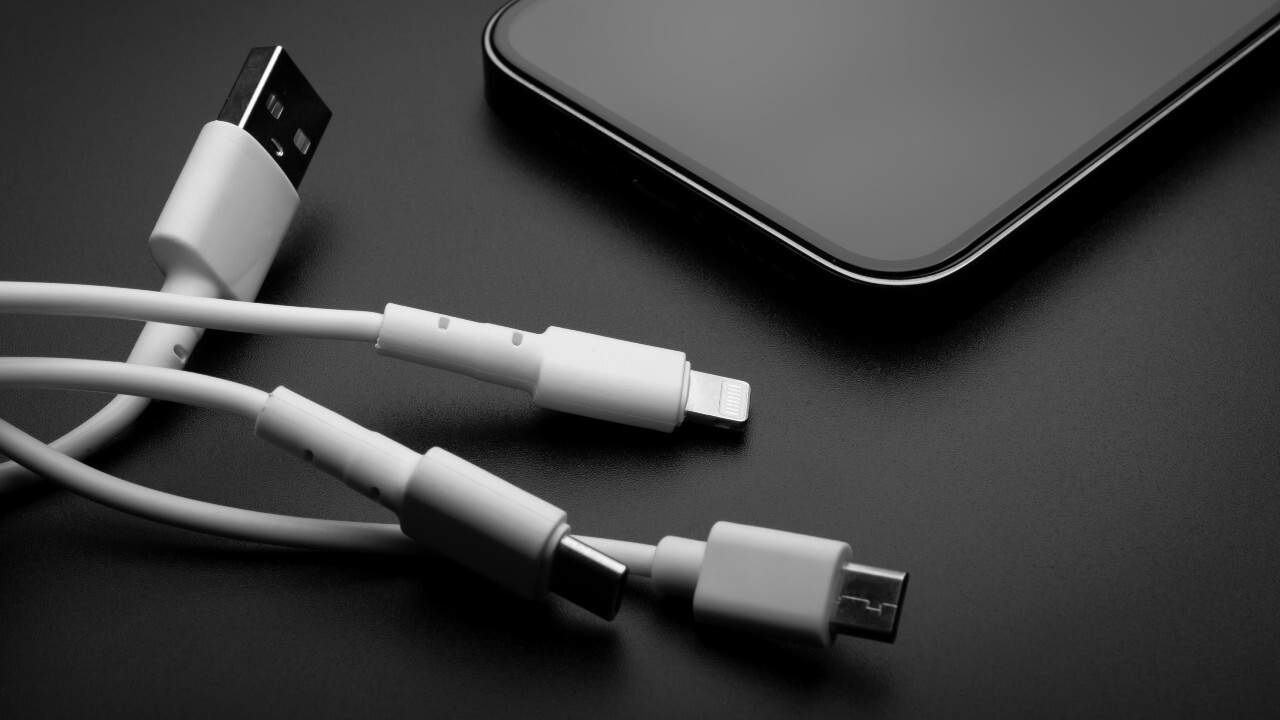
A USB charger converts AC power from a wall outlet into the DC power your devices need, and its core function is to deliver that power safely and efficiently to recharge batteries. Understanding USB charger functions helps you choose the right adapter for faster, safer charging and avoid common pitfalls like slow charging or compatibility issues.
What is a USB charger and its core functions?
A USB charger is a device that converts alternating current (AC) from a wall outlet into the direct current (DC) required by electronic devices, delivering it through a USB port. Its primary functions are to provide a stable voltage (typically 5V) and sufficient current to charge a device’s battery, while also managing safety protections against overcurrent and overheating. This simple conversion is what makes USB chargers universal for powering smartphones, tablets, and many other gadgets, and the same principles apply when you need to charge a halo charger for your portable power needs.
Common types of USB chargers by form factor
USB chargers come in several practical form factors to suit different situations. Wall chargers plug directly into standard outlets and are the most common for home or office use. Car chargers connect to a vehicle’s 12V power socket, keeping devices charged during commutes or road trips. Power banks are portable battery packs that store energy for charging on the go without a wall outlet. Multi-port chargers feature multiple USB ports, allowing you to charge several devices simultaneously from one power source.
The evolution from USB-A to the modern USB-C connector
Older USB-A ports typically provide a fixed 5V and lower current, resulting in significantly slower charging, especially for devices with larger batteries like tablets. The initial USB standards (USB 1.x, 2.0, 3.x) provided limited power, typically 5V at 500mA for USB 2.0 and 900mA for USB 3.0, primarily for powering peripherals. The modern USB Type-C (USB-C) connector is a small, oval-shaped, and reversible connector that has become the industry standard for charging and data transfer due to its versatility. Beyond charging, USB-C ports can also transfer data at high speeds and, on compatible devices, output audio and video signals (e.g., DisplayPort, HDMI). This evolution from USB-A to USB-C means you get faster charging, a reversible plug that works every time, and a single cable that can handle power, data, and video.
How USB Power Delivery (PD) enables fast charging
USB Power Delivery (USB PD) is an advanced fast-charging standard that allows the charger and the connected device to communicate and negotiate for the optimal and safest power transfer, enabling significantly higher power levels. A key feature of USB PD 3.0 is Programmable Power Supply (PPS), which allows for dynamic, fine-tuned voltage and current adjustments (in 20mV steps) to improve charging efficiency and reduce heat generation in the device. This negotiation process means your device gets exactly the power it needs, when it needs it, for the fastest possible charge without overheating.
Proprietary vs. open fast-charging standards
It is crucial to understand the difference between the universal USB PD standard and proprietary technologies. Quick Charge (QC) is a proprietary fast-charging technology developed by Qualcomm and is not the same as the open standard USB Power Delivery (PD). For fast charging to occur, the charger, the cable, and the device must all support the specific fast-charging standard, such as USB PD. Not all USB-C chargers are PD chargers; it is important to read the specifications carefully to ensure PD compatibility for fast charging. Knowing this distinction prevents you from buying a charger that won’t fast-charge your device.
Understanding charger specifications for safe use
Charger specifications like voltage, amperage, and wattage can seem confusing, but they are straightforward for safe use. Plugging a device into a higher wattage charger than it needs will not damage it, as the device's internal circuitry will only draw the power it requires. What matters for fast charging is matching the fast-charging standard, your device and charger must both support the same protocol, like USB PD or Quick Charge, for the speed boost to work. This knowledge lets you safely use a higher-wattage charger for multiple devices without worry.
Troubleshooting common USB charger problems
When charging is slow, intermittent, or fails entirely, a few simple checks often solve the problem. First, inspect the cable: a damaged or low-quality cable is a common cause of slow or failed charging. Second, clean the charging port on both the charger and device, as debris can interrupt the connection. Third, verify compatibility, if your device supports USB PD but your charger does not, you won’t get fast charging. By checking the cable, port, and standard compatibility, you can quickly identify and fix most charging issues without replacing your charger.
\nRelated reading: How Much Data Does Using A Tablet Hotspot Actually Use Per Hour and How To Make A Smartphone.