Whether you’re setting up a new smart TV, pairing a headset to your console, or trying to recover a message that just vanished, the how-to guides here walk you through the everyday tech tasks that usually come with a dozen confusing menu steps. The collection is written for anyone who wants clear, direct instructions, no jargon, no assumed knowledge, so you can get your devices working the way you expect.
Many of the main guides focus on getting content onto your screen and audio into your ears: you can learn how to download Zoom, activate Netflix or Paramount Plus on your smart TV, watch MLB.TV, turn on subtitles, or switch on noise cancelling for your headphones. A second cluster of guides helps you manage and reset your hardware, unlocking an Amazon tablet, calibrating an Apple Pencil, resetting a smart TV, or getting the most from your Samsung remote. For connectivity, you’ll find practical steps for casting from Roku, changing your Roku email, and connecting a headset to a PC or console.
Beyond the start-here pages, the section also covers everyday troubleshooting and setup tasks: clearing your downloads folder, generating strong password ideas, uploading and downloading with Google Drive, and connecting printers, phones, and tablets to mobile hotspots. You’ll also find guides for linking a hotspot to your PS5, Nintendo Switch, Roku, or Vizio TV, plus tips for reducing static on FM transmitters and improving audio by connecting an iPad to a DAC. The goal is simple: help you complete the task at hand, from start to finish, without second-guessing the steps.
 Disappearing and Deleted Messages
 How Do I Download Zoom
 How Do I Get Paramount Plus On My Smart TV?
 How Do I Turn Noise Cancelling On
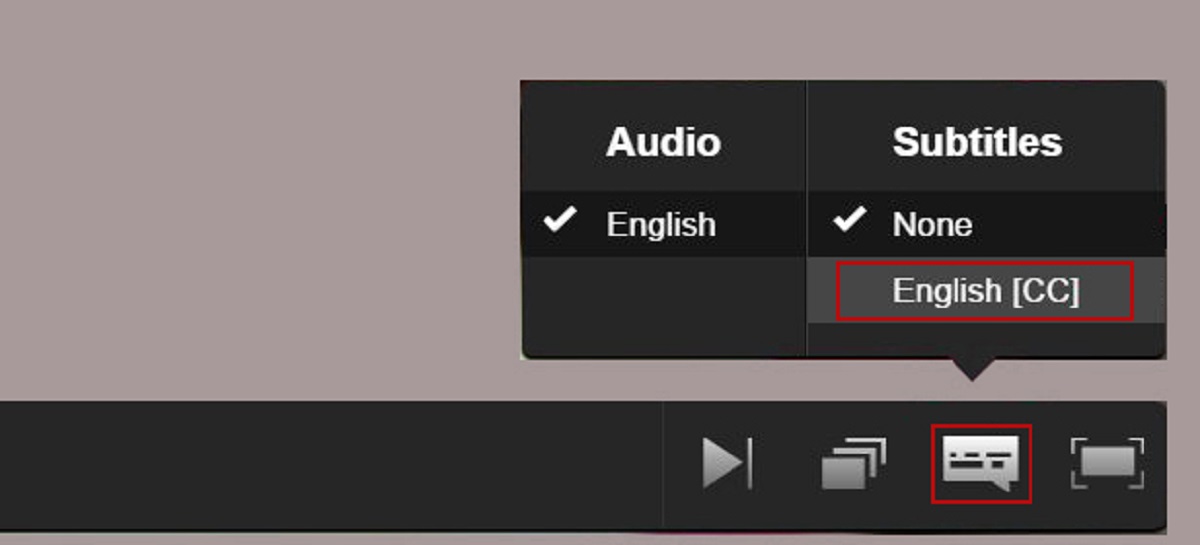 How Do I Turn On Subtitles
 How Do I Unlock My Amazon Tablet?
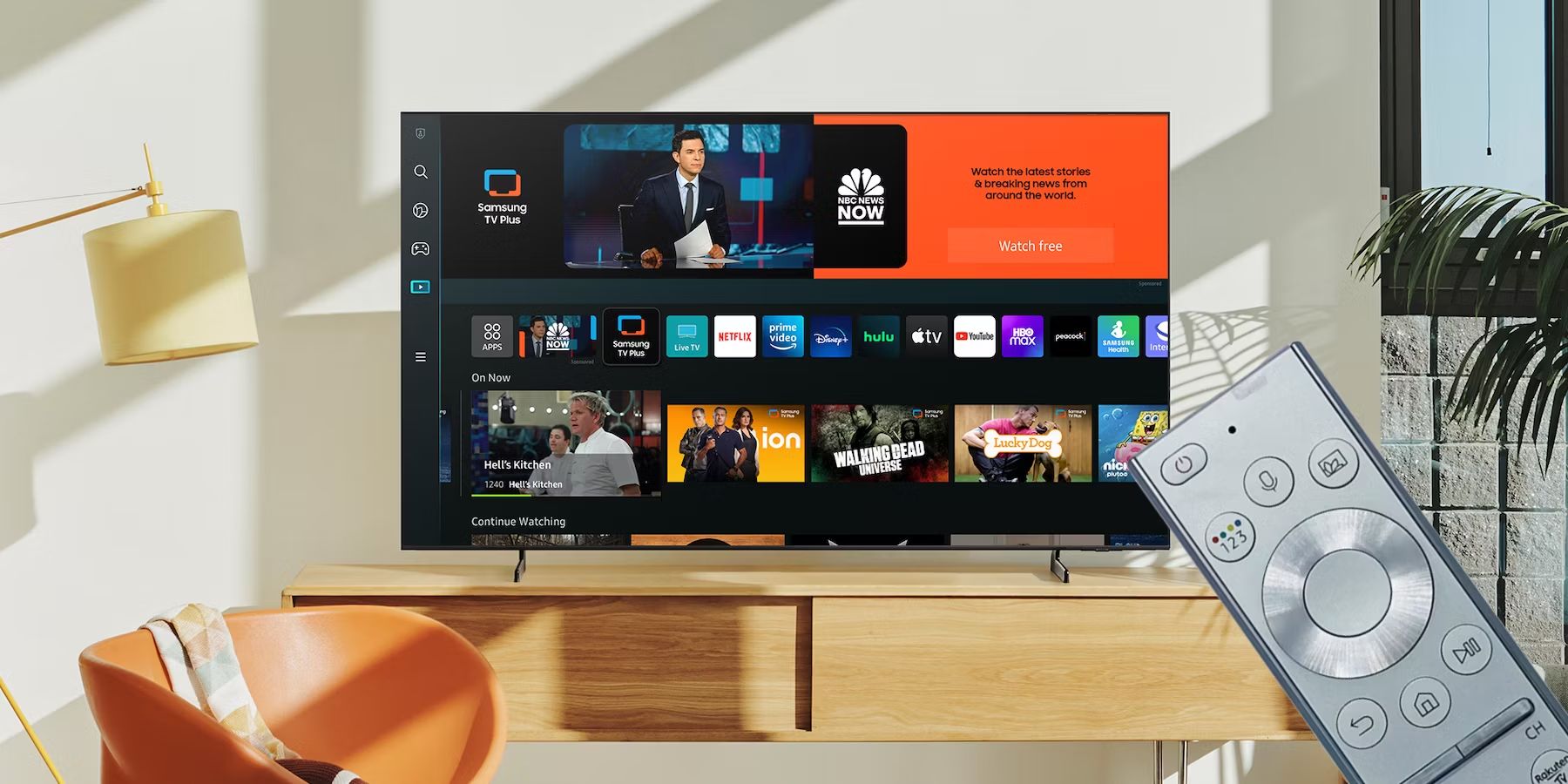 How Do I Use My Samsung Smart TV Remote?
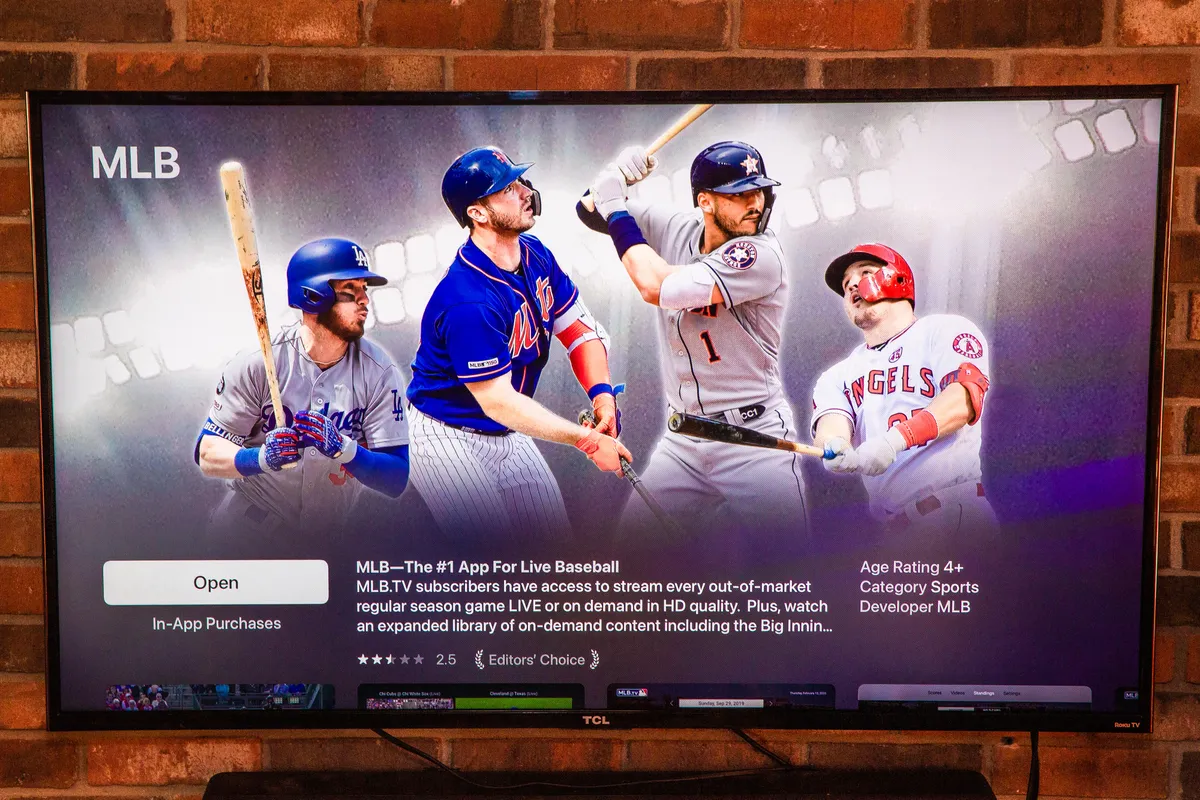 How Do I Watch Mlb.TV On My Smart TV
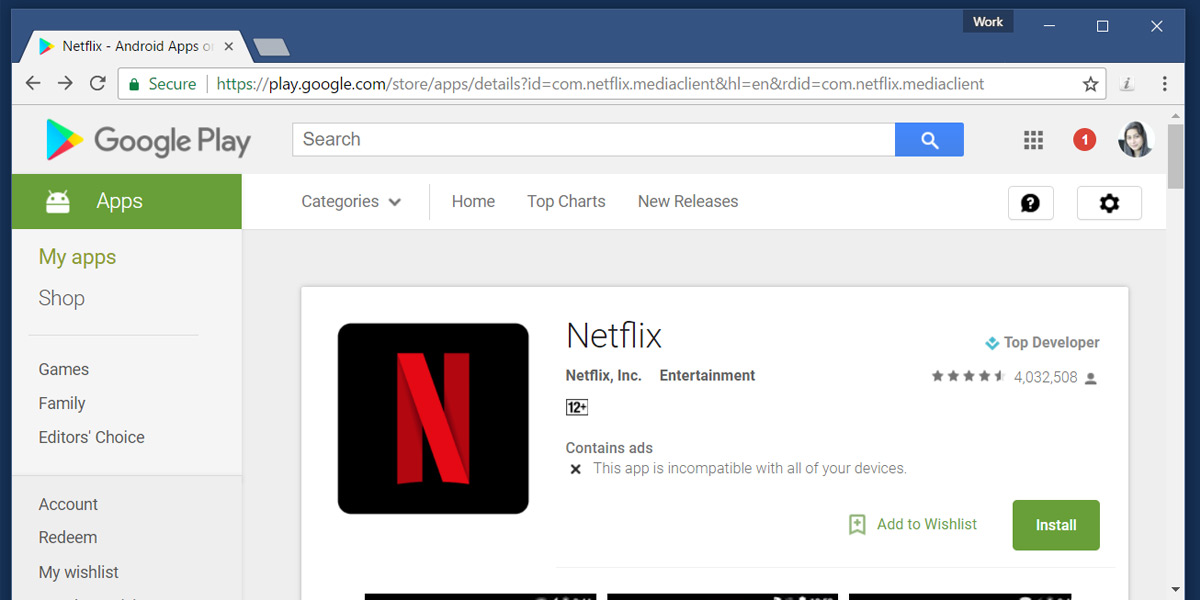 How Do You Get Netflix
 How Do You Reset A Smart TV
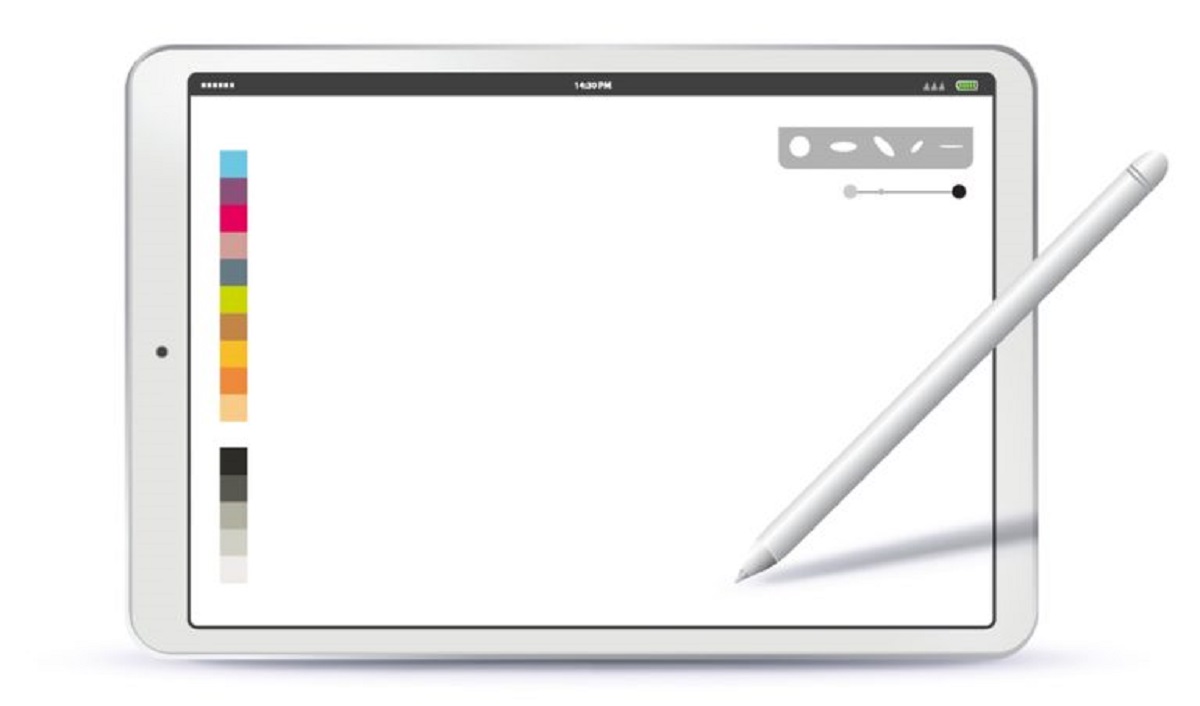 How To Calibrate Apple Pencil
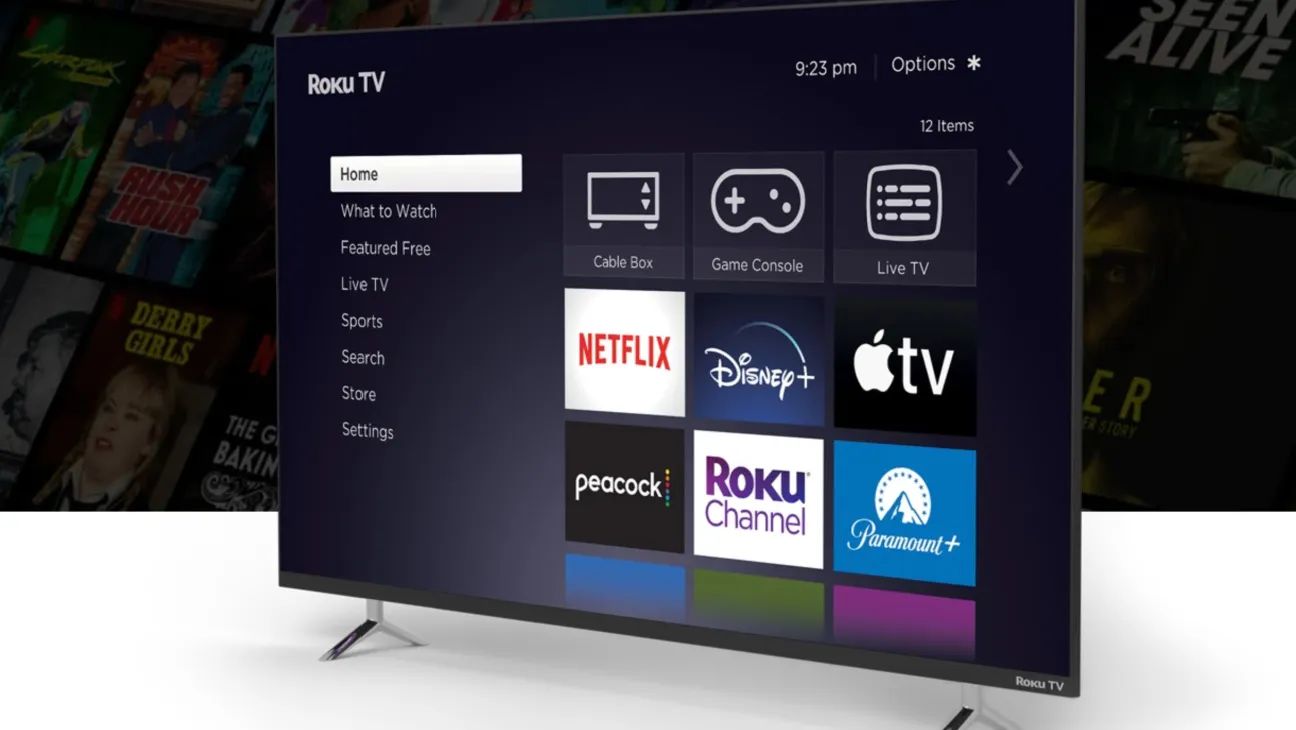 How To Change Roku Email


