To download Chance the Rapper music legally, your best options are streaming services with offline modes or digital stores where you can buy and own his tracks. You’ll need a premium subscription for offline listening on Spotify or Apple Music, or you can purchase downloads directly from his official site or platforms like iTunes and Amazon Music.
How to download Chance the Rapper music legally
Legal downloads ensure you support the artist while getting reliable, high-quality audio files. Chance the Rapper’s discography, including albums like *The Big Day* and *Star Line*, plus mixtapes *Acid Rap* and *Coloring Book*, is available across major platforms. For offline listening, you either subscribe to a streaming service with download features or buy individual tracks and albums outright. The table below summarizes your main choices, but keep reading for step-by-step instructions on each method.
Download on Spotify with a premium subscription
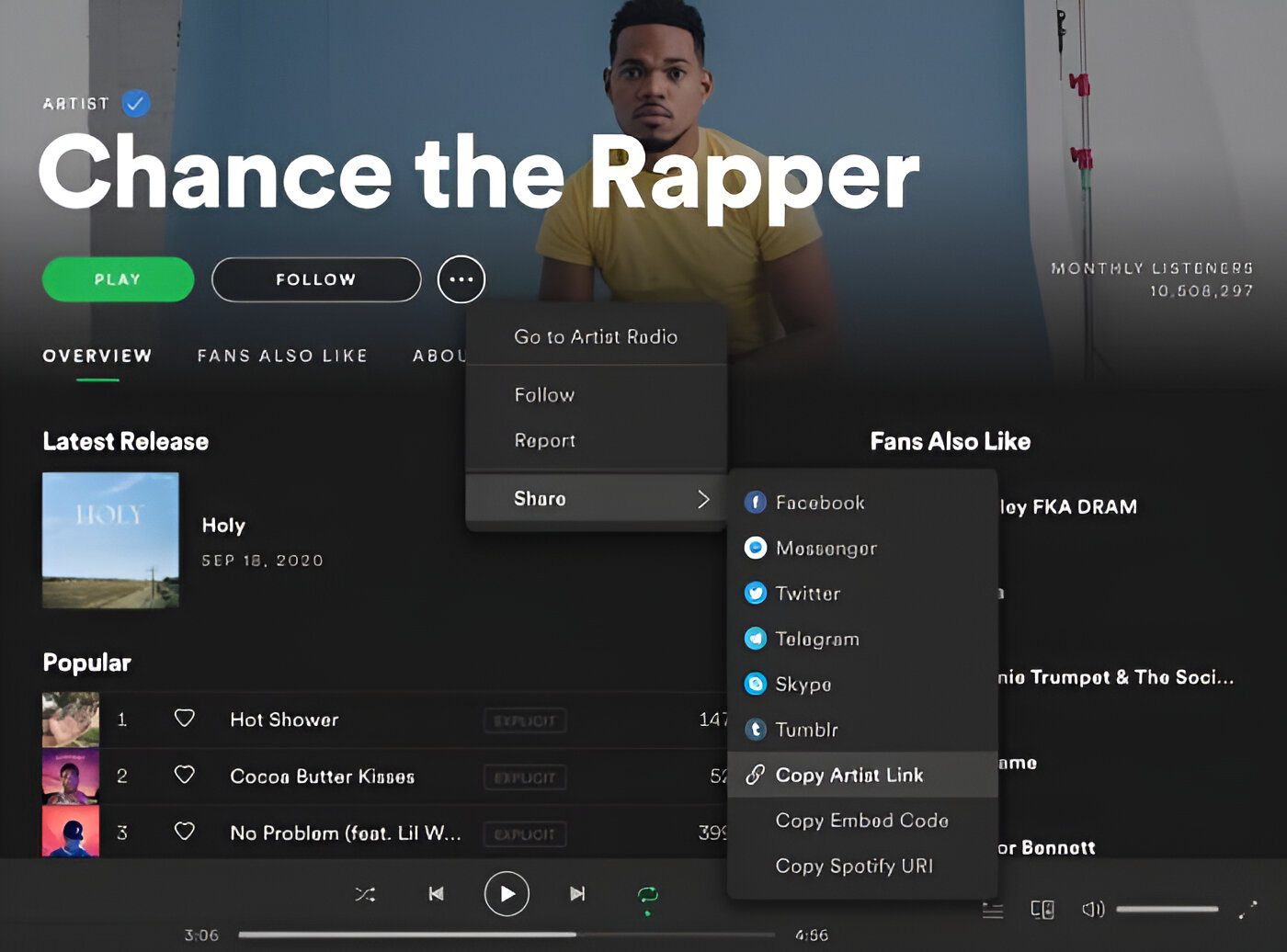
Spotify requires a Premium plan to save Chance the Rapper’s music for offline playback. This is the easiest way to carry his full catalog on your phone or tablet without buying each song.
- Open the Spotify app and find the album or playlist you want (for example, *Acid Rap* or a curated Chance playlist).
- Tap the “Download” toggle switch at the top of the album or playlist page, it will turn green when active.
- Wait for the download to finish, then switch to Offline Mode in Settings to listen without an internet connection.
Remember that Spotify only allows downloads for albums and playlists, not individual songs. Also, you must connect to the internet at least once every 30 days to keep your downloaded tracks playable. Without a Premium subscription, you can only stream, not download.
Download on Apple Music for offline listening
Apple Music offers a similar offline feature, but you must first enable Sync Library to access your downloads across devices. This method works for both albums and single tracks from Chance’s catalog.
- On your iPhone or iPad, go to Settings > Apps > Music and toggle on “Sync Library.”
- Open the Music app and add Chance the Rapper’s songs or albums to your library by tapping the “+” button.
- Tap the download button (a downward arrow icon) next to any album, playlist, or individual song you want offline.
- Optionally, enable “Automatic Downloads” in Settings > Apps > Music so any new music you add is saved offline automatically.
Like Spotify, Apple Music requires you to connect to the internet at least once every 30 days to keep your downloads valid. This rule applies to all streaming services, so you can’t stay offline indefinitely.
Purchase digital downloads from official websites
For permanent ownership and direct artist support, buy Chance’s music from his official merchandise store, chancestuff.com. This is the most reliable way to get high-quality files while ensuring your money goes straight to him.
- Visit chancestuff.com and navigate to the “Music” or “Digital” section.
- Look for products like the “Star Line Digital Download” or other digital album releases.
- Complete your purchase with a payment method, then check your email for a download link.
The benefit of buying from the official site is that you receive permanent files (usually MP3 or FLAC) that you can keep forever, back up, and play on any device. Always double-check that you’re on the verified chancestuff.com domain, look for the padlock icon in your browser and avoid third-party resellers that may offer unauthorized copies.
Buy and download from music platforms
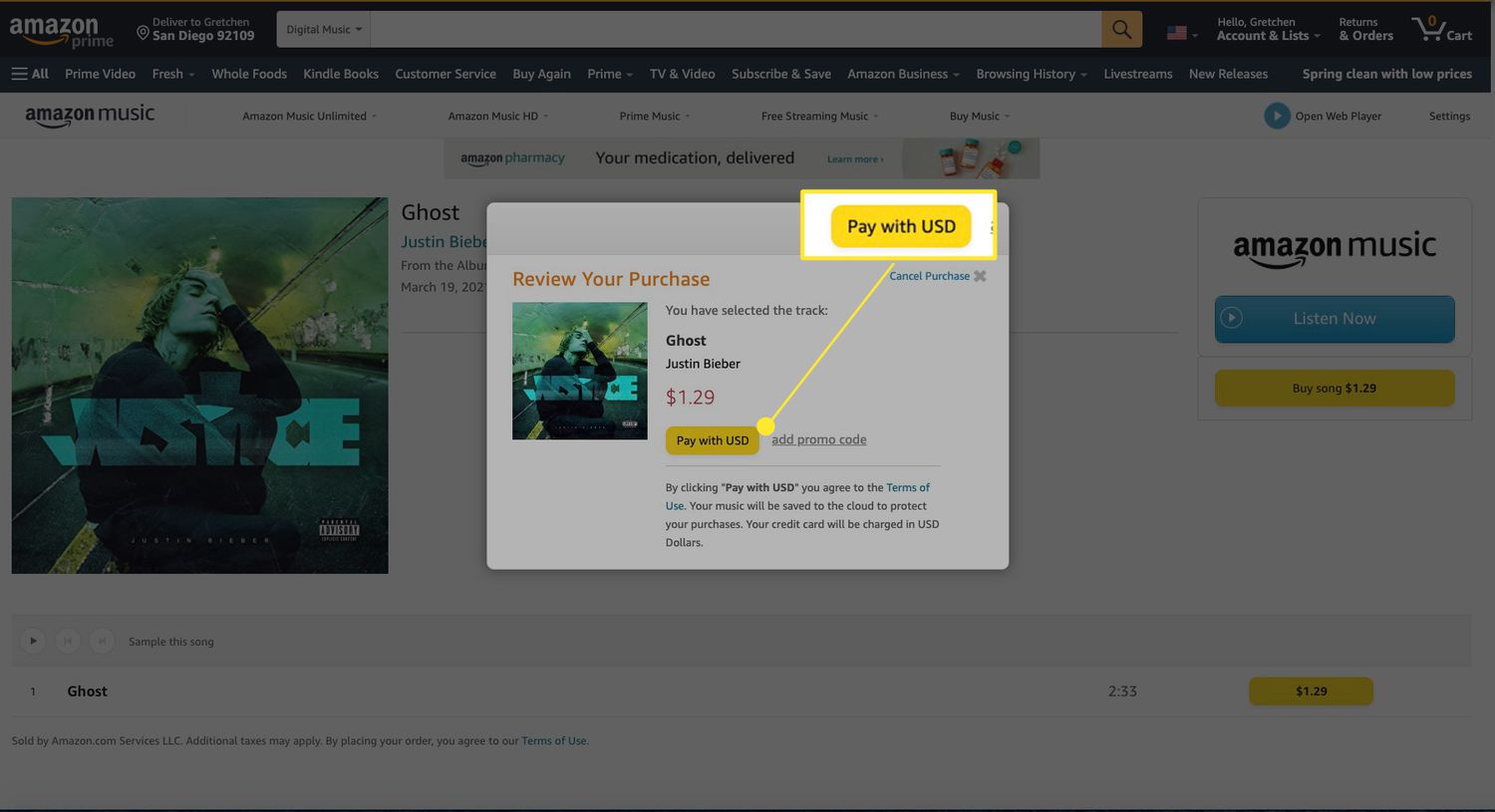
If you prefer a familiar storefront, iTunes, Amazon Music, and Google Play Music (now YouTube Music) all sell Chance the Rapper’s music as digital files. This is the best route if you want to own individual tracks or albums without a subscription.
- Open your preferred store (iTunes Store, Amazon Music, or YouTube Music) and search for “Chance the Rapper.”
- Browse his discography, albums like *The Big Day* and mixtapes like *Coloring Book* are available for purchase.
- Select the tracks or albums you want, complete the checkout, and download the files directly to your device.
Purchased music comes in high-quality formats (AAC on iTunes, MP3 on Amazon) and you own the files permanently, no reconnection rules or subscription required. This is also the ideal option if you want to transfer songs to an MP3 player or burn a CD. For those specifically searching for a way to download music MP3 files, buying from these stores is the cleanest legal method.
Streaming on YouTube Music and Amazon Music
Both YouTube Music and Amazon Music carry Chance the Rapper’s major releases, including *The Big Day*, *Star Line*, *Acid Rap*, and *Coloring Book*. With a paid subscription, you can download his songs for offline listening just like on Spotify or Apple Music.
- Subscribe to YouTube Music Premium or Amazon Music Unlimited (both offer free trials).
- Search for Chance the Rapper and open an album or playlist.
- Tap the download icon (downward arrow) next to the album, playlist, or individual track.
- Access your downloads from the “Library” or “Offline” tab when you’re away from Wi-Fi.
These platforms also support cross-device syncing, so you can start downloading on your phone and finish on your tablet. However, keep in mind the 30-day internet reconnect rule applies here too, if you go offline for longer, your downloads will expire until you reconnect. For permanent ownership, skip streaming and use the purchase options above instead.