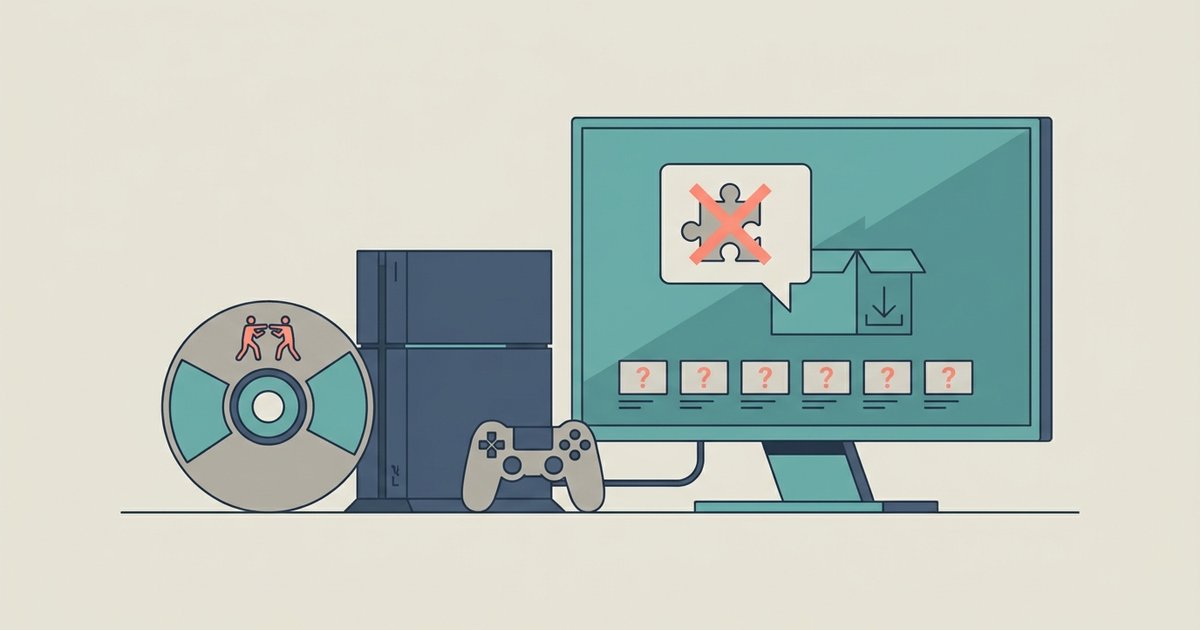
The DLC is installed but locked behind a missing digital license. You must install the game's RAP license file and ensure your DLC package matches your game region, or the characters will remain permanently grayed out.
Fix Mortal Kombat 9 DLC by installing the missing RAP file
You might see the DLC listed under "Installed" in RPCS3's game list. That only means the .pkg file was decrypted and its contents were placed into the game's directory. The in-game character selection screen checks for a valid license before releasing Freddy Krueger, Kenshi, or Skarlet. This license is stored in a .rap file, which must be placed in the appropriate exdata folder for your RPCS3 configuration. If that folder is empty or the RAP file is missing, the characters will appear grayed out even though the DLC data is present. You can obtain the correct RAP file by dumping it from your own PS3 console using a tool like PSN Patch or by exporting it with Apollo Save Tool. You can also search for the specific file that matches your game's title ID. Once placed, restart RPCS3 and the characters should become selectable.
Region mismatch between game and DLC
Installing a European DLC package on a North American copy of Mortal Kombat 9 Komplete Edition will cause the content to show as installed in RPCS3's menu but never activate in-game. The license check compares the region code embedded in the DLC against the region code of the base game. To verify your game's product code, check the game's properties or information panel in RPCS3 for the serial field. For example, BLUS30442 is a known US version and BLES01464 is a known EU version, but verify your specific disc's serial. Your DLC .pkg file must match that exact serial. If you downloaded a DLC pack labeled "BLES01464" but your game is "BLUS30442," the characters will remain locked. This is a common issue when users follow guides that tell them to get mortal kombat 9 on PC from sources that mix regions. Always check the serial before installing any DLC package, and once your region is correct, RPCS3 mortal kombat 9 best settings for performance can help eliminate stuttering during fights.
When the DLC is genuinely broken
If your RAP file is correctly placed and the region matches, but the DLC characters still do not appear, the DLC files themselves may be corrupt dumps. A genuine corruption will usually cause RPCS3 to throw an error during boot. It may also show a warning about a missing or invalid file in the log, which is accessible through the emulator's log viewer. A license issue results in silent failure, no error, just grayed-out characters. To test, try loading a save file that already has the DLC characters unlocked. If the game crashes or fails to load, the DLC data is likely damaged. Re-dump the DLC .pkg from your original PS3 or find a verified replacement. If you are also troubleshooting other NetherRealm titles, you might look up how to play 2 players mortal kombat 11. For MK9 specifically, a corrupt DLC dump is the last thing to check after confirming the RAP and region, but if the game loads with distorted sound, you may need to fix audio crackling mortal kombat 9 RPCS3.