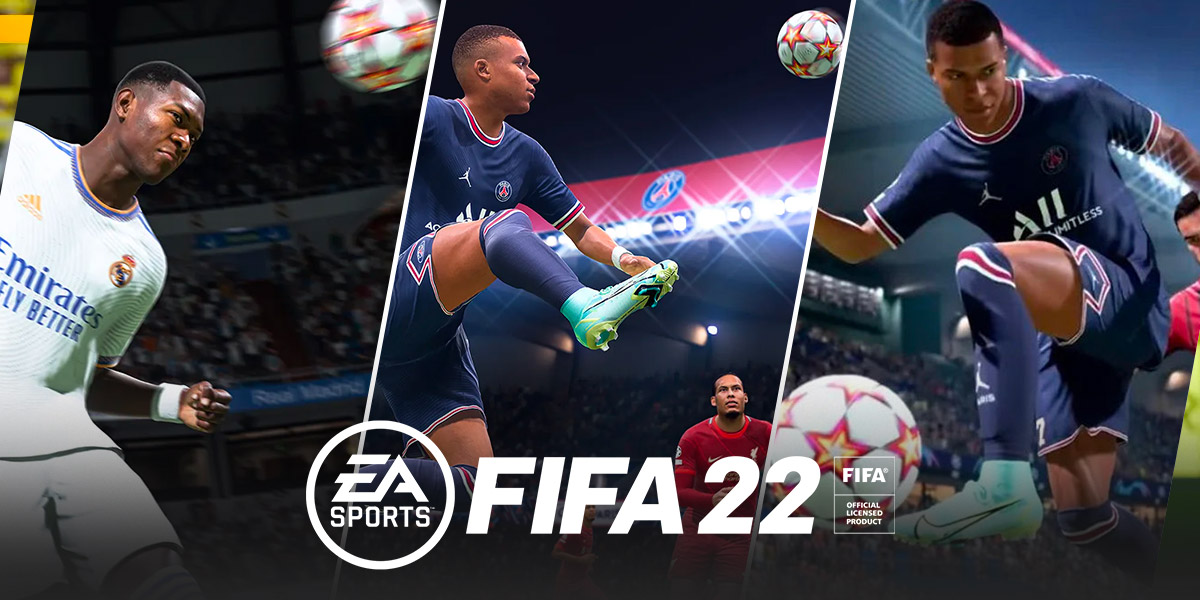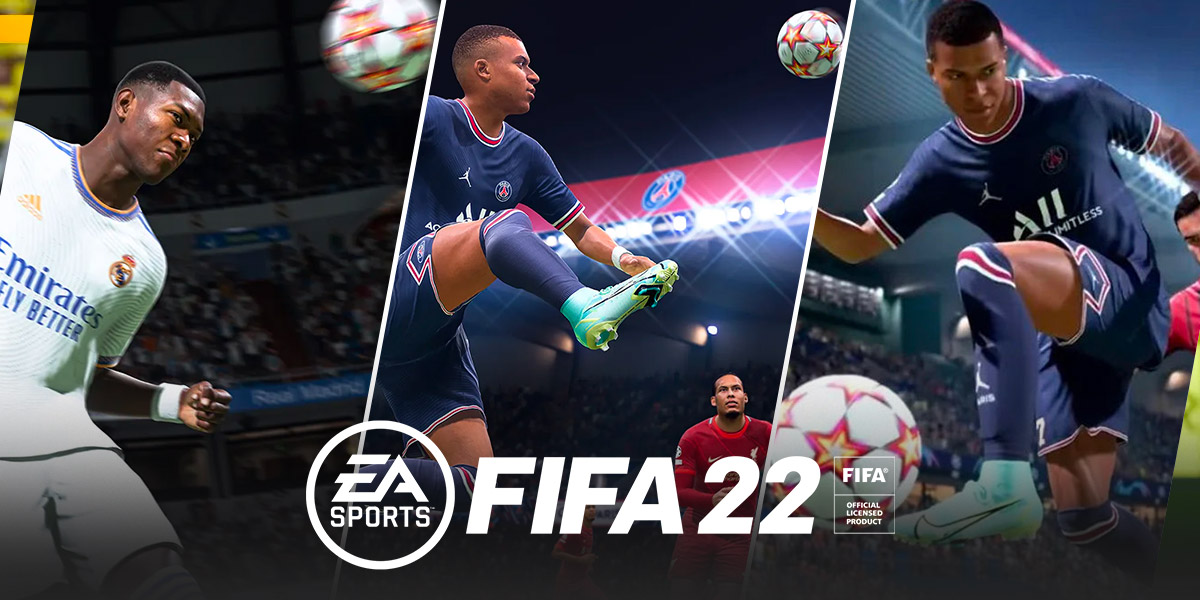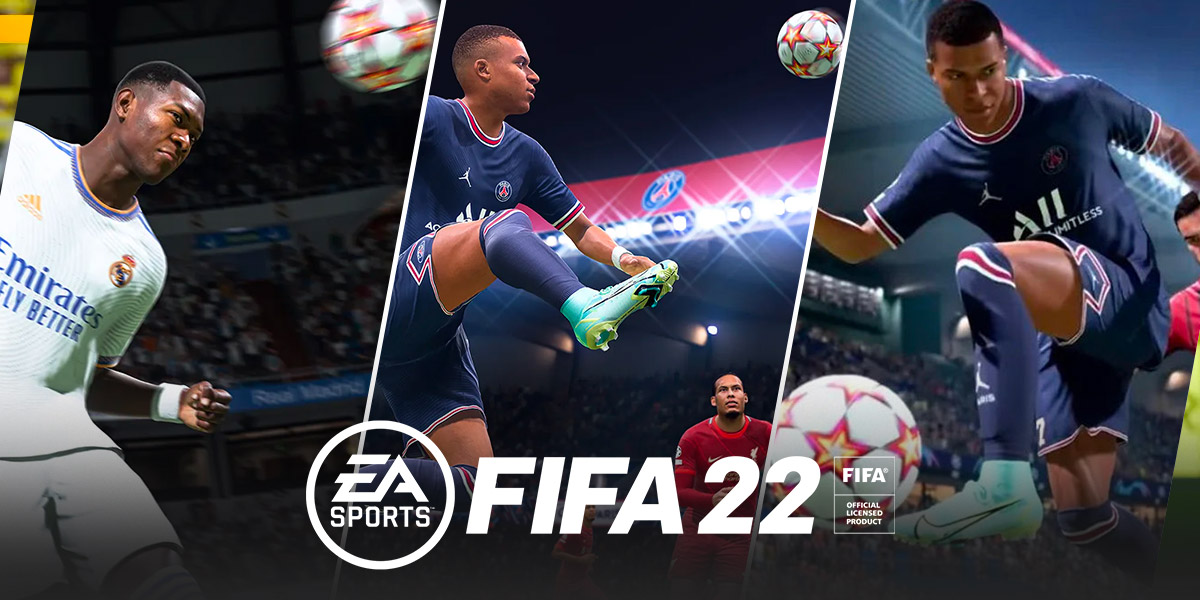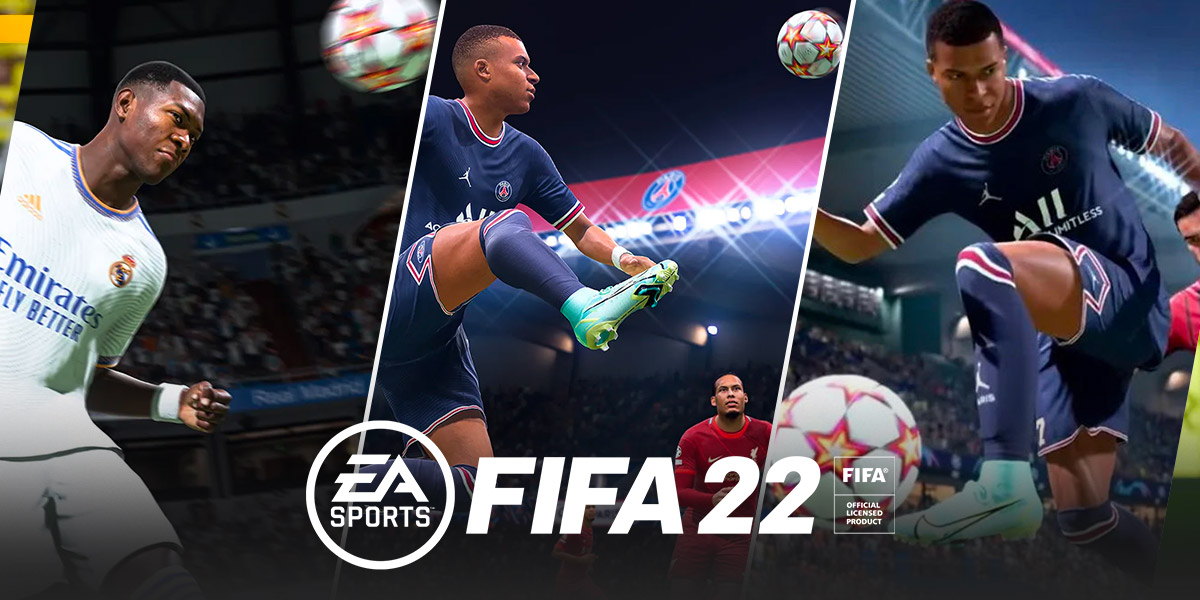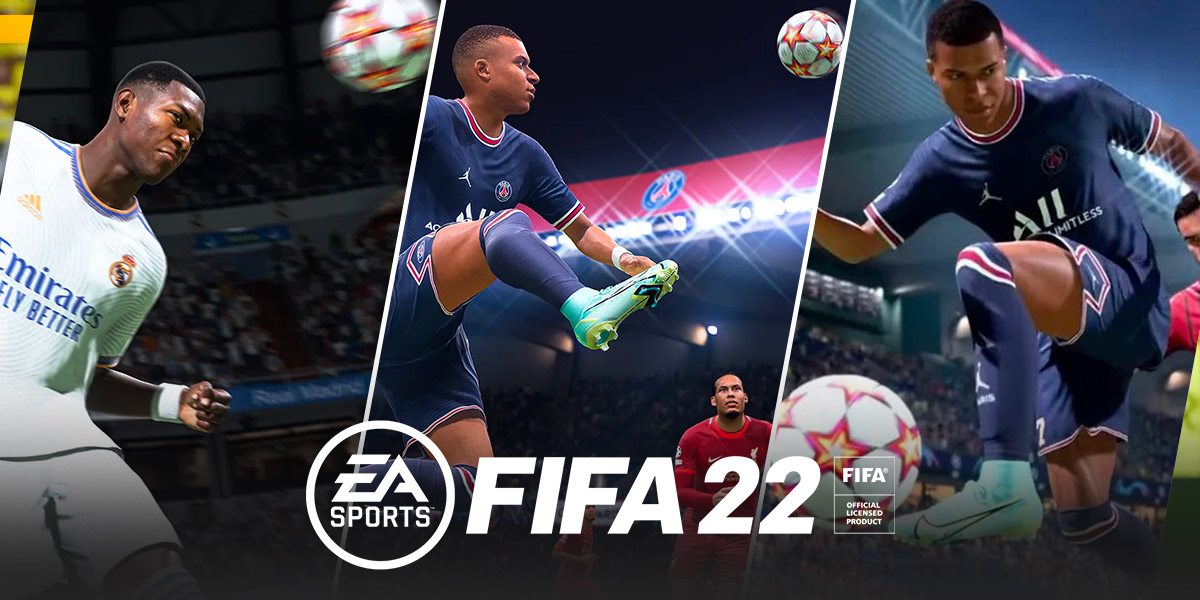
A default game of FIFA 22 lasts 8 minutes of in-game time, split into two halves of 4 minutes each. If you are wondering how long a game of FIFA 22 is, the answer depends entirely on your settings: you can customize the half length anywhere from 4 to 20 minutes, making a full match range from 8 to 40 minutes of in-game time, excluding stoppage time.
How to change the half length in FIFA 22
Adjusting the match duration is straightforward. You can get more control over your session length by following these steps:
- From the main menu, navigate to Game Settings.
- Select the Match tab.
- Find the Half Length option and choose a value between 4 and 20 minutes per half.
This setting allows you to select how many minutes each half will last, giving you the flexibility to play a quick 8-minute game or a more extended 40-minute match.
Other settings that affect match duration
Beyond the half length, the Game Speed setting also influences how long a match feels in real time. You can adjust Game Speed to Slow, Normal, or Fast, which affects the real-world duration of a match. Choosing a slower speed makes player movements and ball travel more deliberate, stretching out the actual time you spend playing, while a faster speed compresses the action. This is useful if you want a more realistic pace or a quicker arcade-style game without changing the half length itself.
Adjusting match time in career mode
In Career Mode, the half length can be changed via Game Settings within the mode itself. You do not need to exit your career save to the main menu, simply access the pause menu during a match or from the career hub, find the Game Settings option, and adjust the Half Length slider. This lets you tailor each season’s matches to your preferred duration, whether you want to simulate a full 90-minute feel with longer halves or breeze through league games quickly.
How FIFA 22 compares to a real football match
Official football matches, as governed by IFAB, consist of two 45-minute halves, totaling 90 minutes, plus stoppage time, which FIFA 22 simulates with a faster in-game clock. While a real match takes well over an hour of real-world time, FIFA 22 condenses the experience so you can finish a full game in as little as 8 minutes on the default setting. The faster clock and adjustable half lengths let you enjoy the core gameplay without committing to a real-time 90-minute session, and if you haven't picked up the title yet, you can get fifa 22 for free PC to try these quick matches yourself, making it easy to fit a match into any schedule.