What Is An External Account In Banking
An external account in banking is a checking, savings, or investment account held at a different financial institution than your primary bank. It is used to transfer money between banks, allowing you to move funds electronically without needing cash, checks, or wire transfers.
What is an external account in banking?
An external account is any bank or financial account that exists outside your primary banking relationship. For example, if you bank with Chase but also have a savings account at Ally Bank, that Ally account is considered an external account. These accounts are typically checking accounts, savings accounts, money market accounts, or investment accounts held at a separate institution, and understanding what DDA mean in banking can clarify how your primary checking account functions in these transfers.
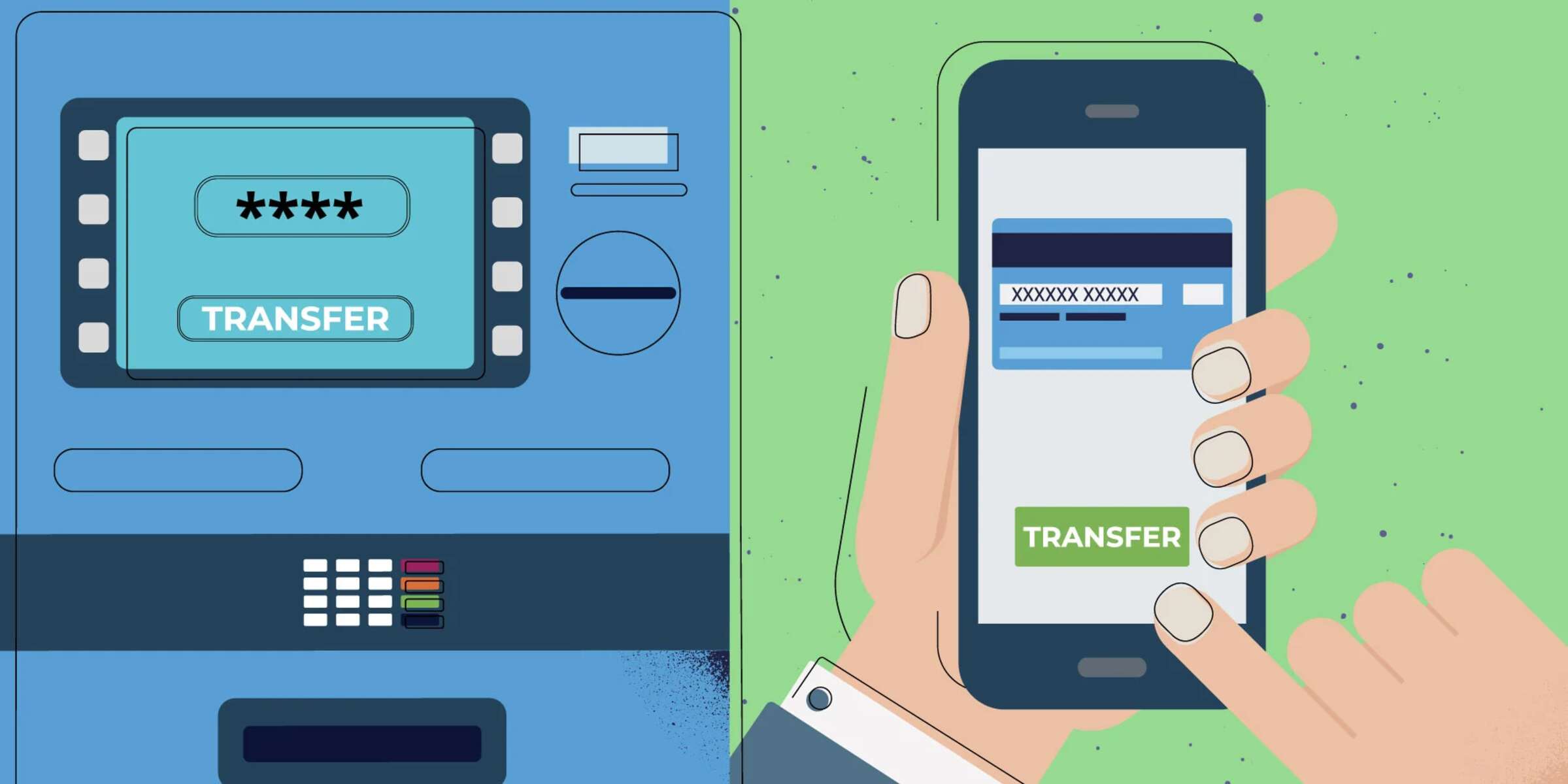
The key feature of an external account is that it can be linked to your primary bank account. Once linked, you can transfer money back and forth between the two institutions directly through your primary bank's online banking platform or mobile app, though you will need the banking info needed for direct deposit to set up those transfers. This eliminates the need to withdraw cash from one bank and deposit it into another, or to write yourself a check and deposit it remotely.
How linking an external account works
Linking an external account creates a secure electronic connection between your primary bank and the account at the other institution. The process involves three main steps:
First, you provide the external account's routing number and account number to your primary bank. The routing number identifies the financial institution, while the account number identifies your specific account at that institution. You can find these numbers on a check, your account statement, or by logging into your external bank's online portal.
Second, your primary bank verifies that you actually own the external account. This verification step is required by federal regulations to prevent fraud and unauthorized access. There are two common methods used for this verification, which are explained in the next section.
Third, once verification is complete, you can initiate transfers between the two accounts. These transfers are processed electronically through the Automated Clearing House (ACH) network, which is the same system used for direct deposits and electronic bill payments. The money moves from one bank to the other, typically within 1 to 3 business days.
The two ways banks verify your external account
When you link an external account, your primary bank must confirm that you are the rightful owner. There are two standard verification methods:
Instant verification
Instant verification requires you to log in to your external bank account using your username and password directly through your primary bank's linking interface. Your primary bank then securely confirms your identity and account ownership in real time. This method is fast, typically completing the verification in seconds. It is also the most convenient option because you don't have to wait for deposits to appear.
Micro-deposit verification
If instant verification is not available, your bank will use micro-deposit verification. In this method, your primary bank sends two small deposits, usually under $1 each, to your external account. These deposits typically appear within 1 to 3 business days. Once you see them in your external account, you log back into your primary bank's platform and enter the exact amounts of the two deposits. This confirms that you have access to the external account and that it is yours.
Micro-deposit verification is slightly slower but is considered highly secure because only someone with access to the external account would know the exact deposit amounts.
Real-world example: U.S. Bank's external account setup
To understand how this works in practice, consider the steps for linking an external account at U.S. Bank, one of the largest banks in the United States.
For bill payments, you would navigate to "Transfer & pay," then select "Pay bills." Choose an upcoming bill, and from the "Pay from" dropdown menu, select "Manage external account." From there, you can add your external account by entering the routing and account numbers, and then complete the verification process.
For read-only dashboard linking, you would go to "Accounts," then select "Link an account." Choose the financial institution from the list, sign in with your external bank credentials, and select "Connect my account(s)." This gives you a consolidated view of your balances without allowing transfers.
It is important to note that at U.S. Bank, external accounts that have been added but not verified may be automatically removed from your profile within 15 calendar days. This is a common policy among banks to prevent unverified accounts from lingering in the system.
Benefits of linking an external account
Linking an external account offers several practical advantages that make managing your finances easier and more efficient.
Diversifying banking relationships: By keeping money at multiple institutions, you reduce the risk associated with having all your funds in one bank. If one bank experiences an issue, you still have access to funds elsewhere.
Consolidated money management: Once linked, you can view balances from all your accounts in one place. Your primary bank's dashboard shows your external account balance alongside your primary accounts, giving you a complete picture of your financial situation without logging into multiple apps.
Easier bill payments from multiple sources: You can pay bills directly from any linked account. This is useful when you want to use funds from a high-yield savings account or a business account to cover expenses without first transferring money to your primary checking account.
Access to better rates or services: External accounts often offer higher interest rates on savings or better terms on investment products. Linking them to your primary bank lets you take advantage of these benefits while still managing everything through one platform.
Risks, limitations, and transaction limits
While linking external accounts is generally safe and convenient, there are important limitations and risks to understand.
Security risks: Linking accounts means sharing sensitive financial information between institutions. While banks use encryption and multi-factor authentication, you should always use secure internet connections and strong passwords. Monitor your accounts regularly for unauthorized activity.
Possible transfer fees: Some banks charge fees for external transfers, especially if you use expedited or wire transfer options. Standard ACH transfers are usually free, but it is wise to check your bank's fee schedule before initiating transfers.
Processing delays: Unlike internal transfers between accounts at the same bank, which are often instant, external transfers can take 1 to 3 business days. This is due to the ACH processing cycle. If you need money immediately, consider whether the delay is acceptable.
Transaction limits: Banks impose limits on how much money you can transfer externally within a given period. For example, Wells Fargo has Zelle limits of $3,500 per day and $20,000 per 30 days for person-to-person payments. These limits vary by bank and by account type, so review your bank's specific policies.
Frequently asked questions
Can I link multiple external accounts to my primary bank? Yes, most banks allow you to link multiple external accounts. You can manage transfers between your primary account and several external accounts, all from one dashboard.
How long do transfers take? Standard ACH transfers between external accounts typically take 1 to 3 business days. Some banks offer same-day or instant transfers for an additional fee, but this is not universal.
Can I see the external account in my primary bank's app? Yes, once linked and verified, the external account will appear in your primary bank's online banking platform and mobile app. You can view balances and transaction history for that account alongside your primary accounts.
What if I need support for my external account? Customer support for external accounts is provided by the institution that holds the account. If you have questions about the external account itself, you must contact that bank directly. Your primary bank can only help with the linking and transfer process.
Are external savings accounts better than regular savings accounts? Not always, but they can be. External banks often offer higher interest rates because they have lower overhead costs than traditional brick-and-mortar banks. Compare rates at different institutions to find the best return on your savings.
What does debit mean in banking?
A debit in banking refers to a transaction that decreases the balance in your account. When you make a purchase with a debit card, pay a bill, or transfer money out of an account, that transaction is recorded as a debit. It represents money leaving your account. In contrast, a credit is money coming into your account, such as a deposit or interest payment. Understanding debits is essential when managing external accounts because every transfer out of your primary bank to an external account will appear as a debit on your statement.
External accounts are a powerful tool for managing your finances across multiple institutions. By understanding how they work, how to link them securely, and what limitations apply, you can use them to simplify your banking, access better rates, and keep your money organized.
\nRelated reading: What Is The FDIC Insurance Limit When Funds Are Split Between A Checking Account And A Mobile-linked Savings Account.