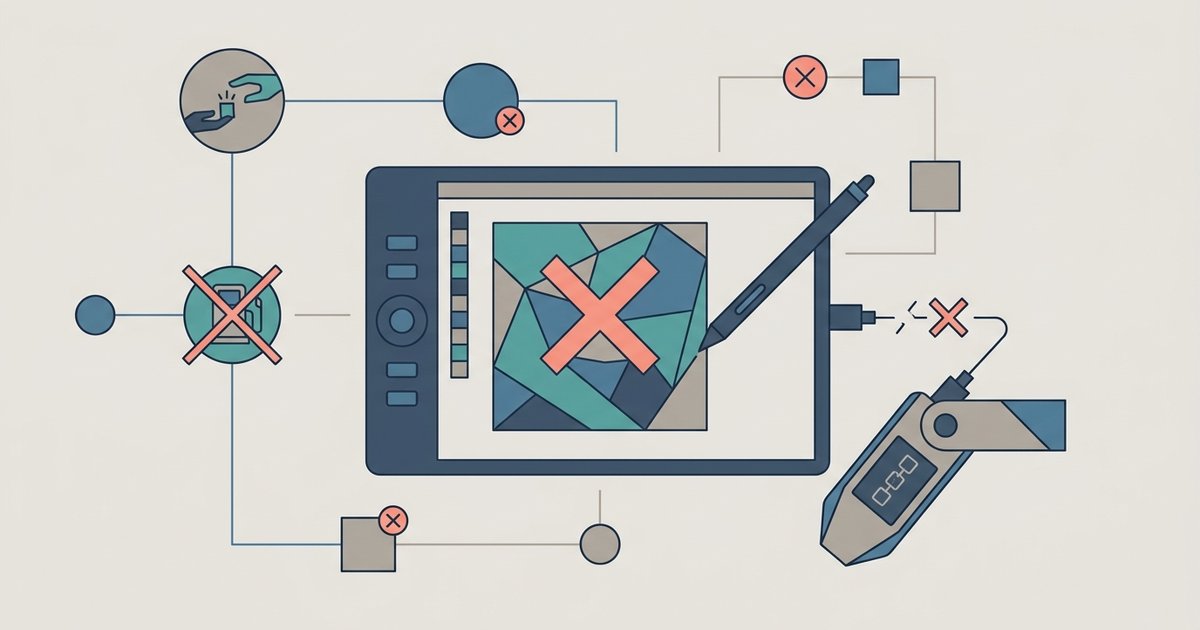
Your metadata is not frozen—it still points to the same URL, so if you replace the file at that URL without updating the token URI, the NFT will silently display the new file instead of the original. If you delete or move the original file, the metadata and media will break until you restore it or point the contract to a new token URI.
Lazy minting and NFT metadata change risks
You can mint an NFT for free by deferring the on-chain transaction until a buyer claims it. The token URI you provide during listing is only written to the blockchain at the moment of the first transfer or purchase. Until that point, the URI exists only in the off-chain marketplace’s database or your own storage pointer. This means the metadata remains mutable. You can edit the JSON file or swap the media asset at the same URL, but the marketplace will not automatically display the new content until a manual metadata refresh is performed. The contract itself never “freezes” the metadata because the token URI is not yet stored in the contract’s storage. For example, list a lazy-minted NFT on OpenSea pointing to a file on IPFS via a gateway. Then replace that file with a different image. After you manually refresh the metadata on the marketplace, it will display the new image, no re-signing or re-listing required. This mutability is a feature, not a bug, but you must be deliberate about what the URL ultimately contains when the token is finally claimed.
What actually breaks when you change the file
There are two distinct outcomes depending on how you change the file. First, replace the file at the exact same URL. Upload a new image to the same AWS S3 bucket key or overwrite the CID on a pinning service like Pinata. The NFT will silently display the new content. Buyers will see the updated media and metadata without any error, and the contract remains unaware of the swap. Second, delete the file or move it to a different URL. Rename a folder in your storage bucket or unpin the IPFS hash. The metadata link breaks. The NFT’s token URI will resolve to a 404 error or a dead IPFS gateway. The marketplace will show a blank placeholder or a “metadata not found” warning. The NFT itself is still on-chain and tradeable, but its visual representation and any associated attributes become inaccessible. This is especially risky if you used a centralized storage service without a static URL, because changing the bucket policy or region can orphan the file permanently.
How to fix broken metadata after a file change
If you accidentally broke the metadata by moving or deleting the file, you have two recovery paths. First, restore the original file to the original URL. Re-upload it to the same S3 bucket key, re-pin the same IPFS hash, or re-host it on the same domain. If the URL is still alive but the file is missing, restoring it instantly fixes the display for all holders and marketplaces. Second, check if your smart contract supports a metadata update function, typically called setTokenURI (ERC-721) or setURI (ERC-1155). If you deployed a contract with an owner-only function to change a token’s URI, call that function to point the token to a new URL containing the corrected metadata and media. Do not assume this function exists. Many lazy-minted contracts from popular minting platforms do not expose this function to the creator after the token is claimed. In that case, only restoring the original URL works. Always check your contract’s ABI before assuming you can change the token URI. If you plan to mint an NFT for free via lazy minting and later want control over updates, deploy your own contract with a mutable metadata function. Understanding the on-chain registration process of minting an NFT reveals exactly when your metadata becomes immutable. Before you start an NFT project, pin your metadata to a permanent IPFS CID and never overwrite or delete that file until you are certain the token’s URI will never need to resolve again. You can also avoid broken metadata from the start by using the file formats and sizes OpenSea lazy minting supports to ensure your original uploads are valid.