To create an animated NFT, start with a high-resolution digital file, animate it using software, and export it as an MP4 or GIF under 100MB. Then upload that file to OpenSea and mint it as a token on the blockchain.
What is an animated NFT?
An animated NFT is a unique digital token that combines motion with artwork, stored on a blockchain to verify ownership and authenticity. Unlike static NFTs, it uses movement, transitions, or effects to tell a visual story, making it a more dynamic and engaging asset for collectors.
Step 1: Prepare your digital artwork
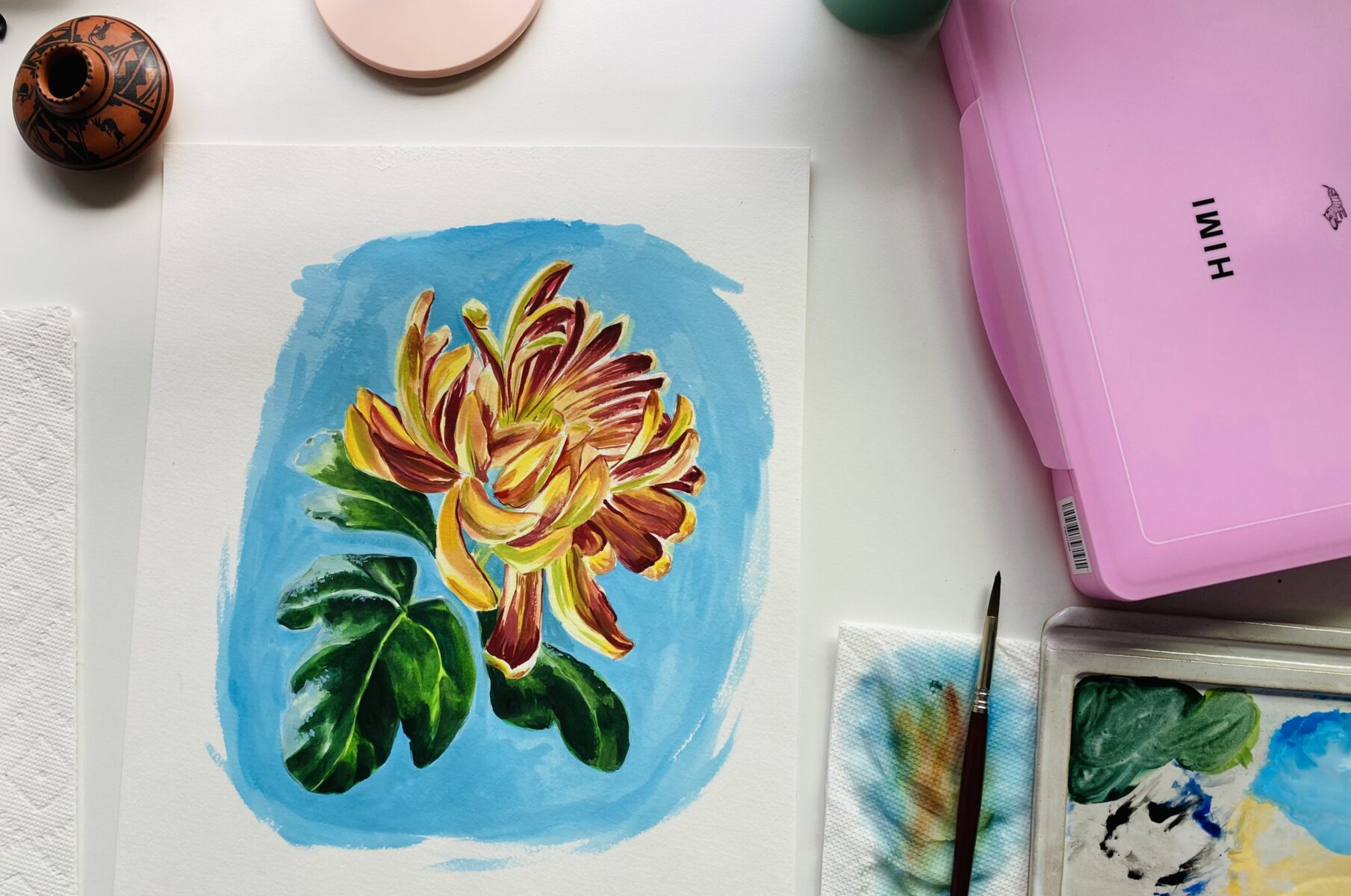
Begin with a high-resolution digital file of your artwork. Separate the different elements, such as characters, objects, and background, into individual layers. This layered structure gives you the flexibility to animate each part independently. Ensure your canvas meets a minimum of 512x512 pixels; ideally, use 1000x1000 pixels or higher to preserve detail and quality during animation.
Step 2: Create your animation
Import your layered artwork into animation software. Plan your keyframes to map out the motion, transitions, or effects you want to achieve. Experiment with techniques like movement, rotation, scaling, or fading to bring the piece to life. Once you are satisfied, export the final animation as an MP4 or GIF file. Keep the file size under 100MB to meet OpenSea's upload limit; for faster loading, aim for under 50MB.
Step 3: Mint your animated NFT on OpenSea
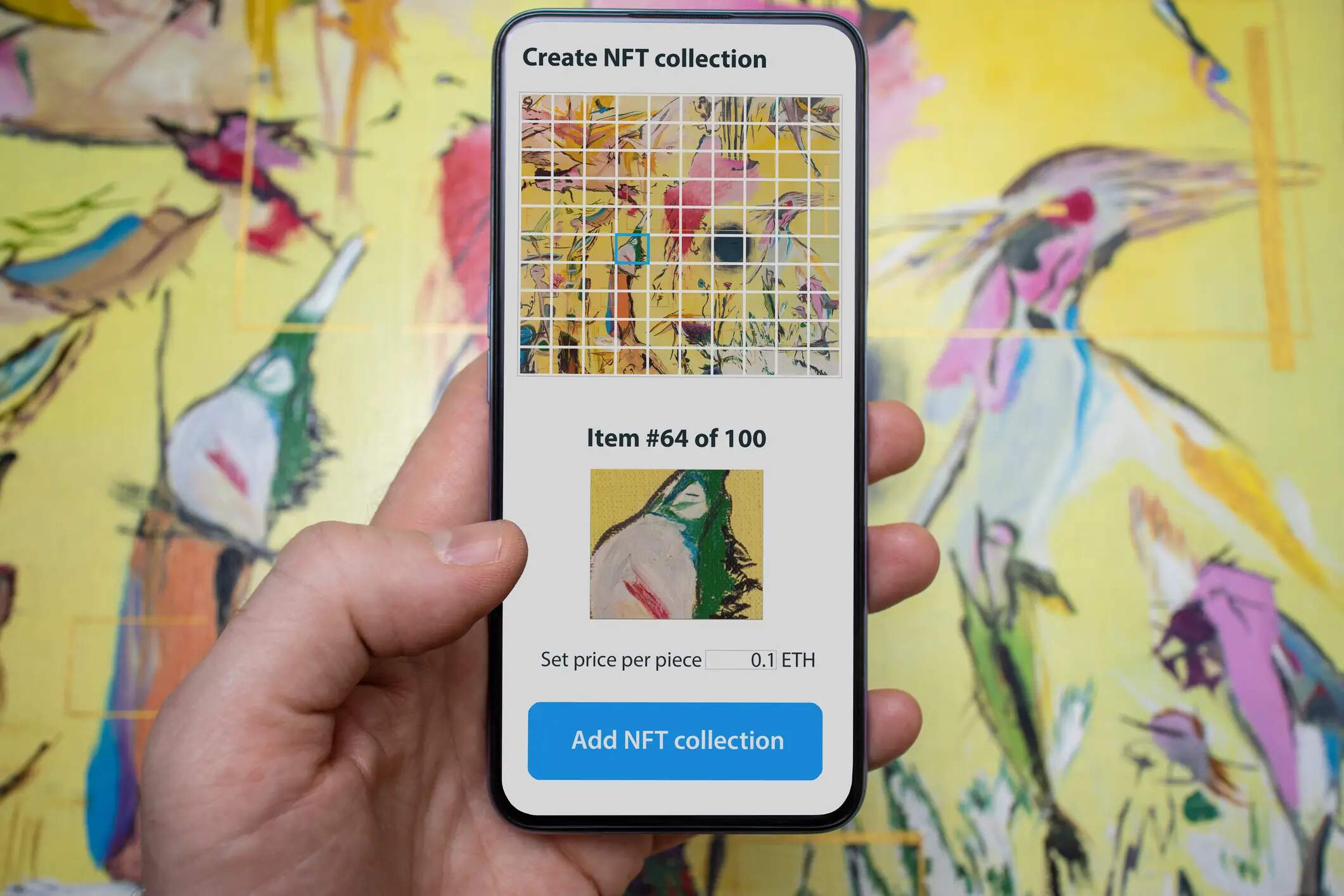
On OpenSea, click "Create New Item" to start the minting process. Upload your MP4 or GIF file, then add a title and description for your animated NFT. After filling in the details, click "Mint" to create the token on the blockchain. This step allows you to mint an NFT for free if you choose a blockchain that supports lazy minting or gasless options, though standard minting on Ethereum requires a gas fee. If you plan to release multiple animations as a unified series, you can create NFT collection to group them under one brand.
Step 4: Set your sale parameters and list
Decide whether to sell your animated NFT at a fixed price or through an auction. If using an auction, set a reserve price to ensure the artwork does not sell below a minimum value. Add royalties for secondary sales so you earn a percentage each time the NFT is resold. Once your parameters are configured, finalize the listing on the OpenSea marketplace. To create NFT listings efficiently, OpenSea provides a straightforward interface where you can manage all sale settings before publishing.
Promoting your animated NFT
Share your newly listed animated NFT on social media platforms and within NFT communities to attract potential collectors. Highlight the unique motion and story behind your artwork, and engage with interested buyers by answering questions promptly. Active promotion increases visibility and can lead to faster sales or higher bids.