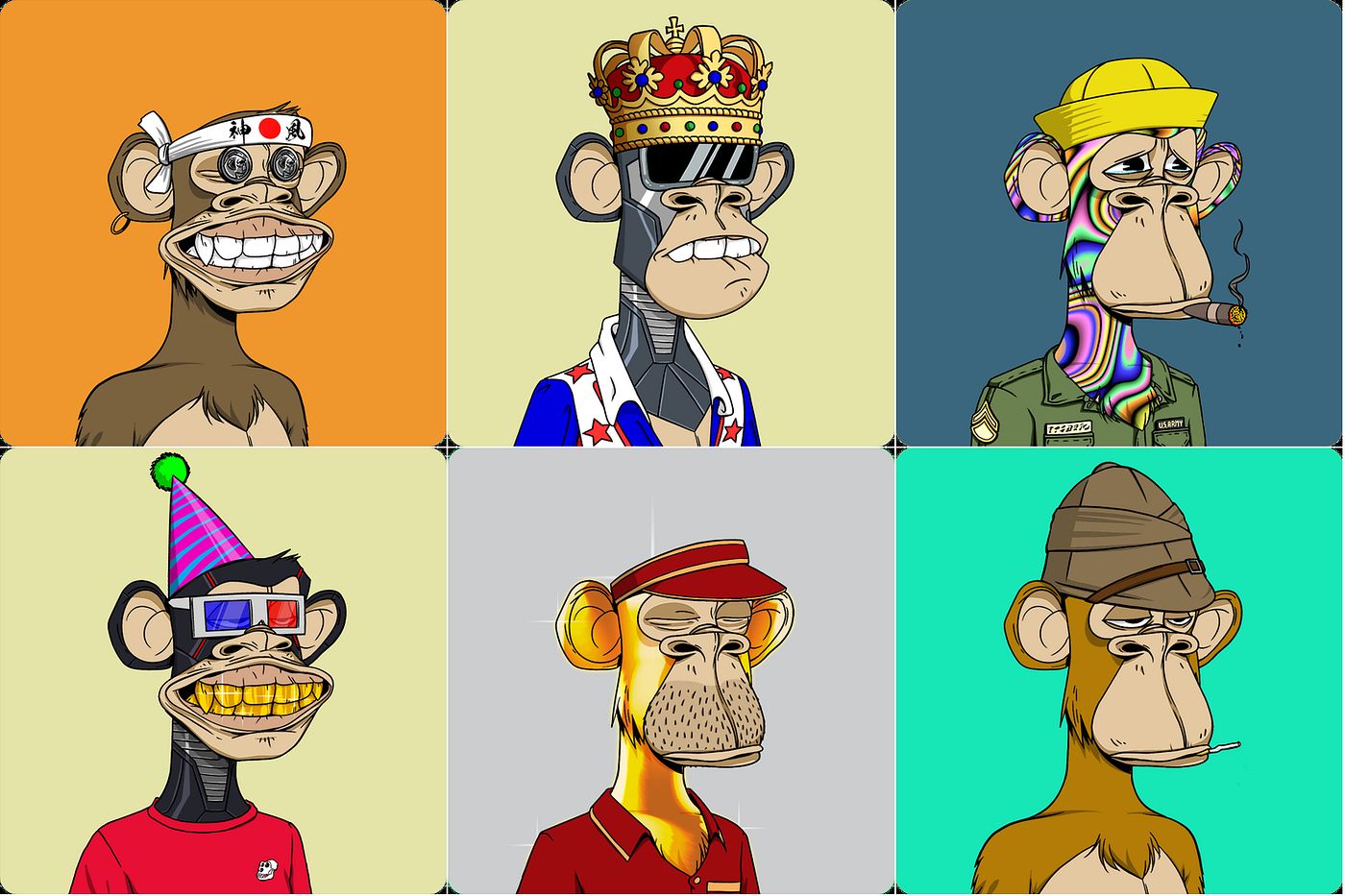
To start NFT trading, you need to set up a cryptocurrency wallet, fund it with Ethereum, and connect it to a marketplace like OpenSea to buy your first NFT. This guide walks you through each step safely, from wallet creation to securing your collection.
How to start NFT trading: a quick overview
You begin by creating a wallet that supports NFTs, adding Ethereum to it, then choosing a marketplace and making your first purchase. The entire process involves setting up a wallet, funding it, connecting to a platform, and buying an NFT.
What is an NFT?
An NFT, or Non-Fungible Token, is a unique digital proof of ownership recorded on a blockchain. Unlike cryptocurrencies such as Bitcoin, each NFT is one-of-a-kind and cannot be exchanged on a like-for-like basis, making it ideal for representing ownership of digital art, collectibles, and other unique assets.
Step 1: Set up a cryptocurrency wallet
Your wallet is where you store both your cryptocurrency and your NFTs. MetaMask is a popular choice for beginners because it works as a browser extension and mobile app.
- Download the official MetaMask app from your device's app store or the browser extension from MetaMask.io/download.
- Select "Create a new wallet" and set a strong password.
- Write down your Secret Recovery Phrase (SRP) on paper and store it offline in a safe place. Losing this phrase means permanent loss of access to your assets.
Step 2: Fund your wallet with ETH
Most NFT transactions use Ethereum (ETH) to cover both the purchase price and gas fees. You need to buy ETH from a cryptocurrency exchange and transfer it to your wallet address.
- Create an account on a reputable exchange and complete any required verification.
- Purchase Ethereum using your preferred payment method.
- Copy your wallet address from MetaMask and use it as the destination for the transfer.
- Wait for the transaction to confirm on the blockchain before proceeding.
Step 3: Choose an NFT marketplace and connect your wallet
OpenSea is the largest and most beginner-friendly marketplace, supporting Ethereum-based NFTs. Connecting your wallet is a straightforward process.
- Navigate to the OpenSea website.
- Click the wallet icon and select MetaMask from the list of options.
- Approve the connection request in the MetaMask pop-up.
Step 4: Research and evaluate an NFT before you buy
Before spending ETH, use this checklist to assess a potential first purchase:
- Creator reputation: Look up the artist or creator's history. Established creators with a track record are generally safer.
- Authenticity: Check if the marketplace has verified the creator's account or if the NFT includes a verification badge.
- Rarity: Note the total supply and edition number. Limited editions or unique attributes often hold more value.
Step 5: Buy your first NFT
Once you have found an NFT you want, follow these steps to complete the purchase.
- Open the NFT listing and review all details, including price, royalties, and any additional fees.
- Click the "Buy" or "Place Bid" button.
- Confirm the transaction in your MetaMask wallet. Review the gas fee before approving.
- Wait for the blockchain to confirm the transaction. The NFT will appear in your wallet's collectibles tab.
How to store and protect your NFTs
After your first purchase, implement these security practices to keep your NFTs safe.
- Keep your wallet software updated to the latest version.
- Never share your Secret Recovery Phrase with anyone. Be cautious of phishing attempts that ask for it.
- For long-term storage, consider a cold storage solution like a hardware wallet, which keeps your assets offline and out of reach of online threats.
- Regularly back up your wallet using the recovery phrase.
- Enable two-factor authentication on any exchange accounts you use.
If you ever want to mint an NFT for free, you can look for marketplaces that cover gas fees during promotional events. To mint an NFT on Cardano, you need a Cardano-compatible wallet and marketplace. NFT value factors include creator reputation, rarity, utility, and market demand. If you want to hide NFT on OpenSea, you can use the marketplace's privacy settings to remove it from your public profile.