Your Cash App card is delivered when it arrives in your physical mailbox, and the best way to confirm this is by checking the delivery status directly inside the Cash App mobile app. To see if your cash app card delivered, open the app, tap the card icon on the home screen, and look for any status updates or an estimated arrival date listed there.
How to check if your Cash App card is delivered
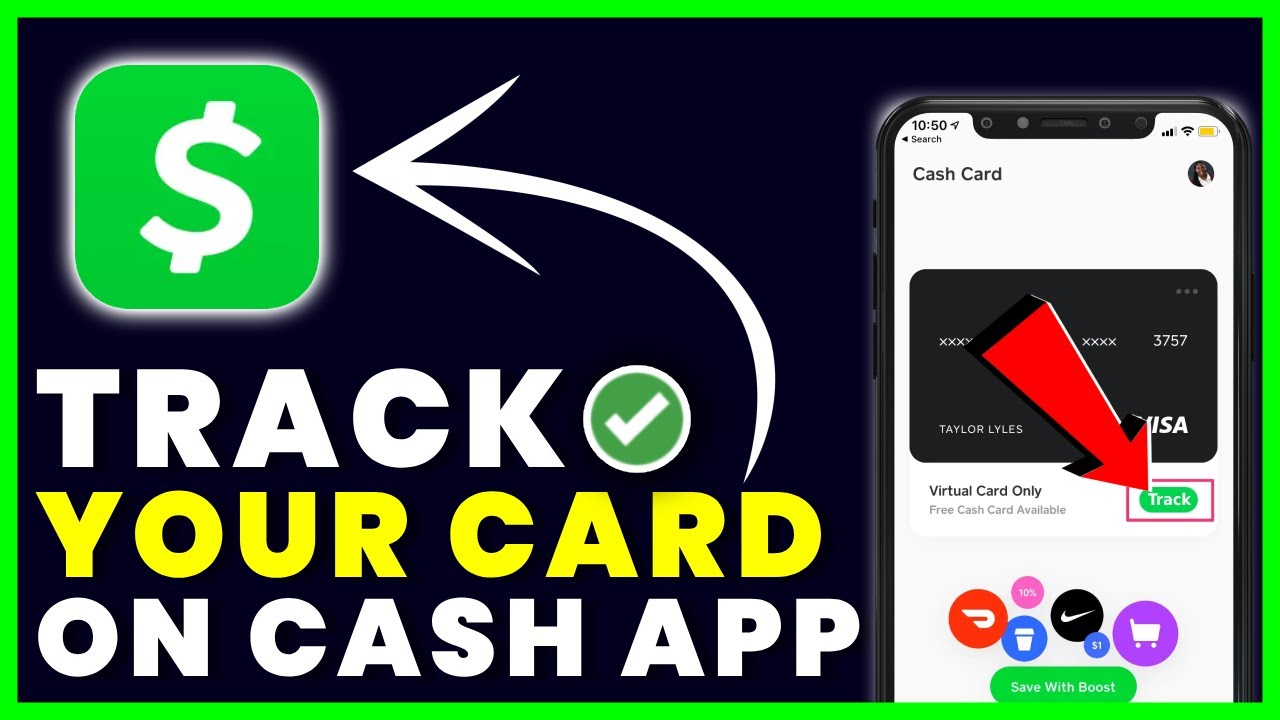
The primary method to find out if your Cash App card has been delivered is to use the Cash App itself. Follow these steps to check the status:
- Open the Cash App on your mobile device and log in to your account.
- Tap the card icon (shaped like a credit card) at the bottom of the home screen. This takes you to your Cash Card section.
- If the card has been shipped, you may also see an estimated arrival date.
- If you see a "Delivered" status, your card should be in your mailbox. If you see a shipping date, use that to estimate when it will arrive based on the delivery window.
This is the most direct and reliable way to check, as Cash App updates this section with the latest information on your card's journey. There is no separate tracking number provided in most cases, so this in-app status is your primary tool.
How long does a Cash App card take to arrive?
Once your Cash Card is approved, it should arrive in the mail within 10-14 business days. This is the official delivery window from Cash App. You may also see information suggesting 7-10 business days, which creates a conflict in the available information. If your card has not arrived by the end of the 14 business day period, it is considered late, and you should take action. Do not assume it is lost until this window has fully passed, as mail can be delayed by weekends, holidays, or postal service issues.
No tracking number? Use your virtual card now
Cash App does not typically provide a tracking number for your physical card. Instead of waiting idly, you can start using your card immediately by accessing your virtual card. While waiting for your physical card, you can access your virtual card details from the Card tab to use for online purchases or to link to Apple Pay or Google Pay. This allows you to spend your Cash App balance online or through digital wallets without needing the plastic card in hand. To find it, go to the card icon in the app, and look for the option to view your card details or add it to a digital wallet.
What to do if your card is lost or missing
If your card has not arrived after the 10-14 business day window, or if it shows as "Delivered" but you cannot find it, take these steps:
- Verify your shipping address: Go to your profile settings in the Cash App and confirm the address you provided when ordering the card. If it is incorrect, you will need to contact support to update it before ordering a replacement.
- Contact Cash App support: Open the app, go to your profile, select "Support," and navigate to the "Card" section. Report the card as lost or missing and request a replacement. You may also need to cancel your Cash App card to prevent any unauthorized use if it was stolen. If you are wondering how to cancel your Cash App card, this is the same process: report it lost and request a new one.
- Secure your account: While waiting for a replacement, consider changing your Cash App PIN or enabling additional security features to protect your balance. If you are experiencing Cash App card declining with money in the account, a missing or deactivated card could be the cause, so securing the account first is wise. For unrelated issues, you might look into "the Cash App glitch method" for troubleshooting, but for a missing card, the standard support route is the correct action.
Once you report the card as lost, Cash App will deactivate the old card and mail you a new one, restarting the delivery timeline.