An instant money transfer to a bank account moves funds from sender to recipient in minutes, not days. This is the legitimate way to "flash" money, using services like Zelle or PayPal Instant Transfer, not fraudulent schemes.
What is an instant money transfer to a bank account?
An instant money transfer to a bank account is a digital method that sends funds and makes them available to the recipient within minutes. This contrasts sharply with traditional ACH transfers, which can take several business days to settle. Many people mistakenly believe all bank transfers are slow; in reality, modern services and real-time payment networks offer immediate or same-day movement of money. Key examples of this technology include Zelle, which is built into many U.S. banking apps, and PayPal's Instant Transfer feature, which moves funds from a PayPal balance to a linked bank account or debit card. These services eliminate the wait associated with older systems, providing speed and convenience for urgent payments.
How to send money instantly with Zelle
Zelle facilitates instant, fee-free transfers between enrolled bank accounts in the U.S., usually within minutes, including on weekends and holidays. To use it, both the sender and recipient must have an eligible checking or savings account at a participating U.S. bank or credit union.
- Log into your bank's mobile app or online banking platform.
- Select the option to "Send Money with Zelle®".
- Choose or add a recipient using their U.S. mobile number or email address.
- Enter the amount you want to send.
- Review the details and confirm the transfer.
The money typically arrives in the recipient's account within minutes. Because the service is integrated directly into your bank's app, there is no separate login or account needed. As of April 1, 2025, the standalone Zelle app is no longer available; you must use Zelle exclusively through your participating bank or credit union's platform.
How to make a PayPal instant transfer to your bank
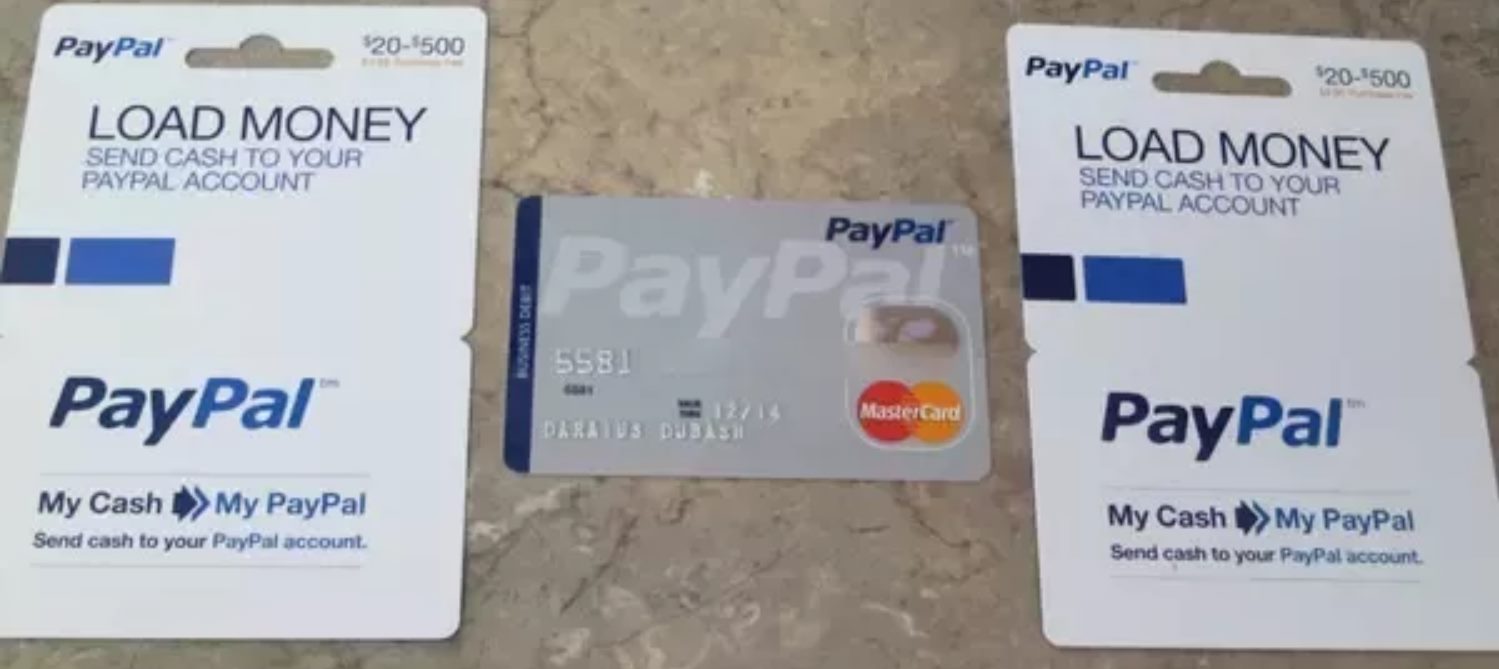
PayPal Instant Transfer allows you to move money from your PayPal balance to an eligible linked bank account or debit card in minutes. This is faster than the standard transfer, which can take one to three business days. You should be aware of the PayPal instant transfer fee, which is an additional cost for this expedited service.
- Log into your PayPal account.
- Navigate to your "Wallet" or tap your balance in the app.
- Select "Transfer Money," then "Transfer to your bank."
- Choose the "Instant Transfer" option (note that a fee applies).
- Follow the on-screen instructions to complete the transfer.
Once initiated, the funds should appear in your bank account or on your debit card within minutes, making it a reliable option when you need immediate access to your PayPal balance.
Other fast transfer methods: wire transfers
Wire transfers are another fast option, particularly for sending large sums of money. Domestic wire transfers often arrive within hours or the same business day, provided you initiate the transfer before your bank's cutoff time. International wire transfers, however, can take one to five business days to process. While wires are fast and secure, they typically come with higher fees than services like Zelle. They are best reserved for situations where you need to move a significant amount of money quickly and the recipient's bank supports incoming wires. If you need to transfer money from crypto to bank account, a wire transfer from a crypto exchange is a common method, though processing times can vary.
Why isn't my instant transfer working?
Several factors can delay an instant transfer, even when using a real-time service. Common reasons include bank processing cut-off times, weekends, and public holidays. Even services that generally work on weekends may have specific hours of operation. Fraud prevention checks by your bank or the recipient's bank can also place a temporary hold on a transfer. Additionally, the specific banking infrastructure of the destination country can cause delays for international transfers. If a transfer fails or is significantly delayed, contact your bank or the money transfer service provider to investigate the issue.
Safety precautions for instant money transfers
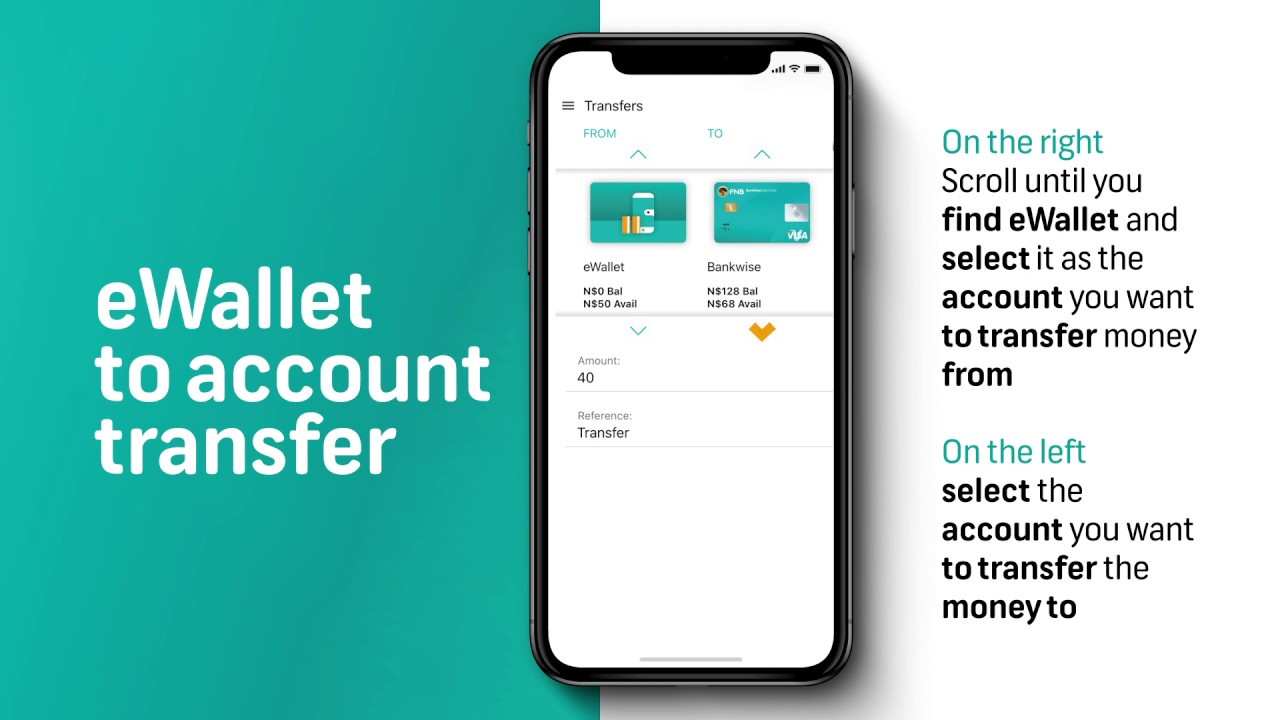
Because instant transfers are often irreversible once the funds are credited, taking safety precautions is critical. Always verify the recipient's details, including their name, phone number, or email address, before confirming a transfer. A single typo can send money to the wrong person, and recovering it is difficult. Use only secure, private networks when initiating a transfer; avoid public Wi-Fi. Be vigilant about phishing scams that impersonate your bank or payment service, asking for your login credentials or one-time codes. If you need to send money internationally, be aware that bank fees for international money transfer can be significant, so compare costs before choosing a method. Similarly, when moving funds from an e-wallet, always use the official app or website of the e-wallet provider.
Frequently asked questions about instant money transfers
Are there limits on instant money transfers?
Yes, most services impose limits on the amount you can send in a single transaction or within a certain period. These limits vary by bank, account type, and the specific service used. Check with your bank or payment provider for your specific limits.
Can I send an instant transfer internationally?
Some services, like Zelle, are designed for domestic U.S. transfers only. PayPal Instant Transfer can move funds to a U.S. bank account from a U.S. PayPal account. For international transfers to a bank account in another country, a wire transfer or a specialized international money transfer service is typically required, and these may not be instant.
What are the fees for instant transfers?
Fees vary. Zelle is typically fee-free for standard transfers between enrolled bank accounts. PayPal Instant Transfer charges a fee based on the transfer amount. Wire transfers often have a flat fee charged by both the sending and receiving banks. Always review the fee schedule before initiating a transfer.
Is the standalone Zelle app still available?
No. As of April 1, 2025, the standalone Zelle app has been discontinued. You must enroll and use Zelle through your participating bank or credit union's mobile app or online banking platform.