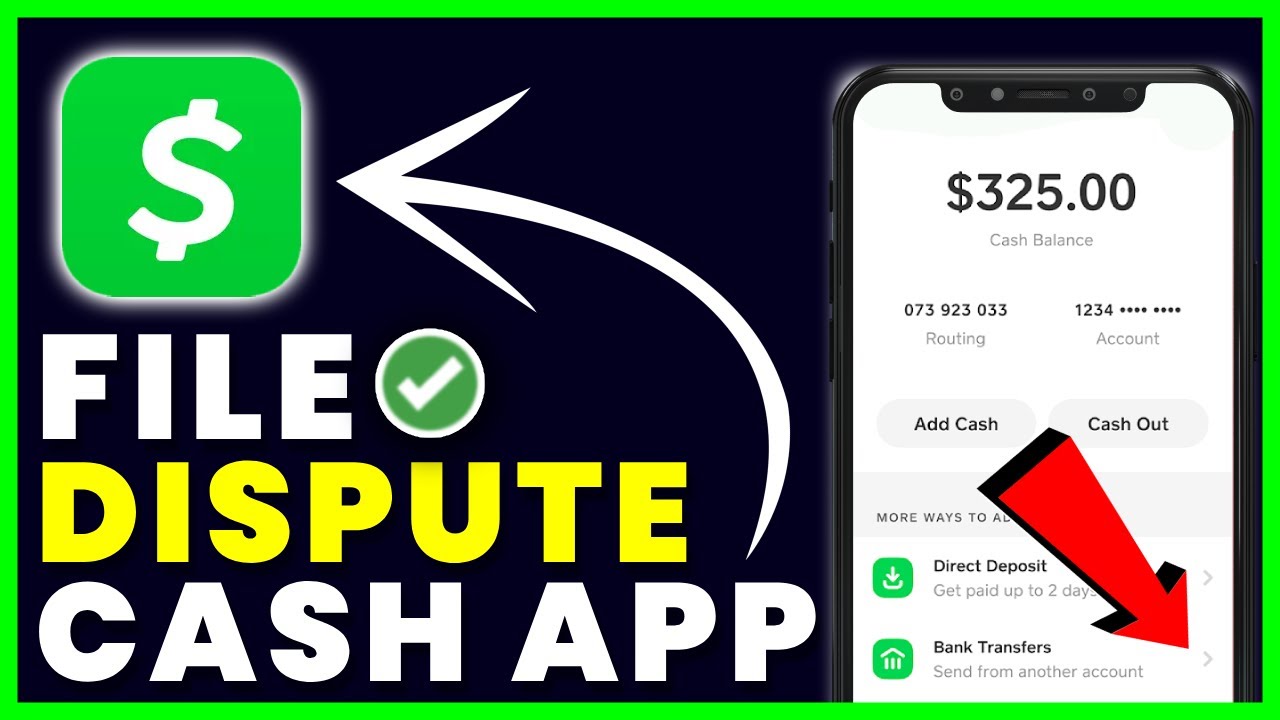
To dispute a charge on Cash App, you must first understand the type of transaction involved, as the process differs between peer-to-peer payments and card-based purchases. The correct path to dispute a charge on Cash App depends entirely on whether you sent money to another user or used your Cash App Card or Cash App Pay at a merchant.
Before you dispute a charge on Cash App: Know your transaction type
Cash App processes two fundamentally different types of transactions, and each has its own resolution method. A peer-to-peer payment is money you send directly to another Cash App user. These payments are instant and generally cannot be canceled once completed. For these, you cannot file a formal dispute; you must request a refund from the recipient. In contrast, transactions made with your Cash App Card or through Cash App Pay at a merchant can be formally disputed if something goes wrong, such as an unauthorized charge, a duplicate charge, or goods not received. Understanding this distinction is the first step to getting your money back, and it prevents you from wasting time trying to use the wrong process. If you need to withdraw cash without fees, knowing which ATMs are free for Cash App users can save you money. Knowing this also helps you avoid falling for myths like the Cash App glitch method, which falsely promises to reverse payments without following proper procedures.
Step 1: Request a refund from the recipient (for completed payments)
If you sent money to another Cash App user and the payment has already gone through, this is your mandatory first step. You cannot dispute a completed peer-to-peer payment; you must ask the person you paid to return the money. This applies to all completed Cash App to Cash App payments, whether you made a mistake, were scammed, or simply changed your mind. Cash App generally does not refund money for authorized payments made to a scammer, so your best chance is a direct refund request.
- Open the Cash App on your mobile device.
- Tap the Activity tab, which is usually located on the home screen.
- Find and select the specific payment you want refunded.
- Tap the three dots (...) in the upper-right corner of the payment details screen.
- Choose Refund from the menu that appears.
- Confirm that you want to process the refund.
The recipient will then be notified of your request. They have the option to accept or decline it. If they accept, the money will be returned to your Cash App balance almost instantly. If they decline or do not respond, you cannot force a refund through Cash App for this type of transaction. Understanding this step is crucial because it is the only direct way to recover funds from a completed payment, and it works within the standard Cash App transaction process.
Step 2: File an official dispute for unauthorized or card transactions
If you are dealing with an unauthorized charge on your Cash App Card or a problem with a Cash App Pay purchase, you can file a formal dispute through the app. This is the correct path for issues like a charge you did not make, goods or services not received or not as described, incorrect amounts, or duplicate charges. You must act quickly because Cash App offers "Zero Fraud Liability" for unauthorized Cash App Card charges only if you report the issue within 60 days of the monthly statement on which the transaction appears.
- Open the Cash App and tap your profile icon in the upper-right corner.
- Scroll down and select Support.
- Choose either Cash App Card or Payments, depending on the type of transaction.
- Select Dispute a purchase or Report an Issue to begin the process.
- Follow the on-screen instructions to select the transaction and describe the problem.
This process is designed specifically for card and merchant transactions. If you need to block a merchant on Cash App after a dispute, you can do so through the app's settings to prevent future charges from that source.
Step 3: Contact Cash App Support directly if needed
If the automated dispute paths do not cover your situation, or if you have trouble using them, you can reach Cash App Support directly. This is useful for complex issues, such as problems with the dispute process itself or questions about your account. Support is available through the app's chat feature 24 hours a day, 7 days a week. You can also call them by phone at 1 (800) 969-1940, which is available daily from 9 AM to 7 PM EST (or 8 AM to 9:30 PM ET). When contacting support, have your transaction details ready to help them assist you quickly. This step is also the right place to ask about how to dispute a charge on PayPal if your Cash App dispute involves a linked PayPal account, as the support team can guide you on the correct procedure for each platform.
What to expect after you dispute a charge
Once you file a dispute, Cash App will investigate your claim. The process takes time, and you should set realistic expectations. You will typically receive an update within 10 business days. A full resolution can take 10 to 45 business days, but disputes involving goods or services may take up to 120 business days. If your dispute is successful and a refund is issued, the time it takes to see the money depends on where it is sent. Refunds returned to your Cash App balance appear almost instantly. If the refund goes to a bank account or debit card, it can take 3-5 business days, and knowing the bank name associated with Cash App helps you verify the correct destination on your statement. For credit cards, it may take 5-7 business days or longer. Understanding this timeline helps you avoid unnecessary follow-ups and frustration. If you need to cancel your Cash App card because it was compromised, you should do so immediately through the app's settings, separate from the dispute process.
Escalate the dispute with your bank or card issuer
If Cash App denies your dispute or you are not satisfied with the outcome, you have another option. If the unauthorized charge was funded by a linked debit or credit card, you should contact your bank or card issuer directly. They can file a separate chargeback on your behalf. This is a powerful step because your bank has its own dispute process and may be able to recover funds that Cash App could not. When you contact your bank, provide them with all the documentation from your Cash App dispute, including transaction details and any communication with Cash App Support. This escalation path is your safety net if the app-based dispute fails.
How to prevent future unauthorized charges
Taking proactive steps can significantly reduce the risk of future unauthorized transactions. The most important measure is to enable the Security Lock feature in your Cash App settings. This requires your PIN or Face ID for every payment, adding a critical layer of protection. You should also monitor your account activity regularly to spot any suspicious charges early. Never share your login details, PIN, or verification codes with anyone, and be cautious of scams that ask for this information. By following these practices, you can keep your account secure and minimize the need to dispute charges in the future.