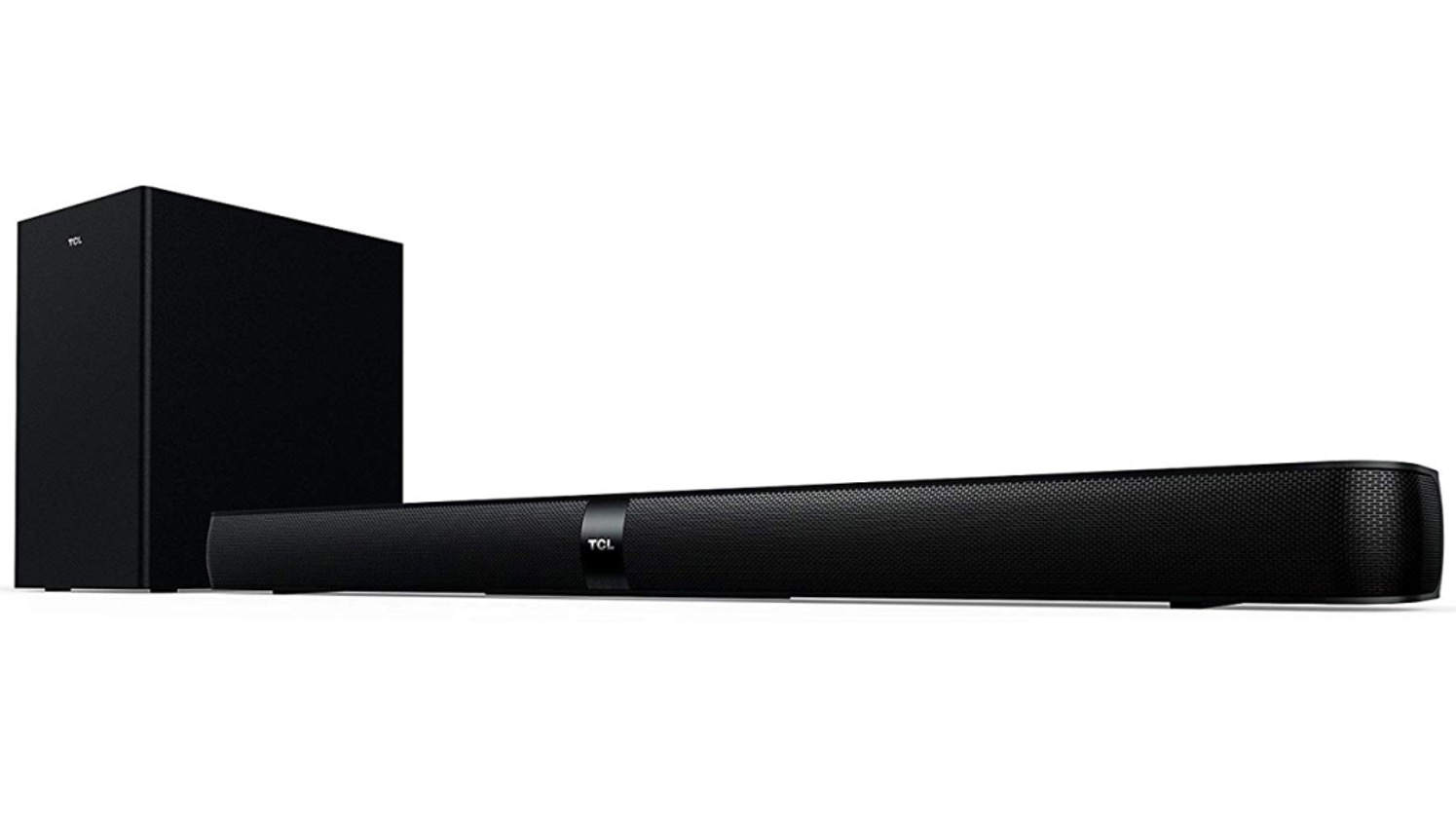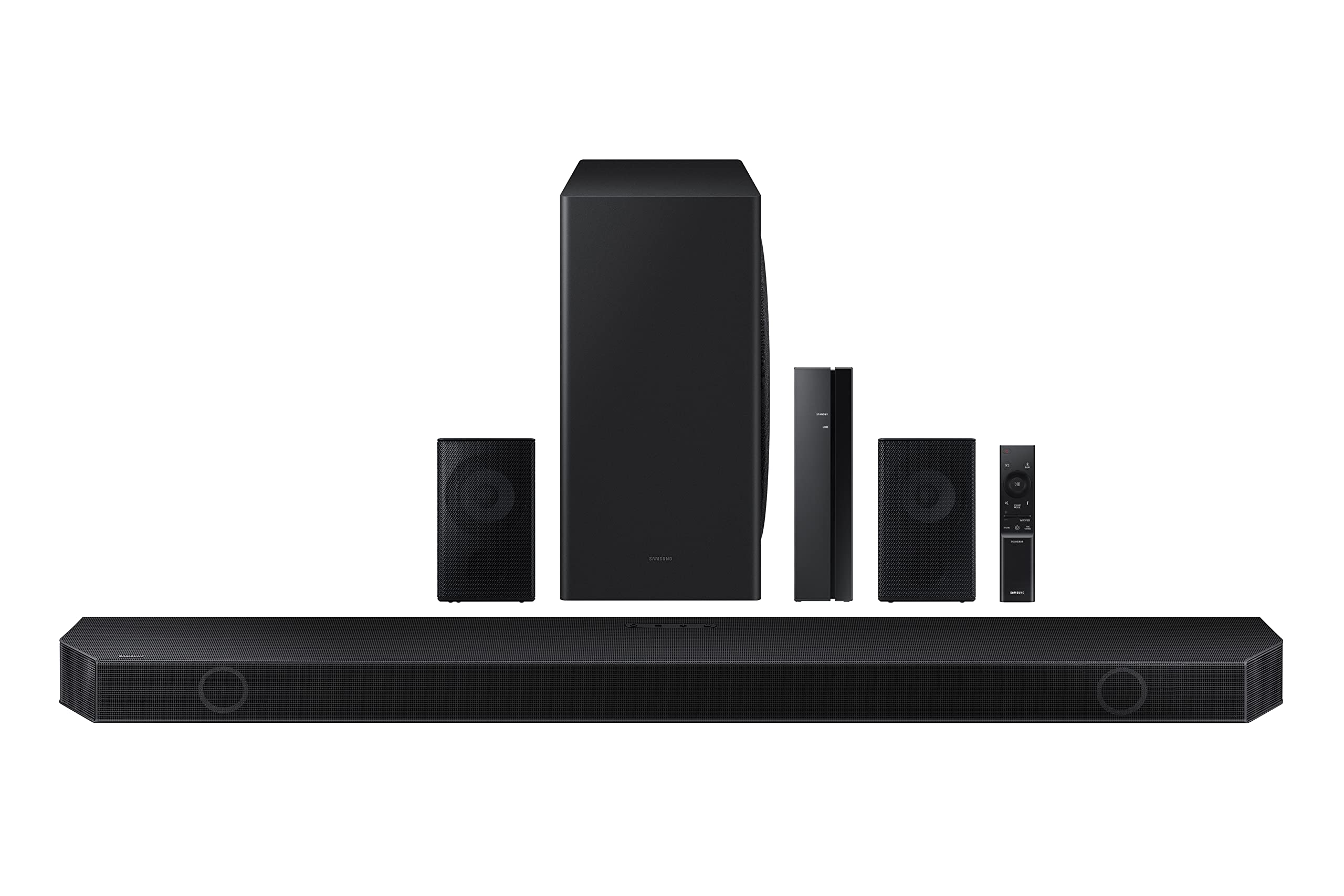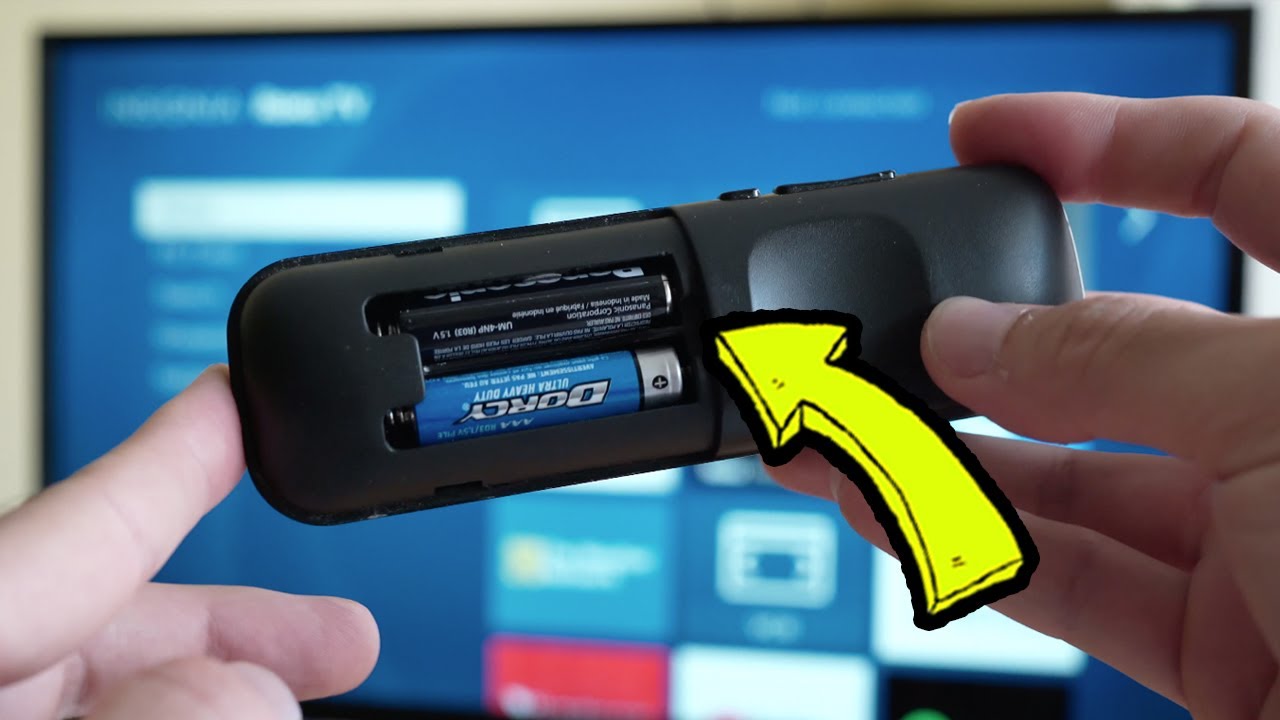
To pair an LG subwoofer with a soundbar, the quickest route is to let the two devices connect automatically when you power them on together, most LG wireless subwoofers are designed to do this on first activation. If the subwoofer’s LED stays red instead of turning solid green, you’ll need to run the manual pairing sequence using the rear button and the soundbar’s power switch. If you have a different brand, you can pair a TCL soundbar to a subwoofer using a similar rear-button method, and once connected, you might also want to pair a Vizio remote to a soundbar to consolidate your control.
How to pair an LG subwoofer with a soundbar: automatic vs manual
Automatic pairing works when both devices are new, have been previously connected, or are simply powered on in the same room for the first time. In that case, the subwoofer locks onto the soundbar’s wireless signal without any input from you. However, if the subwoofer’s LED shows red, the wireless link has not been established, and the manual pairing procedure is required. Manual pairing is also the fix after a power outage, a factory reset, or when the subwoofer has been moved to another room and needs to re-sync.
Check compatibility and power on both devices
Before attempting any connection, verify that your subwoofer and soundbar are designed to work together. Most LG soundbars are only compatible with specific LG subwoofer models, so check the model numbers in the user manuals or on the product labels. Once you’ve confirmed compatibility, plug both devices into power outlets using the original AC adapters, and press the power buttons on the soundbar and the subwoofer. Wait for the indicator lights to come on, which tells you both units are receiving power and ready for pairing.
Understand the LED indicator lights on the subwoofer
The LED on the back of the wireless subwoofer is your primary status tool. A solid green light means the subwoofer is connected to the soundbar and operating normally. A red light means the subwoofer is powered but not connected, so manual pairing is necessary. A blinking green light indicates that the subwoofer is in pairing mode, actively searching for the soundbar’s signal. Knowing these three states helps you diagnose whether the connection is healthy or needs intervention.
Manual pairing: the correct button sequence
If the LED is red, follow this exact order to pair the devices manually:
- Turn the soundbar off using its power button or remote.
- Locate the Pairing button on the back of the wireless subwoofer and press it.
- Watch the subwoofer’s LED, it should begin blinking green, confirming pairing mode is active.
- Turn the soundbar back on and wait several seconds for the connection to establish.
- When the subwoofer’s LED turns solid green, the pairing is successful.
If the LED remains red after this sequence, press and hold the Pairing button on the subwoofer again to restart the process. Make sure the soundbar is off during the button press, and then power it on only after the subwoofer’s LED starts blinking green.
Position the subwoofer for a reliable wireless connection
Placement directly affects whether the wireless link stays stable. Keep the subwoofer as close to the soundbar as possible, with no physical obstacles like walls, furniture, or large appliances between them. To prevent wireless interference, maintain a distance of at least 1 meter (3.3 feet) between the soundbar/subwoofer and devices that generate strong electromagnetic waves, such as wireless routers or microwave ovens. Always use only the original AC adapter included with the product; using an adapter with different specifications may cause malfunction or drop the connection entirely.
Adjust subwoofer settings and test the sound
Once the LED is solid green, use the soundbar remote to access the subwoofer or bass settings. Increase or decrease the subwoofer volume to find a balance where the bass supports the soundbar’s speakers without overwhelming them. If your soundbar offers a crossover frequency or equalizer adjustment, experiment with those to blend the low frequencies smoothly with the midrange and treble. After adjusting, play a movie, TV show, or music track with deep bass tones to verify the sound. Listen for a rich, immersive low end that complements the overall audio, if the bass sounds boomy or weak, tweak the subwoofer volume again until the mix feels balanced. This final test confirms that your soundbar and subwoofer are delivering the full cinematic effect you’re after.