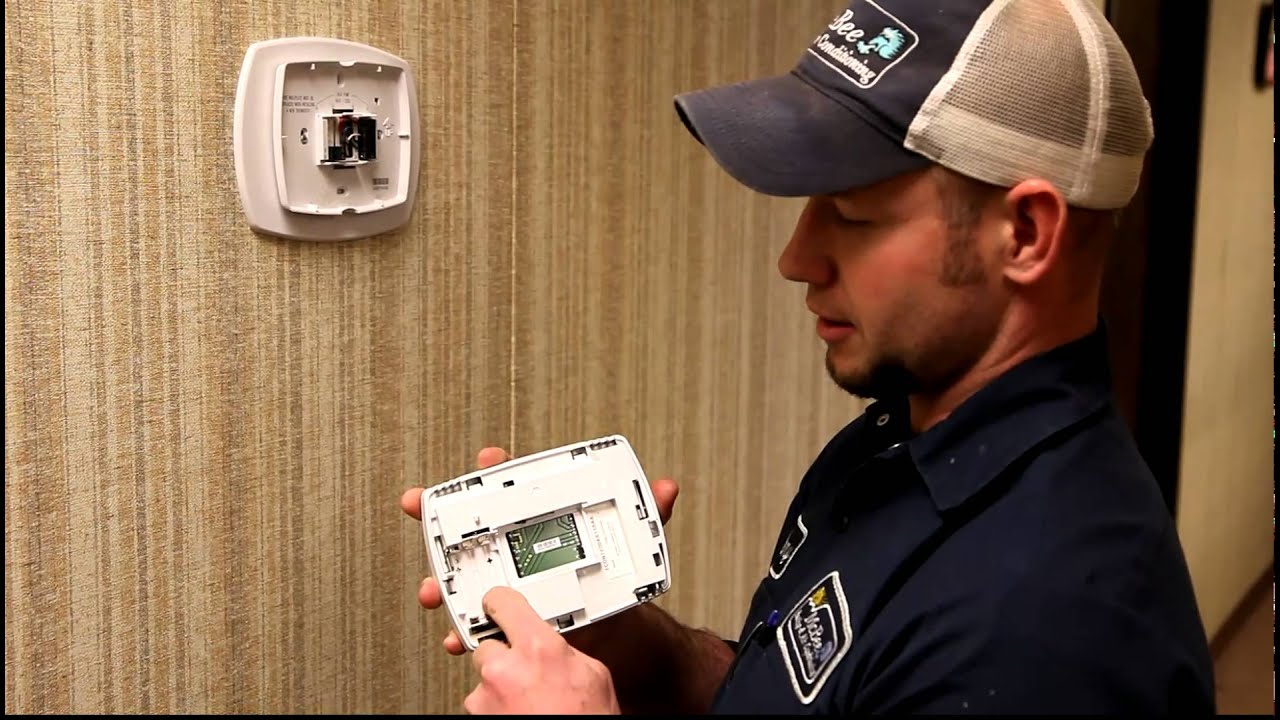
The Trane XL824 smart thermostat does not have a battery, so searching for a "trane xl824 no battery" solution is actually the correct starting point. This device is a 24VAC hardwired control, meaning it receives constant power from your HVAC system's low-voltage wiring, not from a removable battery.
Does the Trane XL824 smart thermostat have a battery?
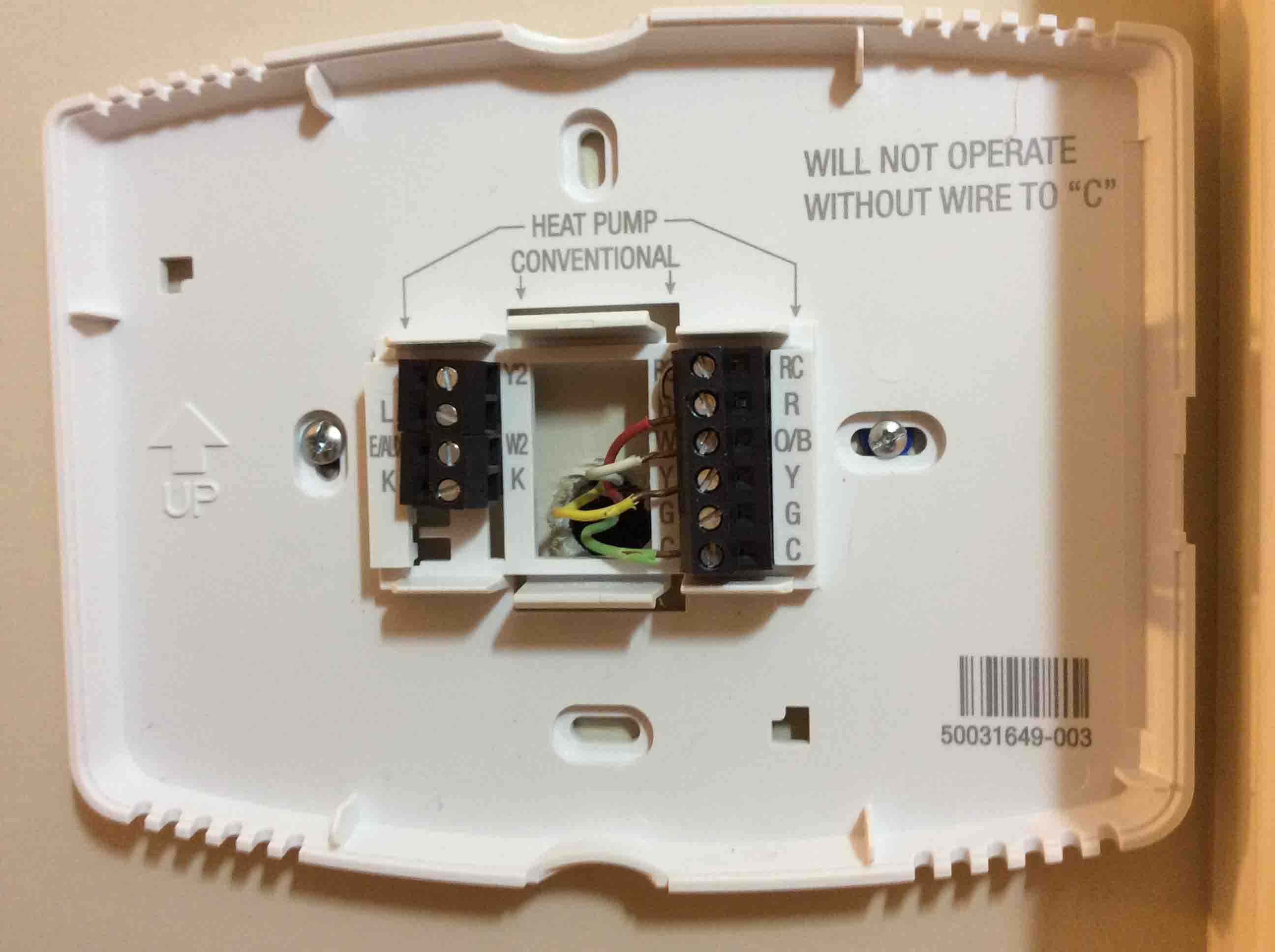
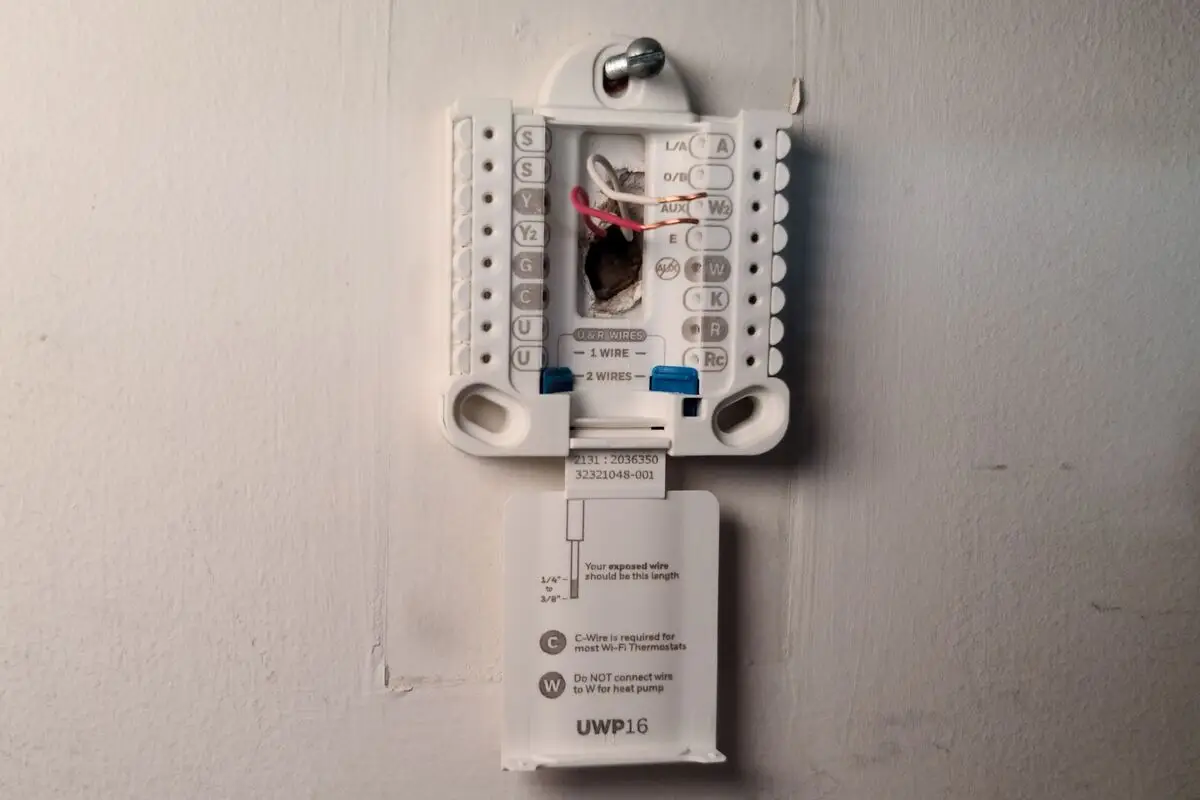
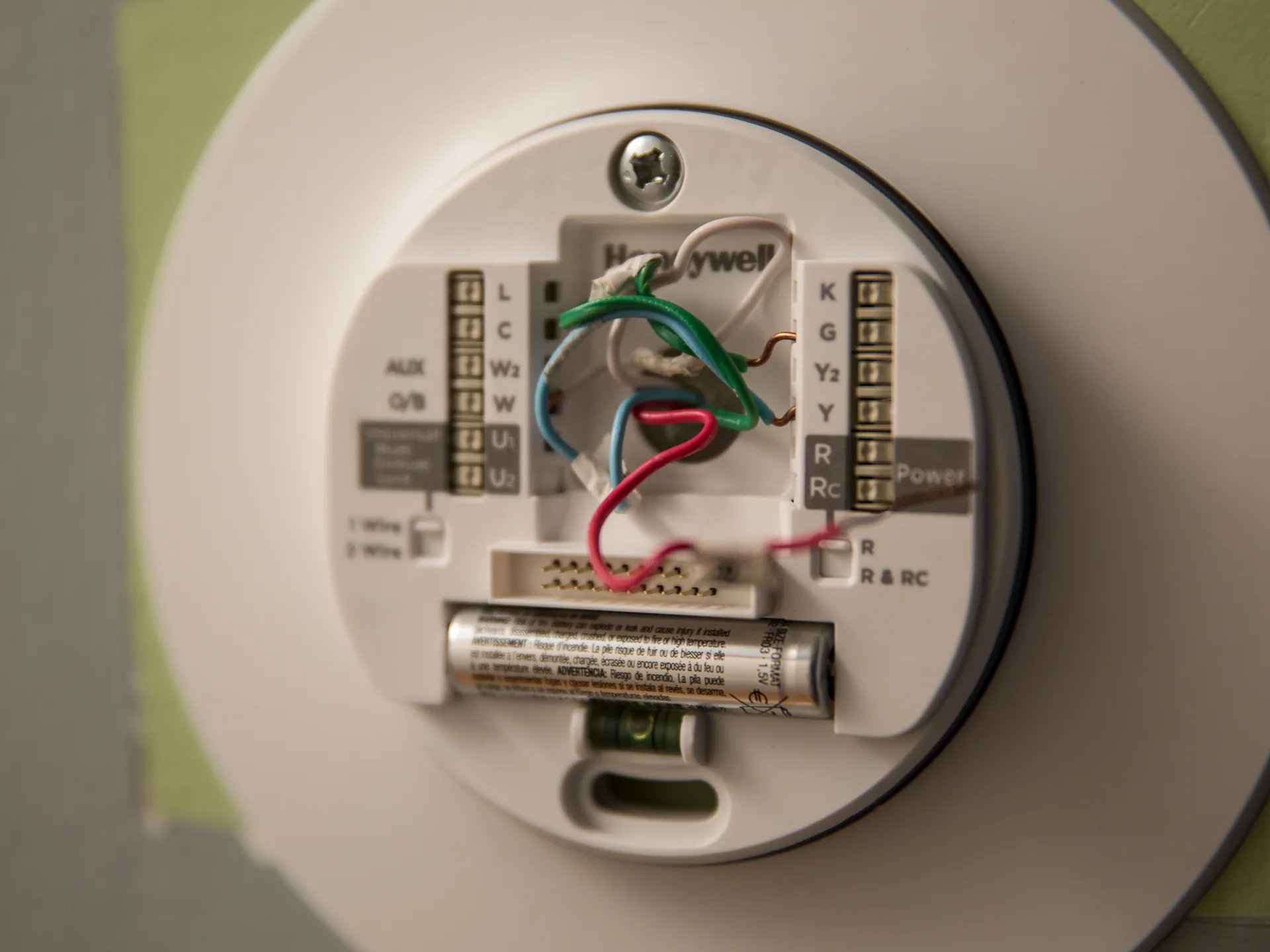
The Trane XL824 smart thermostat does not use batteries for its primary power source. It is a 24VAC control, meaning it receives constant power from your HVAC system's low-voltage wiring. The device connects to a sub-base, and wiring from the HVAC system connects to terminals on this sub-base. Installation guides for the Trane XL824 detail wiring connections for heating and cooling equipment, but do not include instructions for battery replacement. If you were expecting to find a battery compartment, you are not alone in that misconception, but the device simply does not have one. The idea that the thermostat can run on batteries comes from a single dealer website, but official Trane documentation and product guides overwhelmingly confirm there is no battery. Your thermostat is designed to be installed in climate-controlled living spaces and requires proper wiring to function.
Why your Trane XL824 screen is blank or unresponsive
When your Trane XL824 screen is blank or unresponsive, it mimics the symptoms of a dead battery, but the real cause is a loss of power to the thermostat. The most common reasons for this power loss include a tripped circuit breaker, a turned-off HVAC system, a loose C-wire connection, or an open furnace door switch. Because the thermostat has no battery backup, any interruption in the 24VAC power supply will cause the screen to go dark. If you see a blank screen, do not look for a battery, instead, look for a power problem in your home or HVAC system.
How to restore power to your Trane XL824
Follow these steps in order to restore power to your Trane XL824 smart thermostat:
- Verify the HVAC power switch is on. Most furnaces or air handlers have a wall switch nearby that looks like a standard light switch. Make sure it is in the on position.
- Ensure the furnace or air handler door is fully closed. Many units have a safety door switch that cuts power when the panel is open. Push the door firmly shut.
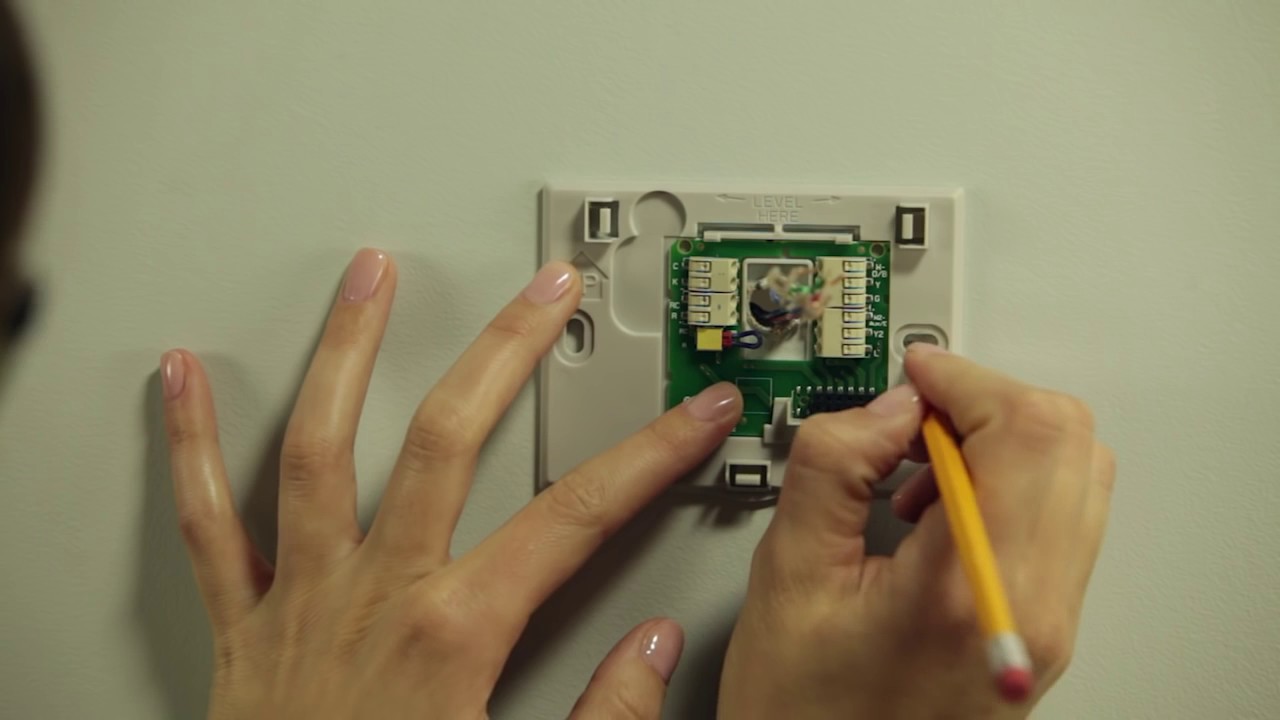
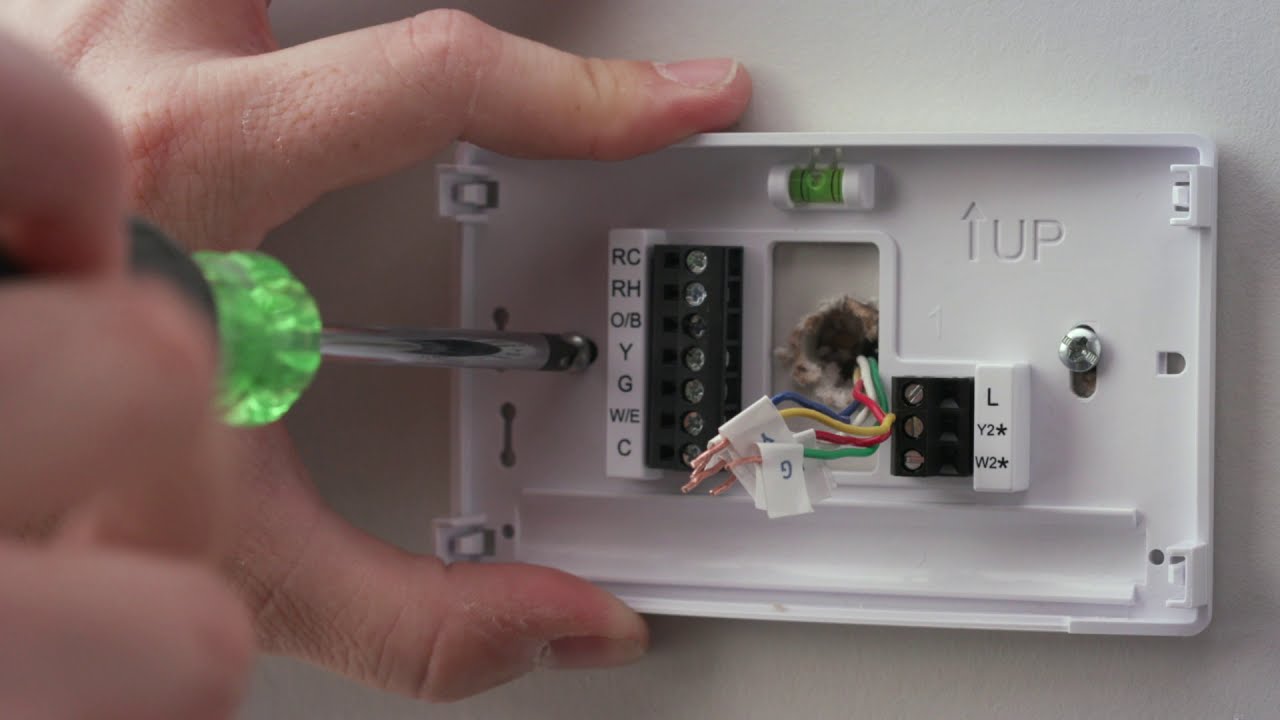
- Inspect the C-wire connection on the sub-base. Turn off power to the HVAC system at the breaker, then gently remove the thermostat from its sub-base. Look for a wire connected to the terminal labeled "C." If it is loose or disconnected, re-secure it. Reattach the thermostat and restore power.
If the screen remains blank after these steps, the issue may be a faulty transformer or wiring problem in the HVAC system itself, which would require a professional technician to diagnose.
When to reset your Trane XL824 thermostat
If you have confirmed that power is reaching the thermostat but the screen is still frozen or blank, a factory reset may be needed. This can resolve software glitches that prevent the display from turning on. The process to reset a smart thermostat like the Trane XL824 involves specific button sequences or menu options. For full instructions on performing a factory reset, refer to the official reset guide for your model. Only attempt a reset after you have verified that the device is receiving power from all the sources listed above, as a reset will not fix a hardware power issue.
\nRelated reading: How To Install Honeywell Smart Thermostat and How To Wire Honeywell Smart Thermostat.