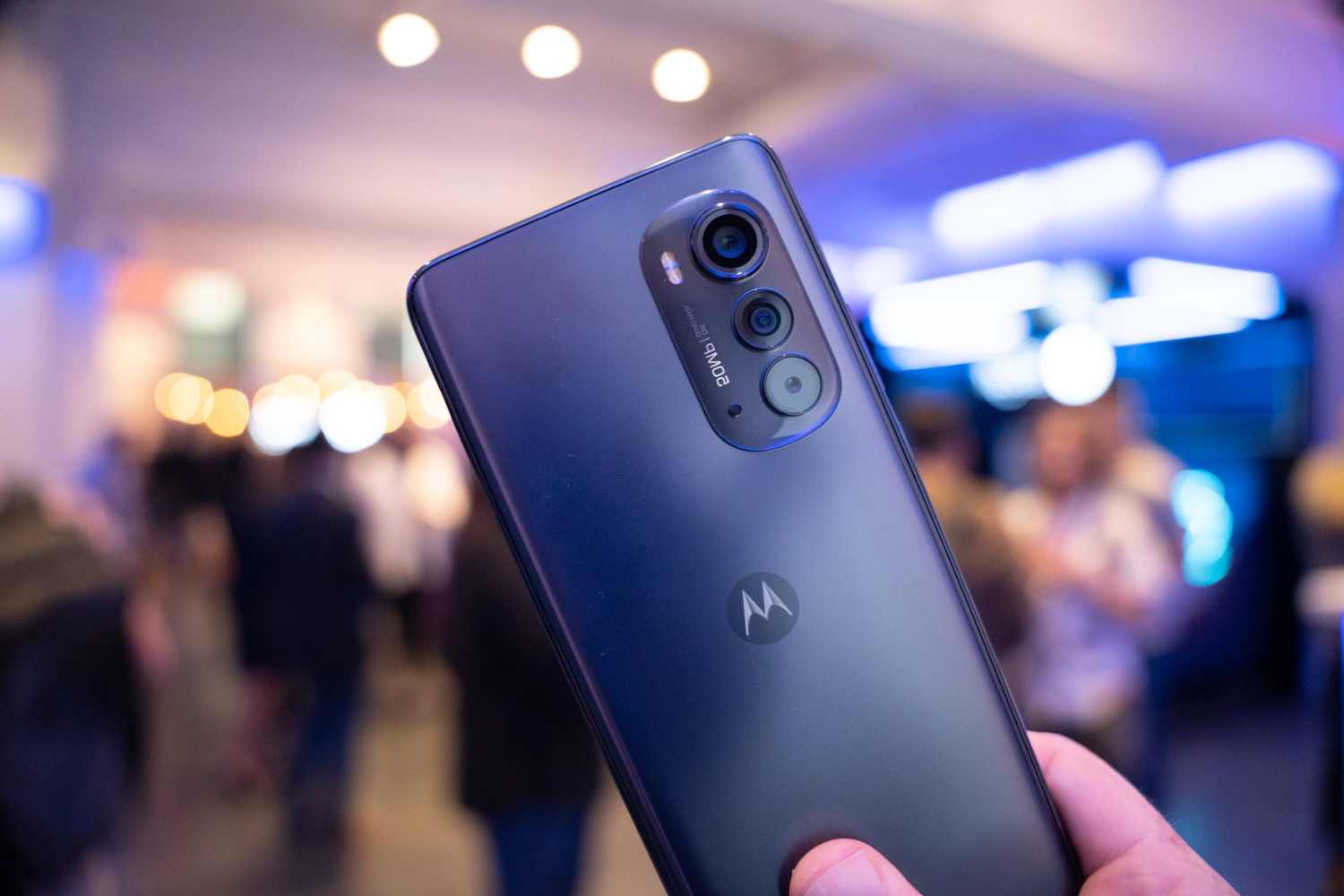
To unlock Moto G Power for use with any carrier, you need a network unlock, not a screen unlock. This guide covers the official methods to carrier-unlock your device, so you can switch networks freely.
What 'unlock moto g power' actually means
When people search for "unlock moto g power," they usually mean one of two things: carrier unlocking or screen unlocking. Carrier unlocking removes the software restriction that ties your phone to a specific network provider, letting you insert a SIM card from any compatible carrier. Screen unlocking, on the other hand, is about bypassing the lock screen security like a PIN, pattern, or password to access the phone's home screen. This article focuses exclusively on carrier unlocking, the process that gives you the freedom to switch networks and use local SIMs while traveling.
Carrier unlock eligibility for your moto g power
Before you attempt to unlock your Moto G Power, you must meet specific eligibility criteria set by your carrier. These requirements are non-negotiable and are based on verified carrier policies. The most common conditions include a minimum active service period, for instance, 60 days for Verizon and 365 days for T-Mobile or AT&T. Additionally, carrier-locked phones reported as lost, stolen, or associated with fraud are not eligible for unlocking. Ensure your device is fully paid for, not reported as stolen, and has completed the required service duration before proceeding.
Method 1: unlock moto g power through your carrier
The most straightforward and official method to unlock your Moto G Power is to request it directly from your current carrier. This process is free and guarantees that your device is unlocked according to the carrier's policies. Here's how to do it:
Step 1: Verify your eligibility
Check your carrier's website or contact customer support to confirm you meet the unlock requirements.
Step 2: Submit a formal unlock request
Once eligibility is confirmed, submit a formal request through your carrier's online portal, mobile app, or by calling customer service. Provide the required details, including your IMEI and account information. The carrier will process your request and notify you once the unlock is complete, usually within a few business days.
Step 3: Complete the unlock
After receiving confirmation, insert a non-original SIM card from a different carrier into your Moto G Power. If the phone prompts you for an unlock code, enter it. If not, the device should automatically recognize the new SIM. Your phone is now carrier-unlocked.
Method 2: unlock moto g power with an unlock code
If your carrier doesn't provide an automatic unlock or you prefer a manual approach, you can use an unlock code. This method requires you to obtain a unique code that overrides the carrier lock. Here's the process:
Step 1: Obtain your IMEI number
Dial *#06# on your Moto G Power to display your unique International Mobile Equipment Identity (IMEI) number. Write it down, you'll need this to request the unlock code.
Step 2: Acquire an unlock code
You can request an unlock code from your carrier if you're eligible, or purchase one from a reputable third-party provider. Ensure the service is trustworthy to avoid scams. The code is typically delivered via email within a few days.
Step 3: Insert a non-original SIM and enter the code
Power off your phone, insert a SIM card from a different carrier, and power it back on. Your Moto G Power will prompt you to enter the unlock code. Input the code you received, and the phone will confirm the unlock. Your device is now free to use with any compatible network.
Method 3: use a third-party unlocking service
For those who want a hassle-free, expert-guided solution, third-party unlocking services offer a convenient alternative. These services specialize in unlocking devices remotely, often without you needing to interact with your carrier. You'll submit your device details and IMEI number, and the service handles the rest. Costs vary, but they typically range from $10 to $30, and the process can take anywhere from a few hours to a couple of days. This method is ideal if you're ineligible for a carrier unlock or want a quicker resolution. Just ensure you choose a reputable provider with positive reviews to avoid any issues.
What to do if you forgot your screen lock
If your issue is a forgotten screen lock (PIN, pattern, or password), the only official method to regain access is a factory reset, which erases all data on the device. Before you do this, be aware that after the reset, you'll be required to enter the Google account credentials previously synced with the phone due to Factory Reset Protection (FRP). This means you'll need your Google username and password. If you're prepared for the data loss, you can perform a factory reset using the hardware buttons or through the recovery menu. For a detailed, step-by-step guide on screen unlocking, visit our dedicated screen unlock guide.
\nRelated reading: Resetting Your Motorola Razr Flip Phone and Subsidy Password: Unlocking Guide For Motorola Razr V3.