To create an NFT on OpenSea, you will use the platform's Studio tools to deploy a smart contract for your collection and then mint an NFT on OpenSea directly to the blockchain. This step-by-step guide covers everything from connecting your wallet to finalizing your mint, so you can focus on your creative work without needing any coding knowledge.
What you need to create an NFT on OpenSea
Before you begin, ensure you have three things ready. First, a funded crypto wallet compatible with OpenSea, such as MetaMask or WalletConnect, which will hold the cryptocurrency needed for transaction fees. Second, a prepared digital file, this could be an image, video, GIF, audio file, or 3D model, that you want to turn into an NFT. Third, a basic understanding that an NFT is a unique digital token representing ownership of your file, recorded on a blockchain.
Step 1: Connect your wallet to OpenSea
Start by visiting the OpenSea website and logging into your account. To enable transactions, you must connect a compatible wallet. Click the wallet icon or profile button, select your wallet provider (like MetaMask or WalletConnect), and follow the prompts to authorize the connection. Once connected, your wallet address will appear, and you will be ready to interact with the platform.
Step 2: Open OpenSea Studio and create a collection
From the left-hand sidebar on OpenSea, navigate to "Studio." Click "Create new" and then select "Create Collection." This action begins the process of setting up a dedicated space for your NFTs. Note that creating a collection requires deploying a smart contract, which is a self-executing program on the blockchain that governs your NFTs.
Step 3: Deploy your smart contract
In the Studio interface, you will be prompted to provide details for your smart contract. Upload a logo image for your collection, enter a contract name and token symbol, and choose an EVM blockchain (such as Ethereum or Polygon). This step is critical because the smart contract defines the rules for your NFTs. A clear warning: deploying a smart contract requires a gas fee, which is a payment to the blockchain network for processing the transaction. Confirm the details and approve the deployment in your connected wallet.
Step 4: Upload your NFT media and add metadata
After the smart contract is deployed, go to the "Media & Metadata" tab within your collection. Here, upload your digital file. OpenSea supports formats including JPG, PNG, GIF, SVG, MP4, WEBM, MP3, WAV, OGG, GLB, or GLTF. The maximum file size for a direct upload is 50MB. Give your NFT a unique name, and set the supply (for example, 1 for a one-of-a-kind piece). You can also add optional details like a description, an external link, and traits (properties that make your NFT distinctive). Remember, all NFTs within the same collection must be of the same file type.
Step 5: Mint your NFT
Once your media and metadata are set, click the "Mint" button. Your connected wallet will prompt you to approve the transaction, which includes paying the associated gas fee. After approval, the NFT is published to the chosen blockchain and becomes visible in your collection. This finalizes the minting process, and your NFT is now a tradable digital asset.
What to do after you create your NFT
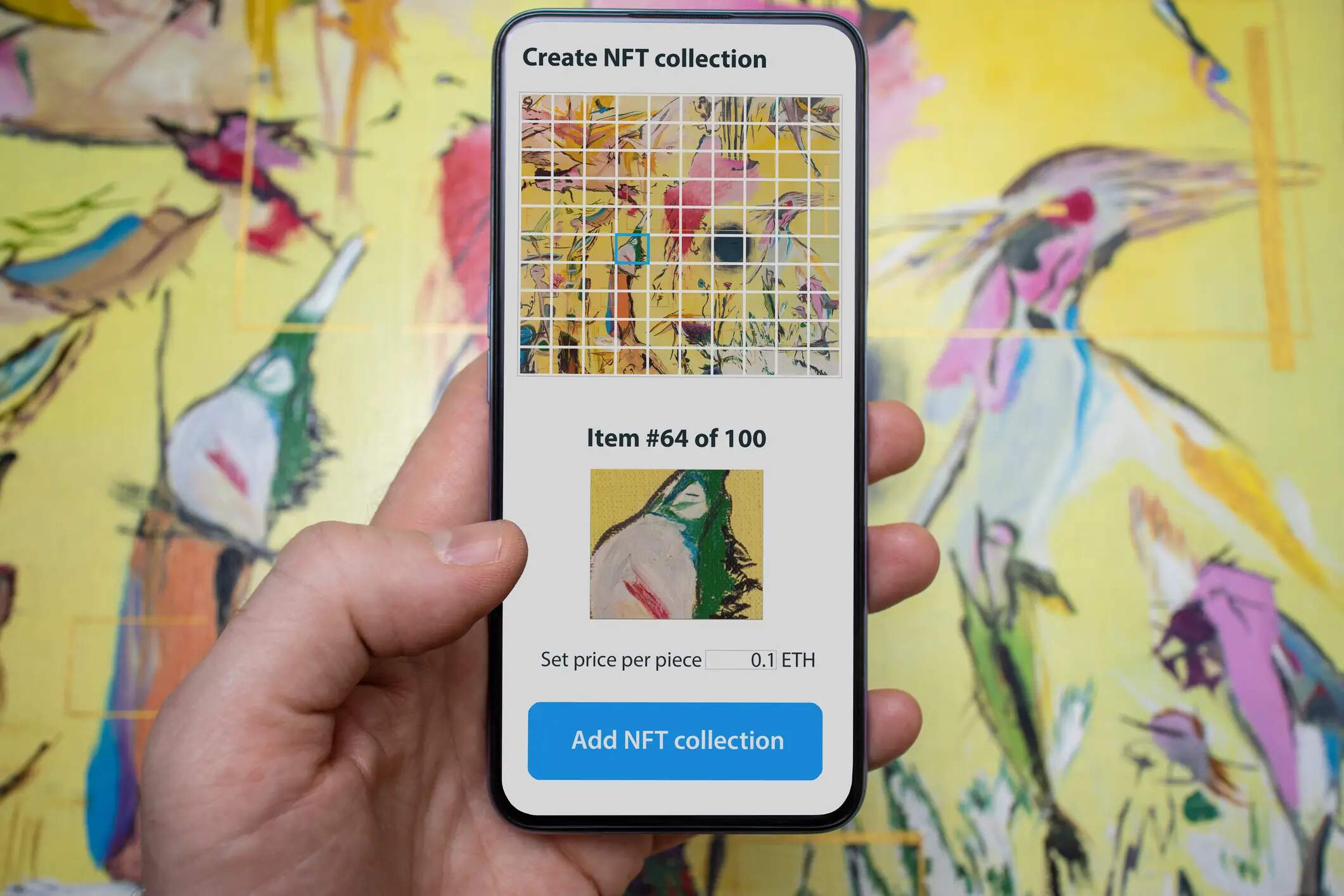
After minting, you can share the direct link to your NFT on social media or with your audience. Be aware that OpenSea charges a 2.5% service fee on the final sale price of any NFT sold on its platform. Additionally, you can set creator earnings (royalties) to receive a percentage from future secondary sales. This feature allows you to benefit from your work even after the initial sale. While you cannot move NFTs between collections after they are created, you can use the supply setting to mint multiple copies of a single item (for example, an edition of 100) without needing to upload each one individually. This approach lets you mint an NFT for free in the sense that you only pay one gas fee for the entire edition, rather than per item. Once your collection is live, you can list your NFTs for sale to start NFT trading on OpenSea.