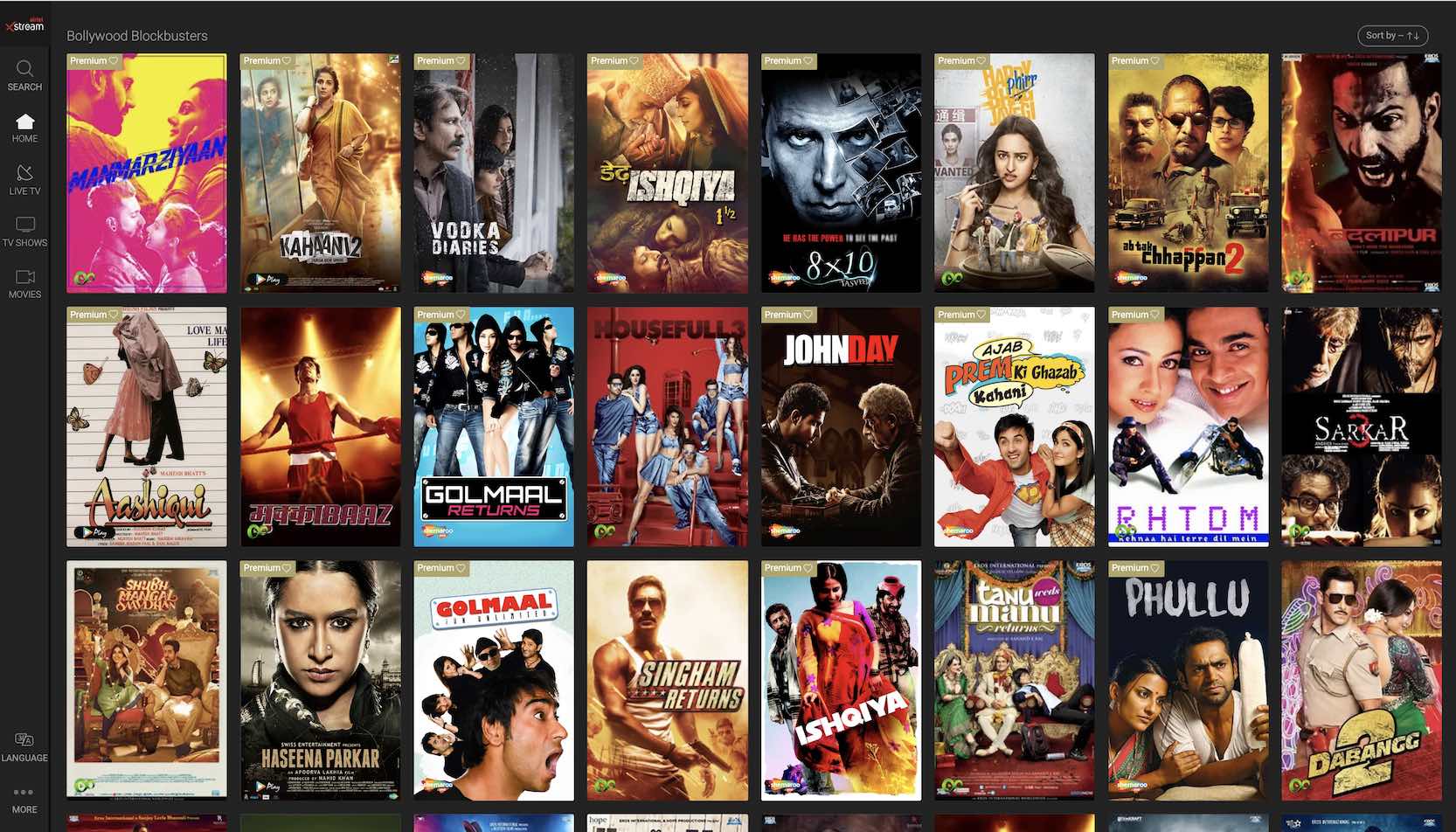
To watch Hindi movies with English subtitles, you need a subscription to a streaming platform that offers both the films and the subtitle option. The best way to watch Hindi movies with English subtitles is to use major services like Netflix, Amazon Prime Video, and Disney+ Hotstar, which provide a wide selection of Bollywood and regional Hindi films with customizable subtitle settings.
Streaming platforms to watch Hindi movies with english subtitles
Several major streaming services legally offer Hindi films with English subtitles, making it easy for non-Hindi speakers to enjoy Bollywood cinema. Netflix, Amazon Prime Video, and Disney+ Hotstar are the most accessible international platforms, each with substantial libraries of Hindi content. For viewers seeking deeper Indian film catalogs, region-specific services like Zee5, Eros Now, SonyLIV, and JioCinema provide extensive collections of Hindi movies, often with English subtitles available for most titles. If you enjoy exploring international cinema, you can use similar streaming tactics to download free korean movies online with english subtitles.
How to watch on Netflix, Amazon Prime, and Disney+ Hotstar
Enabling English subtitles on these three platforms is straightforward, though the exact controls vary slightly by device. The following steps apply to standard web browsers and mobile apps.
- On Netflix, start playing a title, then select the "Audio & Subtitles" icon (often a text box icon) from the player controls and choose "English" under subtitles.
- On Amazon Prime Video, during playback, access the controls by moving your mouse or tapping the screen, then click the "Subtitles and Audio" or "Closed Caption" icon to select English subtitles.
- On Disney+ Hotstar, while playing a video, open the "Audio & Subtitles" menu (often an icon in the top or bottom right) and select your preferred subtitle language.
How to watch on India-specific platforms: Zee5, Eros Now, SonyLIV, and JioCinema
Indian streaming services offer deep libraries of Hindi cinema, but subtitle availability and activation methods differ. Follow these platform-specific instructions.
Zee5
- On the Zee5 mobile app, tap the "Settings" button during playback, then "Subtitle," and select your desired language like English.
- On the Zee5 website, click the "Subtitles" button at the bottom right of the video player to choose your preferred language.
Eros Now
Eros Now features a large library of Hindi movies, with English and Arabic subtitles available for most films. An active Eros Now Premium subscription is required to access subtitles on the platform. To turn on subtitles on Eros Now, click the "CC" button next to the playback controls on the video player.
SonyLIV
SonyLIV provides Hindi content and supports English subtitles for available titles. During playback, look for the subtitle or closed caption icon in the player controls to enable English subtitles.
JioCinema
JioCinema allows enabling or disabling subtitles via a "CC" icon on the player dock for many titles. Tap or click this icon during playback to turn English subtitles on or off.
A note on subtitle availability and customization
Subtitle availability on all streaming platforms can vary by specific title, region, and content licensing agreements. A film that has English subtitles in one country may not have them in another, and older or less popular titles may lack subtitles entirely. Amazon Prime Video allows users to customize the size and color of subtitle text via the "Subtitles Settings" menu, which can improve readability on different screens.
Hindi and Indian film festivals
Film festivals offer an alternative way to watch subtitled Hindi films, often with curated selections and the chance to see new releases. The Mumbai Film Festival (MAMI) and the International Film Festival of India (IFFI) are two major events that regularly screen Hindi movies with English subtitles. These festivals provide access to critically acclaimed and independent Hindi cinema that may not be widely available on streaming platforms, and a similar approach works well to watch turkish shows with english subtitles through dedicated cultural film events, while many of the same streaming services also carry Indian series with English subtitles for those who prefer episodic storytelling, making them valuable for dedicated fans of Indian film.