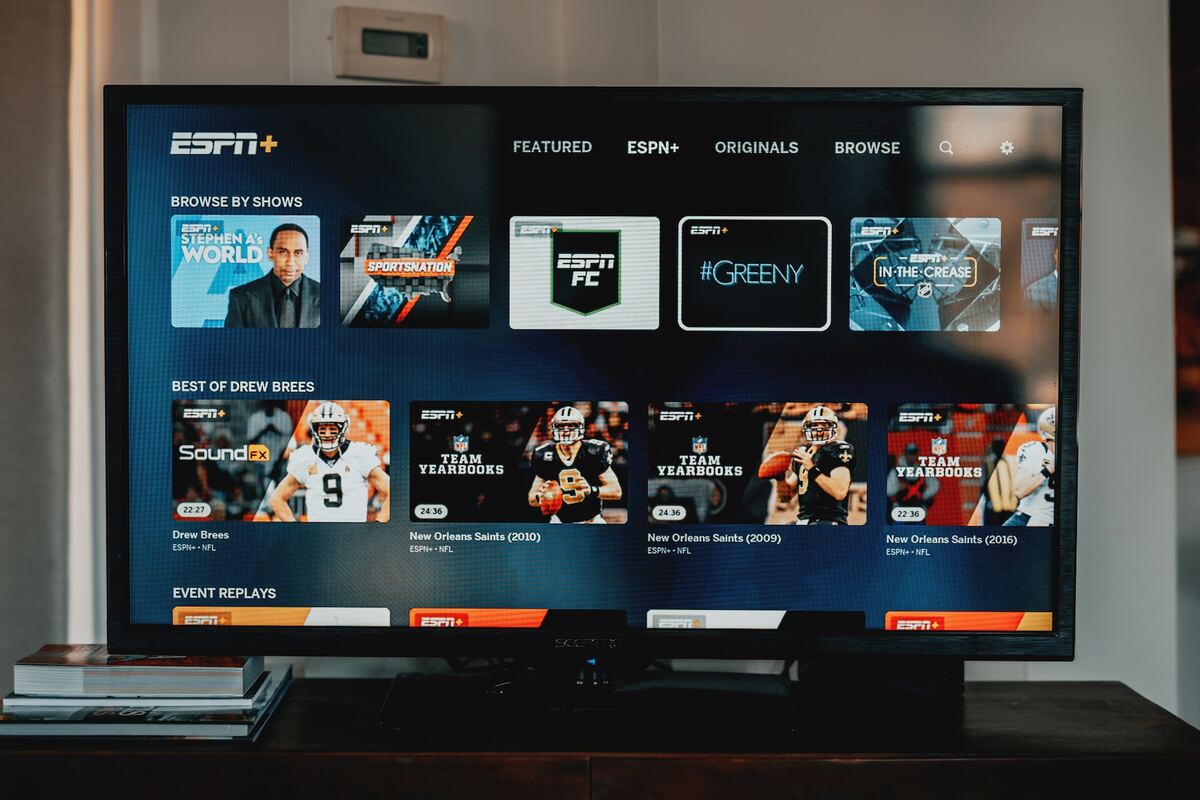
To add Acorn TV to LG Smart TV, you have two verified options: install the app directly from the LG Content Store, or subscribe through Amazon Prime Video as an...
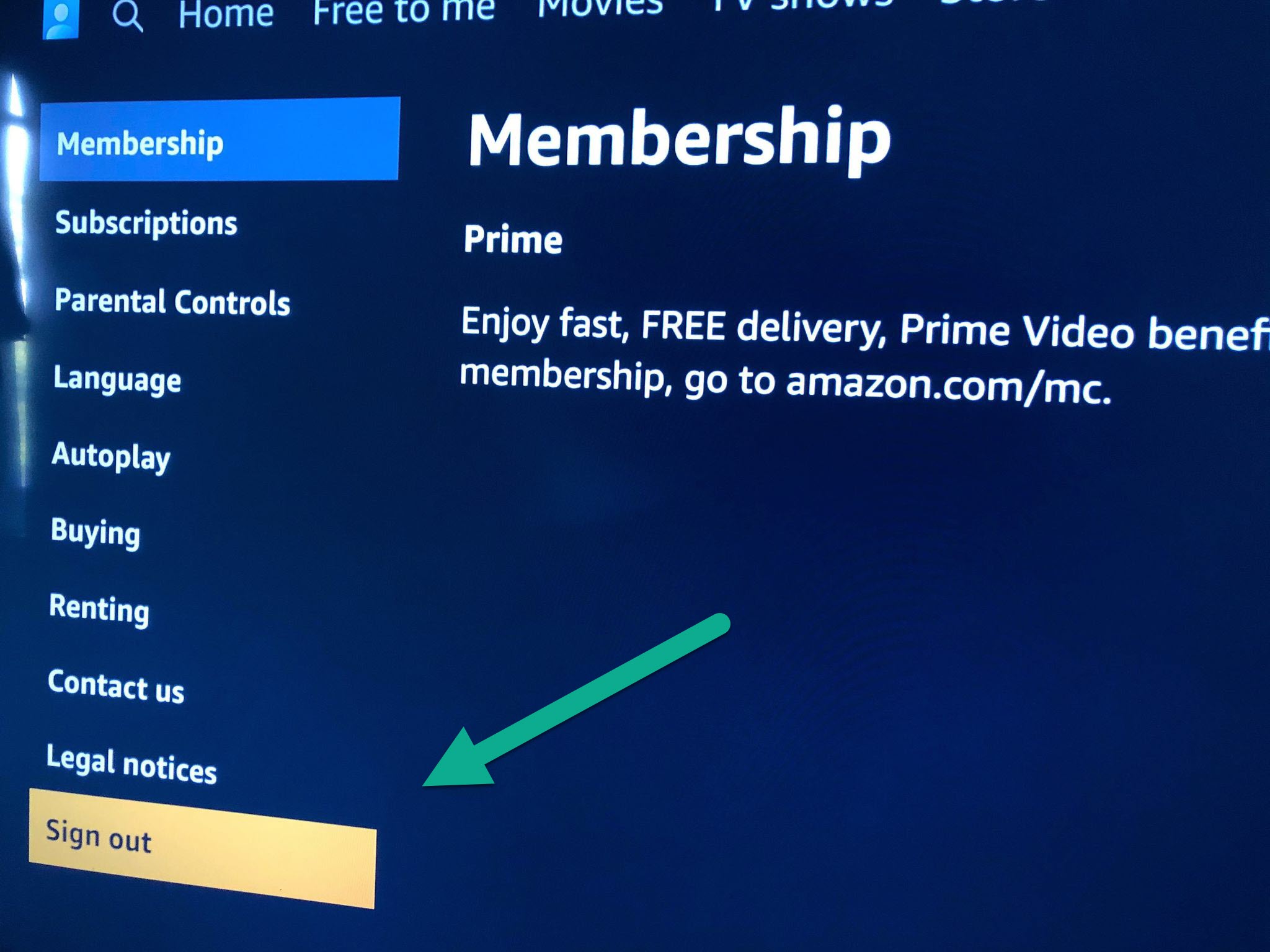
To log out of amazon prime video on smart TV, open the Prime Video app and navigate to the settings menu to find the sign-out option. This process signs out...
You can download Amazon Prime movies to a USB flash drive, but not as portable video files. Amazon's digital rights management (DRM) restricts downloaded titles so they only play inside...
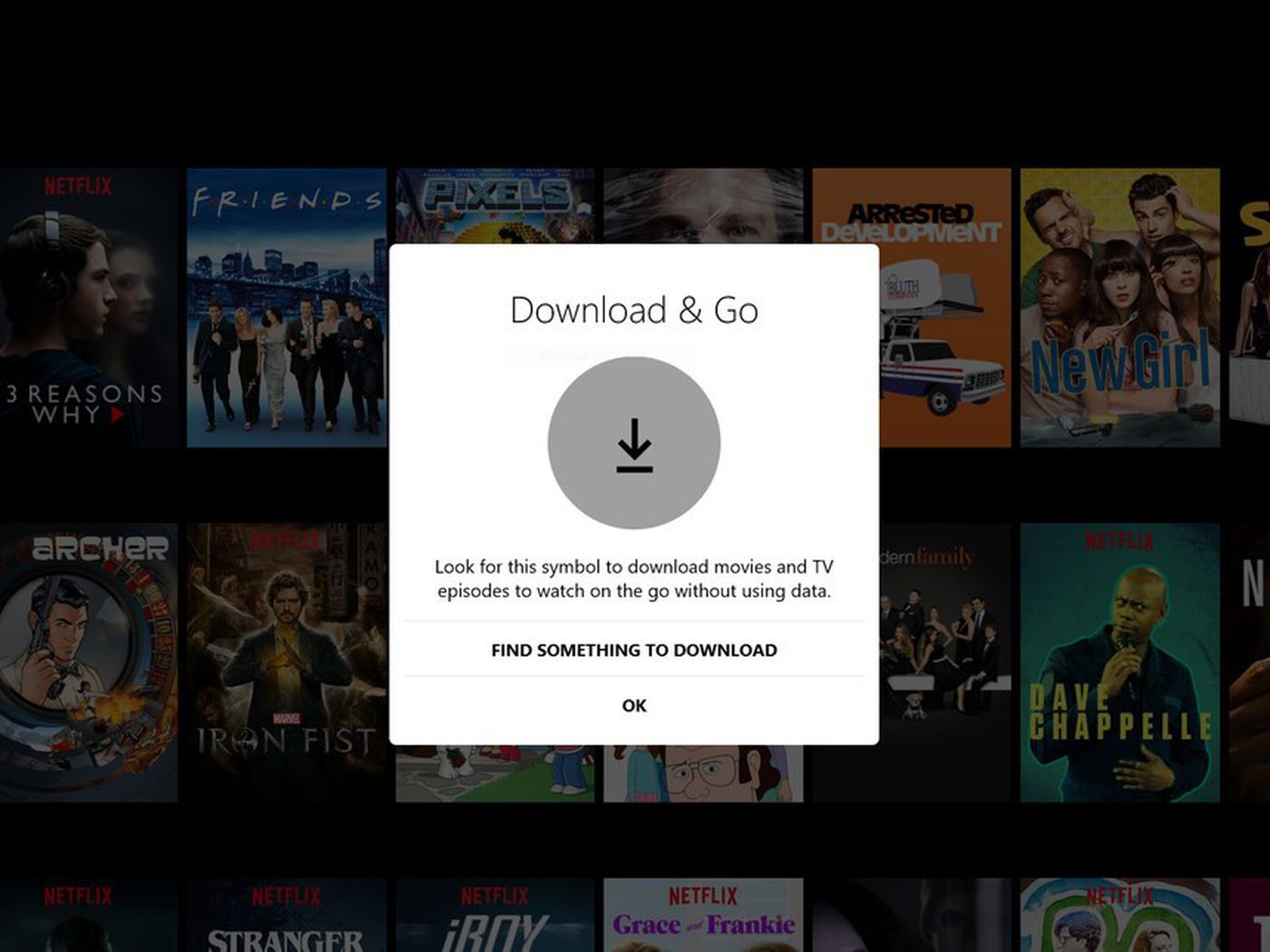
To download movies to Kindle Fire, open the streaming app you already subscribe to, like Amazon Prime Video or Netflix, find the title you want, and tap the download icon...
To download movies to your iPad for offline viewing, open the streaming app you subscribe to, such as Netflix, Disney+, Amazon Prime Video, or YouTube Premium, and look for the...
The safest and most reliable way to download movies to watch offline is through the official apps of paid streaming services you already subscribe to. This method is legal, high-quality,...
To download movies from Amazon Prime to laptop, you need the official Prime Video app installed on your Windows or Mac computer, which allows you to save select titles for...
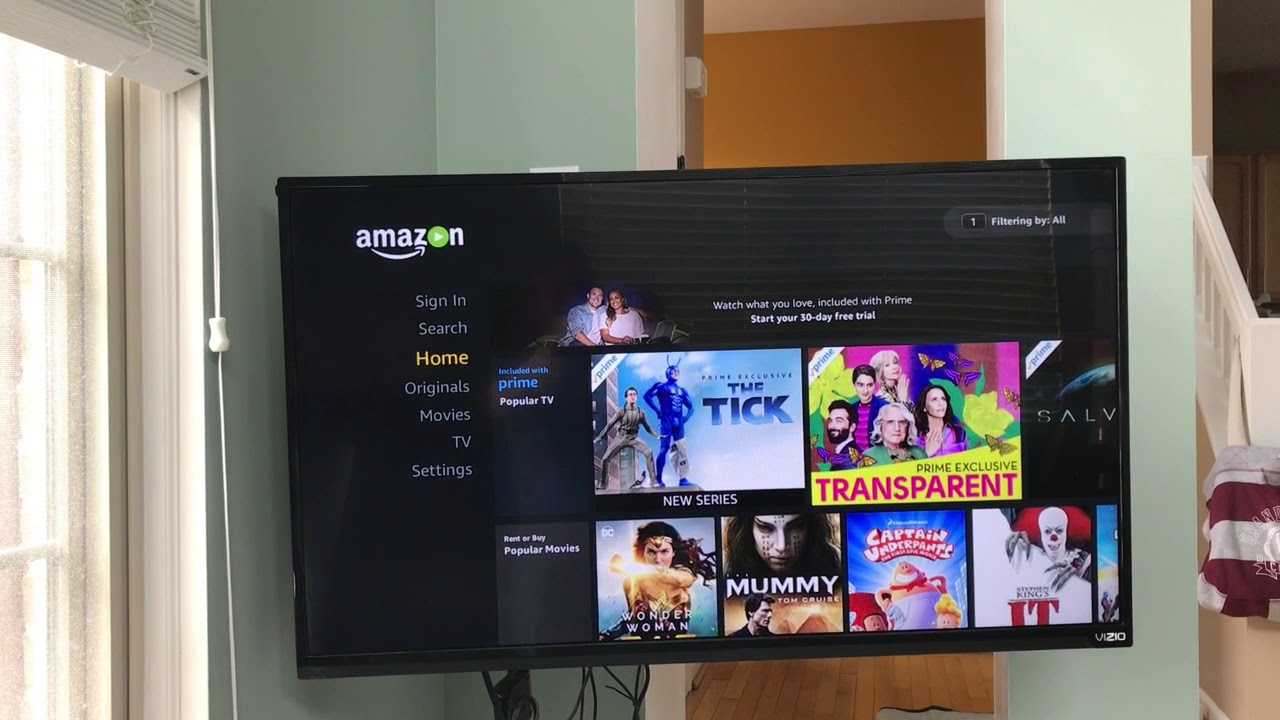
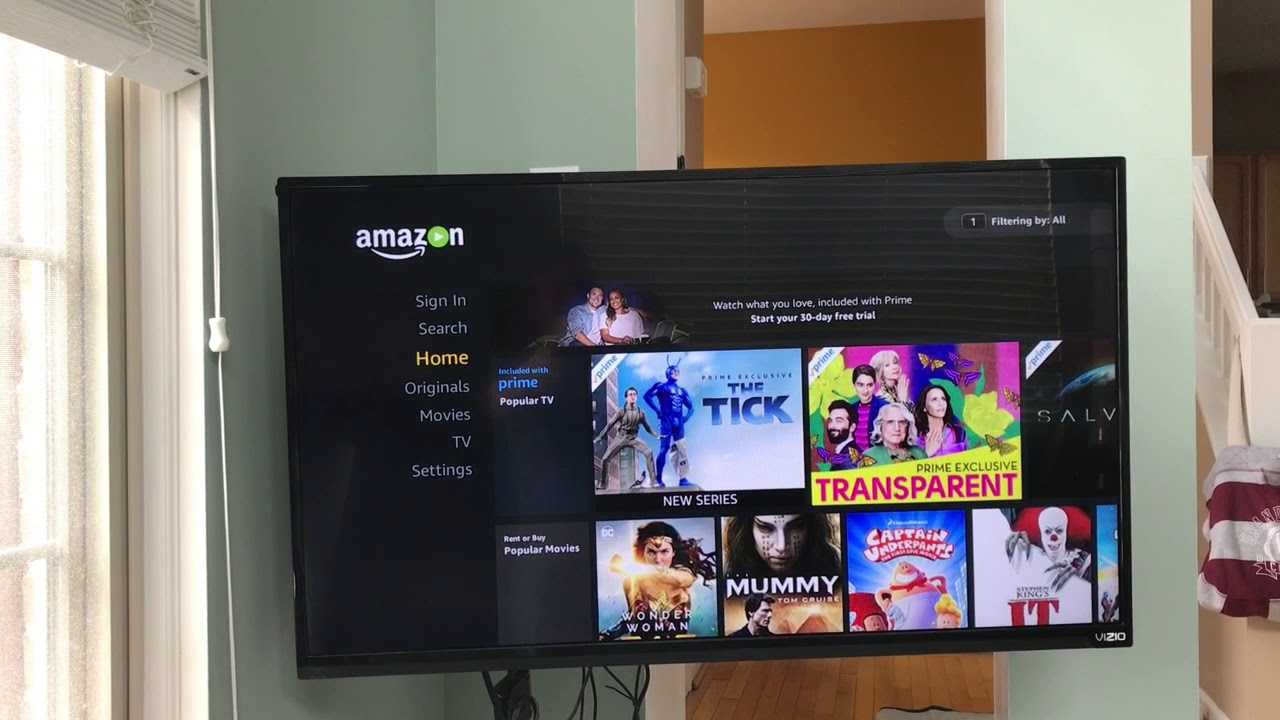
To log into Amazon Prime on TV, open the Prime Video app on your smart TV or streaming device and choose a sign-in method. The fastest way is to use...
To record Thursday Night Football on Amazon Prime, use the built-in recording feature available on the game's detail page within the Prime Video app. This feature lets you save live...
The most straightforward way to record Amazon Prime Video is to use the app's built-in download feature, which lets you save titles for offline viewing without needing any screen-recording software....
The Watchlist on Amazon Prime is a personal, save-for-later list where you can store TV shows, movies, and other video content from the Prime Video catalog, so you can easily...
To sign out of Amazon Prime on Roku, open the Prime Video channel, go to Settings, scroll to the very bottom, and select "Sign Out." This is the quickest way...
This website uses cookies so that we can provide you with the best user experience possible. Cookie information is stored in your browser and performs functions such as recognising you when you return to our website and helping our team to understand which sections of the website you find most interesting and useful.
Strictly Necessary Cookies
Strictly Necessary Cookie should be enabled at all times so that we can save your preferences for cookie settings.
If you disable this cookie, we will not be able to save your preferences. This means that every time you visit this website you will need to enable or disable cookies again.