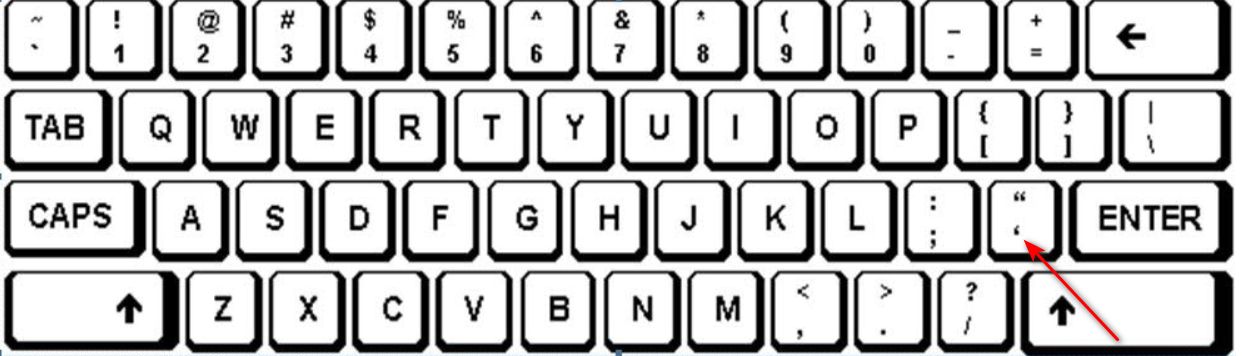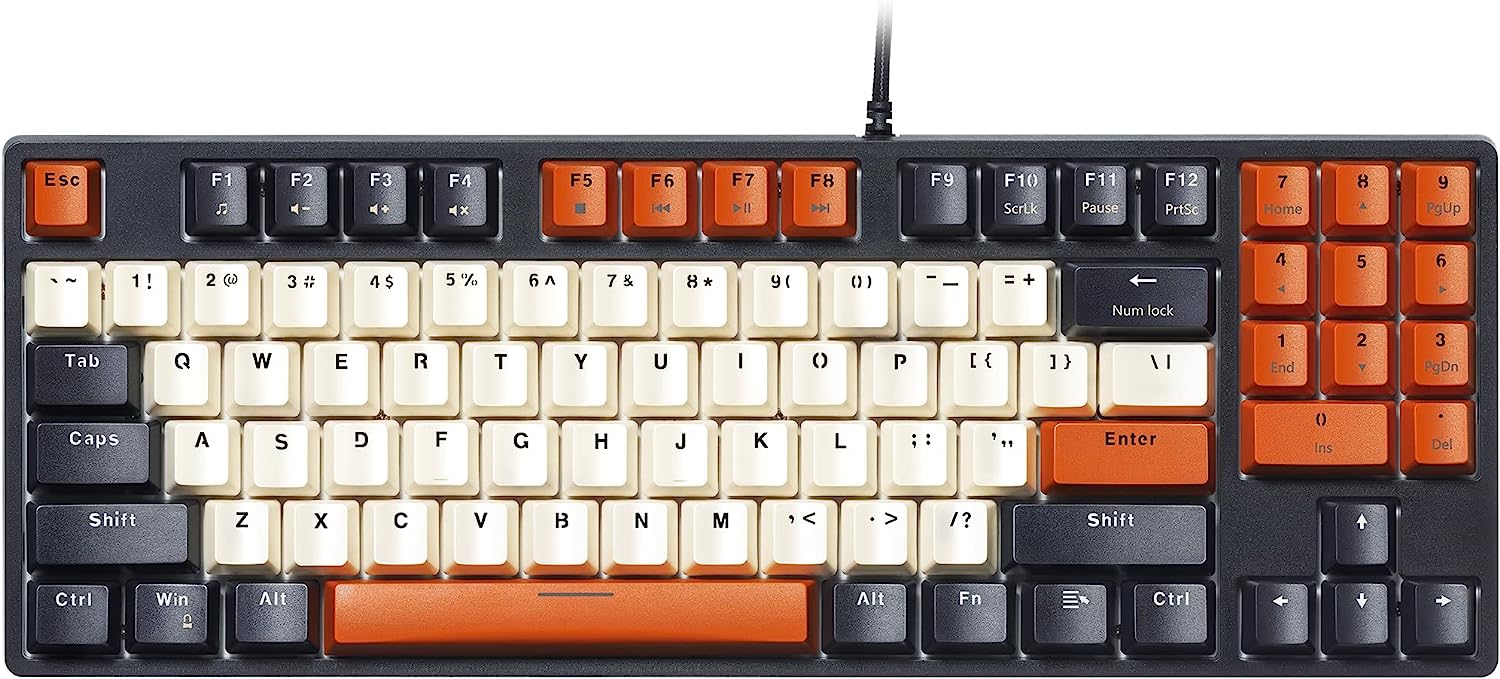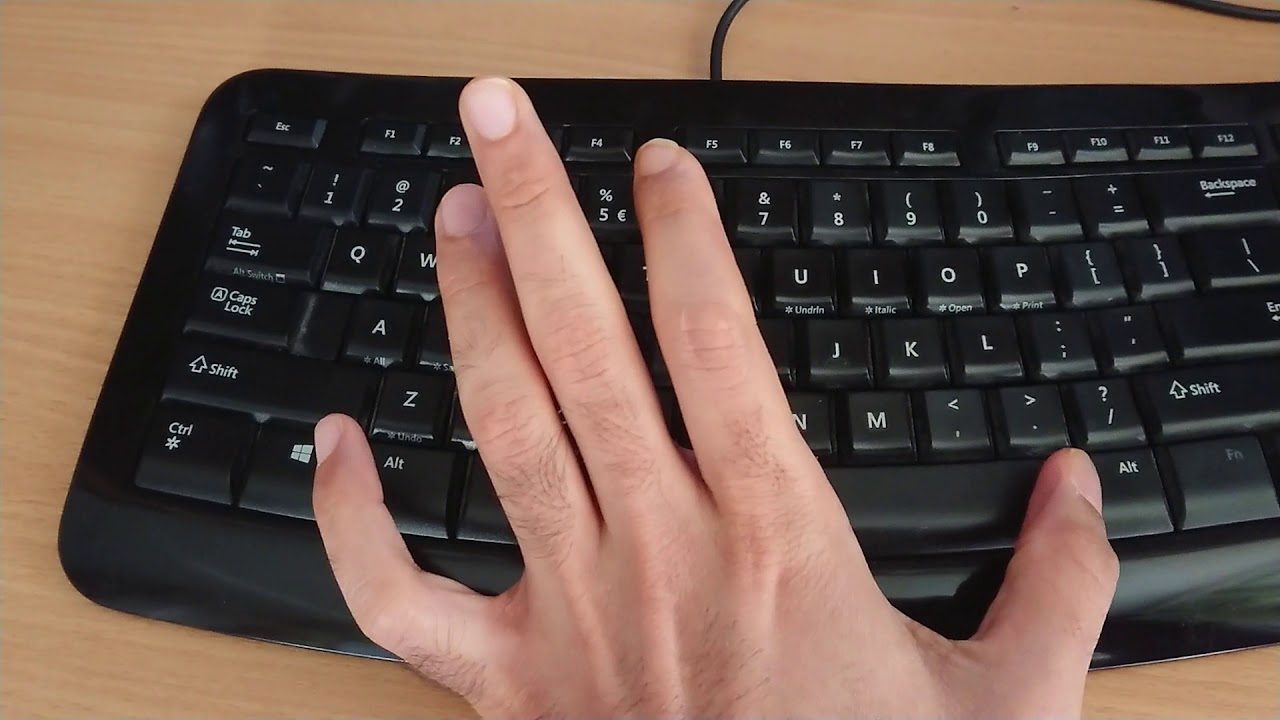
The backslash key (\) sits directly above the Enter or Return key on a standard US QWERTY keyboard, sharing that key with the vertical bar (|). On a standard UK layout, you'll find it immediately to the left of the Z key, sharing that key with the forward slash (/). If you're asking where is backslash on keyboard, the answer depends entirely on which physical layout you're using, but once you know the two primary spots, you'll locate it in seconds on almost any keyboard. If you are also struggling with punctuation on a non-US layout, you can apply the same regional logic to find the apostrophe on the keyboard.
Where is the backslash on a keyboard: the instant answer
On a US layout, look for the key just above Enter, it's the same key that produces the pipe symbol (|) when you hold Shift. On a UK layout, look for the key directly to the left of Z, which also gives you the forward slash (/) when Shift is held. The backslash character itself is always the unshifted symbol on that key, so you simply press it without any modifier. The key is typically labeled with a small, slanted line leaning left at the top, and on many keyboards it will also show the secondary symbol printed below or beside it.
Finding the backslash on a standard US layout
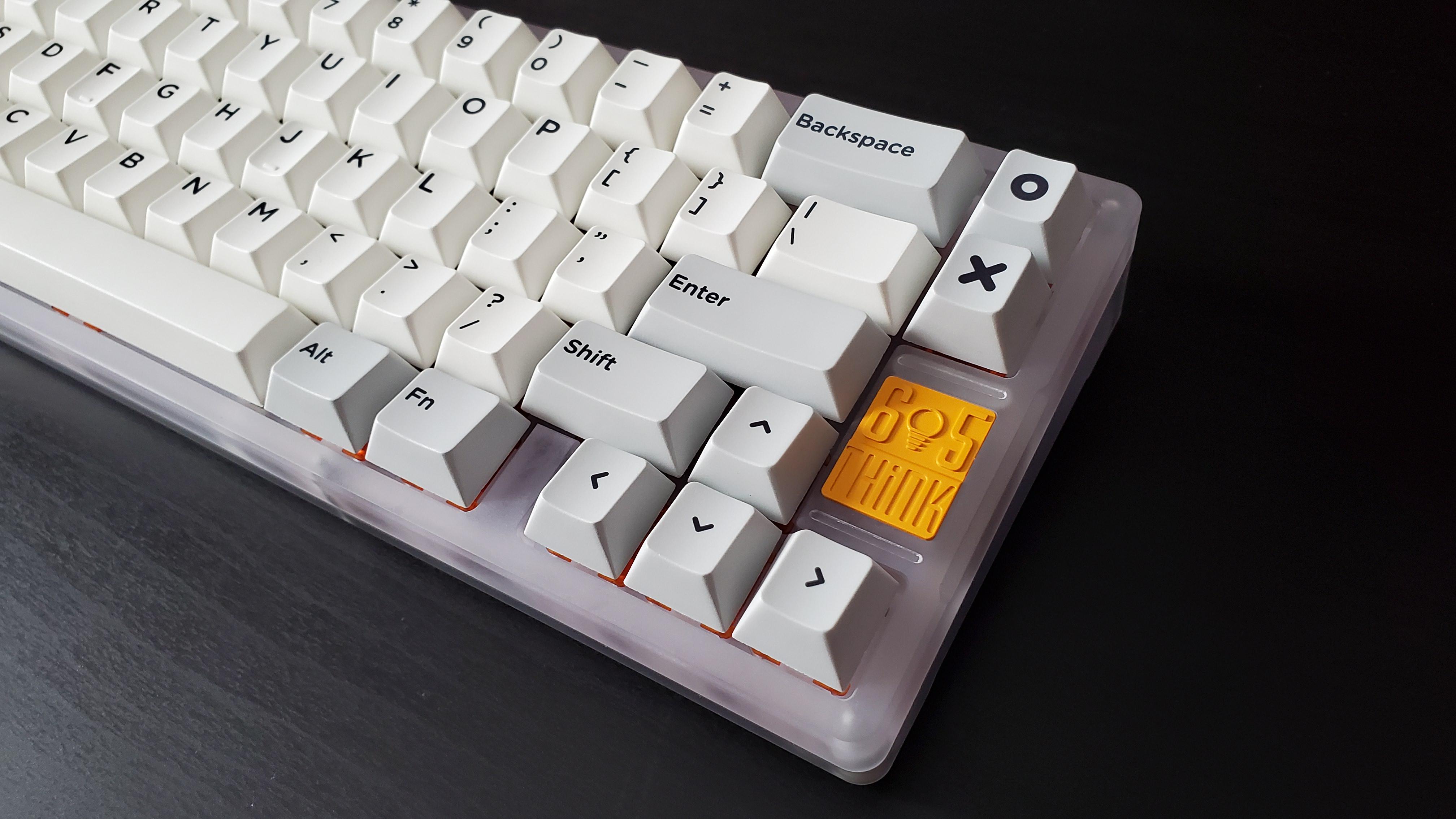
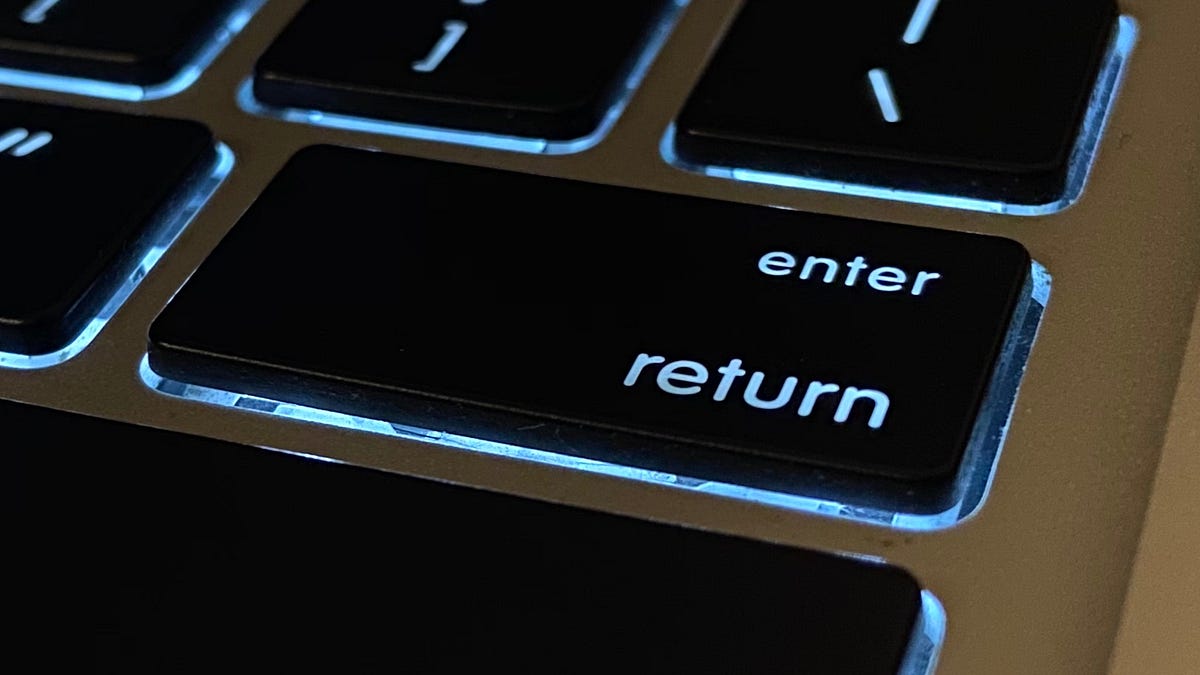
On a full-size US QWERTY keyboard, the backslash key occupies the bottom-right corner of the main letter block. It sits directly above the Enter key, which is shaped like an inverted L on most US keyboards. To the left of the backslash key is the right Shift key, and to its right is the Backspace key. If you place your right pinky on the semicolon (;) key, the backslash is one key to the right and one row down, just above Enter. When you press that key alone, you get a backslash (\). When you hold Shift and press it, you get the vertical bar or pipe symbol (|), which is commonly used in programming for logical OR operations and in command-line piping.
On compact keyboards like those found on laptops, the layout may be slightly compressed, but the backslash key remains in the same relative position: above Enter, to the right of the right Shift key. Some smaller keyboards may place it differently, but the standard full-size US arrangement is consistent across most desktop keyboards.
Finding the backslash on a standard UK layout
On a UK QWERTY keyboard, the backslash key is positioned in a completely different spot compared to the US layout. It sits immediately to the left of the Z key, on the bottom row of the letter block. This key is directly below the Escape key on the far left side of the keyboard. If you look at the bottom-left area of the keyboard, you'll see the Z key, and the key to its left is the backslash key. Pressing it alone produces a backslash (\), while holding Shift and pressing it produces a forward slash (/).
The UK layout also differs in the placement of other keys, the Enter key is shaped like a tall, narrow rectangle rather than the inverted L of the US layout, and the left Shift key is shorter. Because the backslash is on the far left, you'll use your left pinky or ring finger to reach it, depending on your hand position. This reversed placement compared to the US layout is a common source of confusion for people who switch between the two, so if you're used to one layout, double-check the other before typing file paths or escape sequences.
Backslash location on other regional keyboards
Beyond the US and UK standards, several other regional layouts place the backslash in distinct positions. Here's a quick reference for the most common ones:
- Canadian French: The backslash is to the left of the Backspace key, directly above the Enter key. It shares that key with the question mark (?) symbol.
- German: The backslash is to the left of the Y key, sharing the key with the hyphen (-) and underscore (_) symbols. It sits on the top row of letters.
- Italian: The backslash is to the left of the Enter key, sharing the key with the ò and ù characters. It's positioned on the right side of the letter block.
These are the most frequently encountered alternatives, but other layouts exist, French AZERTY, Spanish, and Nordic layouts all have their own placements.
Typing backslash on Windows, Mac, and Linux
The physical key location is only half the story, how you actually type the backslash can vary by operating system, especially if you're using a non-standard layout or a laptop without a dedicated key. On Windows, the direct method is simply pressing the backslash key itself, which works on both US and UK layouts as described above. If your keyboard lacks the key entirely, you can hold the Alt key and type "092" on the numeric keypad to produce a backslash. This Alt-code method works on any Windows system with a numeric keypad, but it won't work on laptops without one unless you enable the Num Lock function.
On a Mac with a US layout, the backslash is typed by pressing the key above Return. On a UK layout, it is typed by pressing the key to the left of Z. The Shift+/ combination does not produce a backslash on standard layouts. On Linux, the method depends on your specific distribution and keyboard configuration, but the most common approach is to press Shift along with the key directly above Enter, the same key that produces the pipe symbol (|) on a US layout. Some Linux environments also support the Alt-code method, but the Shift+key combination is the default for most default configurations.
If you're using a virtual machine or remote desktop, the backslash may not respond to the same keys as your physical keyboard. In those cases, check the keyboard settings within the virtual environment, as they often use a different layout mapping. The on-screen keyboard in Windows and macOS can also help you identify the correct key in these situations.
Troubleshooting: what to do if you still can't find it
If you've checked all the standard locations and still can't produce a backslash, the issue is likely one of three things: a compact keyboard layout, a non-standard regional layout, or a keyboard setting that remaps your keys. The first solution is to use the on-screen keyboard, which is built into Windows, macOS, and most Linux distributions. You can open it from the accessibility settings or the system tray, and it displays a visual representation of your current layout, clicking the backslash key on the virtual keyboard will type it for you. This also confirms which physical key corresponds to the backslash in your active layout.
On many compact keyboards, you'll need to press a function key (often labeled Fn) along with another key to produce the backslash. Check your keyboard's manual or look for a small backslash symbol printed on the side of a keycap.
Another practical solution is to use a keyboard sticker overlay. They're inexpensive and can be removed without leaving residue.
\nRelated reading: What Is The Home Button On A Keyboard.