Online gaming works by connecting your device, a PC, console, or phone, to remote servers or other players' devices over the internet, creating a shared, real-time virtual space. When you press a button, your device sends a small data packet to the game server, which processes the action, updates the game state, and broadcasts the result to every other connected player, all within milliseconds. This continuous loop of sending input and receiving updates, the client-server data loop, is the foundation of how online gaming works, whether you are battling in a first-person shooter or exploring a massive role-playing world. If a restrictive network blocks this essential connection, you can get past a internet blocker for online gaming to restore your access.
What is online gaming, and how does online gaming work?
Online gaming is the act of playing video games with other people over the internet, rather than against computer-controlled opponents or with friends on the same couch. The core mechanism is a constant exchange of data: your device (the client) sends your inputs, movement, actions, chat messages, to a central server. That server, which hosts the official game state, validates your actions, updates the world for everyone, and sends back the new positions and events to all connected clients. This round-trip happens dozens of times per second, creating the illusion of a shared, seamless reality where players in different countries can interact in the same arena.
This process relies on a chain of components working together: your internet connection, your local hardware (GPU, CPU, RAM), the game's software, and the networking infrastructure (servers or peer connections). The quality of your experience depends on how fast and stable this chain is. A slower link or a distant server adds delay, while a weak processor or graphics card limits how quickly your device can render the incoming data. In essence, online gaming is a real-time, two-way conversation between your machine and the game world, and the speed of that conversation defines your gameplay.
The role of internet connectivity and latency
Your internet connection is the highway for all gaming data. Two metrics matter most: bandwidth and latency. Bandwidth is the volume of data your connection can carry per second, think of it as the number of lanes on the highway. Insufficient bandwidth leads to lag, where the game freezes or rubber-bands because data packets are queued up.
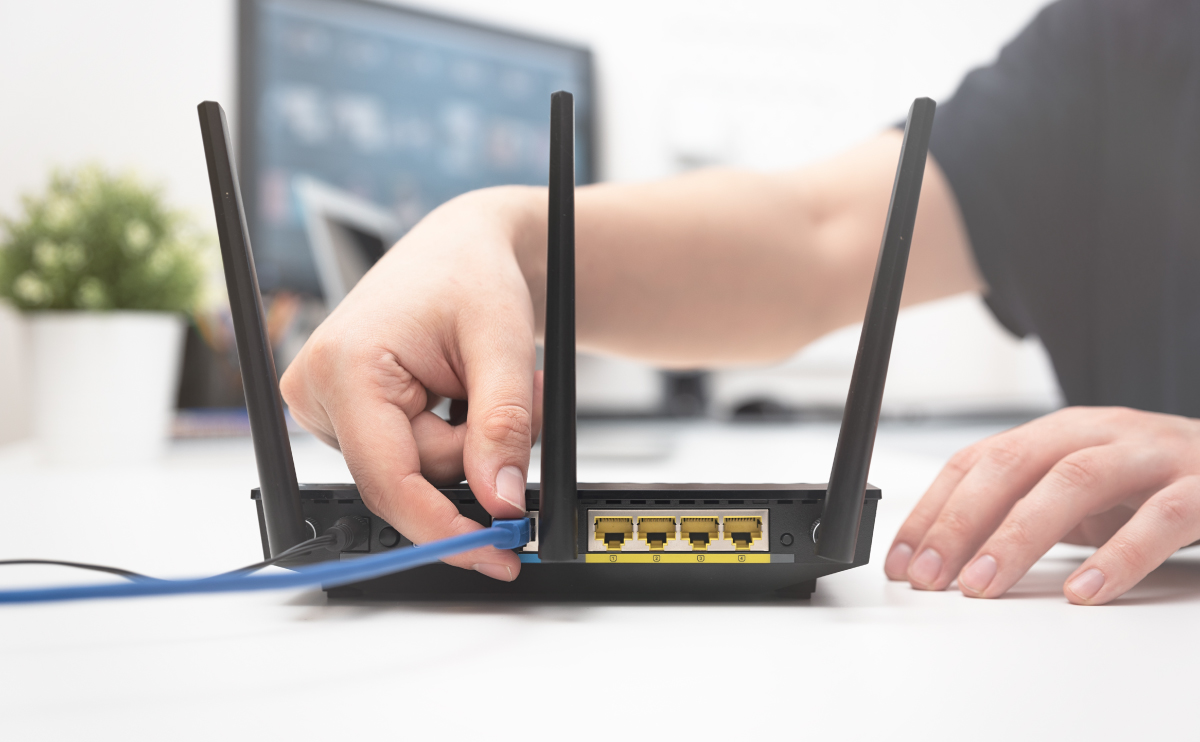
Latency, often called ping, is the delay between sending a command and seeing its result on screen, measured in milliseconds (ms). Low latency (under 50ms) feels instant; high latency (over 100ms) makes actions feel delayed and unresponsive. A related factor is jitter, the variation in ping over time. Even if your average ping is low, high jitter causes stuttering because packets arrive at irregular intervals. To minimize latency, always prefer a wired Ethernet connection over Wi-Fi. Wi-Fi is susceptible to interference from walls, other devices, and signal degradation, which can add delay and introduce jitter. For competitive gaming, a wired connection is non-negotiable. Also, close background applications that use bandwidth (like streaming or large downloads) and choose game servers geographically closest to you to reduce the physical distance data must travel.
Hardware, software, and platform requirements
Your local hardware determines how well you can render the game and process incoming data. On consoles (PlayStation, Xbox, Nintendo Switch), the hardware is fixed and optimized for gaming, with dedicated GPUs, sufficient RAM, and fast storage. On PCs, you need a capable processor (CPU) to handle game logic and networking, a powerful graphics card (GPU) to render frames, sufficient RAM for modern titles, and an SSD for faster loading. Mobile devices have become viable platforms too, with modern phones featuring powerful multi-core CPUs and GPUs that can handle demanding games, though thermal throttling and battery life remain limitations.
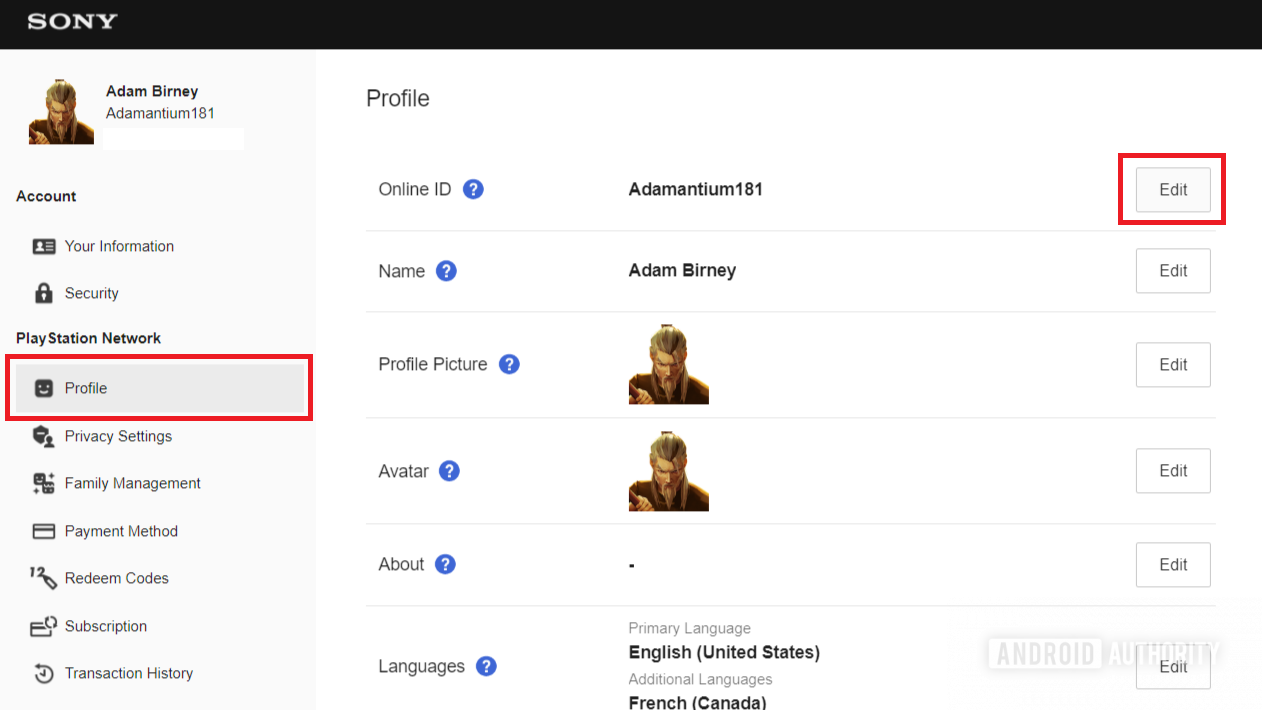
Software is equally critical. Your device must run the correct operating system (Windows, macOS, iOS, Android, or console firmware) and meet the game's minimum system requirements. Keeping your OS, graphics drivers, and the game itself updated ensures compatibility and fixes security vulnerabilities. Distribution platforms, Steam, Epic Games Store, PlayStation Network, Xbox Live, Google Play, and the App Store, act as storefronts and also handle authentication, friend lists, and sometimes matchmaking. These platforms often include cross-platform play, allowing you to join friends on different devices. Before buying a game, check its recommended specs; running below them will cause poor frame rates and increased input lag, degrading your online experience.
Client-server vs. peer-to-peer: the networking backbone
Online games use two main networking architectures. In the client-server model, all players connect to a central authoritative server. This server runs the game logic, validates every action, and prevents cheating. Dedicated servers (like those used in *Counter-Strike 2* or *Final Fantasy XIV*) are rented or hosted by the game publisher, offering stable performance and consistent rules. In contrast, peer-to-peer (P2P) networking connects players directly to each other, with one player's device acting as the host. P2P is cheaper for developers and works well for small groups, but it introduces "host advantage" (the host has zero latency) and can break if the host's connection drops. Many console games and fighting games use a hybrid form of P2P called rollback netcode to mask latency.
Matchmaking systems are the bridge between players and these networks. When you queue for a game, the matchmaking algorithm considers your skill rating, region, desired game mode, and connection quality to group you with suitable opponents. For team games, it balances teams to create fair competition. On consoles, accessing these online multiplayer features often requires a paid subscription: PlayStation Plus for PlayStation, Nintendo Switch Online for Nintendo Switch, and Xbox Game Pass Core/Ultimate for Xbox. These subscriptions fund server maintenance and may provide free monthly games, but they are mandatory for most online multiplayer modes on those platforms.
Cloud gaming and remote play
Cloud gaming (like Xbox Cloud Gaming, NVIDIA GeForce Now, or PlayStation Plus Premium) separates rendering from your device entirely. The game runs on powerful remote servers in data centers, which render the video and audio, then stream it to your screen over the internet. Your inputs are sent back to the server, creating a loop similar to local play but with the added latency of your internet connection. The trade-off is that latency is higher than local play, making fast-paced competitive games less ideal.
Remote Play, by contrast, streams from your own console or PC to another device. For example, PlayStation Remote Play lets you play PS5 games on a phone or laptop while the PS5 does the heavy lifting at home. This is useful for playing away from your main screen, but it requires your home console to be powered on and connected to a strong upload connection. Both cloud gaming and Remote Play are transforming access to gaming, but they depend heavily on your internet quality and the distance to the server, the farther away, the higher the ping.
Multiplayer modes and real-time communication
Online games offer a variety of structures. PvP (Player vs. Player) pits you against other humans in competitive matches, from 1v1 fighting games to large-scale team battles. Co-op (Cooperative) modes have players team up against AI enemies or complete objectives together, as seen in *Left 4 Dead* or *Destiny 2*. MMOs (Massively Multiplayer Online) games like *World of Warcraft* host thousands of players in a persistent shared world, where you can interact, trade, and fight alongside or against others. Battle Royale games (e.g., *Fortnite*, *Apex Legends*) drop a large number of players into a shrinking map, with the last one standing winning. Some games also use asynchronous multiplayer, where players take turns without being online simultaneously, common in mobile strategy games like *Clash of Clans*.
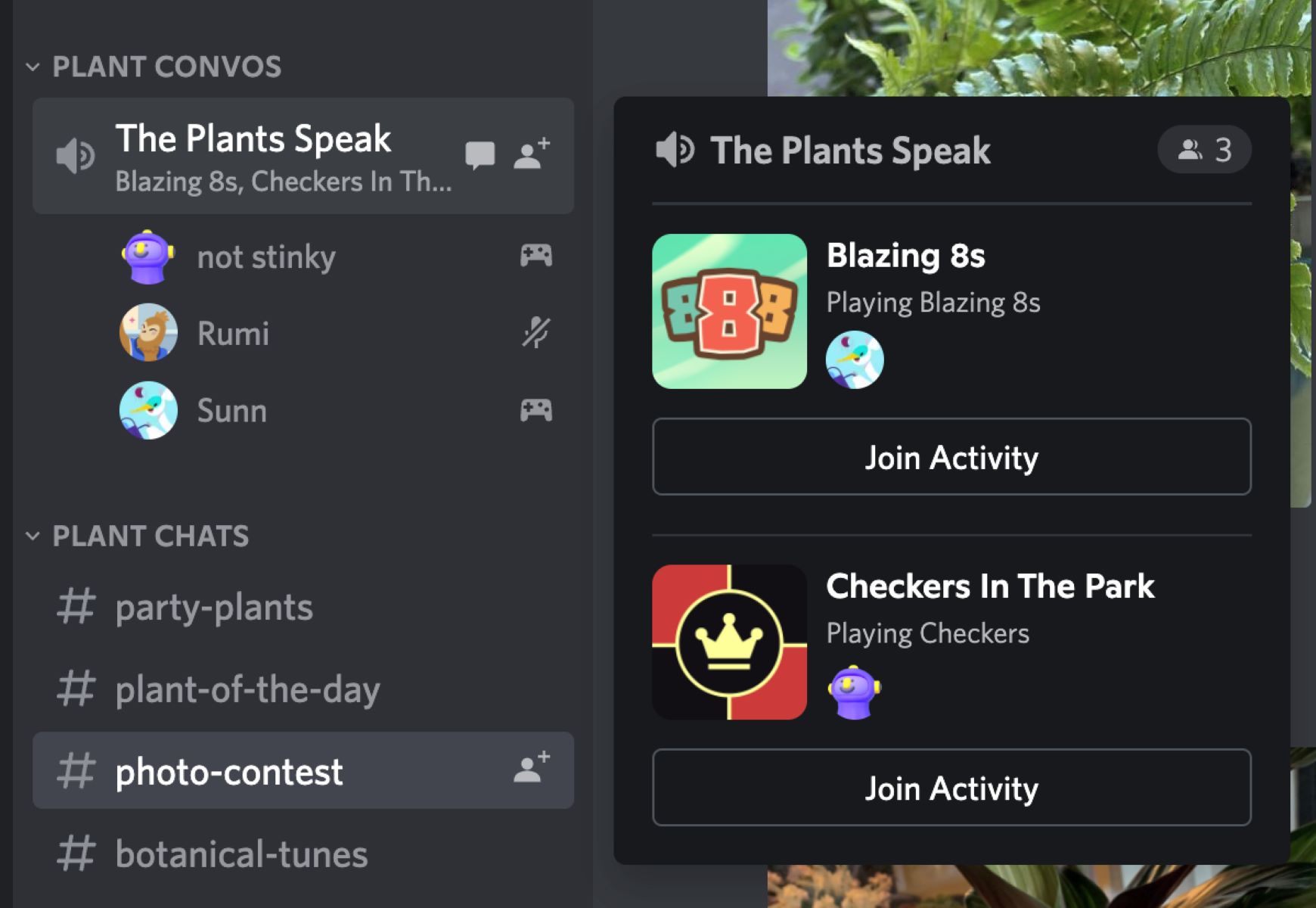
Real-time communication is essential for teamwork. Most games include built-in voice chat, allowing you to speak with teammates instantly. Third-party apps like Discord offer higher-quality voice, text channels, and server communities. Text chat (both in-game and post-game) enables quick messages, while "pings" or contextual markers let players communicate without speaking, a crucial feature in cross-platform games where players may not share a language. Effective communication separates winning teams from losing ones, and it also fosters social bonds, turning random teammates into friends. Many games also support clans or guilds, providing persistent communities for regular play.
In-game purchases, microtransactions, and digital economies
Online games often use virtual economies to generate revenue and extend player engagement. Microtransactions are small purchases made with real money or in-game currency, typically for cosmetic items (skins, costumes, weapon finishes) that do not affect gameplay balance. Loot boxes are randomized rewards that can be bought or earned, containing a mix of cosmetics and sometimes gameplay items, though many jurisdictions now regulate them as gambling. DLC (Downloadable Content) is larger paid expansions that add new story chapters, maps, or game modes. The free-to-play model (used by *Fortnite*, *Genshin Impact*, and *League of Legends*) offers the core game for free, monetizing through cosmetic sales and battle passes, seasonal progression tracks that reward players with exclusive items.
These systems create a digital economy where virtual items have perceived value, and some games even allow player-to-player trading (e.g., *Counter-Strike* skins, *EVE Online* markets). While cosmetic purchases are generally accepted, pay-to-win mechanics (where real money grants gameplay advantages) are controversial. Understanding the difference is key to enjoying online gaming responsibly. Always set spending limits, and be aware that these purchases are designed to be tempting, they support ongoing development and server costs, but they are entirely optional. The core gameplay experience is often fully accessible without spending anything.
Staying safe while playing online
Online gaming exposes you to other people, which means you need to protect your account and personal information. First, enable two-factor authentication (2FA) on your gaming accounts (Steam, PlayStation Network, Xbox Live, Epic Games). This adds a second verification step (like a code from your phone) that prevents hackers from accessing your account even if they steal your password. Use unique, strong passwords for each platform, and never reuse them across sites.
Be vigilant against phishing scams. Never click on links in chat messages that claim to offer free skins, cheat codes, or account verification, these are almost always attempts to steal your credentials. Official game companies never ask for your password via chat. Also, protect your personal information: never share your real name, address, phone number, or school/work details with strangers online. Many games have privacy settings that let you limit who can message you or see your profile. If someone harasses you, use the game's block and report functions, and consider muting voice chat. Finally, be cautious with third-party software, only download mods or tools from official sources, as malicious programs can steal your data or damage your computer. If your hardware struggles to run legitimate games safely, you can turn a laptop into a gaming laptop for free with software instead of risking shady "performance boosters." By staying alert and using built-in safety tools, you can enjoy the social benefits of online gaming without compromising your security.
For the wider topic, see online gaming definition.