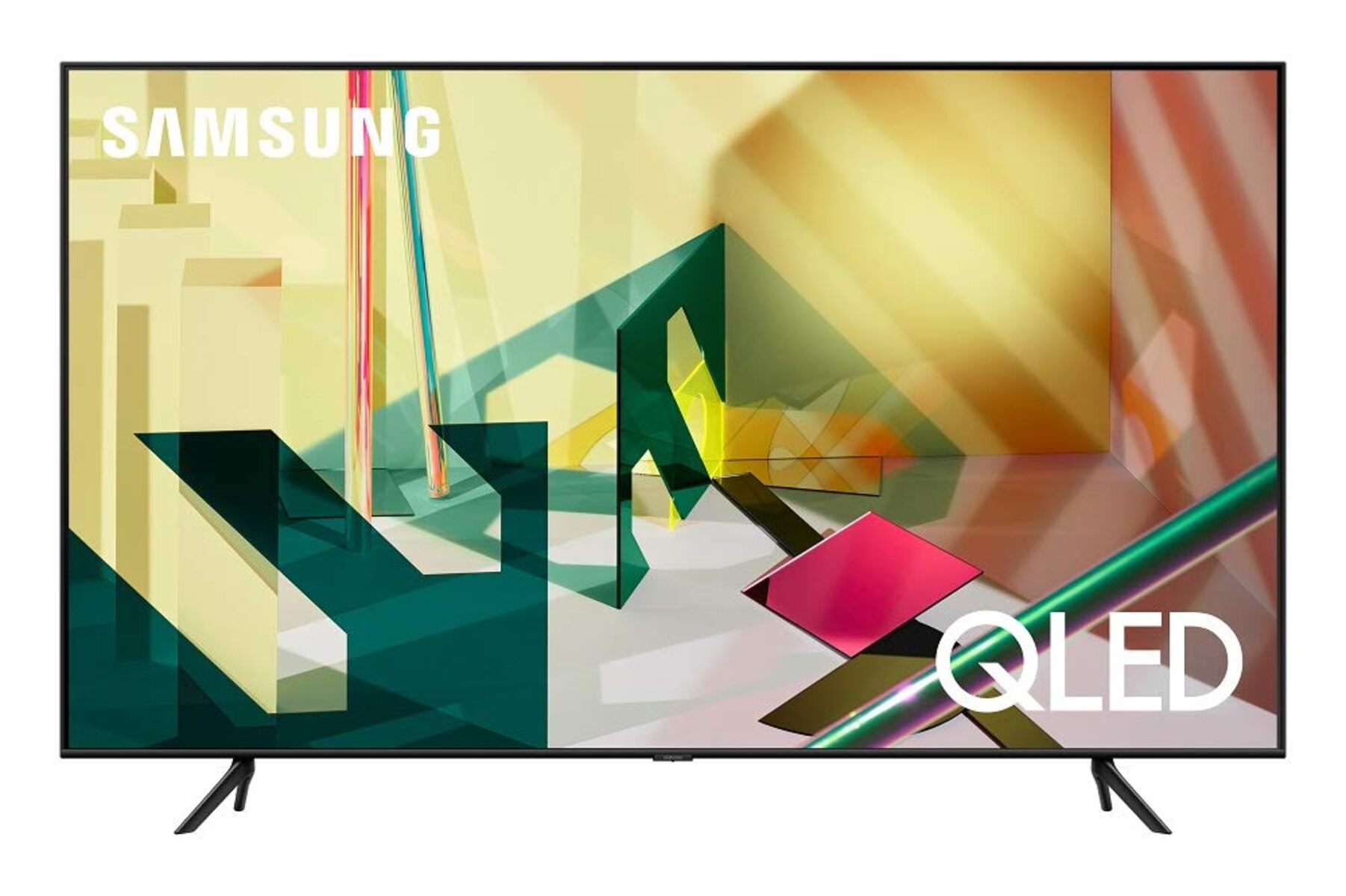
The core difference between Samsung's 6/7 Series and 8/9 Series QLED TVs comes down to backlight technology: the 6/7 Series use standard LED backlights, while the 8/9 Series use Mini-LED backlights (Neo QLED). This single change drives everything else, contrast, brightness, local dimming precision, and price, making the 8/9 Series the clear choice for enthusiasts, while the 6/7 Series remain the best value for most shoppers.
What is the Samsung 6 7 8 9 series qled TV difference in a nutshell?
If you’re comparing Samsung QLED TVs, the series number tells you more than size or year, it tells you the tier of picture technology. The 6 and 7 Series are entry-level QLEDs: they use a standard LED backlight with quantum dot color, delivering solid brightness and color for everyday viewing. The 8 and 9 Series are Samsung’s premium Neo QLED models: they swap the traditional LED backlight for thousands of mini-LEDs, which allows far more precise control over brightness and darkness. In practical terms, the 8/9 Series produce deeper blacks, brighter highlights, and more detailed HDR images. The 6/7 Series are excellent TVs, but they cannot match the contrast precision or peak brightness of the Neo QLED models.
Backlight technology: the biggest differentiator
The backlight is the light source behind the LCD panel, and it’s the single most important factor separating these two groups. The 6/7 Series use a standard LED backlight, typically edge-lit or direct-lit with a limited number of LEDs. This means the TV can only dim large zones of the screen at once. When you watch a movie with a bright moon in a dark sky, the area around the moon may glow slightly (haloing) because the backlight can’t turn off individual pixels.
The 8/9 Series (Neo QLED) use Mini-LED backlights. These LEDs are roughly 1/40th the size of conventional ones, so Samsung can pack tens of thousands of them behind the panel. This creates hundreds of individual dimming zones. Each zone can be turned on or off independently, giving the TV far more control over brightness. The result: darker blacks, brighter whites, and virtually no haloing around bright objects. This is the difference between seeing “grayish black” in a dark room versus “true black” that blends into the TV’s bezel.
If you watch mostly in a bright room, the 6/7 Series will look fine. But if you watch movies in a dark room or care about shadow detail, the Mini-LED backlight in the 8/9 Series is a significant upgrade.
Picture quality: brightness, contrast, and HDR
All Samsung QLEDs use Quantum Dot technology to achieve 100% color volume, meaning colors stay vivid even at high brightness. However, the 8/9 Series push brightness much further. This matters for HDR content: brighter highlights in sunlight, explosions, or specular reflections look more lifelike and punchy on the 8/9 Series.
Contrast ratio is another major gap. This is the difference between seeing “black bars” in a letterboxed movie versus “black bars that disappear into the frame.”
For HDR, both series support HDR10+ and HLG, but the 8/9 Series also handle HDR metadata more dynamically. The advanced backlight control lets them tone-map each scene more precisely, so you see more detail in both shadows and highlights. The 6/7 Series are HDR-capable, but they simply don’t have the hardware to deliver the same impact.
Viewing angles and panel technology
The 6/7 Series use VA (Vertical Alignment) panels, which offer excellent contrast when viewed head-on but suffer from color and contrast shift when you move off to the side. If you sit directly in front of the TV, they look great. But if you have a wide seating arrangement, the picture will wash out at angles beyond about 30 degrees.
The 8/9 Series include Samsung’s Ultra Viewing Angle technology (a specialized film layer) that widens the sweet spot. This makes the 8/9 Series far better for family rooms or open-plan living spaces where people sit at different angles. If you’re a single viewer sitting dead-center, the 6/7 Series are fine. If you host movie nights, the 8/9 Series are worth the extra money.
Resolution: 4K vs 8K
8K gives you four times the pixels of 4K, which is overkill for most viewers, especially if you sit farther than 6 feet from the screen or watch mostly 1080p/4K content. However, 8K models also include the most advanced picture processing and the highest peak brightness, so you’re paying for more than just resolution.
For most people, a 4K 8 Series (like the QN85 or QN90) offers the best balance of premium picture quality and practical resolution. The 8K 9 Series are for early adopters who want the absolute best and have access to 8K content or use the TV as a massive PC monitor.
Gaming and motion handling
Both series support HDMI 2.1 features like 4K 120Hz, VRR (Variable Refresh Rate), and ALLM (Auto Low Latency Mode), making them excellent for next-gen consoles. However, the 8/9 Series have a few advantages:
- Better motion interpolation: The 8/9 Series use a more powerful processor that reduces motion blur more effectively, especially during fast panning shots or sports.
- Precision black frame insertion: Some 8/9 models can insert black frames between frames to reduce persistence blur, which is great for gaming but can cause flicker for some people.
- Lower input lag: In game mode, the 8/9 Series typically have slightly lower input lag (around 5-6ms vs 9-10ms on the 6/7 Series). This is imperceptible to most players, but competitive gamers will notice.
The 6/7 Series are still very capable gaming TVs, but the 8/9 Series have the edge in motion clarity and responsiveness.
Sound quality
The 8/9 Series step up significantly:
- More speakers:
- Object Tracking Sound (OTS): The 8/9 Series use software to make sound appear to move with objects on screen, creating a more immersive effect.
- Built-in subwoofers: The 9 Series often include a real subwoofer for deeper bass, while the 6/7 Series rely on small woofers that can’t reproduce low frequencies.
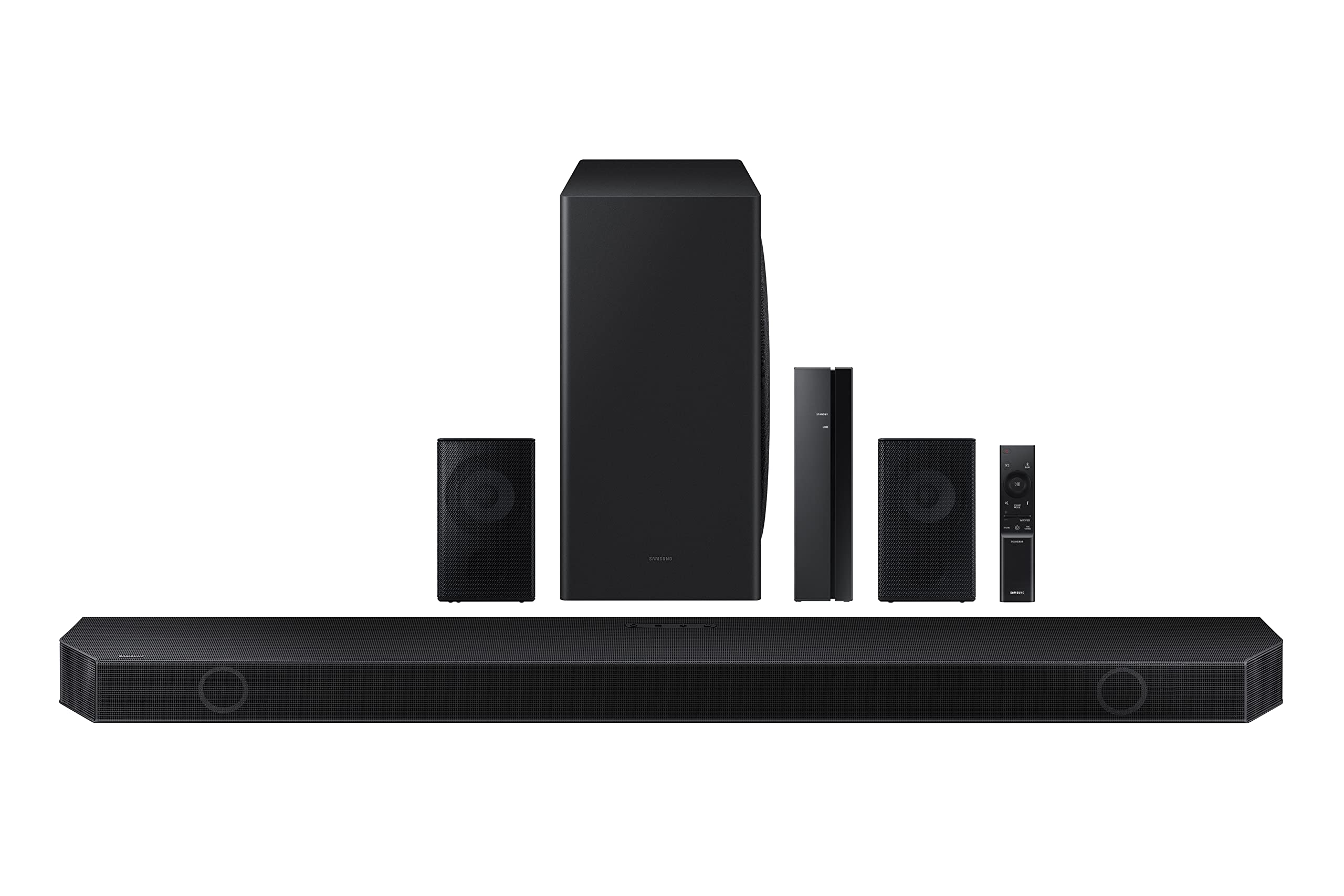
If you’re using a soundbar or home theater system, the built-in speakers matter less. But if you rely on the TV’s audio, the 8/9 Series are noticeably better.
How to check your Samsung TV’s series
If you already own a Samsung TV and want to know its series, here’s how to check:
- Press the Home button on your remote.
- Go to Settings (the gear icon).
- Select Support.
- Choose About TV (or “About This TV” on newer models).
- Look for the Model Code, it will look like “QN65QN90AAFXZA.” The number after “QN” (e.g., 65) is the screen size, and the number after that (e.g., 90) indicates the series. A “6” or “7” means it’s a 6/7 Series; an “8” or “9” means it’s a Neo QLED.
Alternatively, check the sticker on the back of the TV. It lists the model code in the same format.
Which series is right for you?
Choose the 6/7 Series if:
- You’re on a budget and want a solid QLED with vibrant colors and good brightness.
- You watch TV in a bright room with mostly direct seating.
- You don’t care about perfect black levels or HDR peak brightness.
- You’re a casual gamer who plays occasionally, not competitively.
Choose the 8/9 Series if:
- You’re willing to pay 50-100% more for the best picture quality Samsung offers.
- You watch movies in a dark room and want true blacks without haloing.
- You have a wide seating arrangement and need good viewing angles.
- You’re a serious gamer who wants the lowest input lag and best motion handling.
- You want built-in sound that’s good enough to skip a soundbar.
The 6/7 Series (like the Q60, Q70, or Q70A) are the smart choice for most people, they deliver 90% of the QLED experience at half the price. The 8/9 Series (QN85, QN90, QN900) are for those who notice the difference between “good” and “great” contrast, and who prioritize picture quality above all else. If you’re still unsure, compare the specific model numbers: the higher the second digit (e.g., 7 vs 9), the better the backlight, processor, and features. But for most living rooms, a 6 or 7 Series will make you happy, just don’t expect it to match a Neo QLED in a side-by-side comparison.
\nRelated reading: How To Project A Picture Onto A Wall With A Projector, How To Splice HDMI Cable, and How Do I Hook Up My DVD Player To My Smart TV.