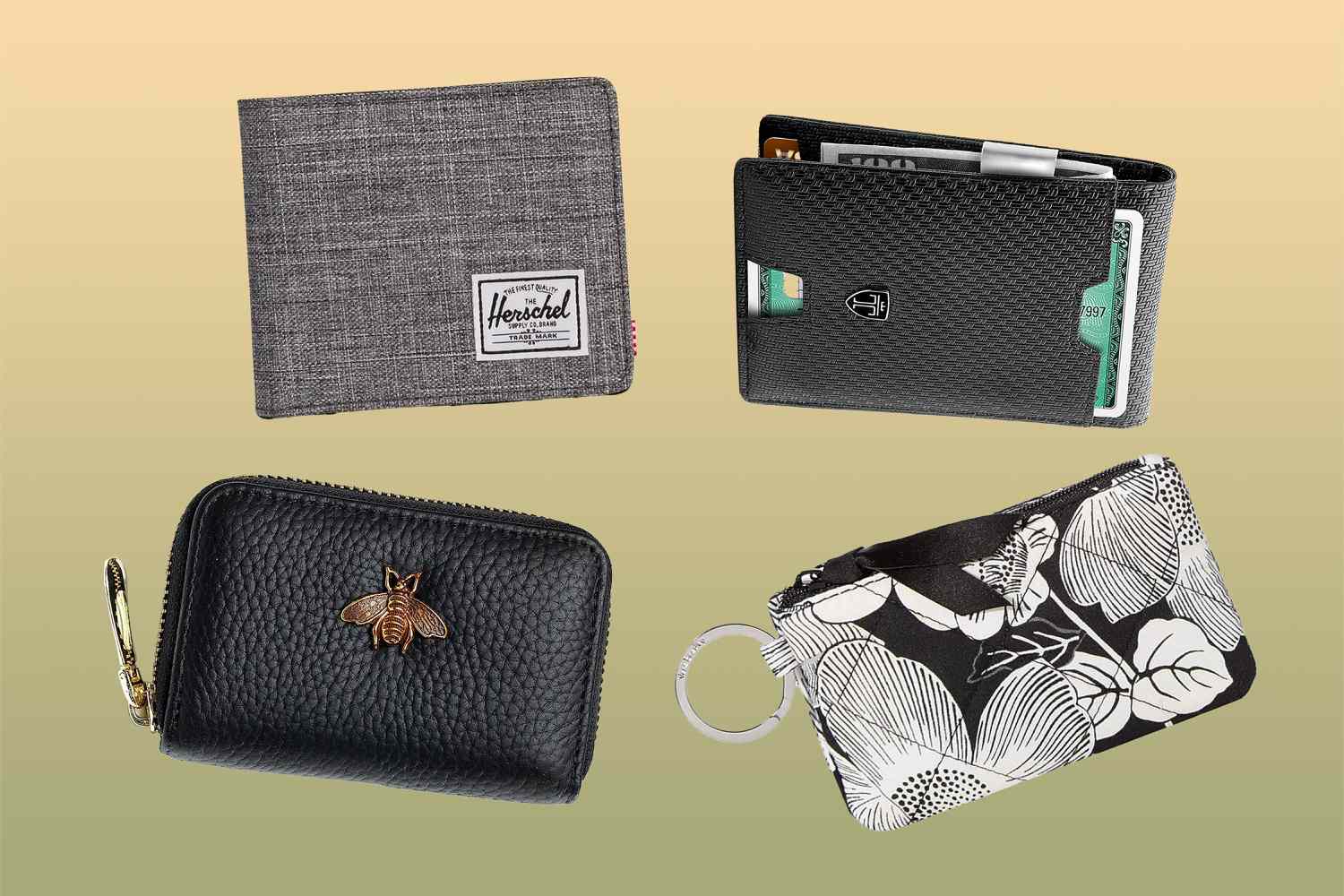
To tell if your wallet is RFID protected, you can perform three simple checks right now without any special tools: look for a label, feel the lining, and test it with your phone's NFC reader. Each method gives you a quick, reliable answer about whether your wallet blocks the radio signals that could allow someone to skim your cards.
Look for an RFID-blocking label or logo
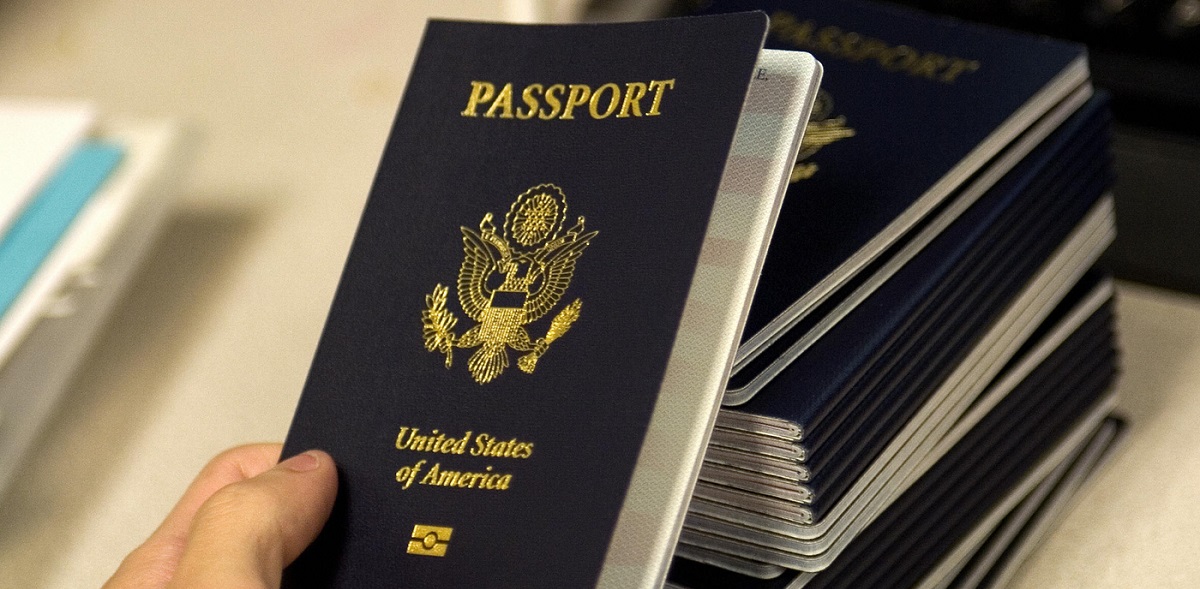
The fastest way to tell if your wallet is RFID protected is to examine the wallet itself and its original packaging for explicit claims. Check the exterior surfaces, interior lining, and any tags sewn into the seams for text such as "RFID Protection," "RFID-Blocking," or "RFID Safe." Many manufacturers also use a small symbol that looks like radio waves or a shield. If you still have the packaging or product description card, look there as well. Reputable brands clearly mark this feature because it is a selling point. If you see any of these indicators, your wallet almost certainly blocks RFID signals. This same technology is what you are shielding when you protect the rfid chip in us passport.
Feel the material for a shielded lining
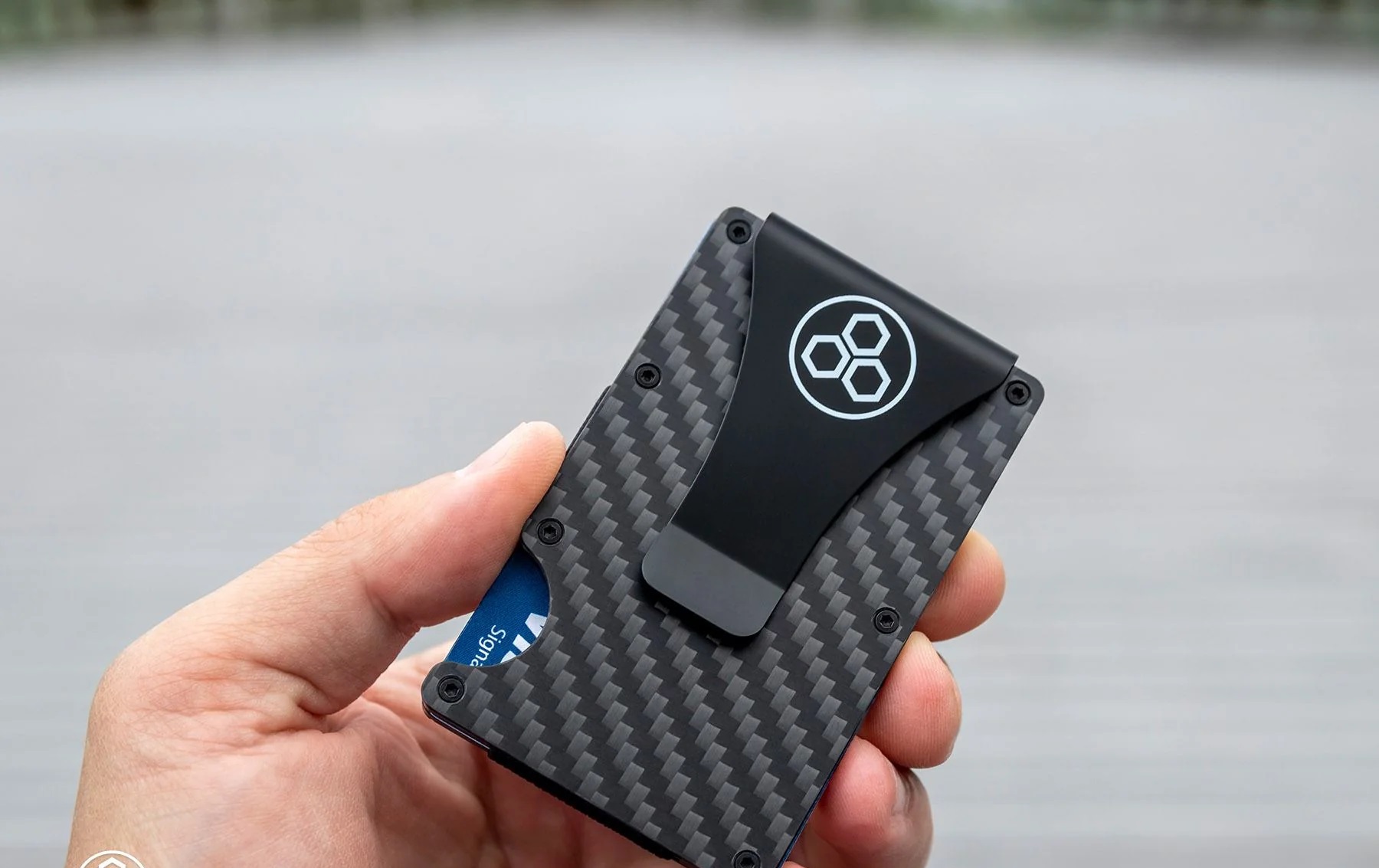
If you do not see a label, you can often identify RFID protection by touch. RFID-blocking wallets typically incorporate special materials such as metallic fabrics, carbon fiber, or aluminum within their lining to create a protective shield. A quality RFID wallet might feel sturdier or slightly thicker than a standard wallet due to these integrated protective materials. Run your fingers along the interior of the card slots and the main compartment. You may notice a distinct layer that feels like a stiff fabric, a thin sheet of metal, or a carbon-fiber weave. This layer is what creates the Faraday cage effect that blocks radio waves. If the wallet feels unusually rigid or heavy for its size, that is another clue that it contains shielding material.
Test it with your smartphone's NFC reader
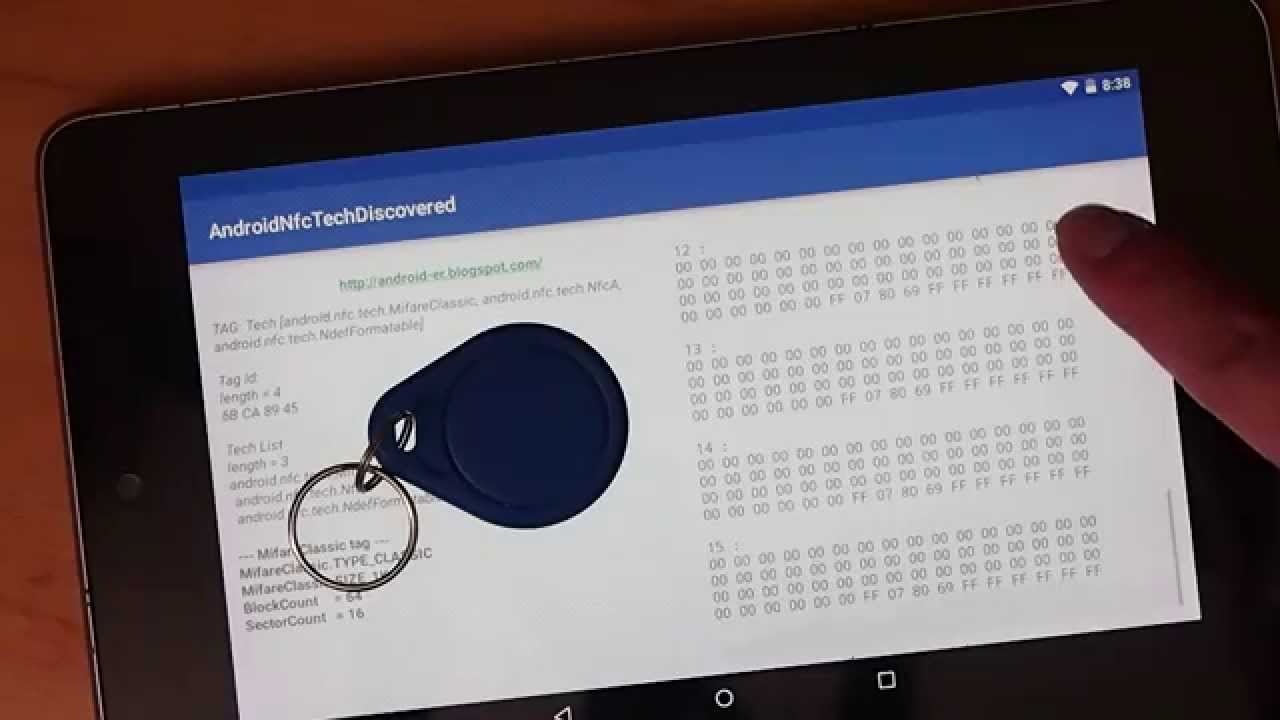
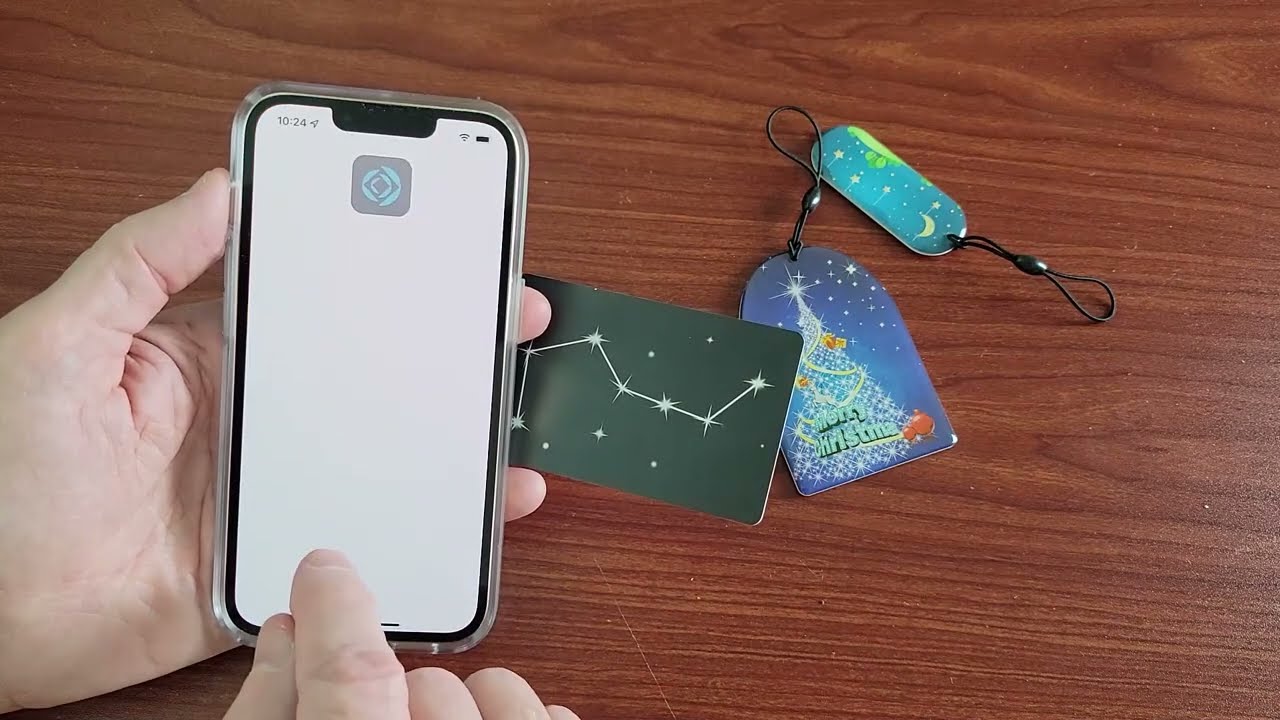
You can confirm RFID protection using your phone's built-in NFC reader. The goal is to see if your phone can "see" a contactless card while it is inside the wallet.
-
Prepare your test
Take one contactless credit card, debit card, or transit card out of your wallet. This card must have the contactless symbol (four curved lines) on it. Make sure your phone's NFC is turned on.
-
Test the card outside the wallet
Hold your phone near the bare card, about an inch away. Your phone should detect the card, usually showing a notification or a pop-up. This confirms your phone can successfully read RFID tags. If your phone does not detect the bare card, try a different card or check that NFC is enabled.
-
Test the card inside the wallet
Now place the same card back into the wallet, in the slot where you normally carry it. Close the wallet fully. Hold your phone against the wallet, directly over the area where the card sits. Move the phone slowly across the wallet's surface, pressing firmly. If your phone does not detect the card at all, no notification, no vibration, no pop-up, your wallet is successfully blocking the RFID signal. If your phone still reads the card through the wallet, the protection is weak or nonexistent.
If you have access to a dedicated RFID scanner, you can also use that device. Place an RFID-enabled card inside the wallet and try to scan it; if the scanner cannot detect the card, the wallet is blocking signals.
What to do if your wallet isn't protected
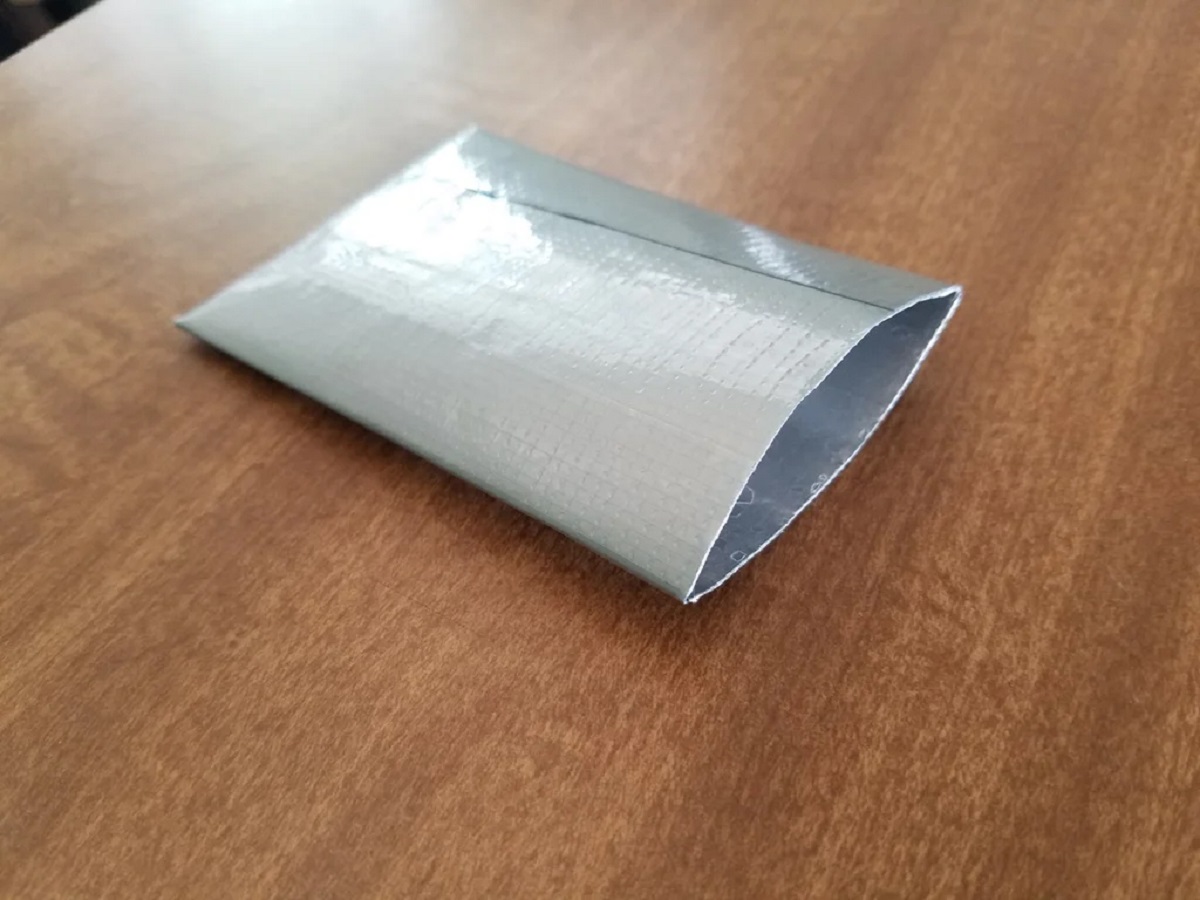
If your wallet fails the label, feel, or phone test, you still have options. The simplest fix is to use RFID-blocking sleeves. These thin sleeves slide into your existing card slots and block signals for each individual card. For a more permanent solution, consider buying a verified RFID wallet from a reputable brand. If you prefer a DIY approach, you can follow a guide to make rfid protector using materials like aluminum foil or metal tape to create a homemade shield for your current wallet, but you should first know how many layers of foil to block rfid are actually needed for a reliable barrier. Whichever route you choose, the key is to ensure your cards cannot be read without your permission.