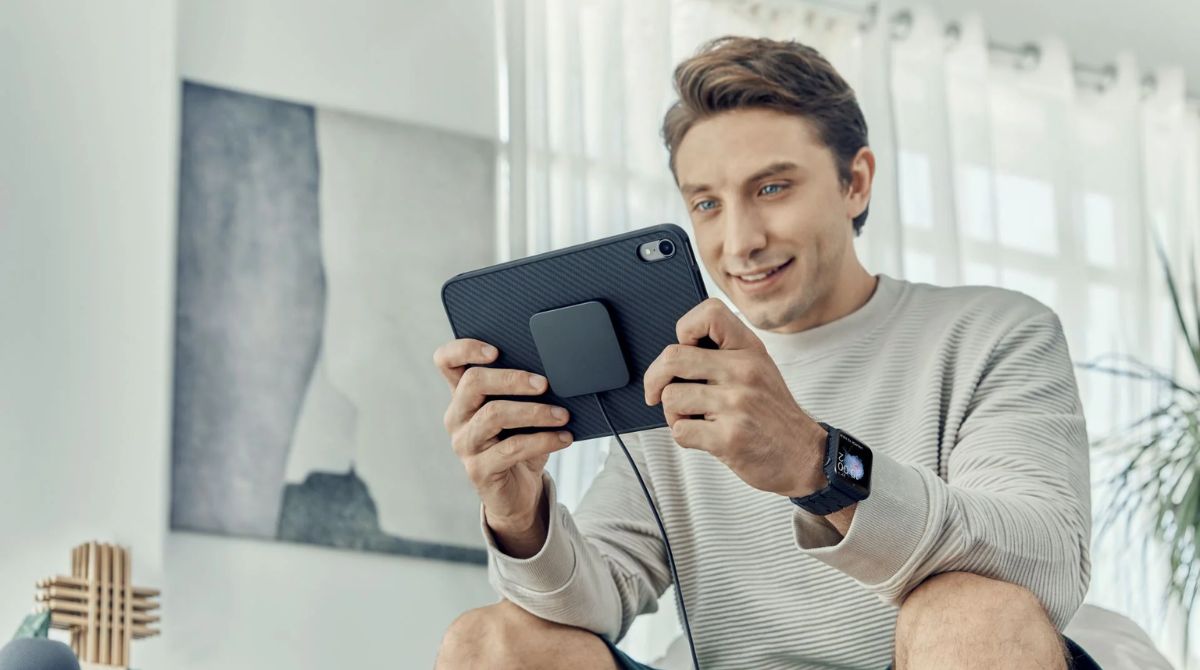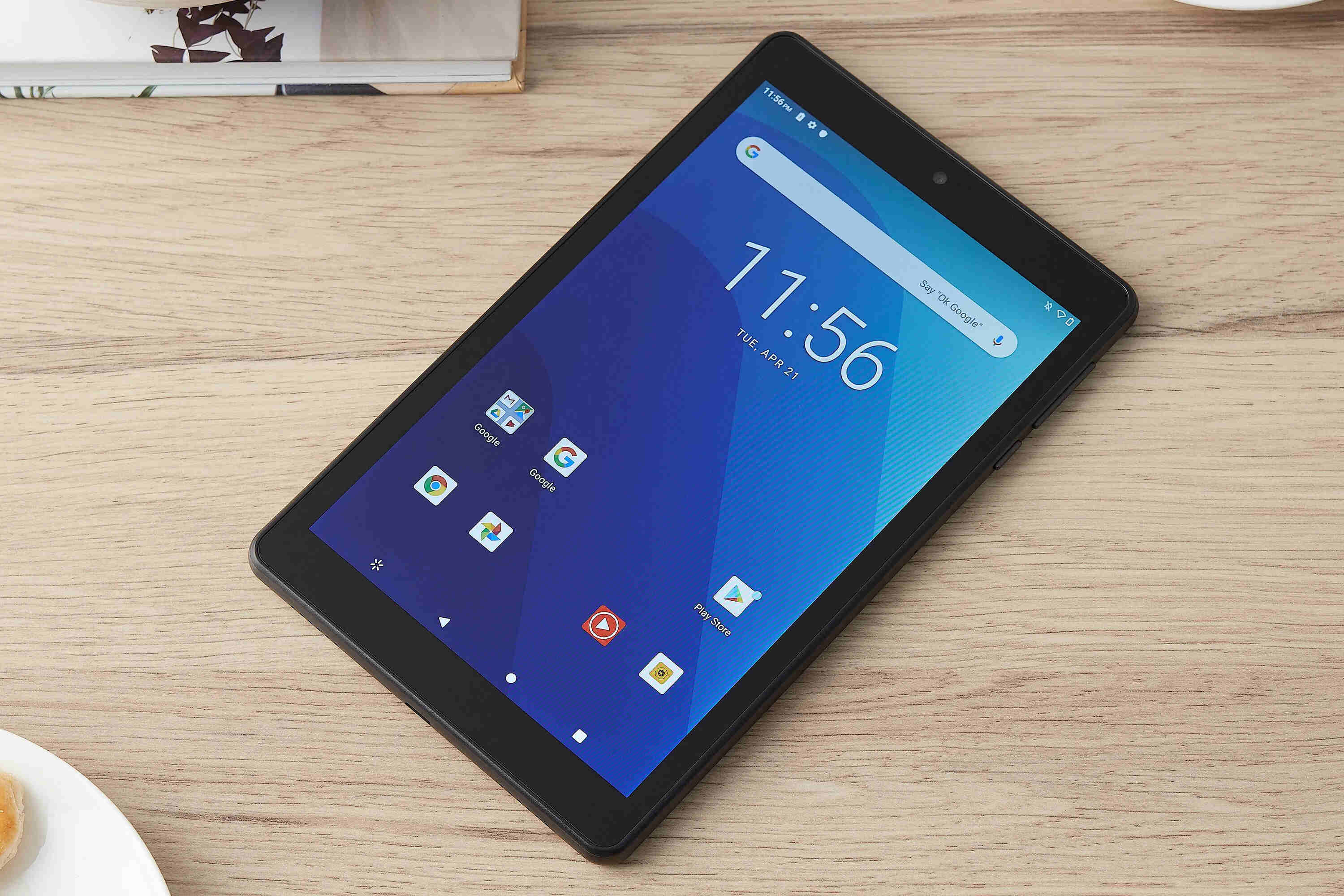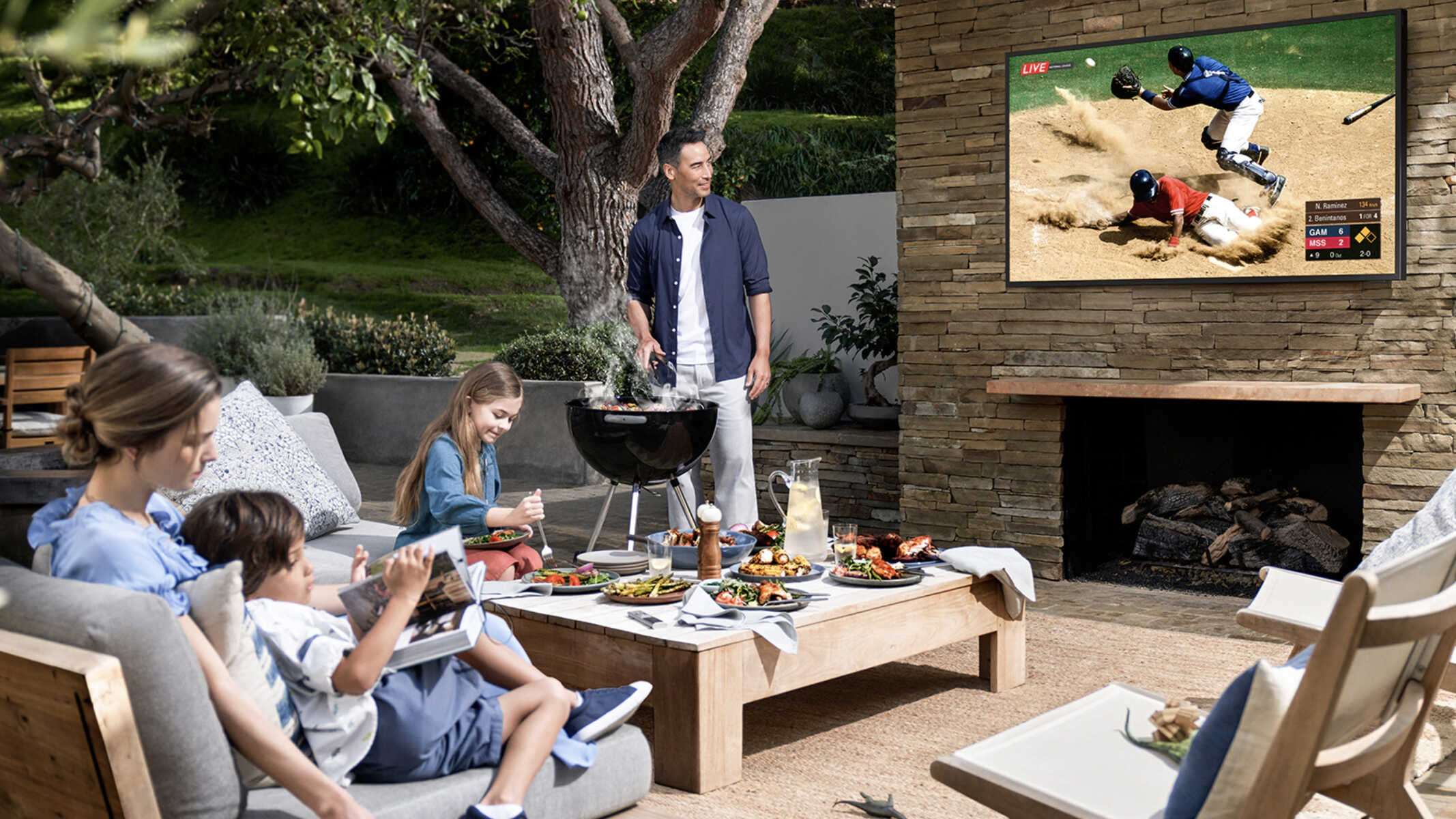
To project a movie outside without a projector, you use a large-screen device like a laptop, tablet, or all-in-one PC as the display itself, not a projector alternative. This works best for small, casual gatherings of two to six people, such as a backyard hangout or a camping trip, where everyone can comfortably gather around one bright screen.
What you'll need for a no-projector outdoor movie night
Gather these items before you start setting up. The core list is simple: a large-screen laptop, tablet, or all-in-one PC; portable speakers with a cable or Bluetooth; a stable surface or a stand that holds your device securely; extension cords or a portable power bank; comfortable seating like lawn chairs or blankets; bug control such as repellent or citronella candles; and optionally, a dark sheet or white sheet to use as a backdrop.
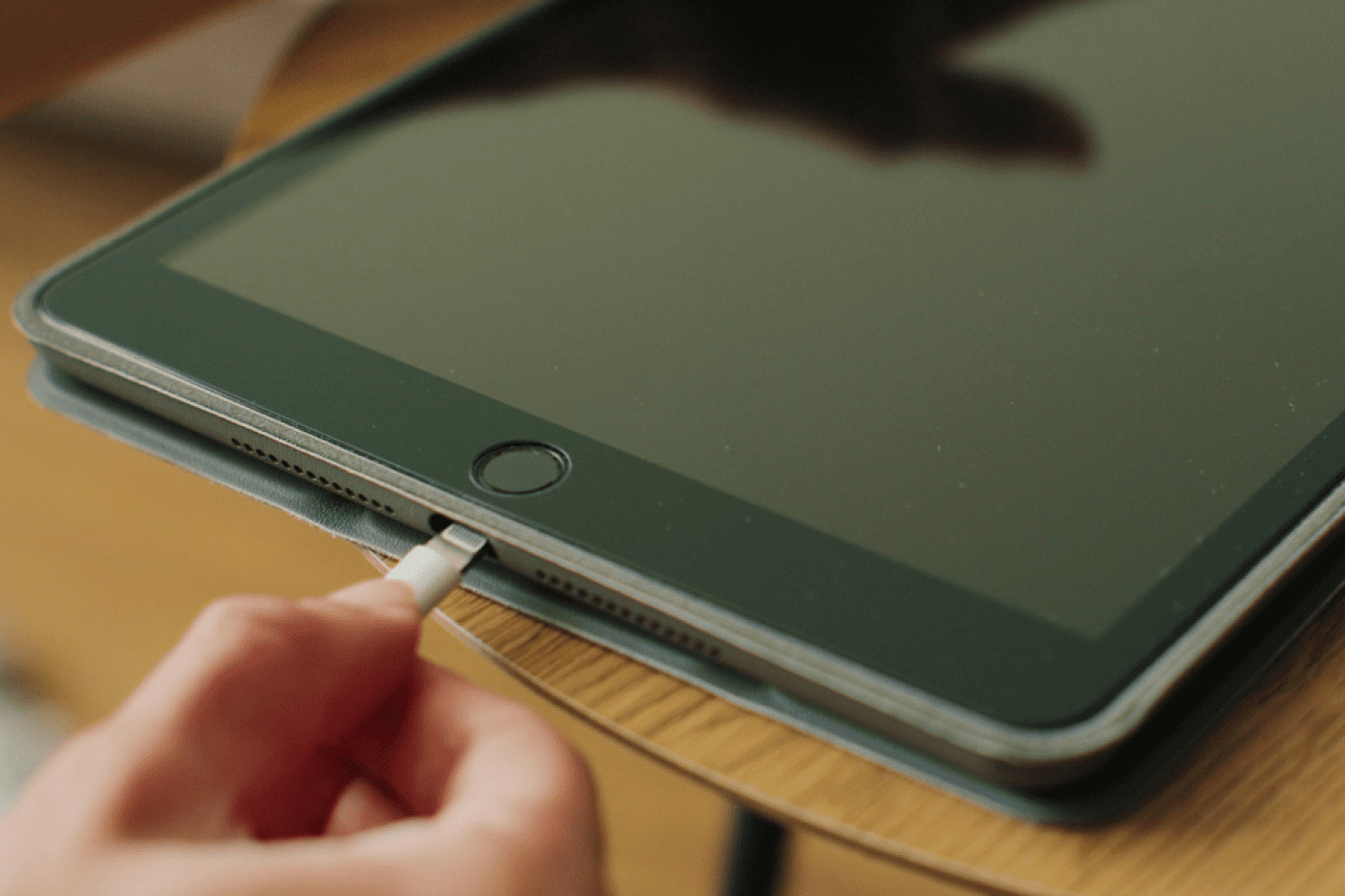
Do not forget a media source that is downloaded or streaming, and check that your device’s battery is fully charged or plugged in. A power strip with a long cord is useful if you have multiple devices to power. For seating, aim for something that keeps everyone off the damp ground, like a camping chair or a thick blanket.
Choose the right location for your screen
Place your device in a spot that has low ambient light, so you are not fighting streetlights or porch lights. Look for a corner of the yard or a spot against a fence that is naturally darker. Minimize noise by picking a place away from air conditioners, traffic, or loud neighbors. Ensure there is enough flat, level space for seating in a semicircle facing the screen, and keep the area free of trip hazards like hoses or toys.
Access to power matters most. If you are not using a battery-powered device, you need an outdoor-rated extension cord that reaches a grounded outlet. For camping, a portable power station or a car inverter can work, but test it beforehand. Avoid placing the screen directly under a bright porch light, and if you are using a tablet, position it so the screen is not facing the setting sun.
Set up your device for maximum visibility
Place your laptop or tablet at eye level for the audience, not on a low table where people have to look down. Use a stack of books, a sturdy box, or a dedicated tablet stand to raise the screen. Angle the display so it faces the center of the seating area directly, and tilt it back slightly to reduce reflections from the sky or house windows.
Turn off any power-saving or auto-lock features so the screen does not dim or go to sleep during the movie. If your device has a matte screen, use that side; if not, find a position where glare is minimal.
Create a backdrop to reduce glare and improve contrast
Hang a dark, solid-colored sheet behind the device to block stray light from hitting the screen. Use a black or navy blue sheet clipped to a clothesline or a fence, positioned a few feet behind the device. This dark backdrop absorbs ambient light and makes the screen appear brighter and more vivid. If you have a white sheet, you can also hang it behind the device, but place it at an angle so it reflects light away from the screen, not onto it.
For a quick fix, drape the sheet over a folding chair or a tree branch. Make sure the backdrop is free of wrinkles and does not move in the wind. This trick works especially well when you are watching during twilight or under a bright moon, as it creates a darker zone around the display.
Set up the sound system for outdoor audio
Connect a portable Bluetooth speaker to your device for better sound than the built-in speakers, which are often too quiet outdoors. Place the speaker on a stable surface facing the audience, not on the ground where grass and fabric muffle the sound. Position one speaker slightly in front of and to the side of the screen, or use two speakers for a wider stereo image if your device supports it.
Test the volume before the movie starts by playing a scene with dialogue. Outdoors, you need the volume higher than indoors, but avoid distortion. If you are using a wired speaker, keep the cable out of the walking path. For a small group, a single portable speaker in the center works fine, but for a larger group, consider a soundbar or a speaker with a subwoofer for better bass.
Manage lighting and bugs for a comfortable experience
Turn off all exterior lights that cast glare on the screen, including porch lights and floodlights. For safety, add subtle ambient lighting that does not shine on the display, such as a few solar path lights along the walkway or a small, dim lantern placed behind the seating area. This helps people move around without ruining the dark-adapted view.
Apply insect repellent to exposed skin before sitting down, and place citronella candles or a bug zapper at the edges of the seating area, at least three feet away from guests. Use a fan if the weather is still, as moving air keeps mosquitoes away. If you are using a tablet, keep the screen clean from bug smudges by bringing a microfiber cloth.
Start the movie and enjoy your outdoor cinema
Before pressing play, double-check that the device is fully charged or plugged in, the speaker is connected and charged, and the screen is still at the right angle. Choose a movie that everyone wants to watch, and turn off any notifications or alerts. Start the film, then adjust the volume to a comfortable level while the opening scene plays.
Make the space cozy by handing out blankets and pillows, and set up a small table or tray with popcorn, drinks, and candy. Pause the movie if someone needs a refill, and use the break to chat about the plot or point out details. Keep the experience relaxed, this is not a formal screening, so it is fine to talk during quiet parts or pause for a bathroom run.
A quick note on public performance licenses
If anyone outside your immediate household is watching the movie, a public performance license is legally required, even for free events or on private property. This applies to neighbors, friends, or extended family who are not living under your roof. You can obtain a license from a company like Swank Motion Pictures or Criterion, or you can stream from a service that offers public performance rights, such as some subscription services that include a separate license for small gatherings. Without this license, you risk a fine, so check the rules before inviting people over.
\nRelated reading: How To Charge A Tablet Without A Charger Port, How To Project An Image To Trace Without A Projector, and How To Log Out Of Roblox On Tablet.