Getting Grammarly Pro free as a student is possible through two legitimate methods: your university’s institutional license or Grammarly’s referral program. If neither works, a free trial gives you temporary access, and a student discount offers a reduced price.
Get Grammarly Pro through your university (Grammarly for Education)
Many schools license Grammarly for Education, which gives students full access to Grammarly Pro at no cost. Individual students cannot directly sign up for Grammarly for Education; it is exclusively available for institutions. Check with your school to see if it offers this benefit, then join using one of these three methods, and if your access suddenly stops, see why isnt my Grammarly working:
- Sign in through your school’s identity provider. If your institution uses an identity provider (e.g., Okta, Microsoft Entra ID, Google Workspace), you can join your school's license by signing in to Grammarly via that provider. This automatically connects you to the institutional account.
- Sign up with your school email. If your institution does not use an identity provider, you can sign up for a Grammarly account using your school email address at www.grammarly.com/enterprise/signup. Use this enterprise signup URL to link your account to your school’s license.
- Accept an admin invitation. You might also receive an invitation email from your school's Grammarly for Education administrator to activate your account. Follow the link in that email to get started.
If you are not prompted to join your school's license after signing up with your school email, contact your school's administration or IT support for assistance. They can confirm whether a license is available and help you connect.
Features you get with your university's Grammarly Pro license
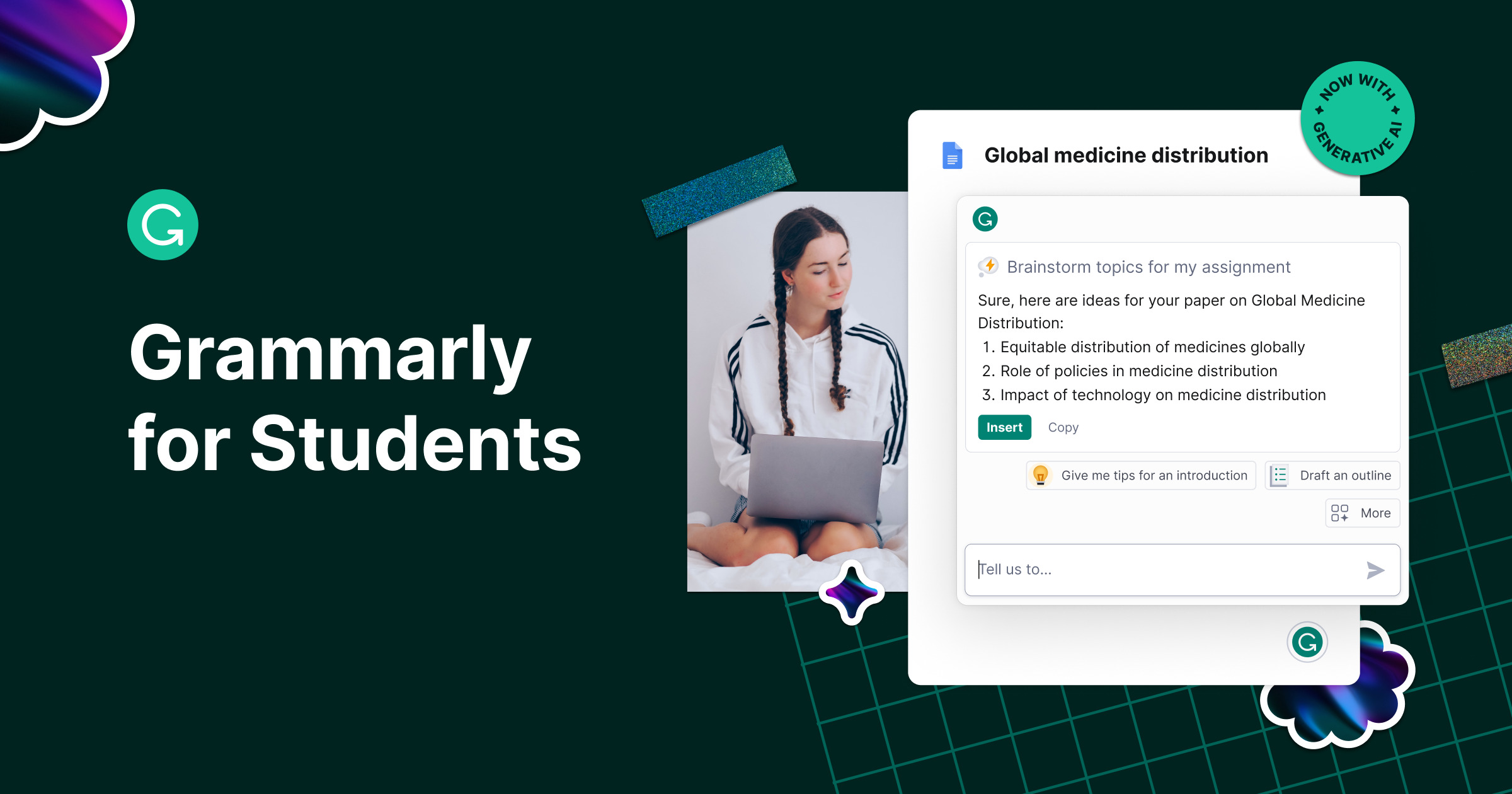
An institutional license unlocks the full Grammarly Pro feature set, including advanced grammar checks, full-sentence rewrites, tone adjustments, generative AI writing prompts, plagiarism detection, AI content detection, and citation assistance. Grammarly for Education also provides Authorship reports, which give instructors insight into how student assignments were composed, including typed, rewritten, copied, or AI-generated text. These tools help you write more clearly, avoid plagiarism, and meet academic standards.
Earn free months with Grammarly's referral program
If your school does not offer Grammarly for Education, you can still get Grammarly Pro free through referrals. Grammarly’s referral program gives you a unique link to share. When friends sign up using that link, you earn subscription credits that can be redeemed for free months of Grammarly Pro. Share your referral link with classmates and other writers: every successful sign-up brings you closer to free access. The more people you refer, the more credits you accumulate.
Start a Grammarly Pro free trial
A free trial is a temporary way to use Grammarly Pro without paying. To begin, sign up for a new Grammarly account and select the Pro trial during registration. The trial gives you full access to all premium features for a limited period. A free trial lets you test the advanced grammar checks, plagiarism detection, and style suggestions before committing to a paid plan, and you can quickly accept all changes in Grammarly to see how much time it saves on final edits. Note that the duration of the trial can vary, so check the offer details when you sign up.
Claim a student discount on Grammarly Pro
While not a free method, a student discount significantly lowers the cost. Grammarly offers student discounts, such as 50% off Grammarly Pro, through verification services like Student Beans, SheerID, or UNiDAYS. A student discount makes the paid subscription more affordable. However, these student discounts typically apply to only one subscription period (e.g., the first month or year) and do not provide free access. Use this option if the free methods are unavailable and you are willing to pay a reduced rate for a limited time.