71 practical articles aimed at everyday console owners, from first-time setup users to long-time players who want to get more out of their hardware and game library. The content is written for people who prefer clear, step-by-step guidance over technical jargon, whether they are troubleshooting a connection, choosing a new accessory, or simply trying to understand how their console fits into a broader entertainment setup.
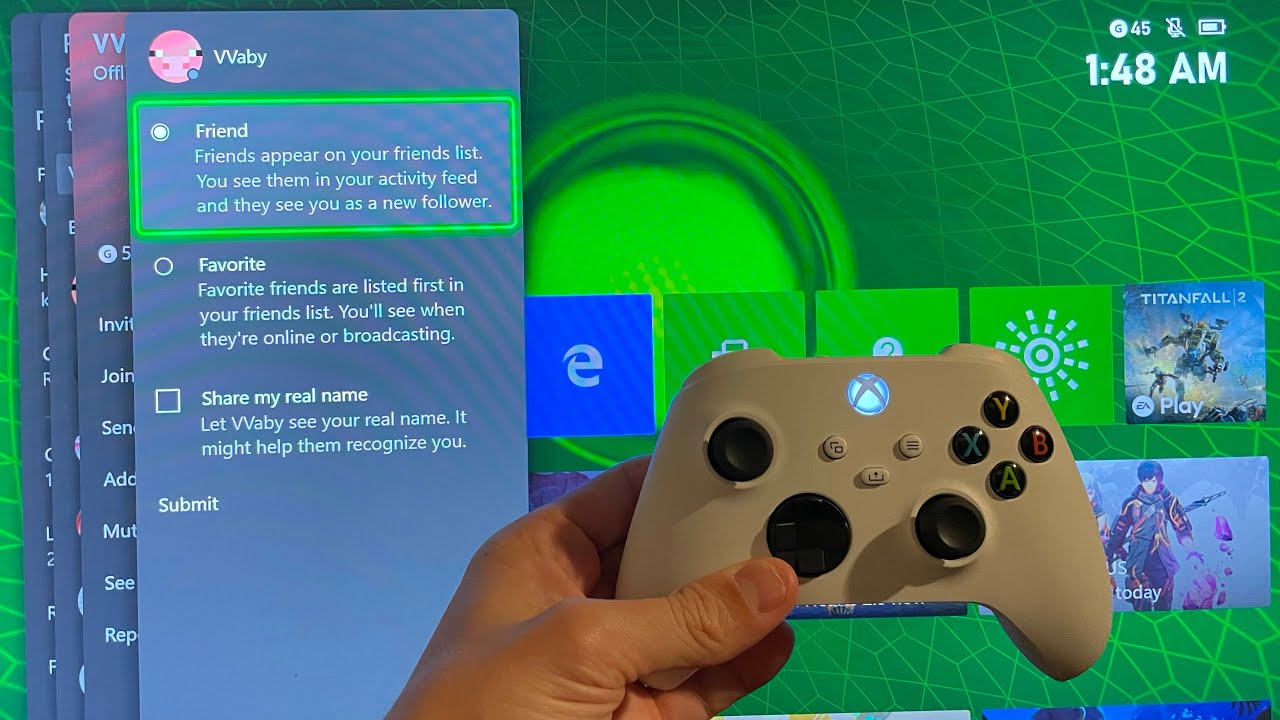
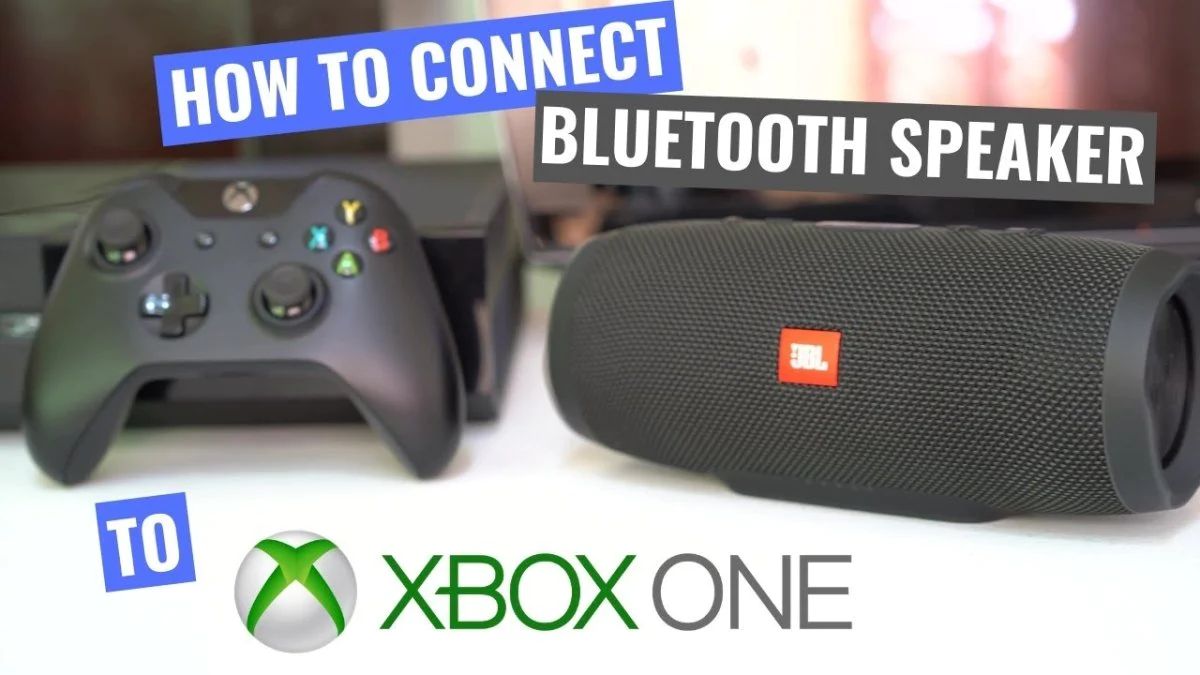
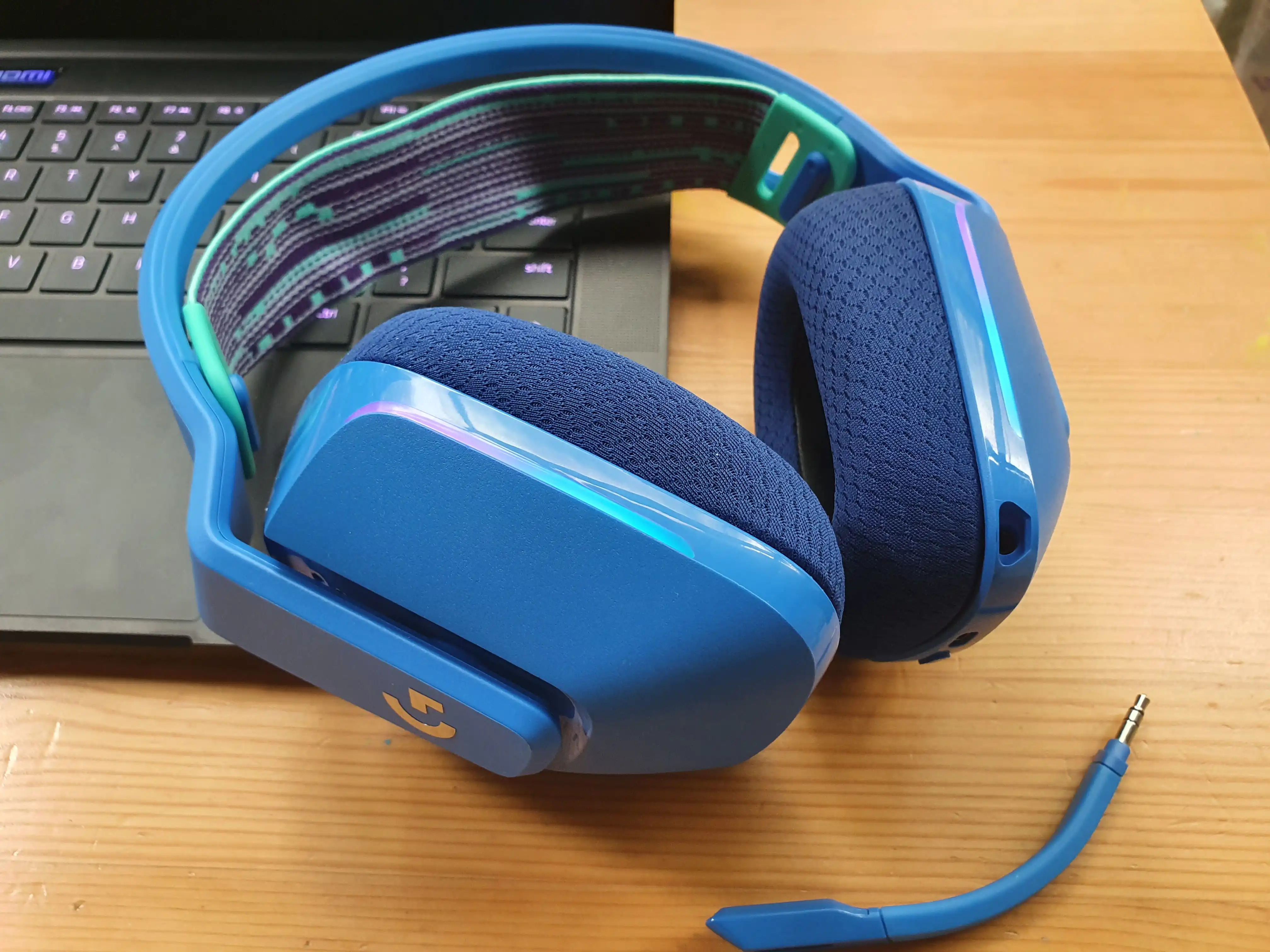
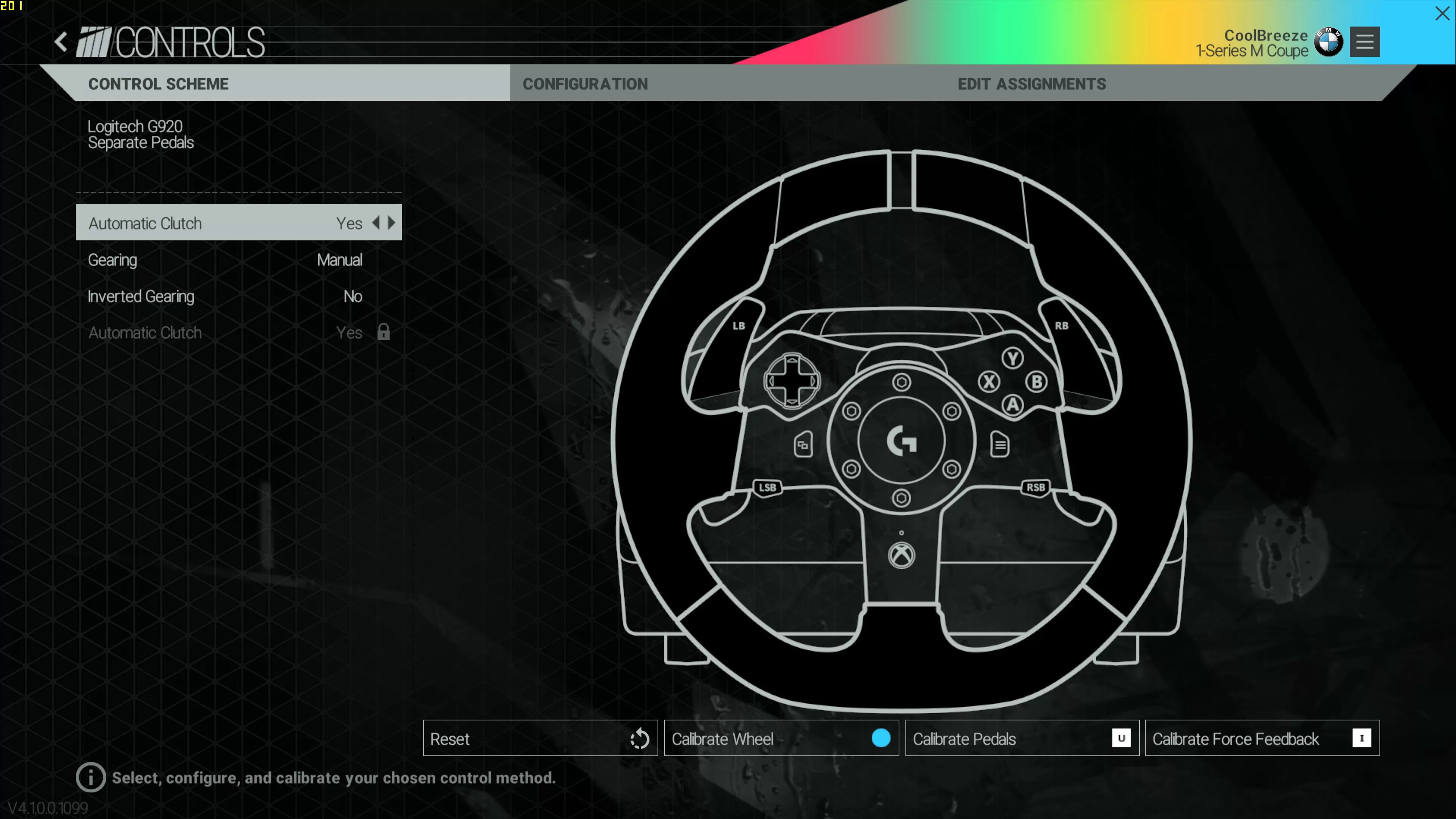
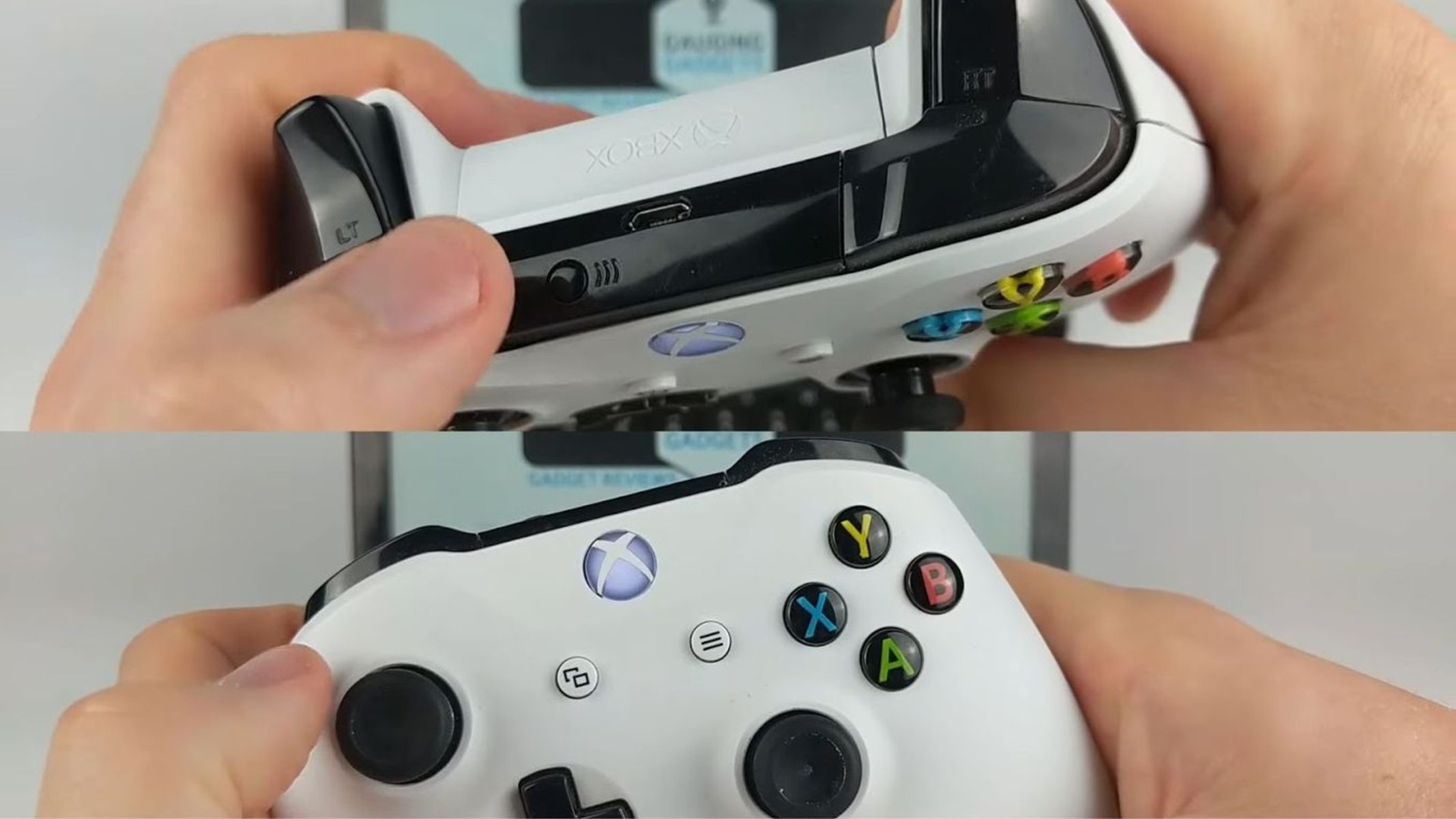
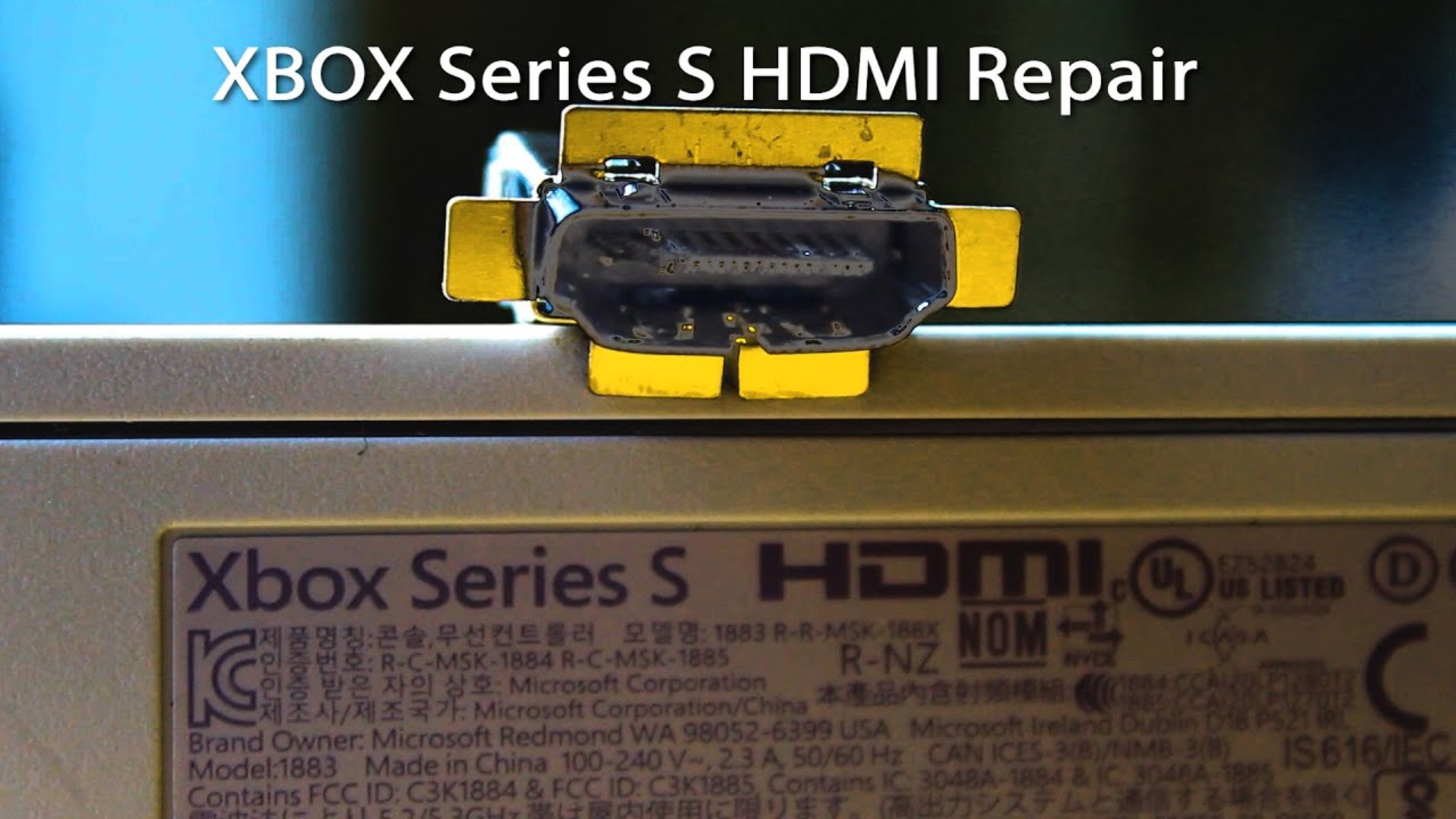
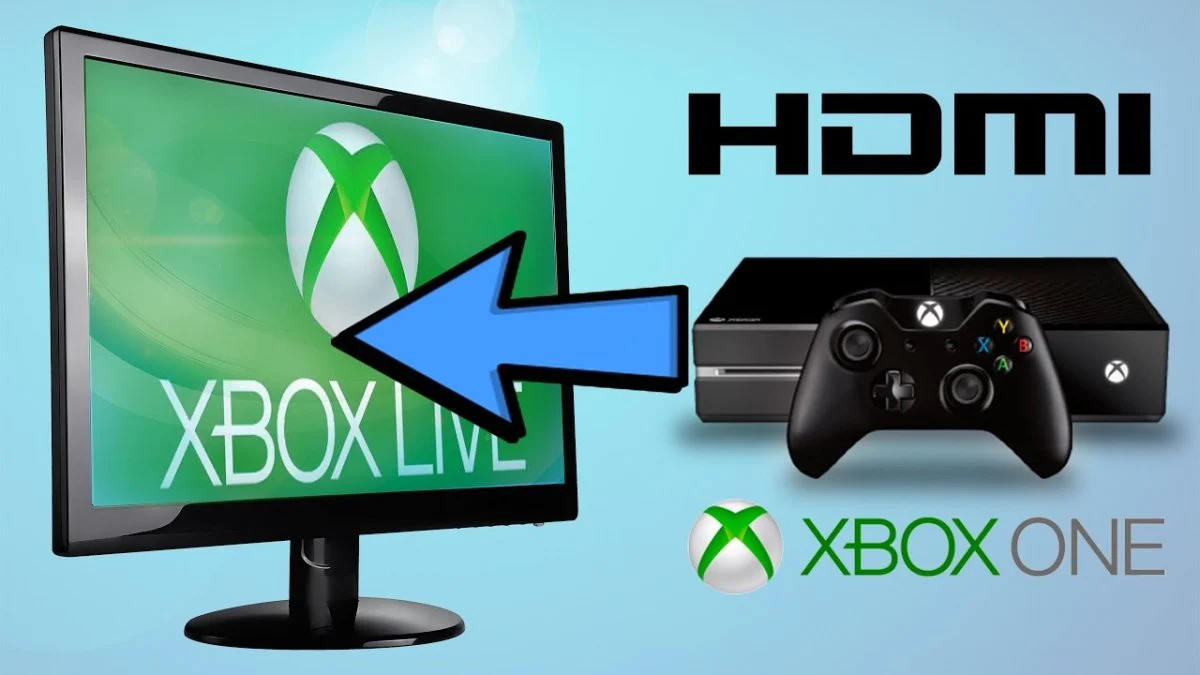
The articles cluster around a few recurring themes. One major theme is hardware and connectivity: you can find guides on linking an Xbox to a PC or Chromebook via HDMI, fixing a Series S HDMI port, pairing Bluetooth speakers or Logitech wheels and headsets, and calibrating racing peripherals like the G920. Another theme focuses on account and network features, including adding friends across PlayStation and Xbox, enabling crossplay in Among Us, and understanding what online gaming does to your bandwidth compared to streaming 4K movies. A third theme is game selection and system knowledge, with pieces on the best Game Pass titles, RPGs chosen by gamers, and previews or reviews of specific releases like Halo Infinite, Outriders, and Watch Dogs: Legion.
Throughout, the tone stays practical and lawful. The guides help readers perform legitimate tasks, like formatting a hard drive, zooming out in a game, or signing into Among Us, without encouraging piracy, cheating, or bypassing restrictions. Instead of risky workarounds, they offer safe alternatives and clear explanations, so you can solve everyday problems and enjoy your Xbox with confidence.