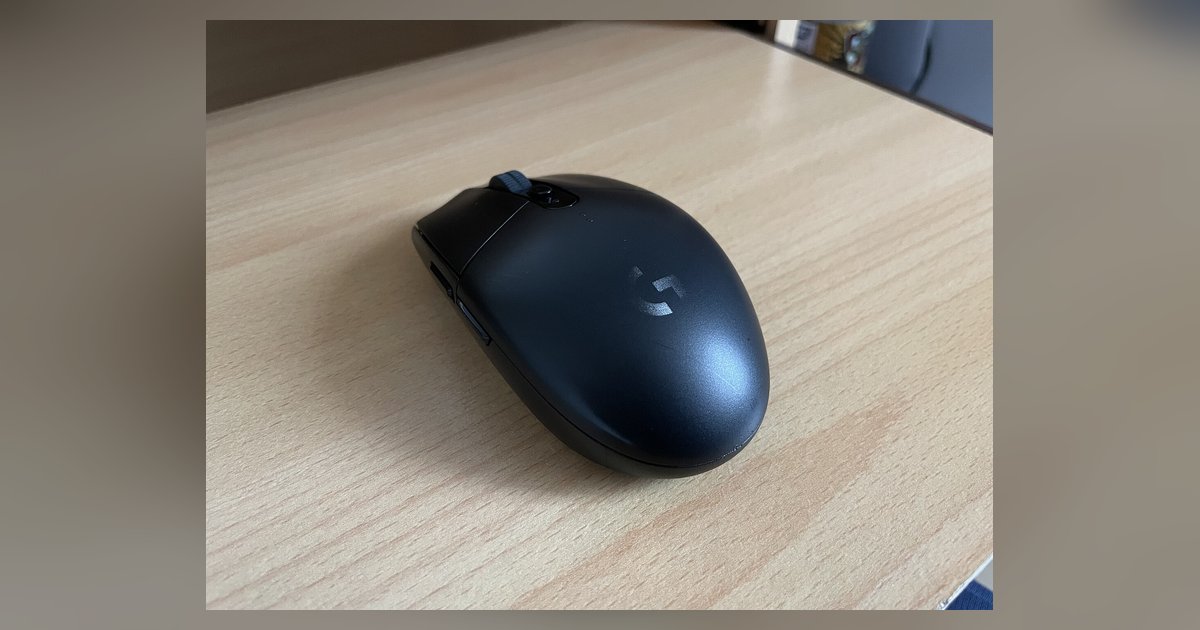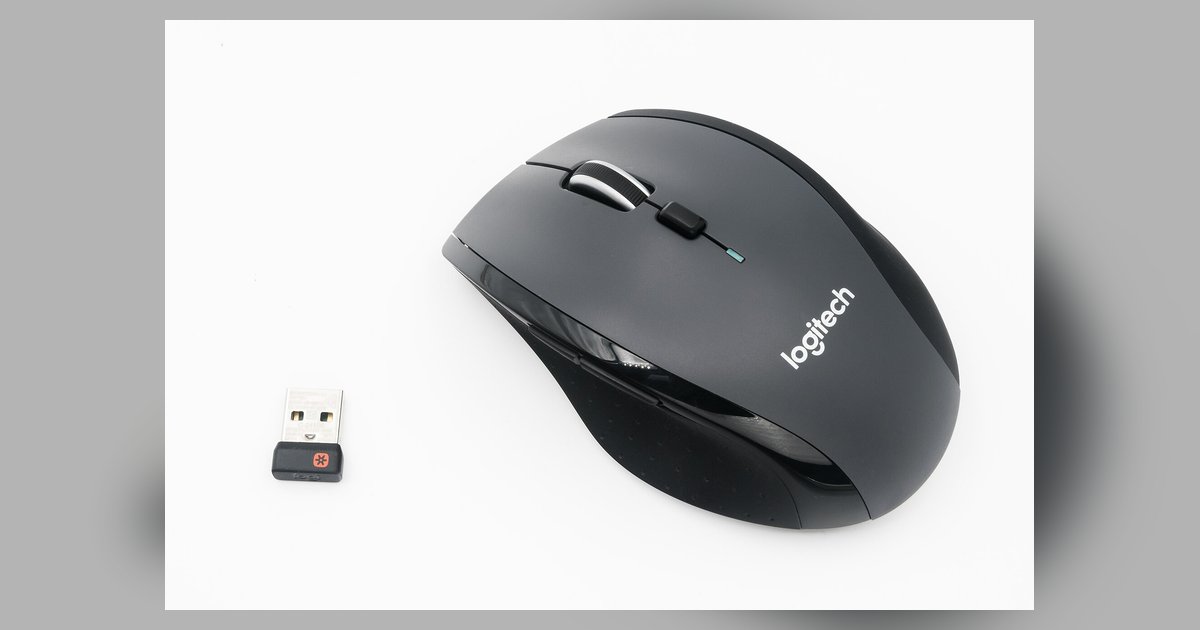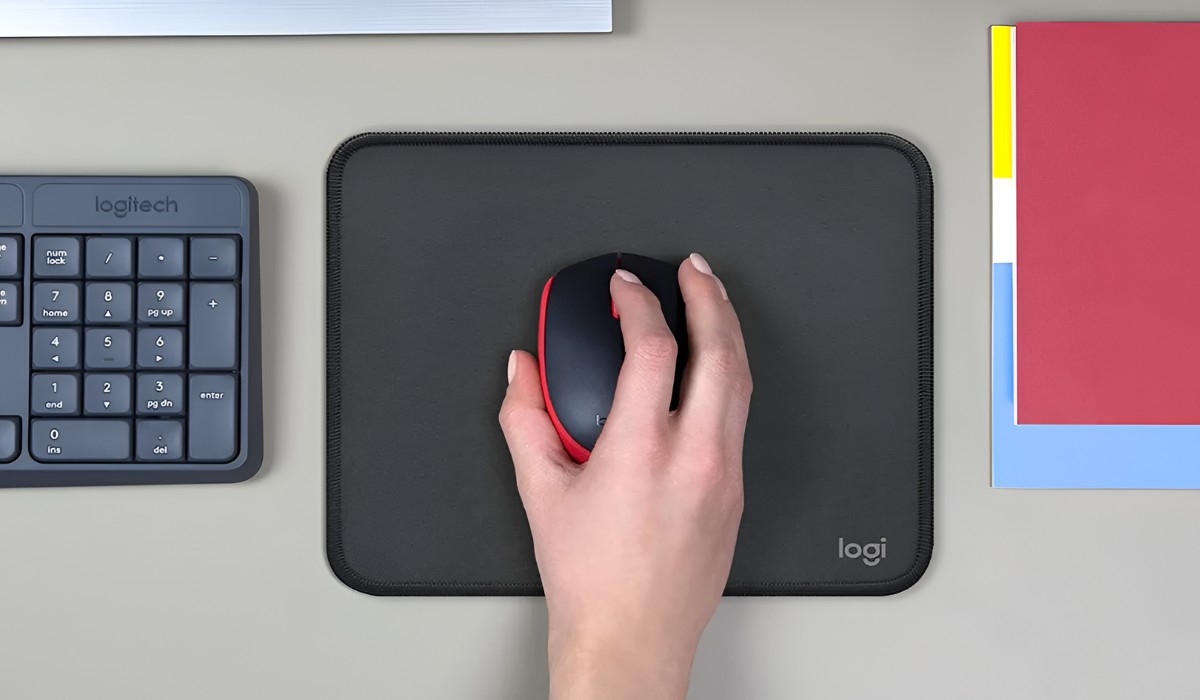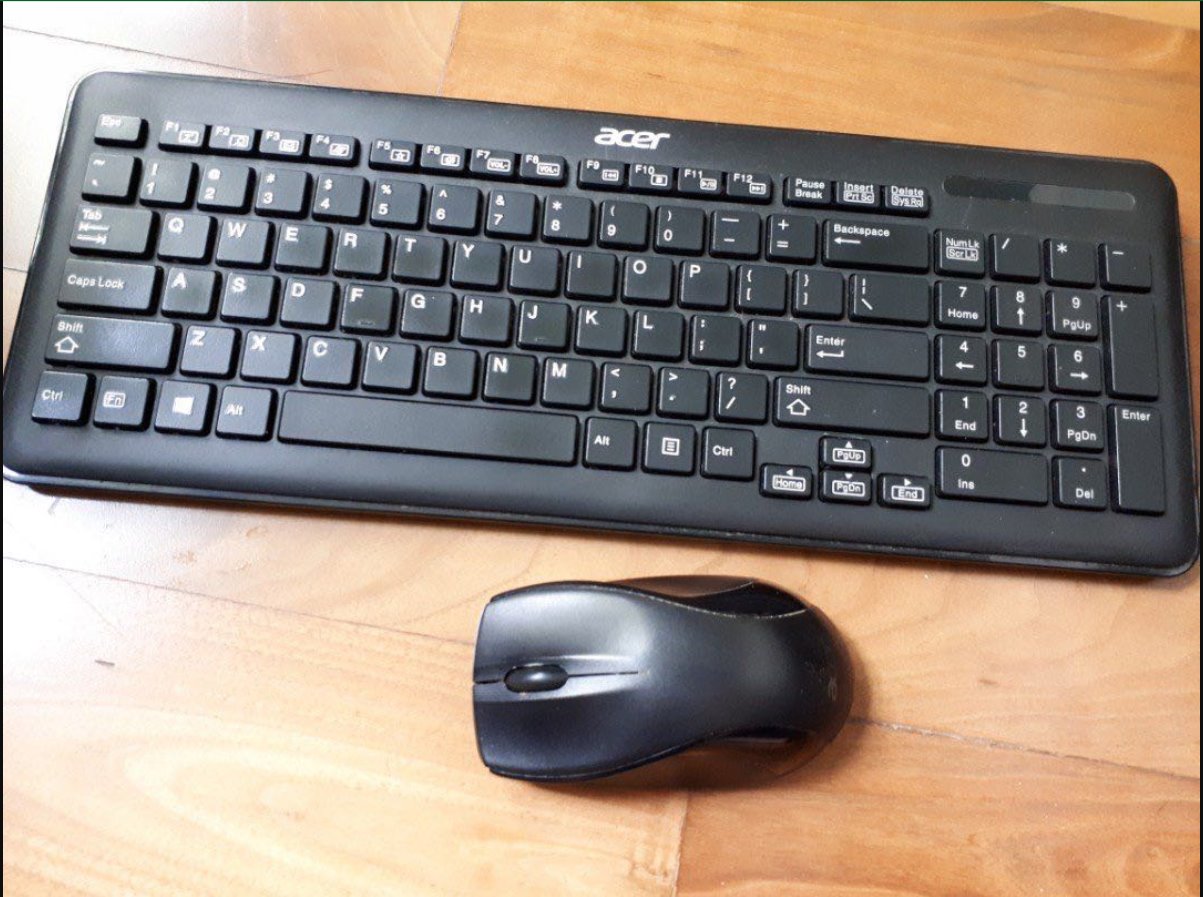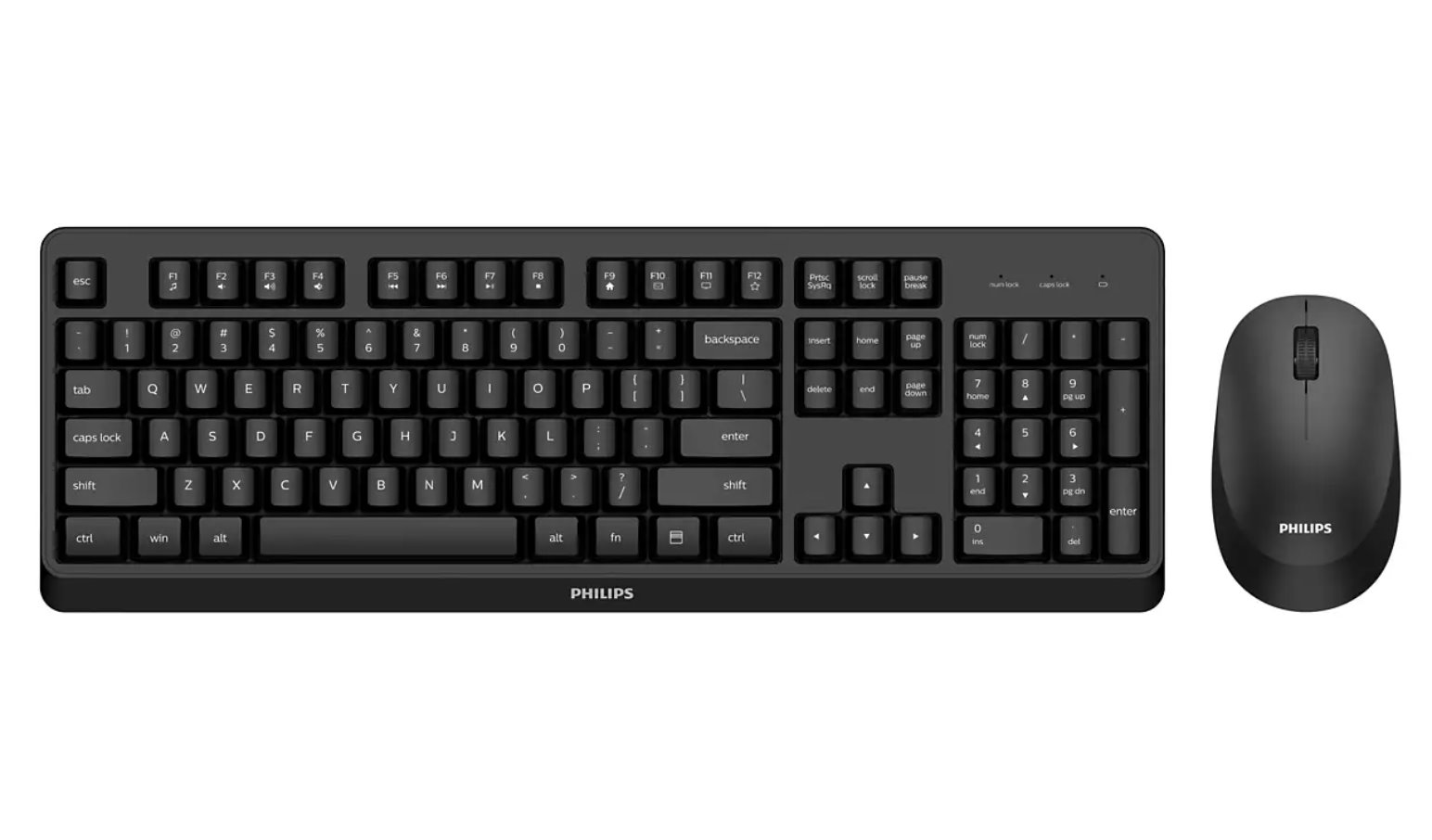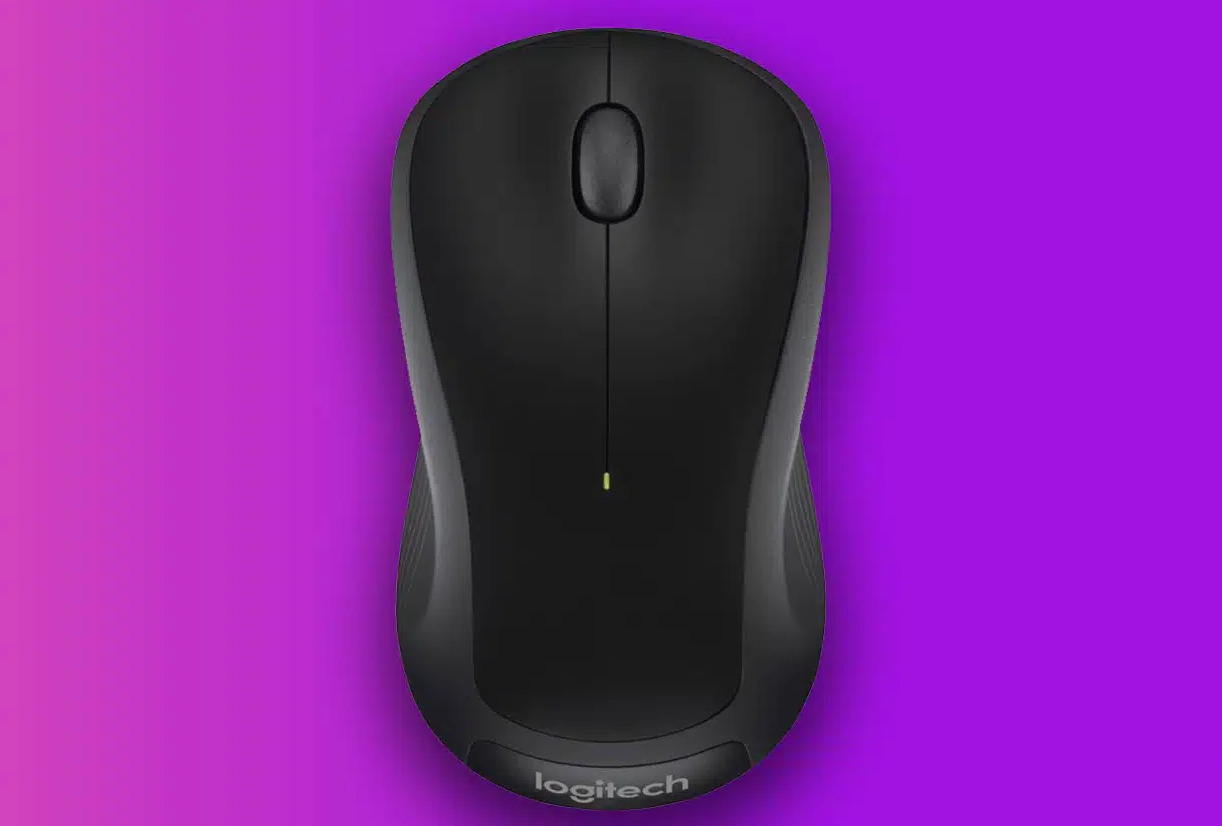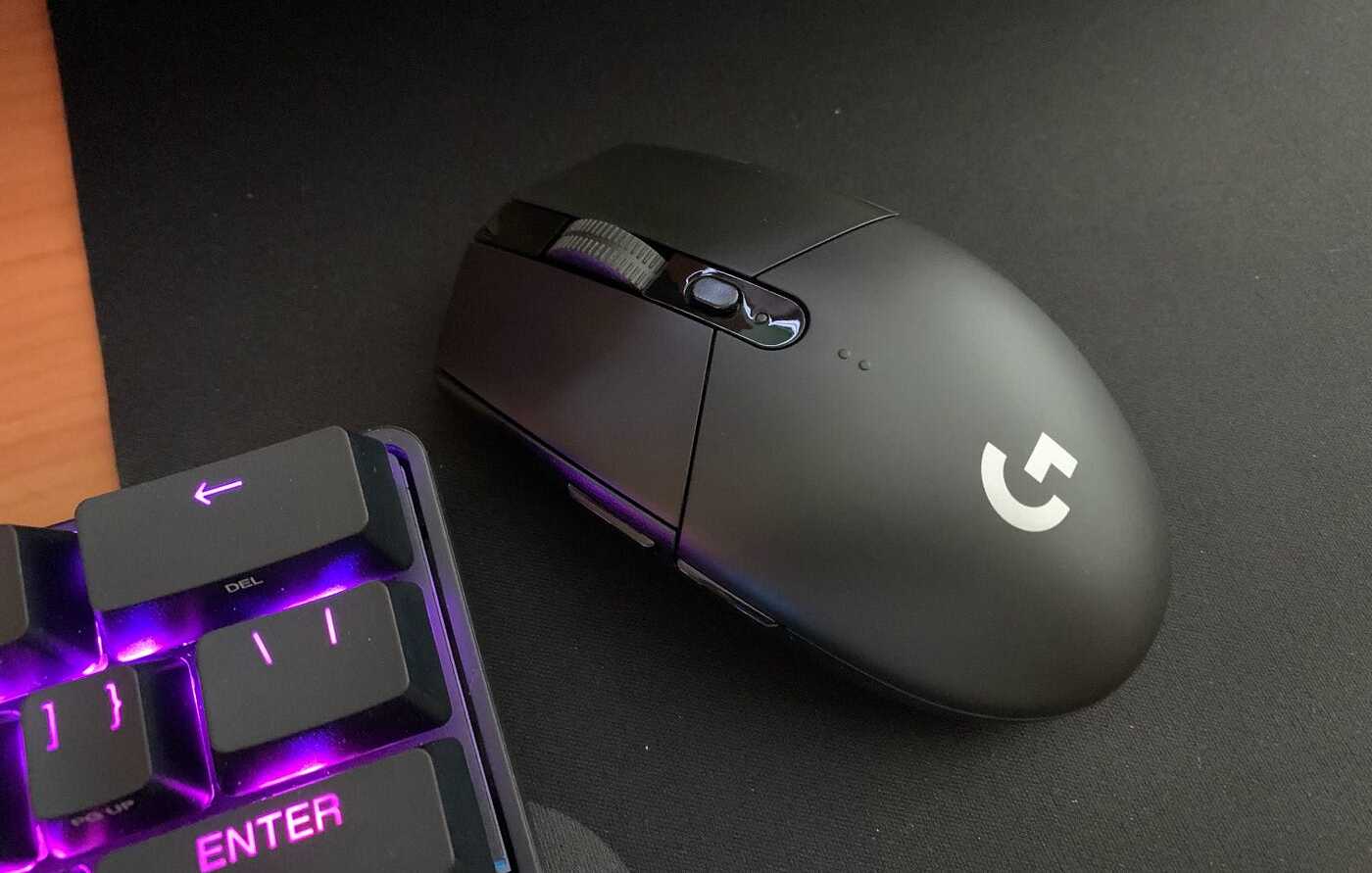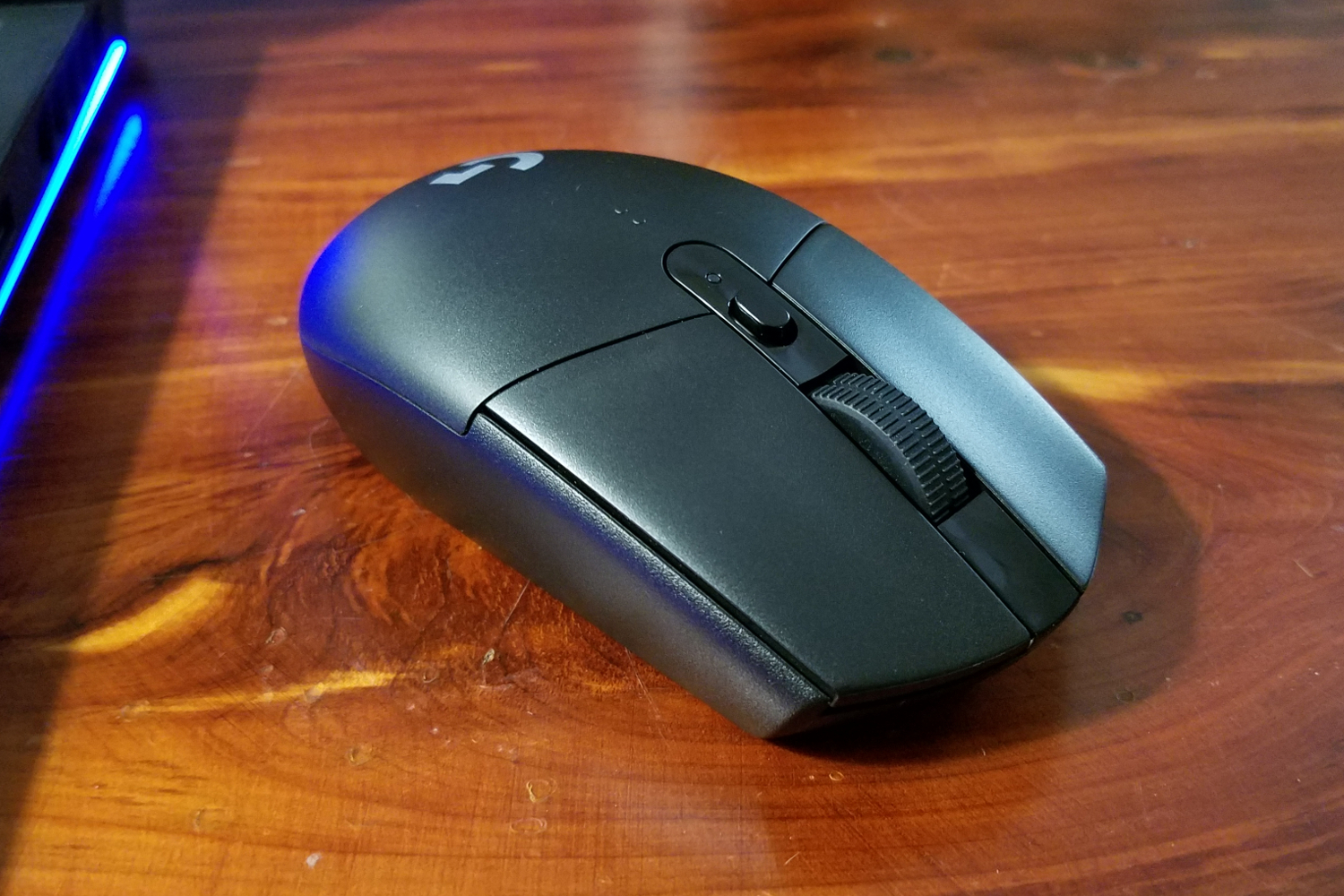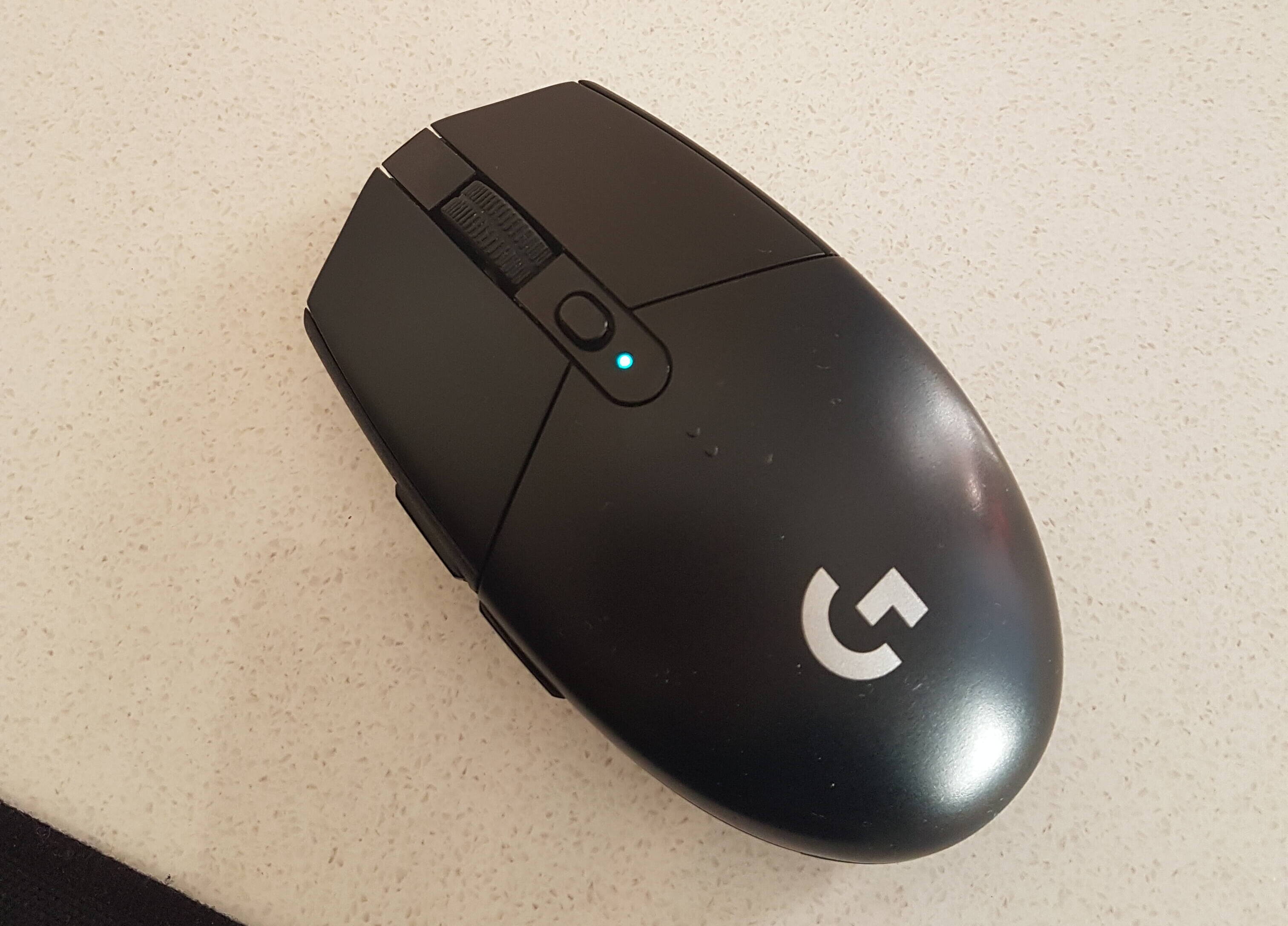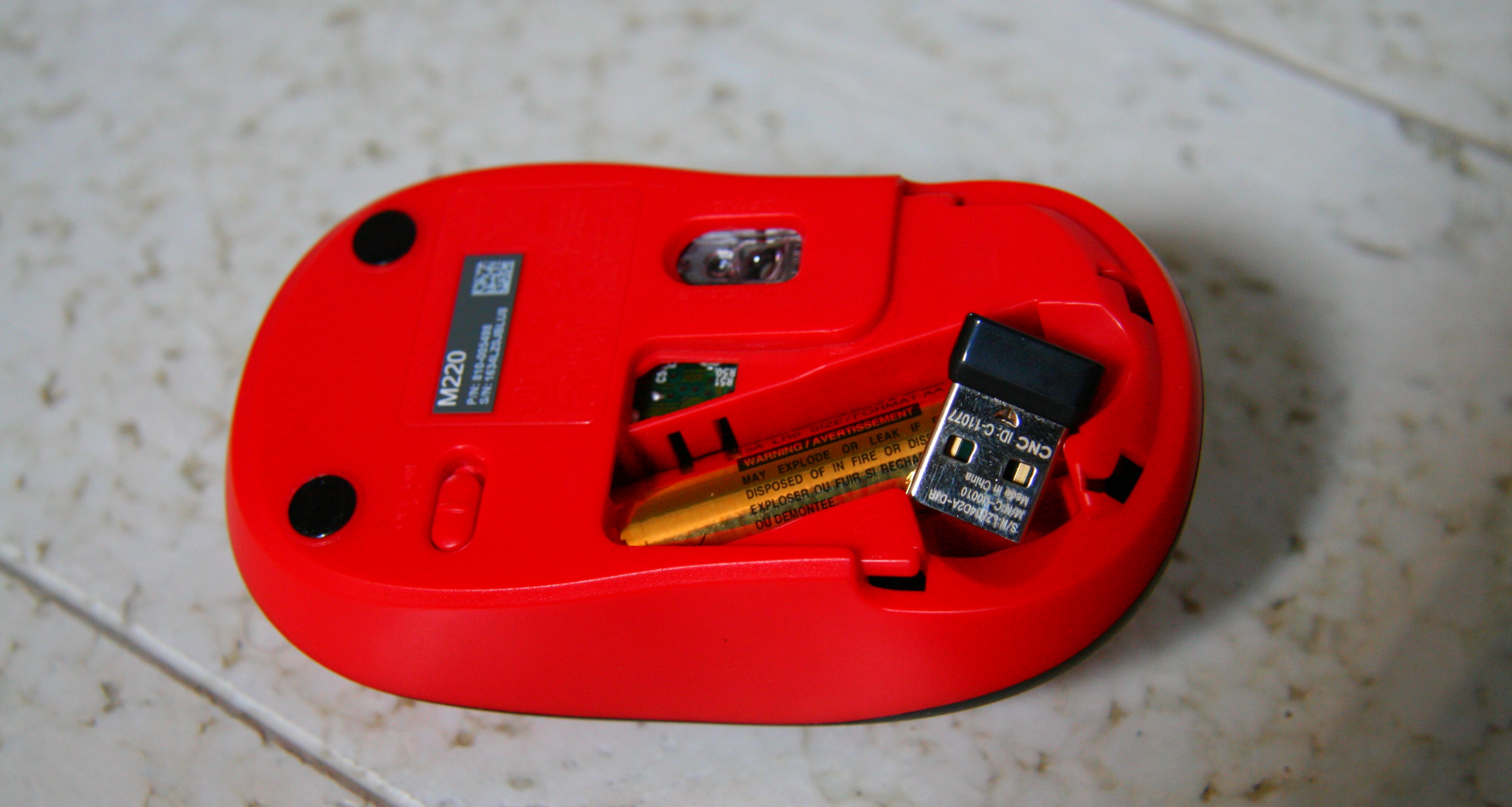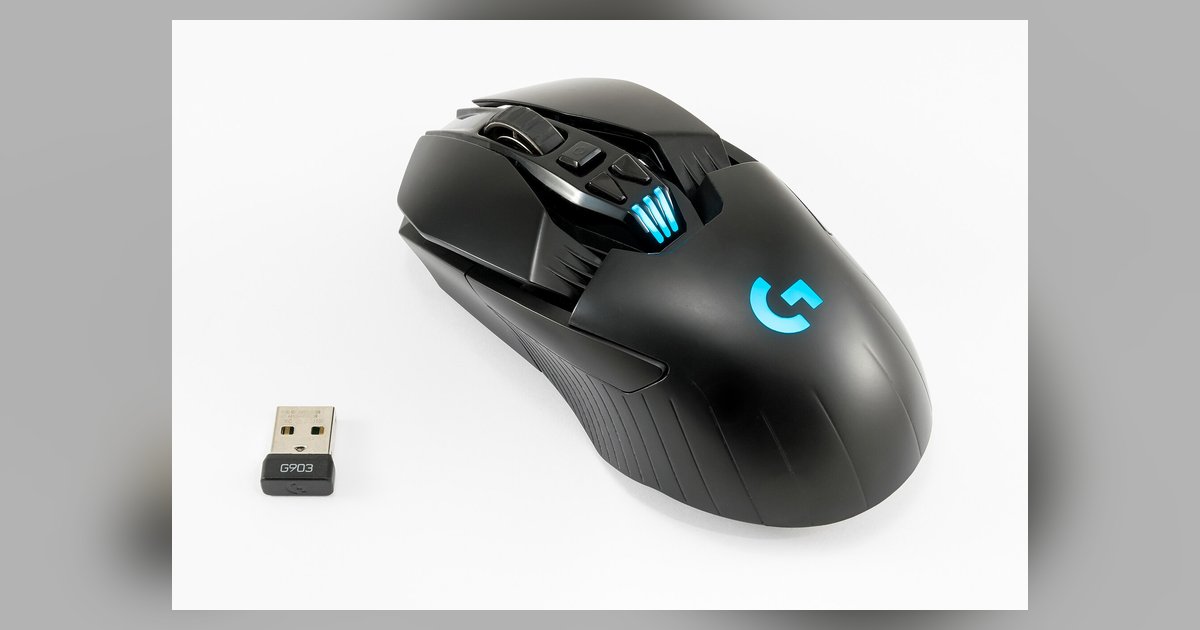
This tag collects articles about wireless mice, with a strong focus on Logitech models, written for everyday users who want to set up, troubleshoot, or maintain their own gear without calling tech support. It is for anyone who has just bought a wireless mouse, is dealing with a connection problem, or wants to understand how their device works, whether they are on Windows, macOS, or using a unifying receiver.
The articles solve practical problems in two main areas. First, connection and pairing: you will find clear steps for linking a mouse to a computer, connecting a keyboard-and-mouse combo, pairing a G305 to a Mac, and using Logitech’s G Hub software. Several pieces also cover what to do when pairing fails or when a USB receiver is lost, explaining the safe, supported alternatives like using Bluetooth or requesting a replacement from Logitech. Second, the tag addresses everyday quirks and maintenance: why a mouse might blink green, how to open a mouse shell for cleaning or battery replacement, and why a mouse may not track on certain surfaces like a mouse pad.
Specific topics named in the list include DPI settings for the G305, connecting an M310, pairing an Acer wireless keyboard and mouse, and how many devices a single Unifying receiver can handle. Across all 14 articles, the goal is to help the reader get their device working reliably, fix minor issues on their own, and understand the limits of what their hardware can do, all without encouraging risky or unsupported workarounds.