The Windows tag on robots.net collects practical, hands-on guides aimed at everyday computer users who want to get more done without calling a technician. Whether you are setting up a new PC, troubleshooting a frustrating error, or trying to connect your devices, these articles focus on clear steps and real-world solutions. The audience is broad: beginners who need a gentle introduction to basic tasks, and more experienced users looking for specific fixes or performance tweaks.

The articles cluster around a few recurring themes. One major theme is connectivity and hardware, you will find guides on connecting a PC to Wi‑Fi, finding an Ethernet IP address, transferring files between PCs using a cable, and using WhatsApp Web on a Mac or Windows machine. Another theme is system maintenance and performance: articles explain how to format a hard drive, check CPU temperature in Task Manager, allocate more CPU to a game, or clear out the Downloads folder. A third theme covers everyday input and display tasks, such as taking a screenshot, enabling keyboard backlights, typing a squared symbol, or switching to a Spanish keyboard layout.

Several articles also address topics from a safety, security, or legal-alternatives perspective. For example, the guide on recycling an old laptop focuses on proper disposal rather than data recovery, and the review of Hide.me evaluates a VPN service for privacy-conscious users. Similarly, articles about Android emulators, BeeTV, and Amazon Music downloads are framed around legitimate use, installing apps on a PC, using streaming services on a supported device, or downloading music you own, not circumventing protections. The tag is a practical resource for solving everyday Windows problems, with an emphasis on doing things correctly and safely.

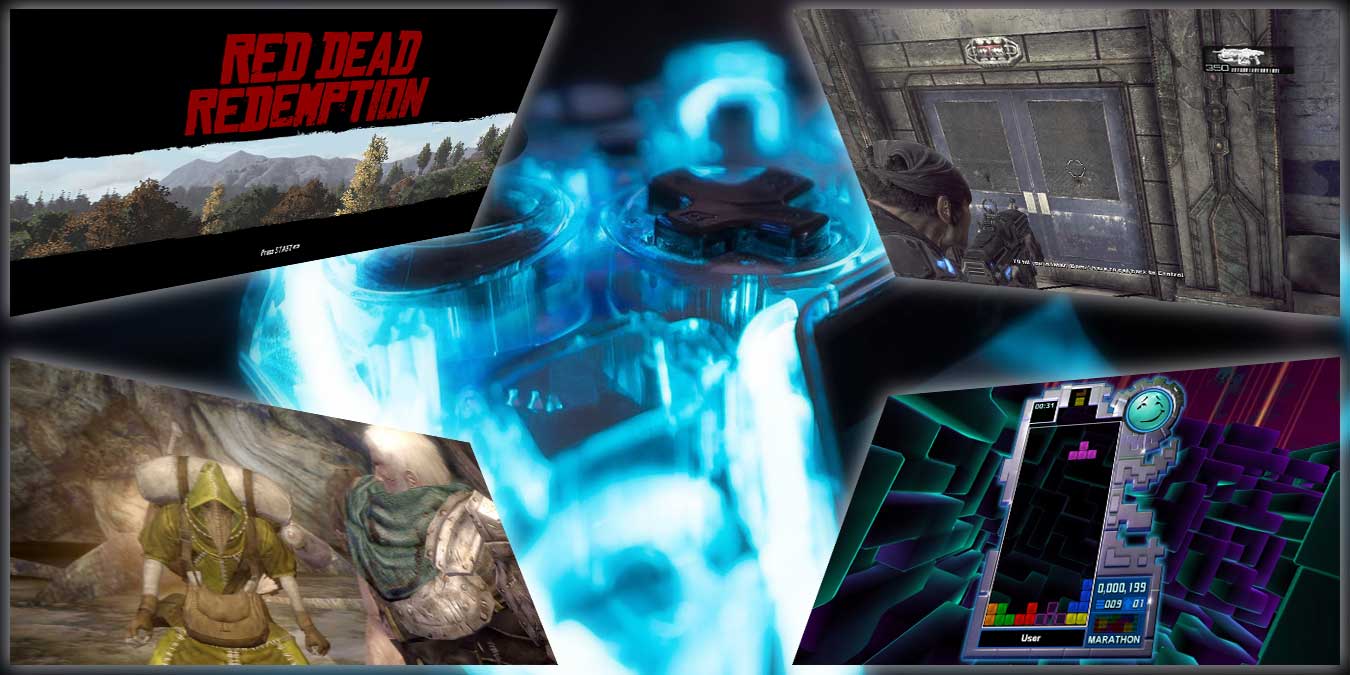
How To Connect Playstation Controller To Pc

You can connect a PlayStation controller to PC using either a USB cable or Bluetooth, and both the DualShock 4 (PS4) and DualSense (PS5) controllers work with Windows without extra...

How To Chromecast From Phone To PC

To cast phone to PC, you need to understand that a PC cannot act as a native Chromecast receiver. Instead, you will use screen mirroring or third-party software to make...

How To Connect Ps5 Controller Bluetooth

To connect a PS5 controller via Bluetooth, press and hold the PS and Create buttons together until the light bar blinks rapidly, then select “DualSense Wireless Controller” from your device’s...

How To Connect Logitech M310 Wireless Mouse

To connect a Logitech M310 wireless mouse, you simply install the battery, turn the mouse on, and plug its USB nano receiver into your computer. This plug-and-play mouse works immediately...

How To Setup The Logitech G502

To setup Logitech G502, you need to connect the mouse to your computer, install the Logitech G HUB software, and then customize your DPI, buttons, and lighting. This guide covers...

Why Are My Logitech Speakers So Quiet

Your Logitech speakers are so quiet most often because your computer is sending audio to a different output device, or because a hidden setting like audio enhancements or exclusive mode...

How To Setup Logitech Extreme 3D Pro

To setup Logitech Extreme 3D Pro on a Windows PC, you need to physically connect the joystick, install the correct drivers, and calibrate it for immediate use in flight simulators...

How To Setup Logitech Brio Webcam

To setup Logitech Brio webcam, simply plug it in, mount it, and test your picture. The process of setting up a Logitech webcam is designed to be plug-and-play on modern...

How To Unlock My Logitech Keyboard

To unlock your Logitech keyboard, the fastest fix is to check and toggle the lock keys that were accidentally pressed. Most "locked" keyboards are simply in a state where Num...

How To Print Screen With Logitech Keyboard

To print screen with a Logitech keyboard on Windows, press the dedicated PrtSc key to copy the entire screen to your clipboard, or press Windows+PrtSc to automatically save a full-screen...