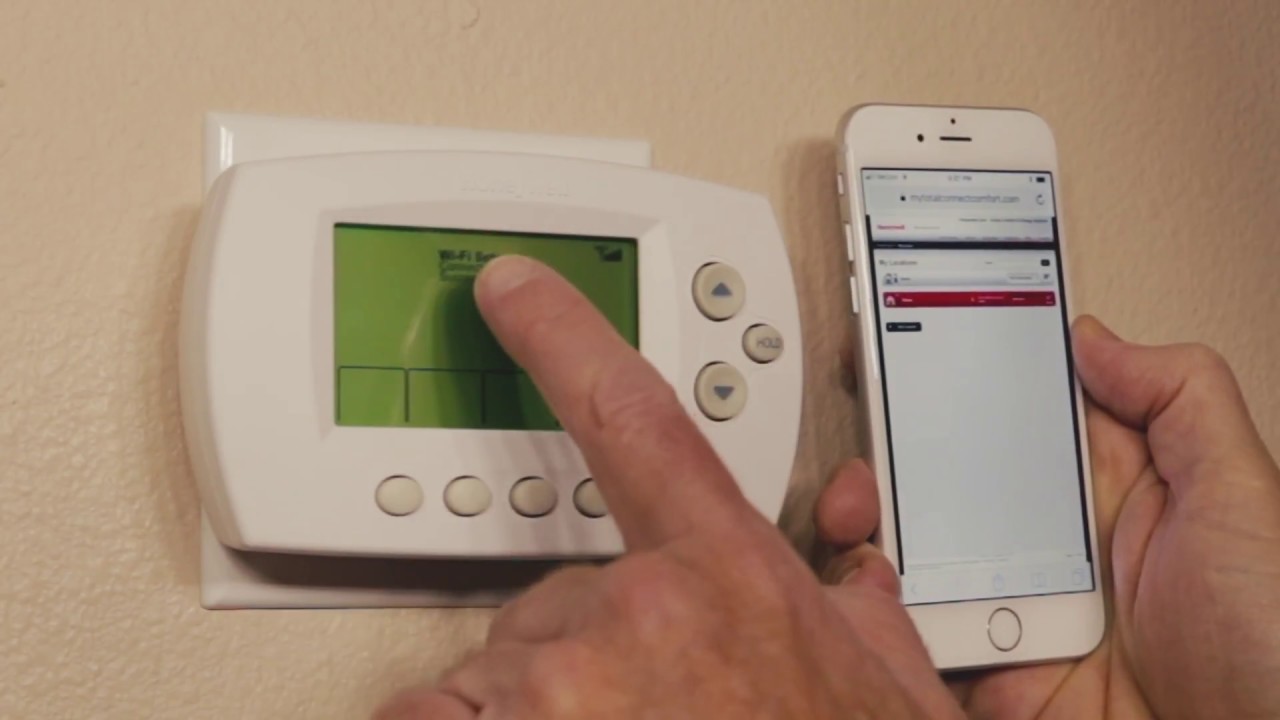
How To Set Up Wifi On Honeywell Thermostat To set up wifi on your Honeywell thermostat, use the touchscreen menu to select Wi-Fi Setup, choose your home network, and enter...
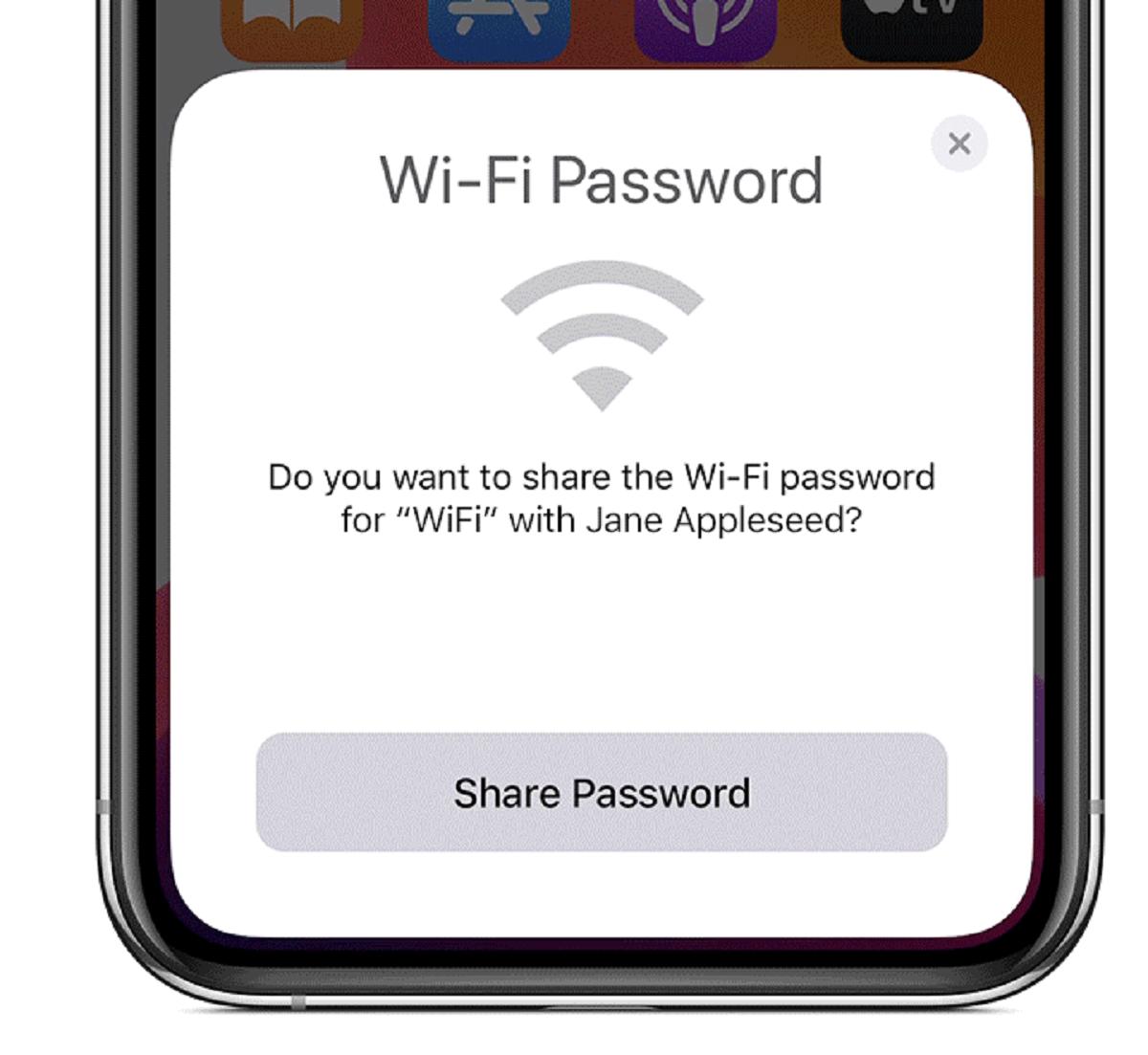
The most direct way to connect wifi without password is to have someone who is already connected generate a QR code from their device that you can scan. This method...
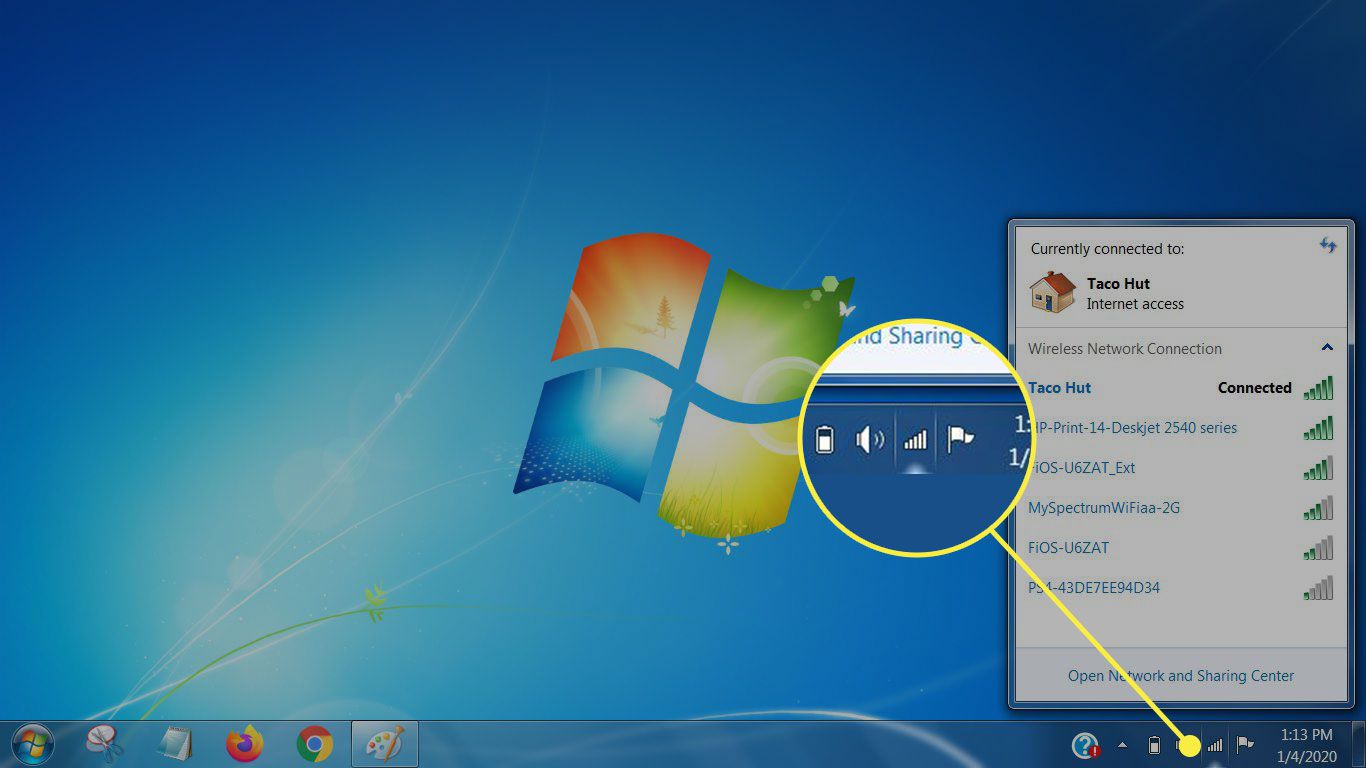
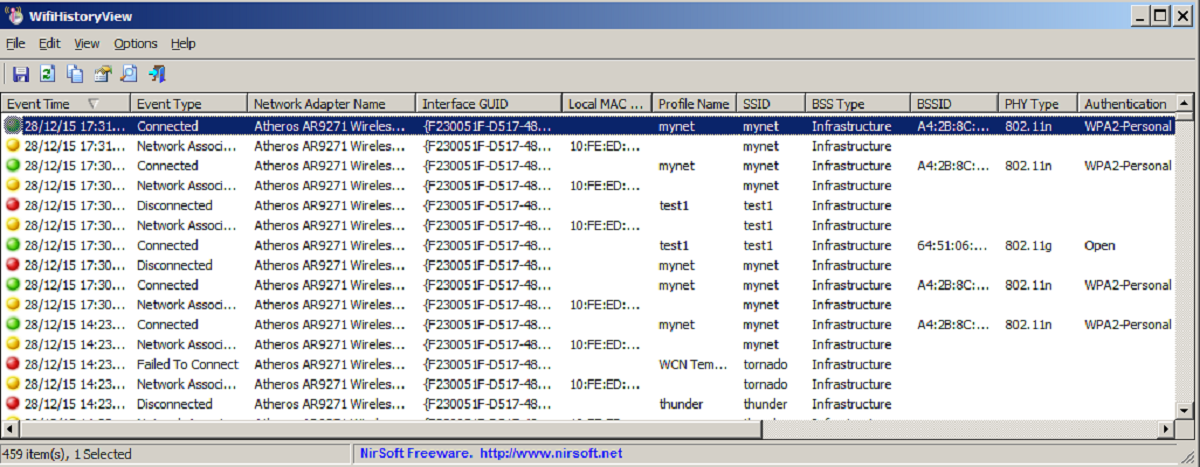
To connect computer to wifi, click the network icon on your taskbar (Windows) or menu bar (Mac), select your network, enter the password, and click Connect or Join. This process...
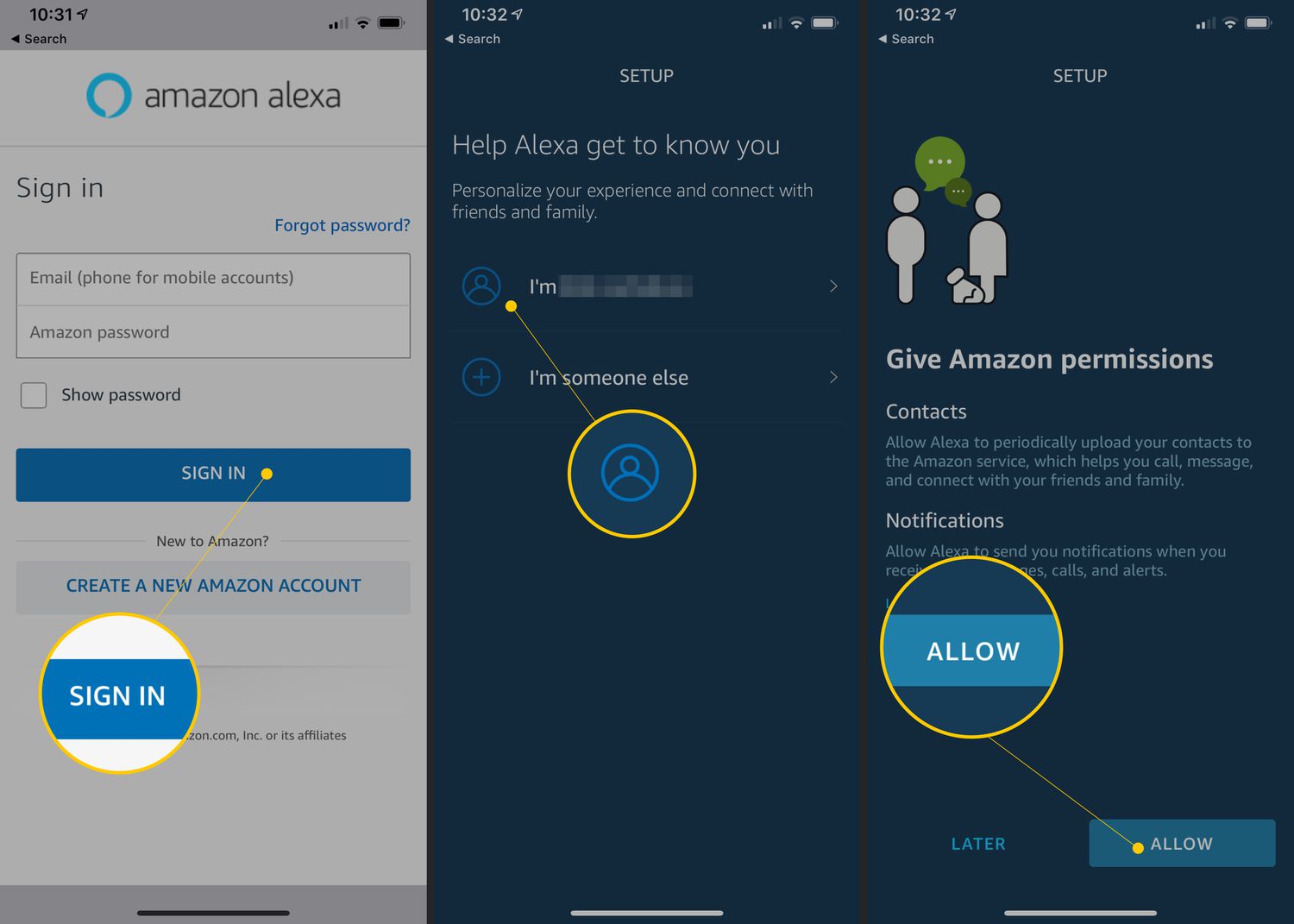
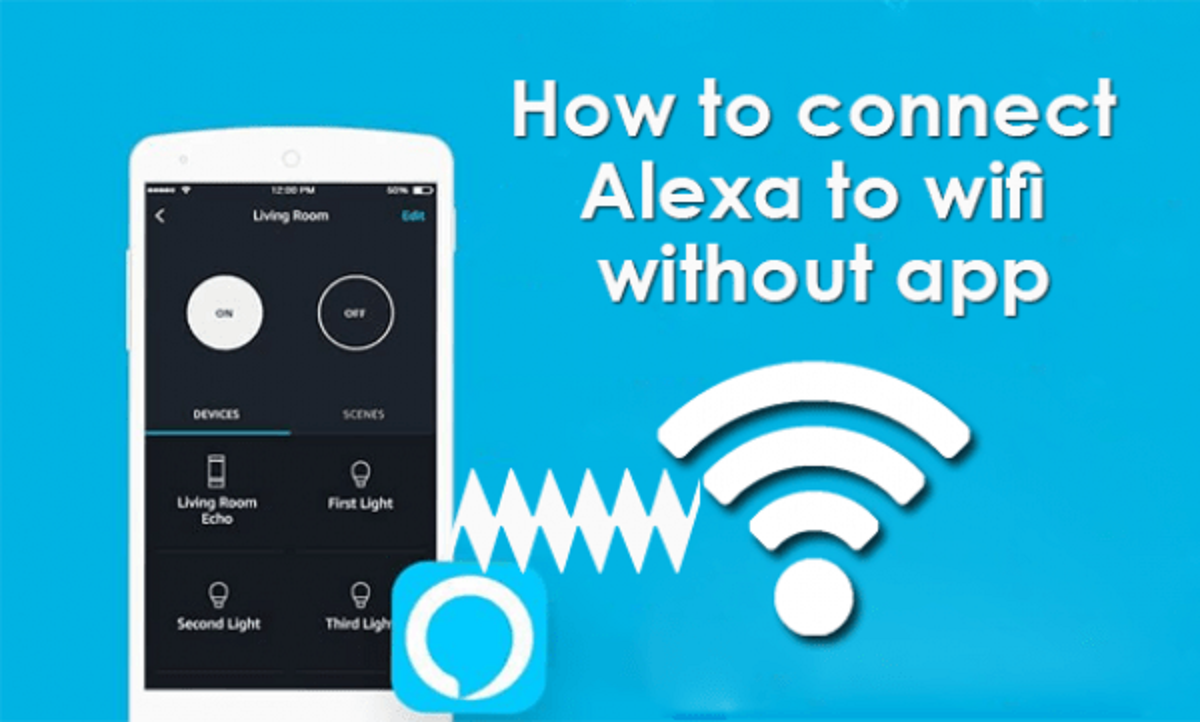
To change wifi on Alexa, you need to use either the Alexa app or your device's touchscreen, depending on the model. The process differs for speaker-based devices like the Echo...
You can connect Alexa to new wifi without app only if the device was previously connected to a network and you use a voice command. The old method of using...
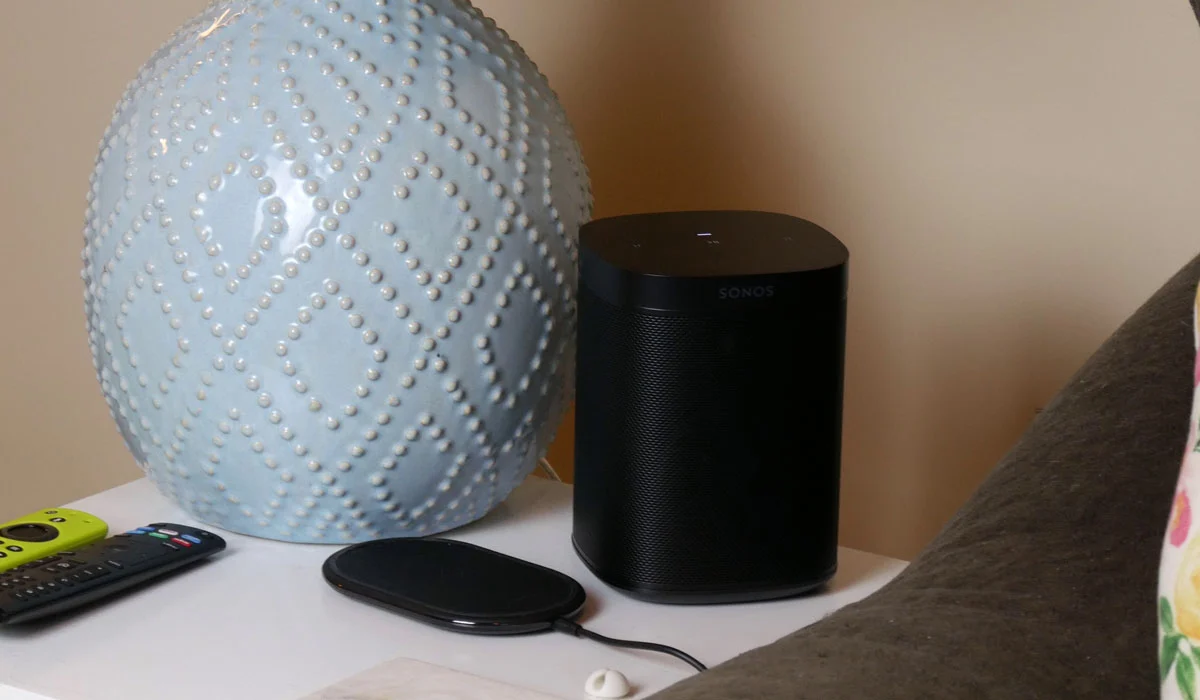
To change wifi on Sonos, you need to connect your phone or tablet to the new network first, then open the Sonos app. The exact steps depend entirely on whether...
No, you cannot see what someone is doing on their phone through wifi in the sense of reading their messages, viewing their screen, or tracking their app activity. Sharing a...
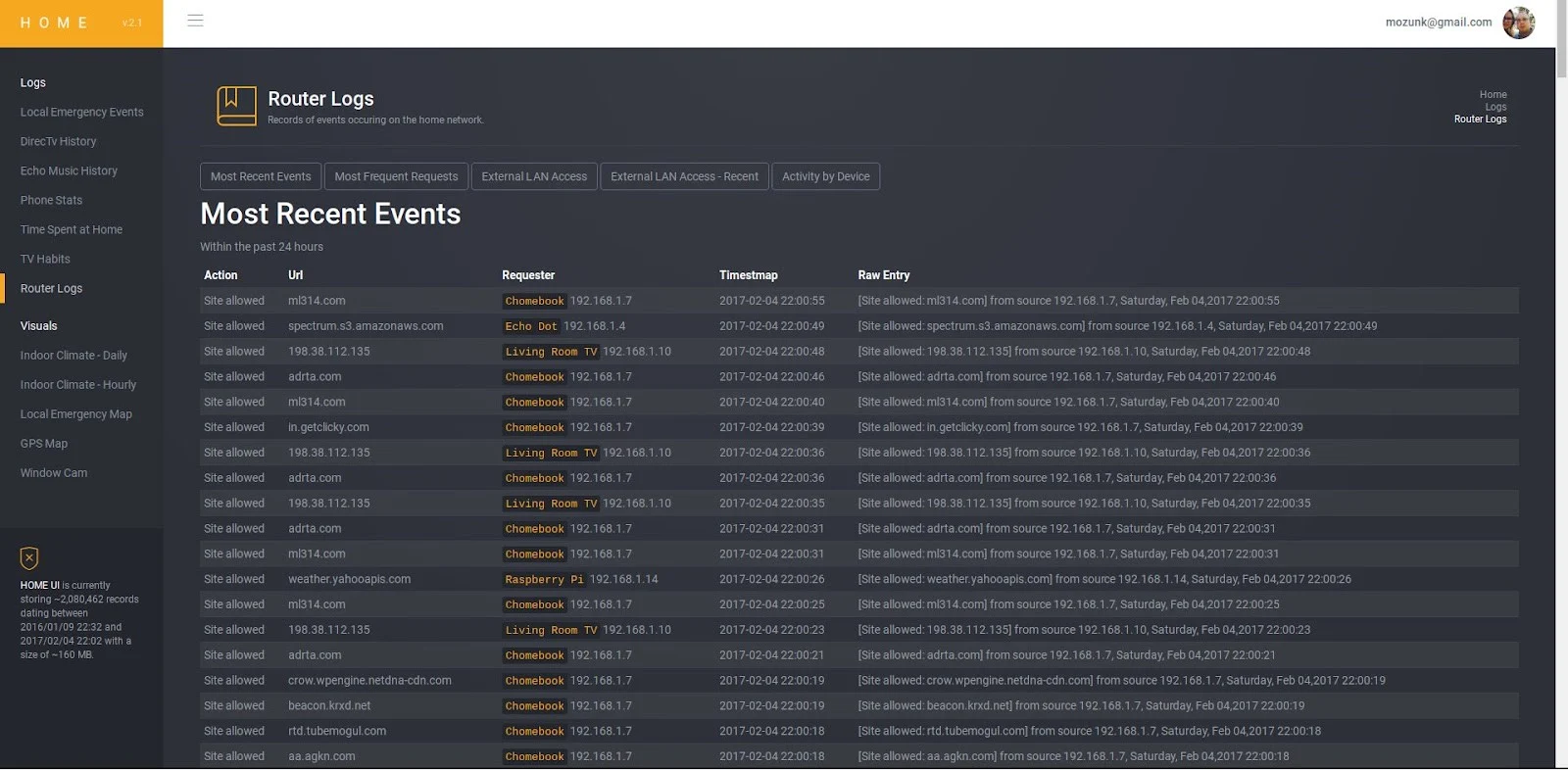
Can I See What Websites Have Been Visited On My Wifi You generally cannot see websites visited on my wifi in full browsing history through your router alone, but you...
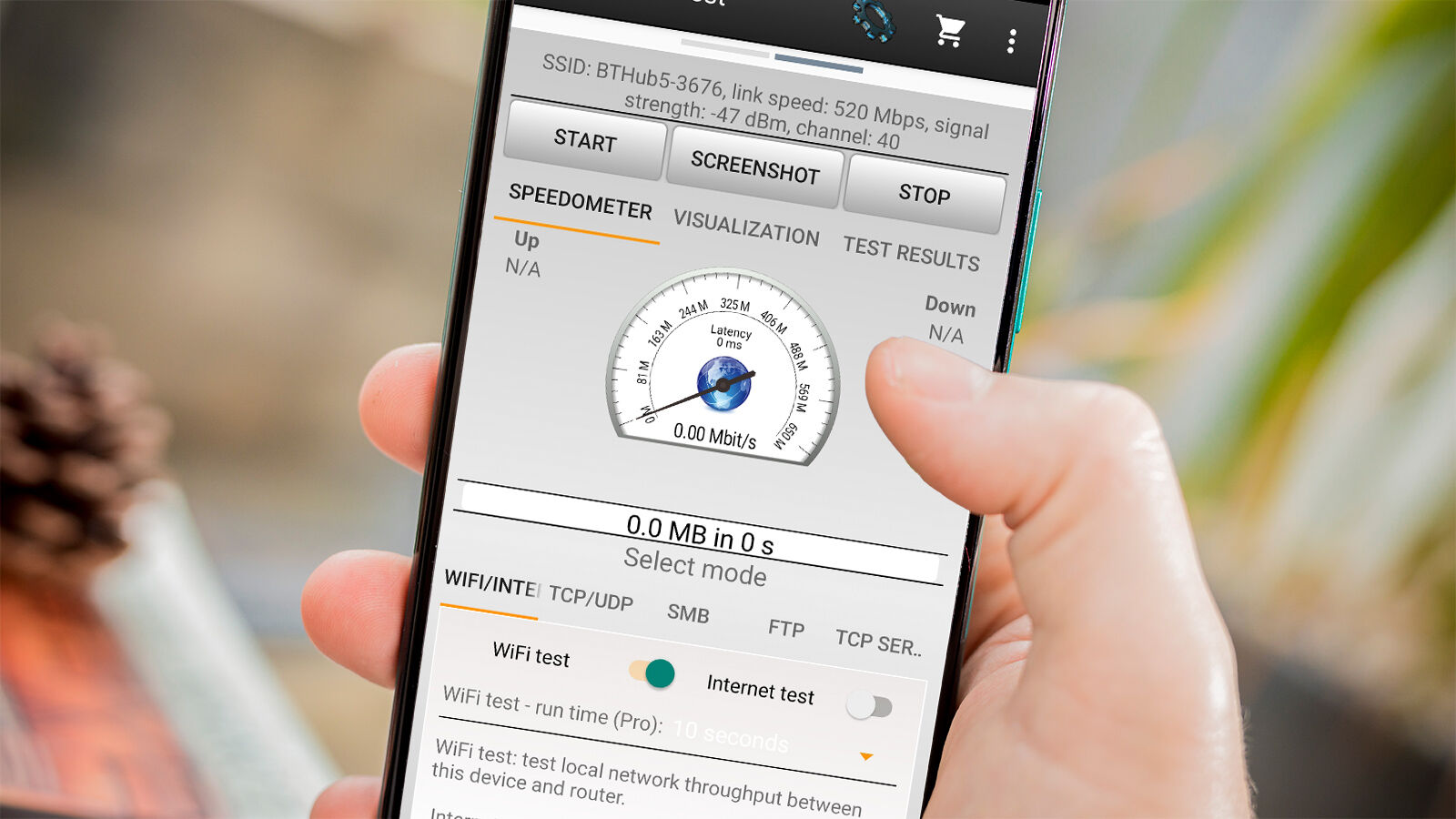
To check wifi strength accurately, you need to see the exact signal number in dBm (decibels relative to milliwatts), not just the bars on your screen. The quickest way to...
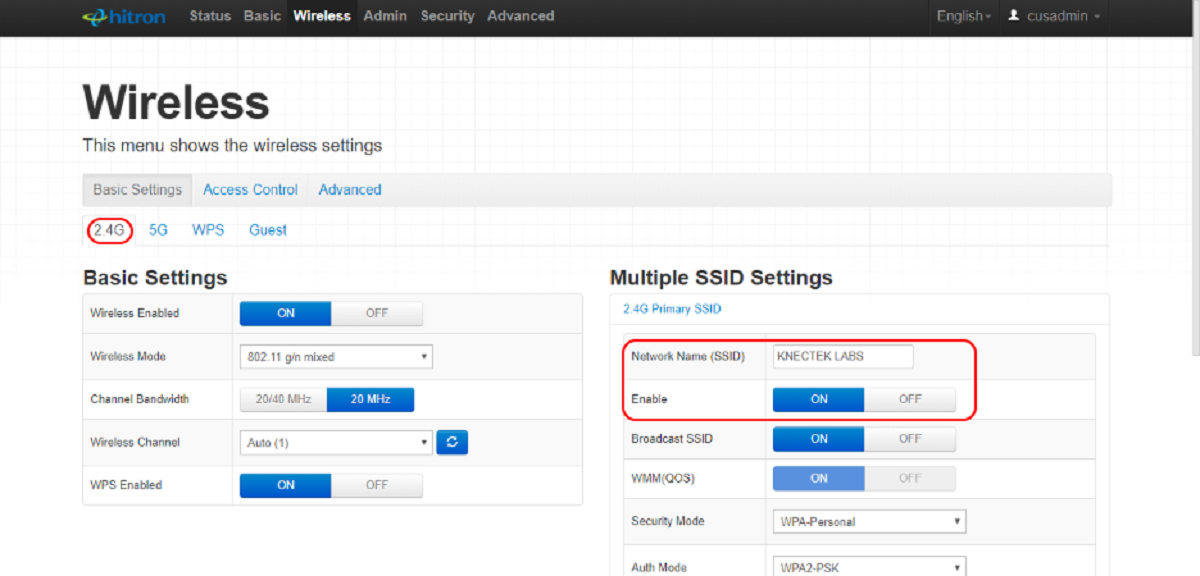
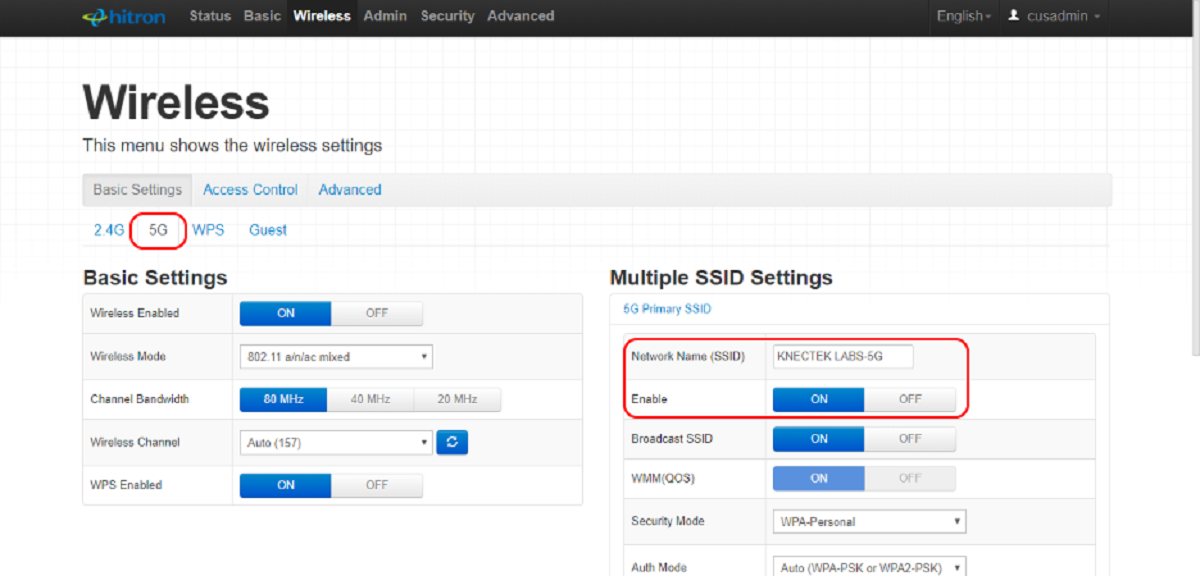
To change your wifi to 2.4GHz, you need to separate the 2.4GHz and 5GHz bands in your router settings so you can manually choose the 2.4GHz network. This is the...
To find out what GHz your Wi-Fi is, check your device's Wi-Fi settings or network properties, the band (2.4 GHz, 5 GHz, or 6 GHz) is listed there. This quick...
Netflix error code nw-2-5 means your streaming device is taking too long to connect to Netflix's servers, indicating a network connectivity issue. This error typically appears on TVs or TV...
This website uses cookies so that we can provide you with the best user experience possible. Cookie information is stored in your browser and performs functions such as recognising you when you return to our website and helping our team to understand which sections of the website you find most interesting and useful.
Strictly Necessary Cookies
Strictly Necessary Cookie should be enabled at all times so that we can save your preferences for cookie settings.
If you disable this cookie, we will not be able to save your preferences. This means that every time you visit this website you will need to enable or disable cookies again.