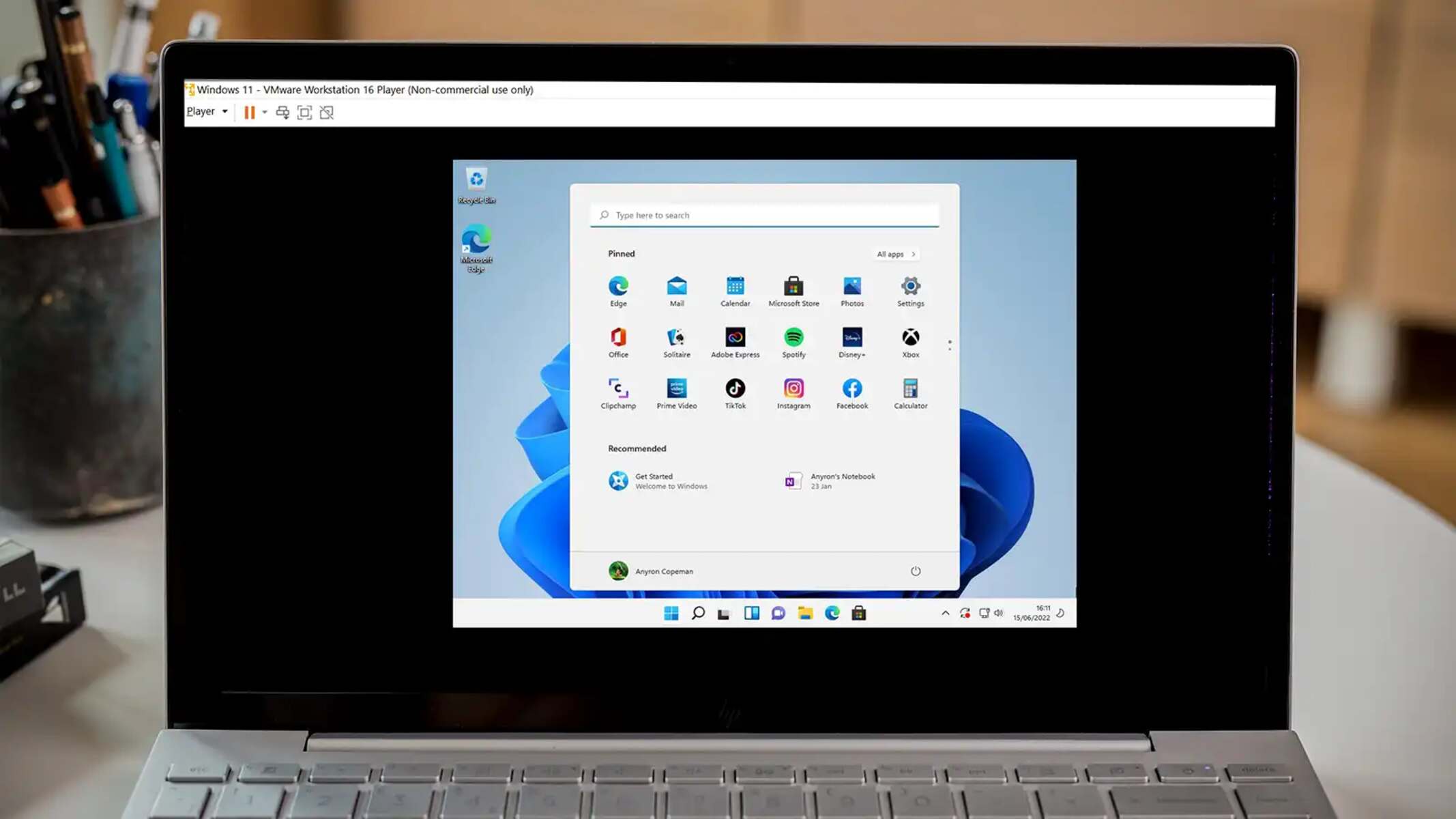
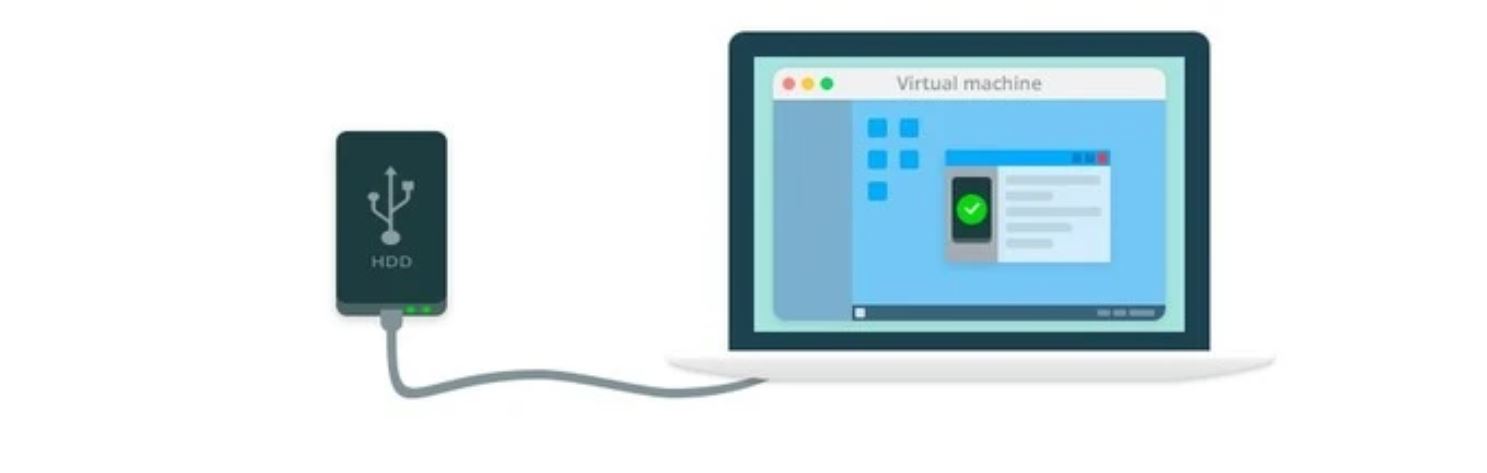
This tag collects articles about virtual machines, software that lets you run a complete operating system inside another one. It is written for hobbyists, IT students, and home lab tinkerers who want to install, configure, or troubleshoot VMware Workstation and VirtualBox on their own hardware. The focus is practical: getting a guest OS to boot, share files with the host, or connect to a network, without assuming deep enterprise experience.
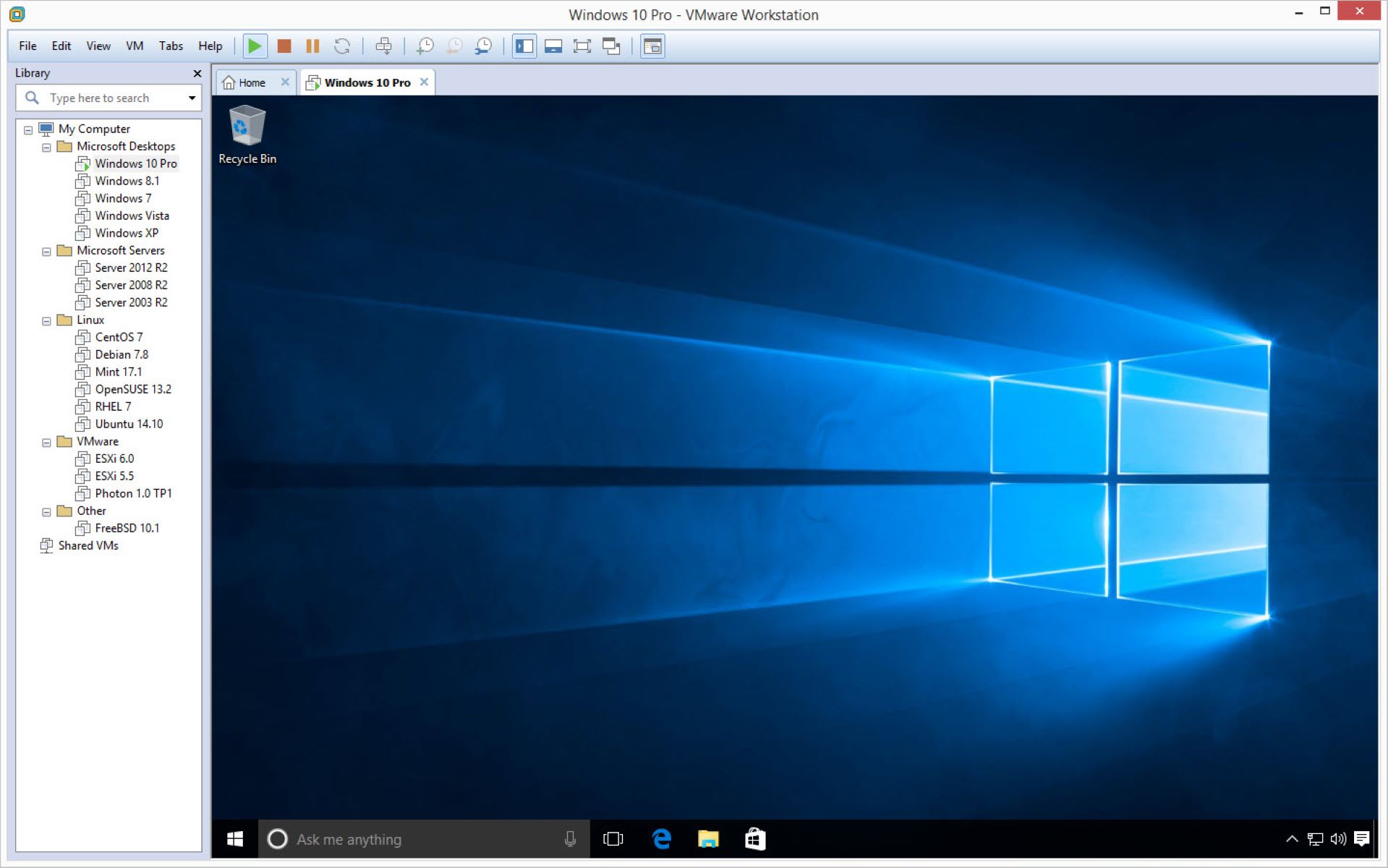
The articles cluster around two main themes. First, installation and conversion: several pieces walk through putting MS-DOS, Linux, or Windows onto a VM, while others explain how to turn a physical machine into a VM, import an existing VM, or convert disk formats like VHD and VMDK using tools such as StarWind V2V Converter. Second, everyday usage and troubleshooting: you will find guides on setting up shared folders, enabling drag-and-drop between host and guest, mounting VHD files inside a Windows guest, and recovering a forgotten password within a VM. A few pieces also address compatibility questions, like whether VMware Workstation can boot a VHDX file directly or how to run VirtualBox from an external drive.
Some articles cover security and legal-alternative angles rather than risky tricks. For example, one explains how to hide virtual machine detection, useful for privacy or testing anti-cheat software, while another discusses why a VM might show a black screen and how to fix it. Others describe how to get around Respondus Lockdown Browser, but framed as understanding its limitations for legitimate educational or accessibility scenarios, not as a cheat guide. The tag is a solid resource for anyone who wants to make VMs work smoothly for everyday projects, without venturing into unsupported or unethical territory.