Practical, everyday guides for people who want to get their devices, phones, tablets, laptops, monitors, and peripherals, working together without frustration. It is written for home users, remote workers, and hobbyists who are not necessarily IT professionals but who want clear, safe steps to solve a specific connection or charging problem. Whether you are trying to free a stuck SD card from an iPhone, connect a tablet to a TV, or understand what “DP” means on a monitor, these articles meet you at your level of experience.
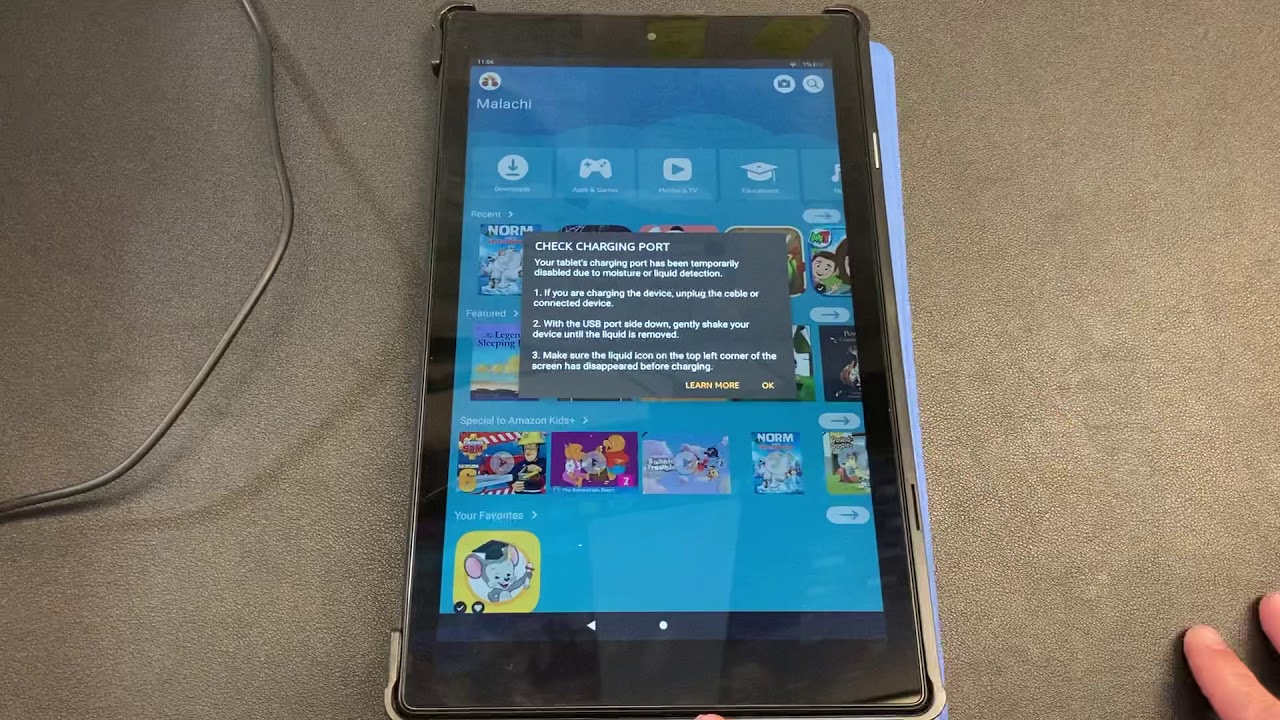
The articles cluster around three main themes. First, display and multi-monitor setups: you will find help with HDMI alt mode, running two monitors from one port, using an ultrawide monitor with a Mac or a laptop, and repurposing an all-in-one PC as a second screen. Second, charging and power management: guides cover how to charge a PlayStation controller, a wireless keyboard, or a VR headset, and how to handle the “moisture detected” warning on a Fire tablet, described as a safety feature to work with, not around. Third, file transfer and external storage: articles show how to move photos from an iPhone to a Seagate drive, use a SanDisk Extreme SSD with an iPhone, or connect a phone to a TV without Wi-Fi. A few pieces also explore specialized audio and performance topics, such as connecting an iPad to a DAC for better sound or measuring how much a Thunderbolt cable affects ultrawide monitor performance on a Mac.
Across all of these, the emphasis is on practical outcomes: getting a clear picture, a full battery, or a reliable file copy, without risky workarounds. The tone is instructive and cautious, especially where power, data integrity, or device safety are involved.