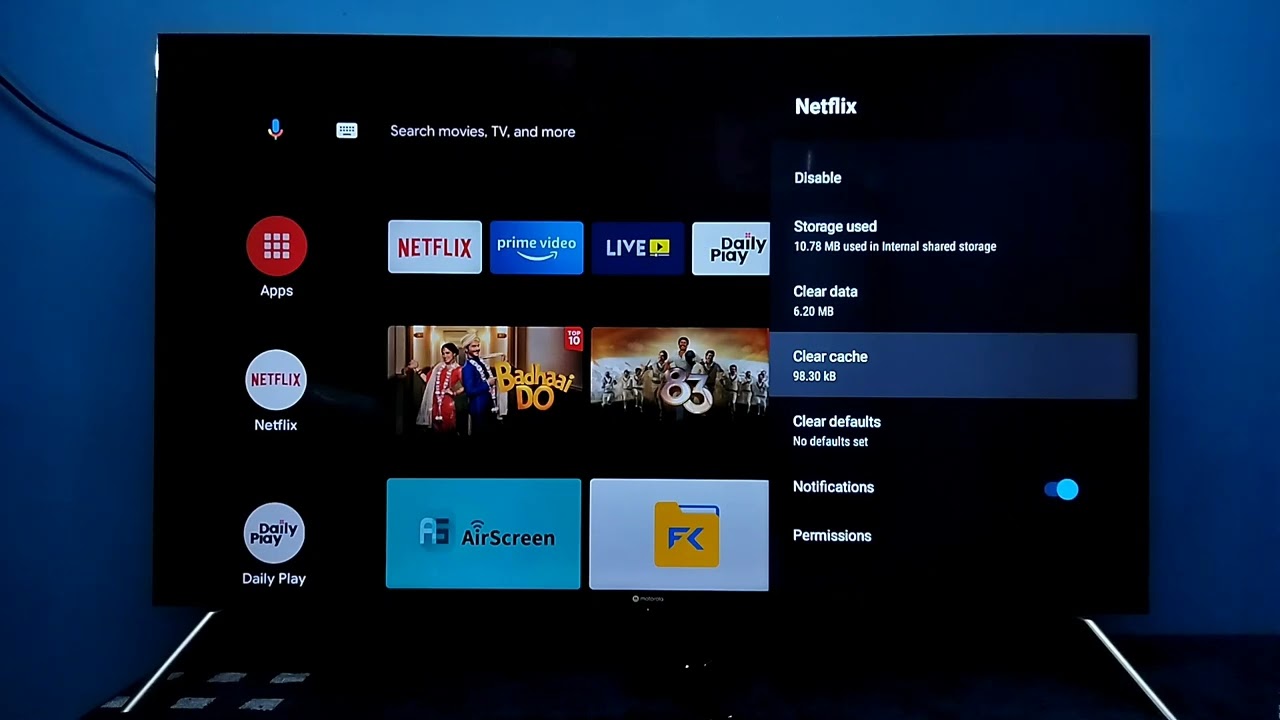
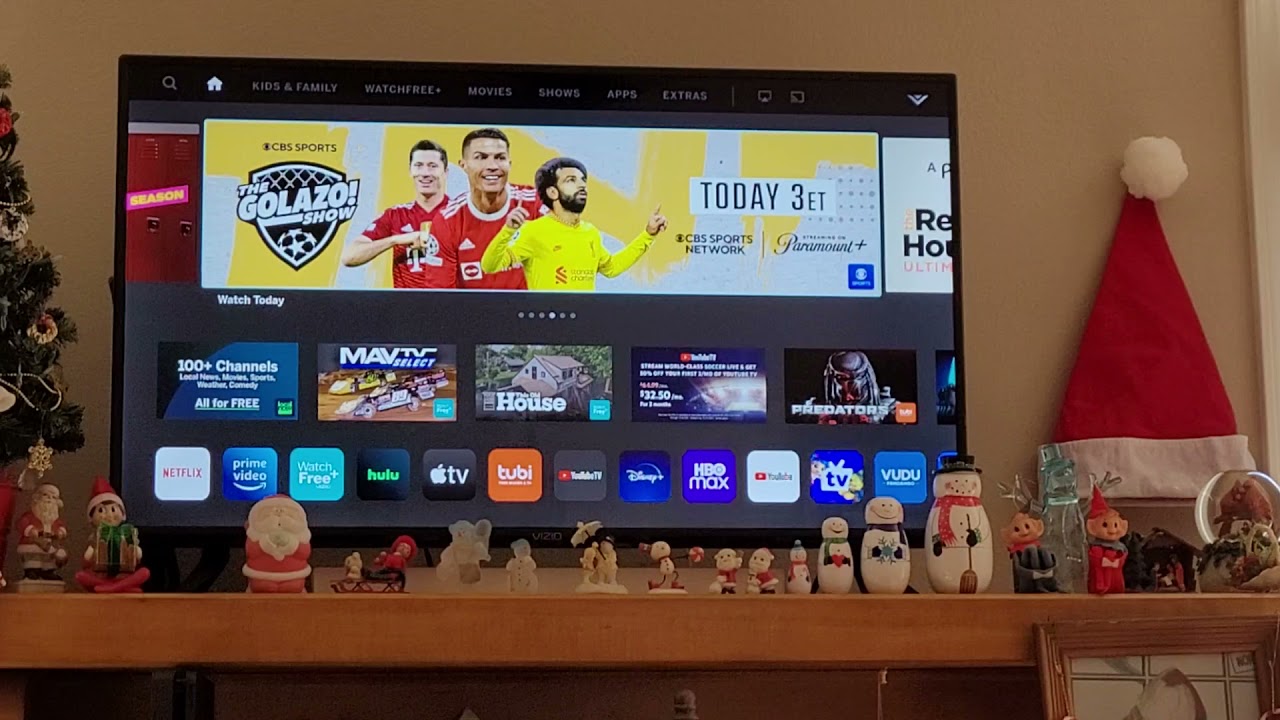
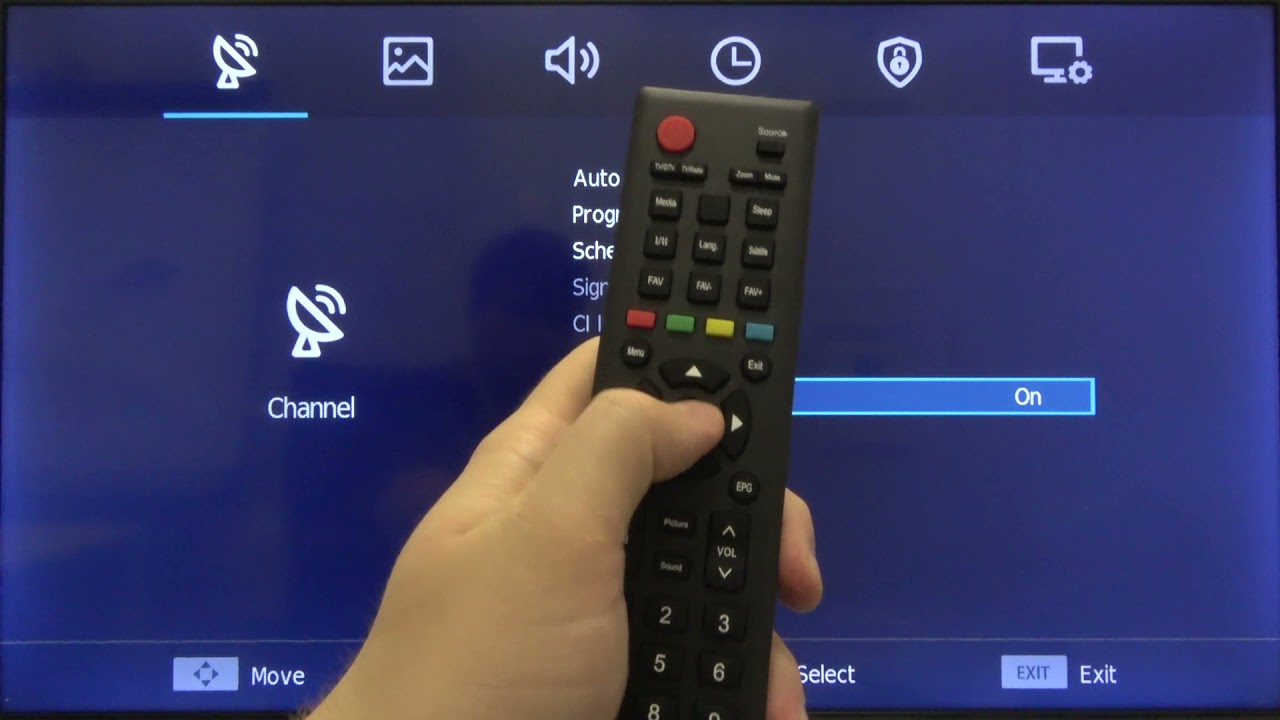
This tag collects our guides to streaming apps and the smart TVs, streaming sticks, and tablets that run them. It’s written for anyone who has ever sat down with a remote and wondered why a channel is missing, why subtitles won’t turn off, or how to get a specific service onto a screen that didn’t come with it preinstalled. The articles are practical, step-by-step fixes for the small but frustrating problems that come up with everyday streaming.
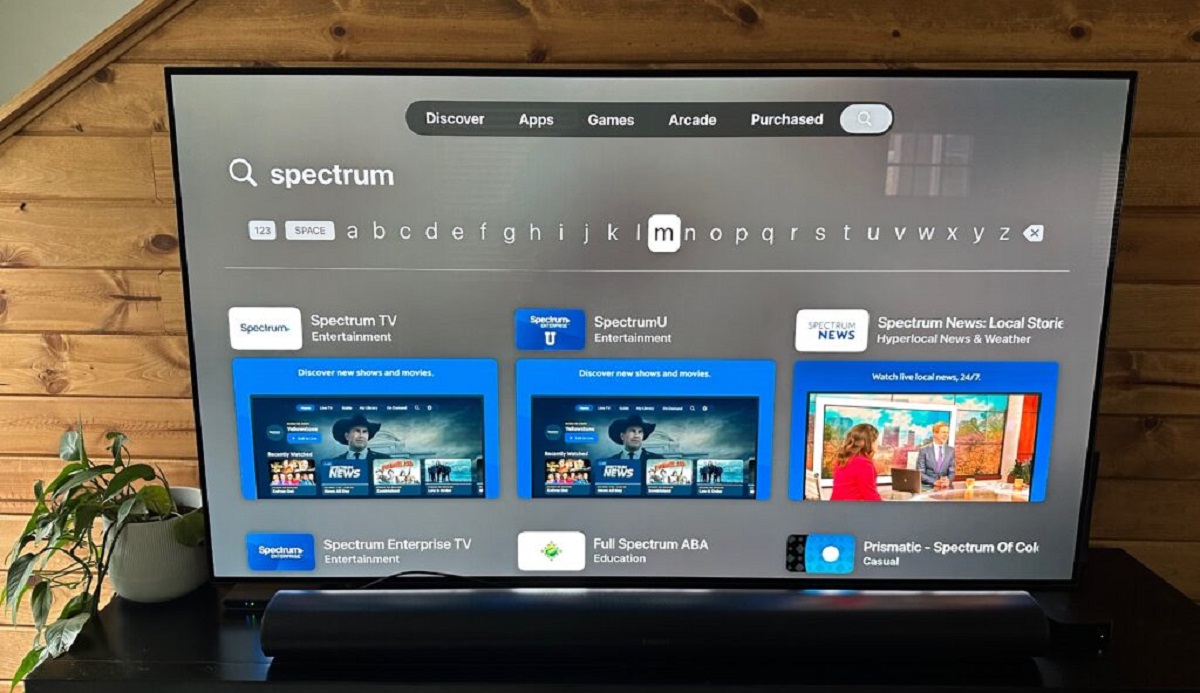
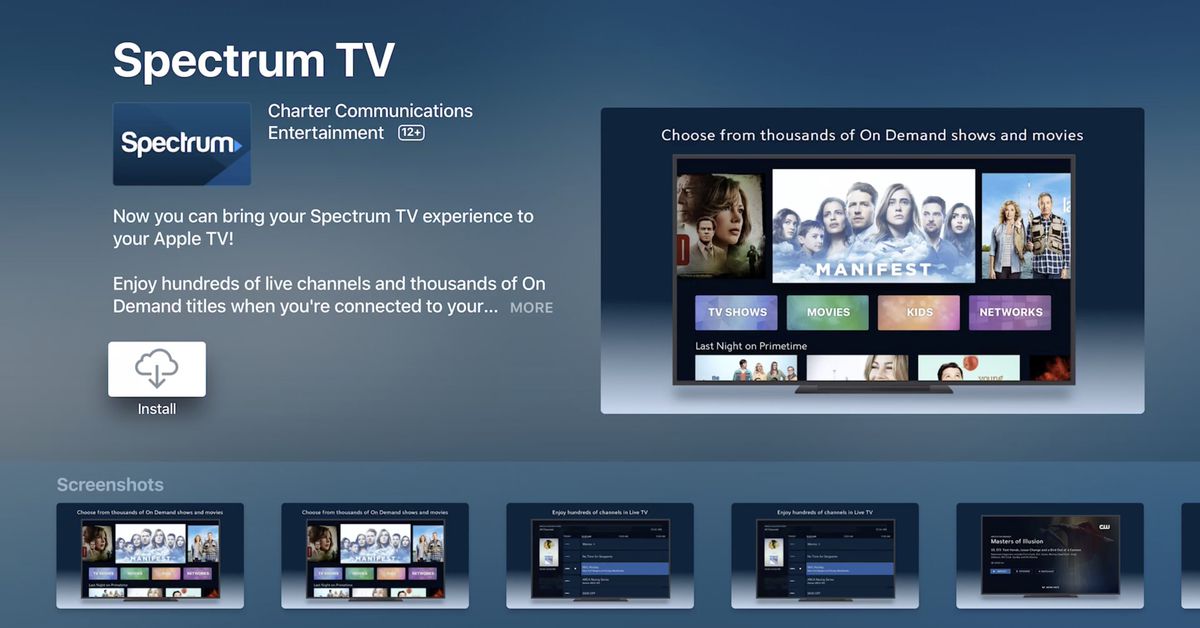
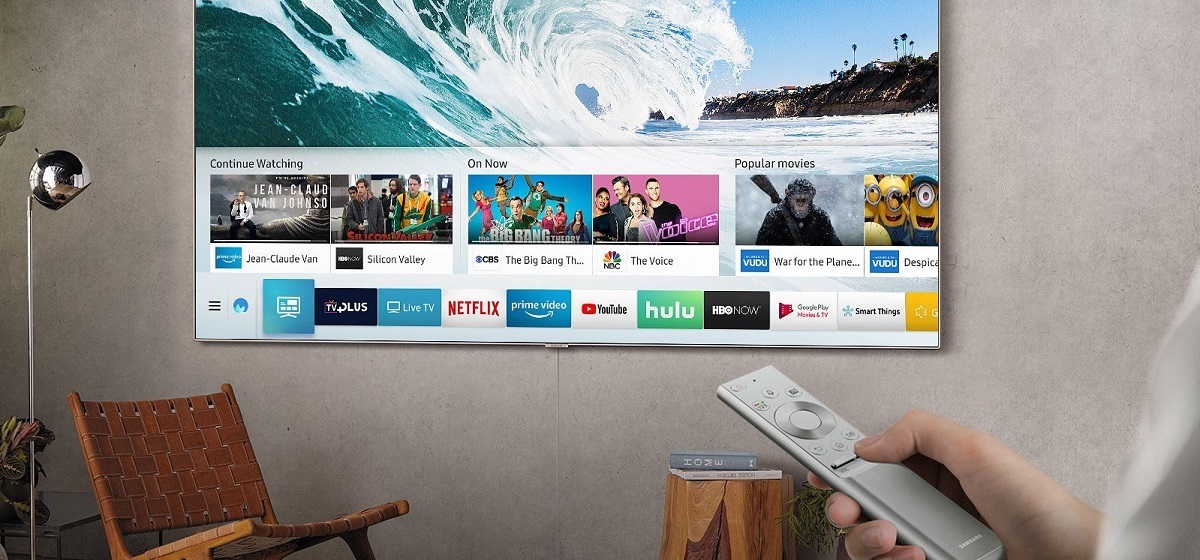
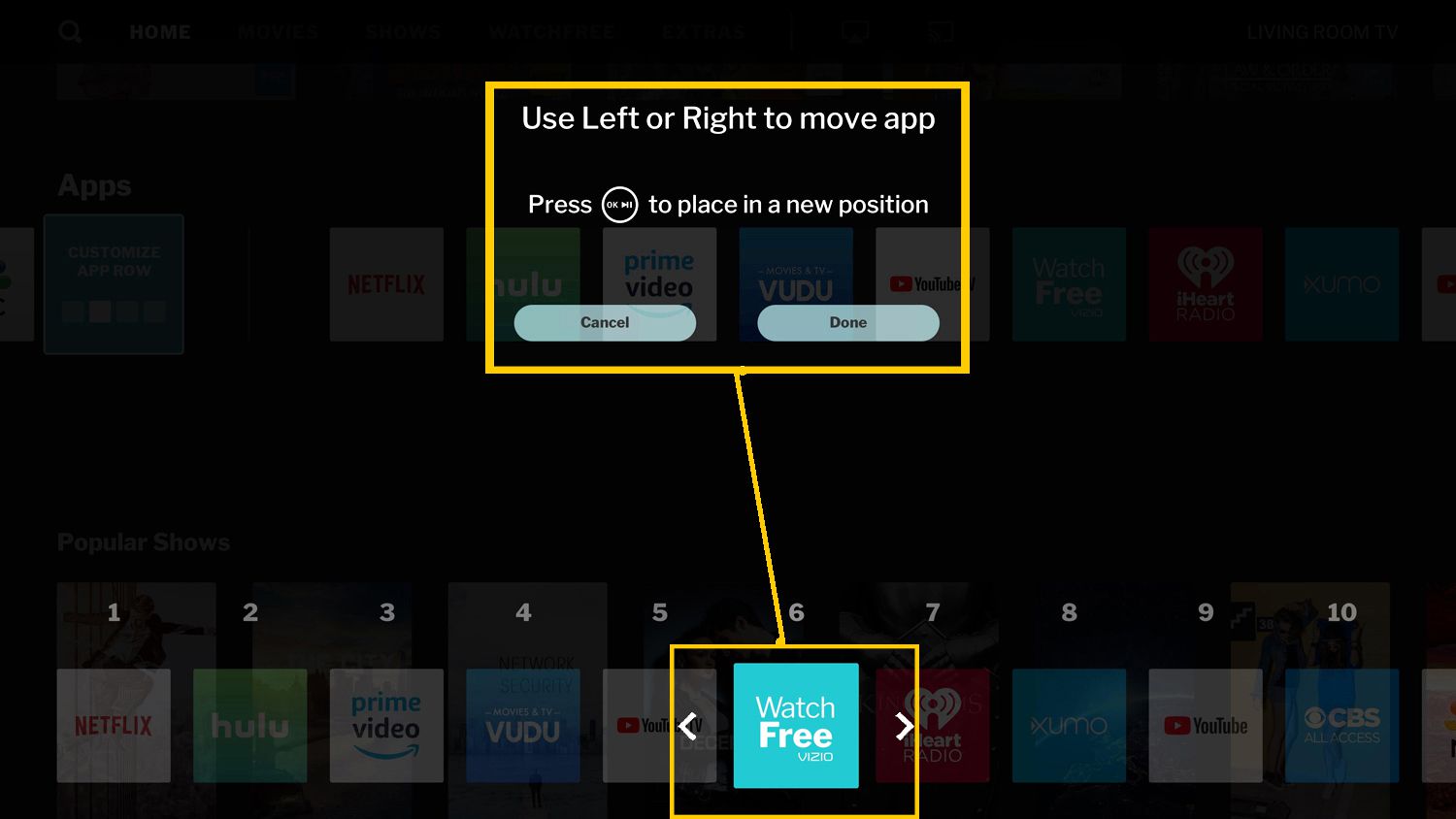
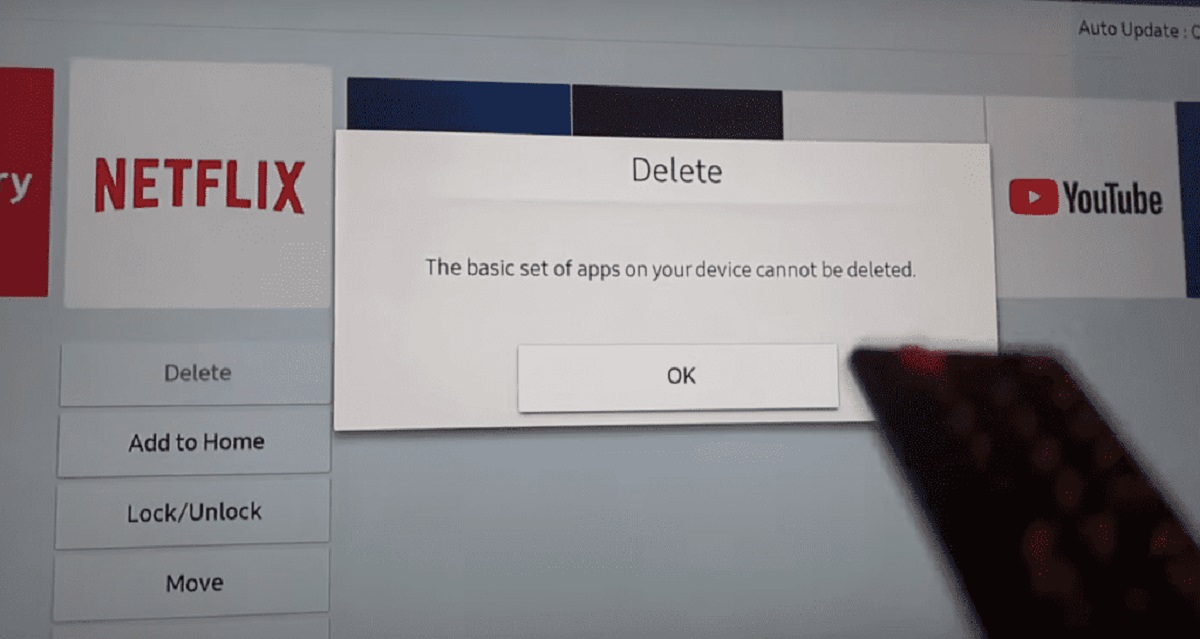
One group of articles focuses on getting apps onto a device, like downloading Paramount Plus on a Samsung Smart TV, adding Netflix to an Amazon Fire Tablet, or getting the DIRECTV Stream app on an LG Smart TV. Another group tackles interface and display settings, such as turning on subtitles on an LG TV, removing the YouTube app from a Vizio Smart TV, or finding the settings menu on an Apple TV. A third set helps you understand your hardware itself, what Tizen Smart TV is, how to tell if your TV is a smart TV, and how to reset a smart TV when things go wrong.
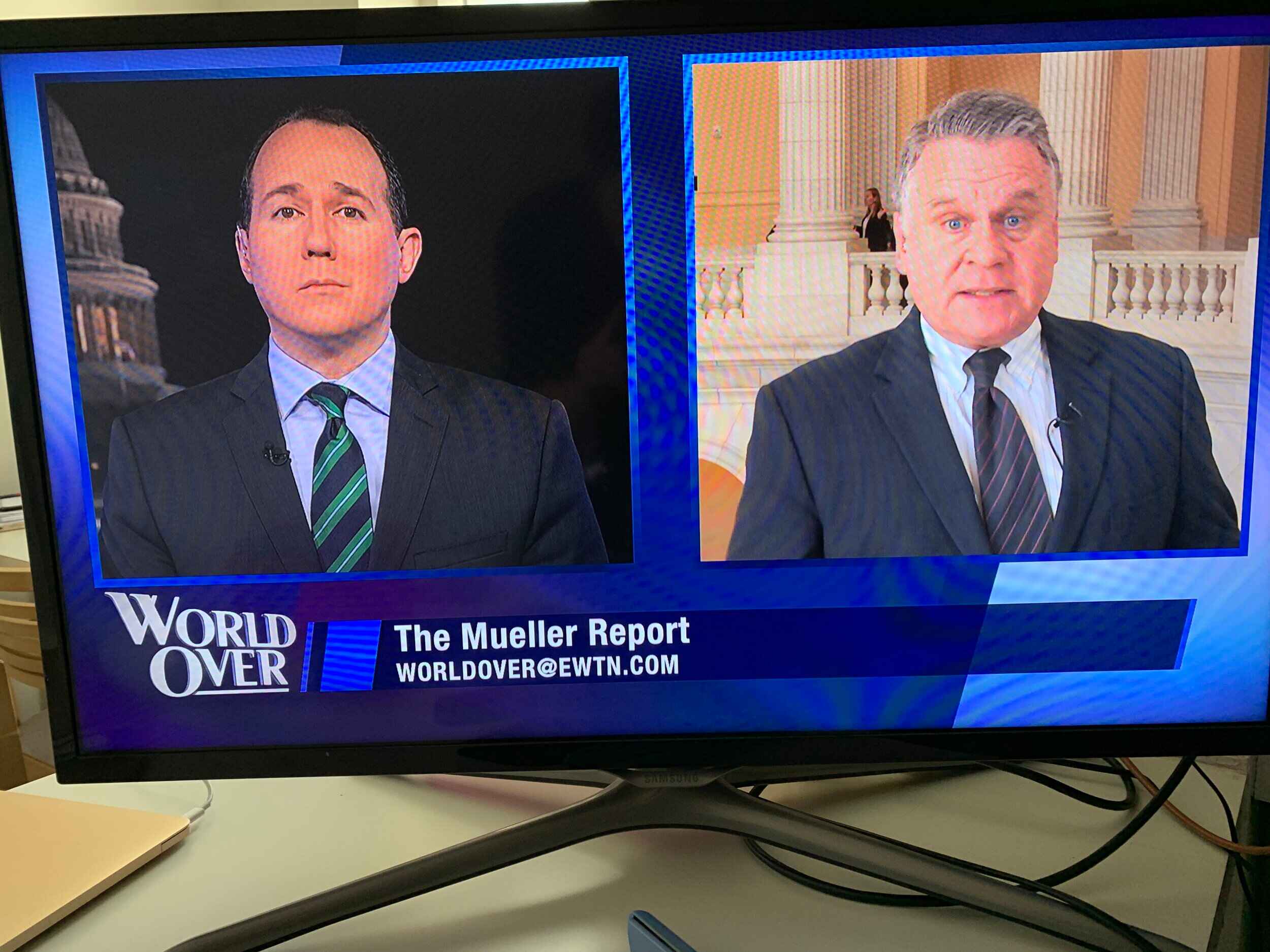
Several pieces also address legal and safe ways to watch content, like getting EWTN on your smart TV or watching ABC on a Vizio, and others explain how to download movies on a Nintendo Switch through official channels. Throughout, the goal is to help you take control of your own streaming setup, whether that means logging out of Netflix on a Vizio, getting your channels back after a glitch, or simply knowing what your TV can do.