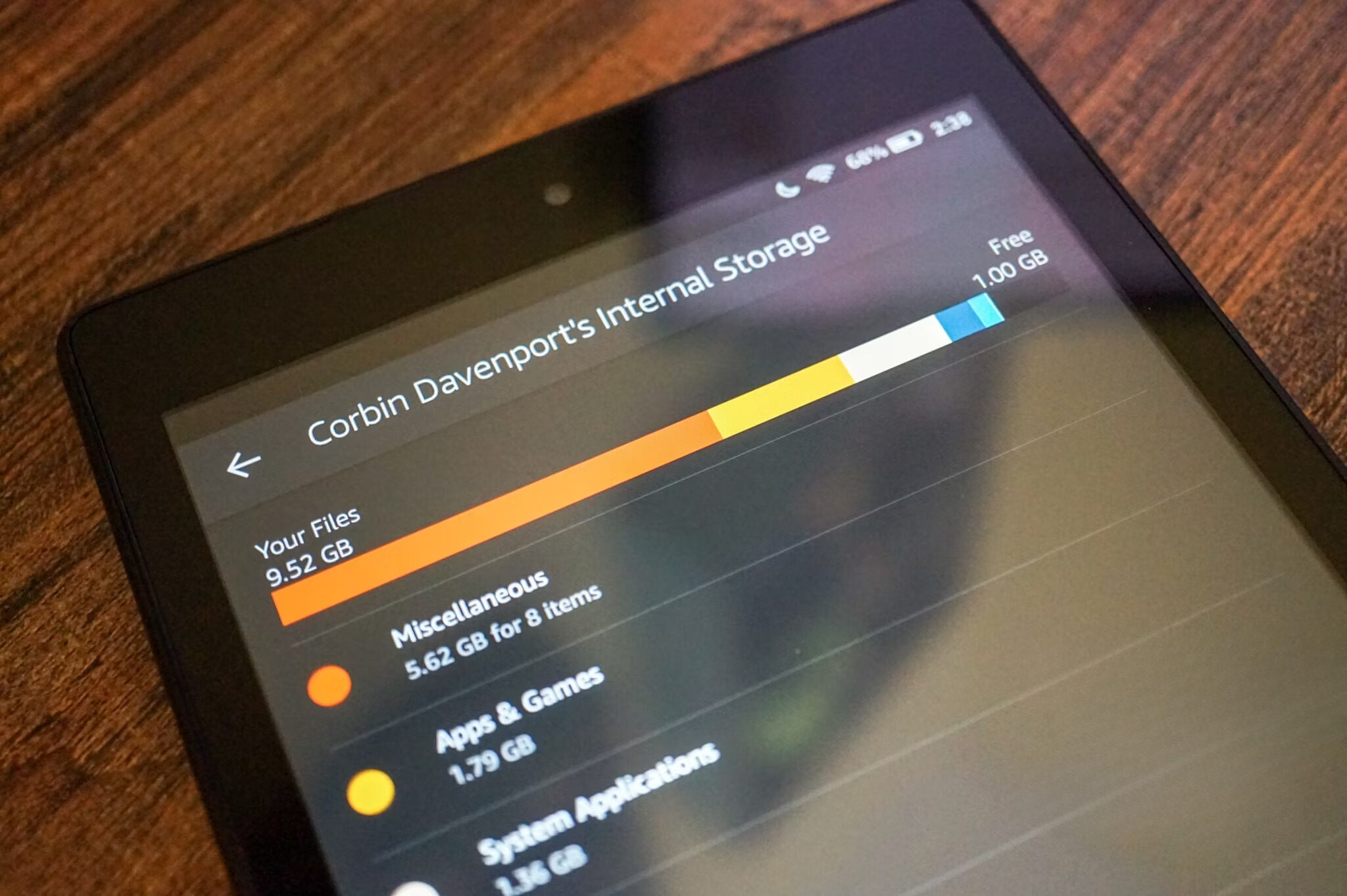
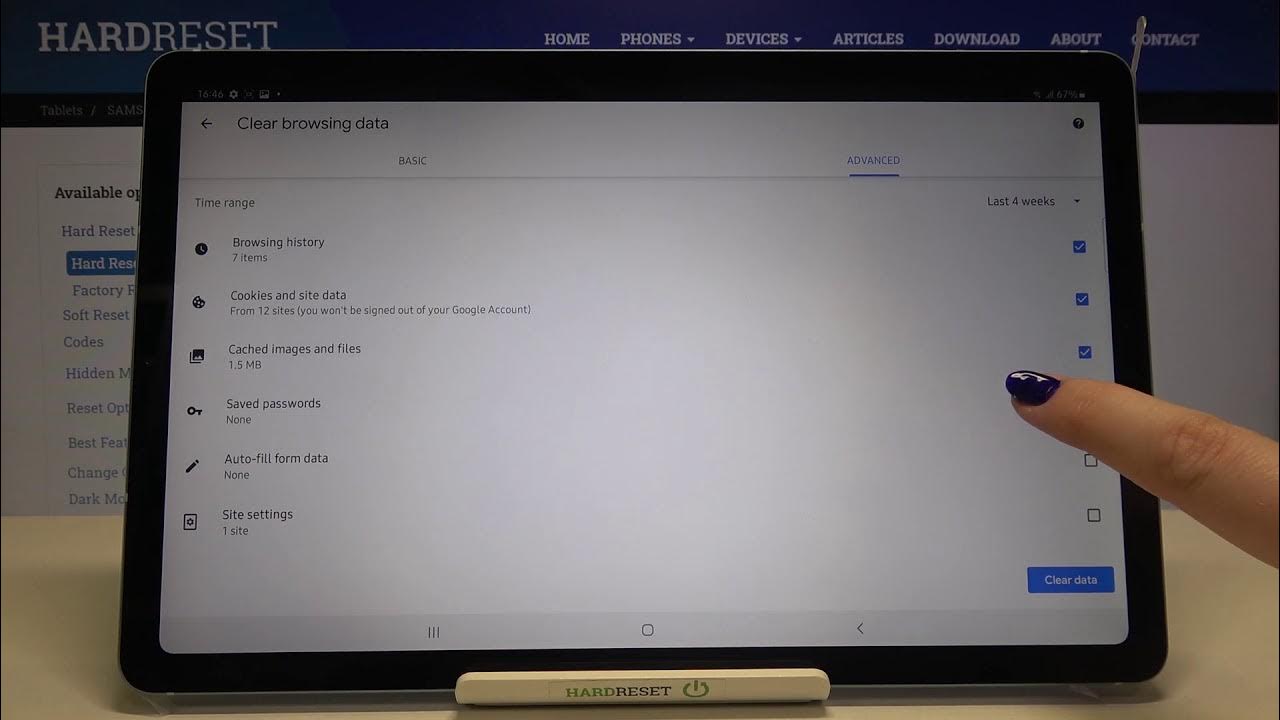
Practical, everyday guides for anyone who has ever stared at a “storage full” warning and wondered what to do next. These articles are written for ordinary consumers, people using Android tablets, Amazon Fire devices, iPhones, smart TVs, gaming consoles, or external drives, who want to manage their digital space without jargon or guesswork. Whether you are a parent cleaning up a shared family tablet or a gamer juggling large installs, the focus is always on safe, straightforward steps you can follow at home.
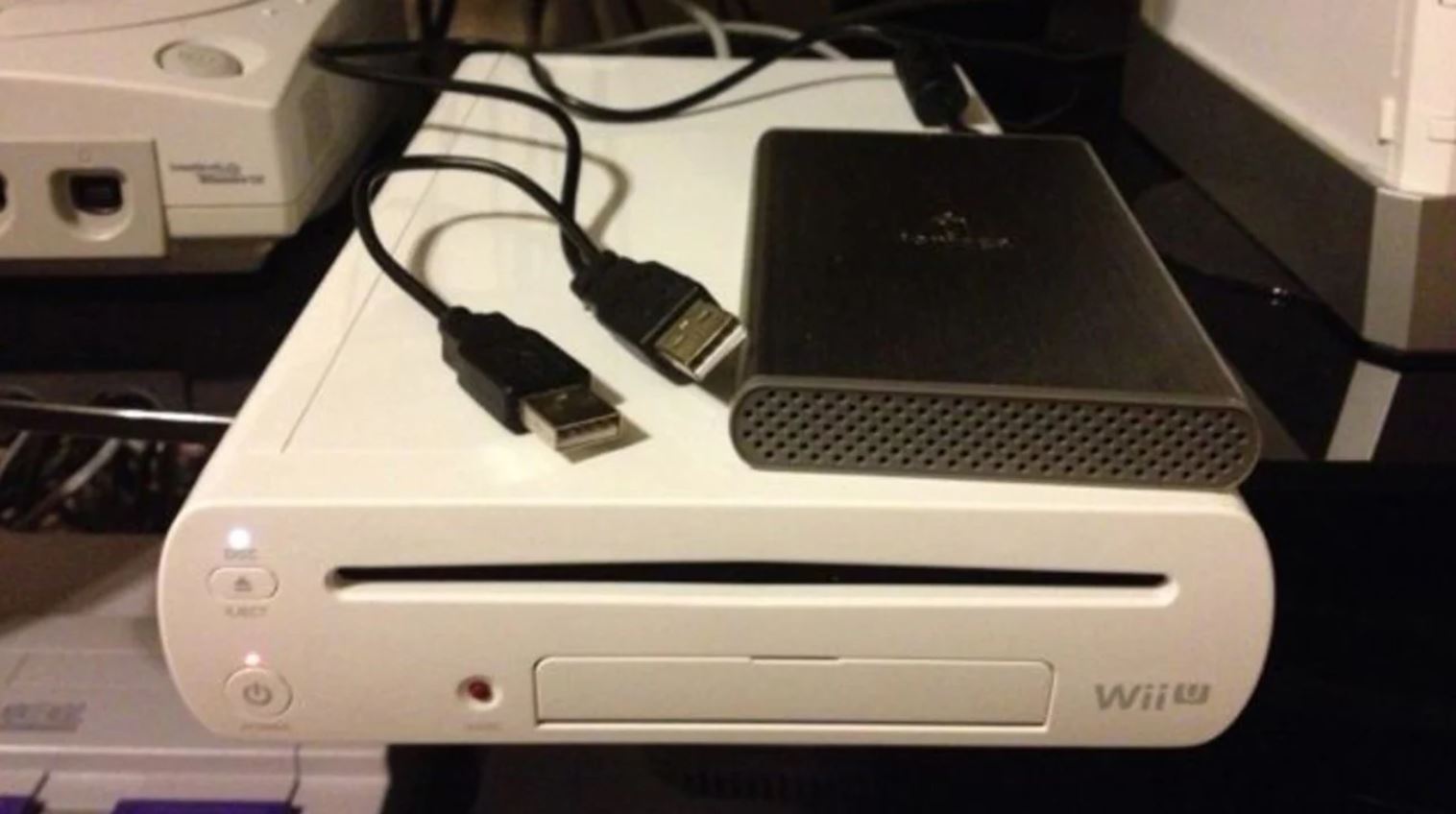
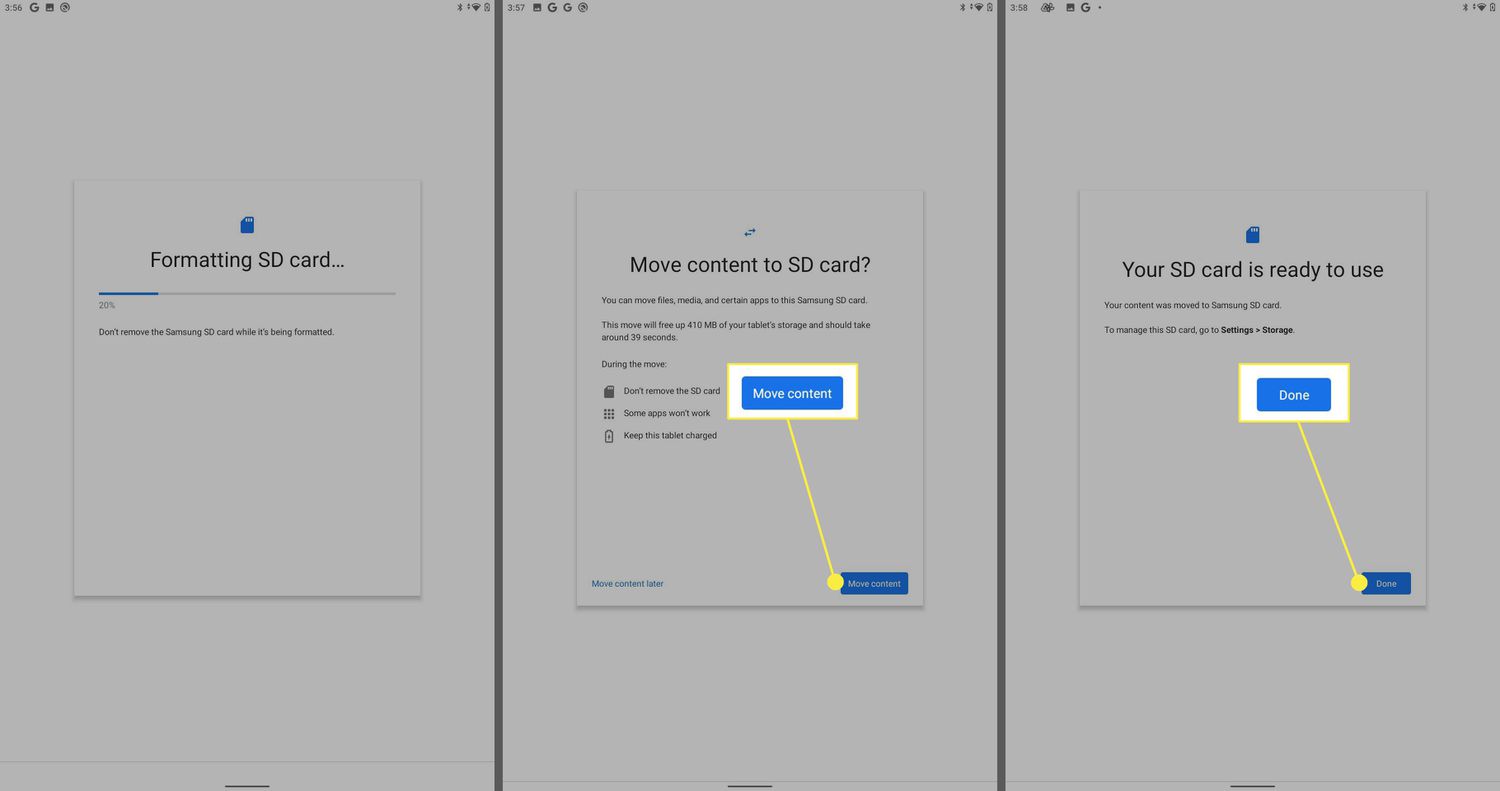
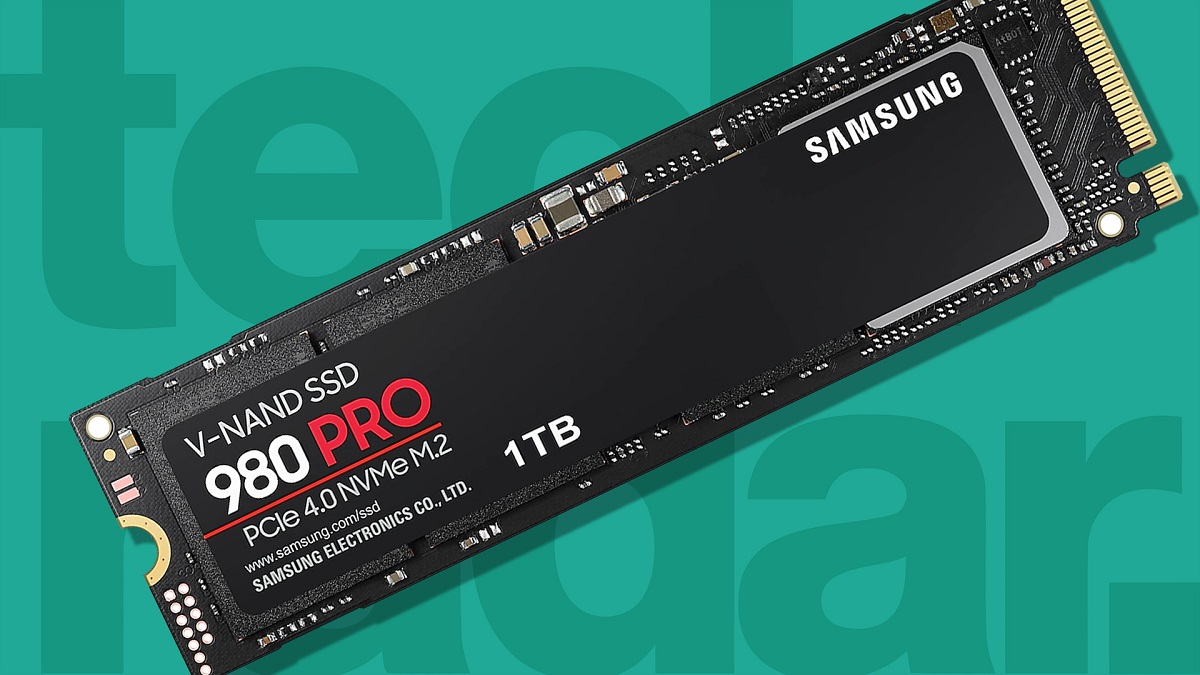
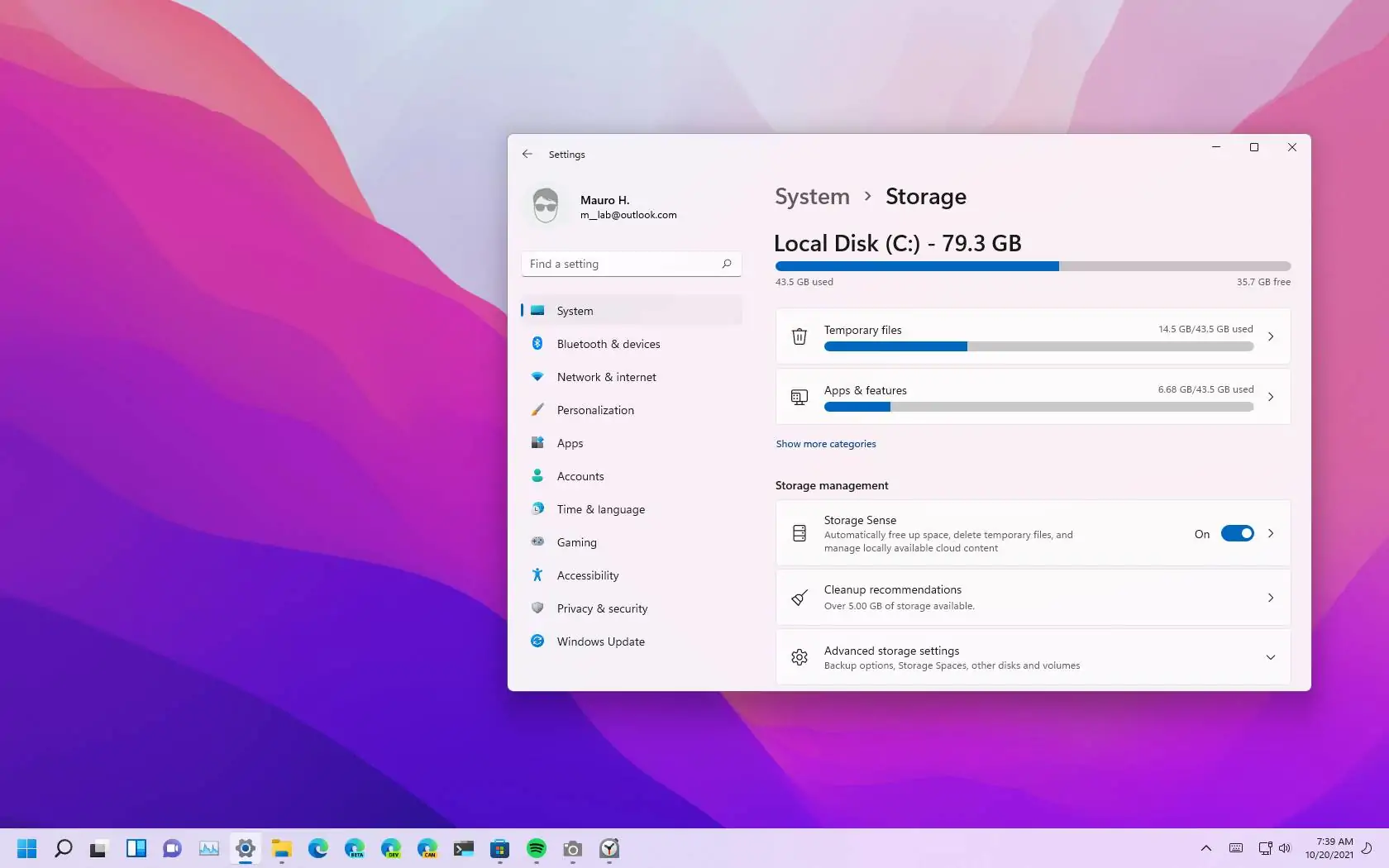
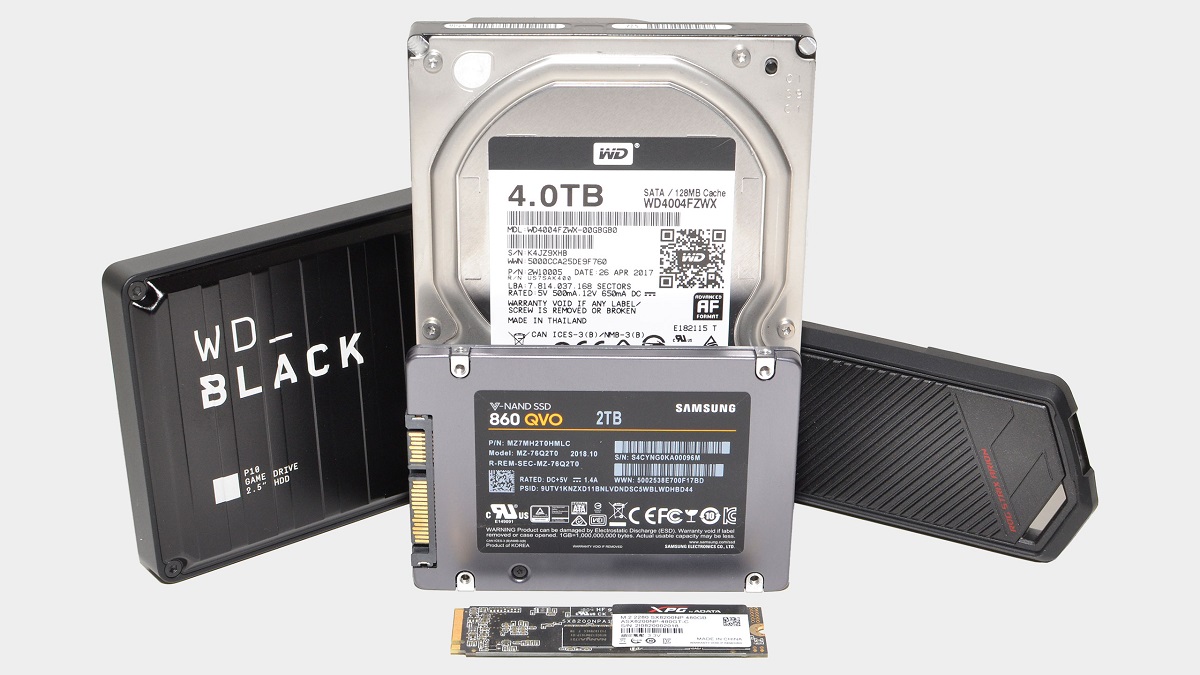
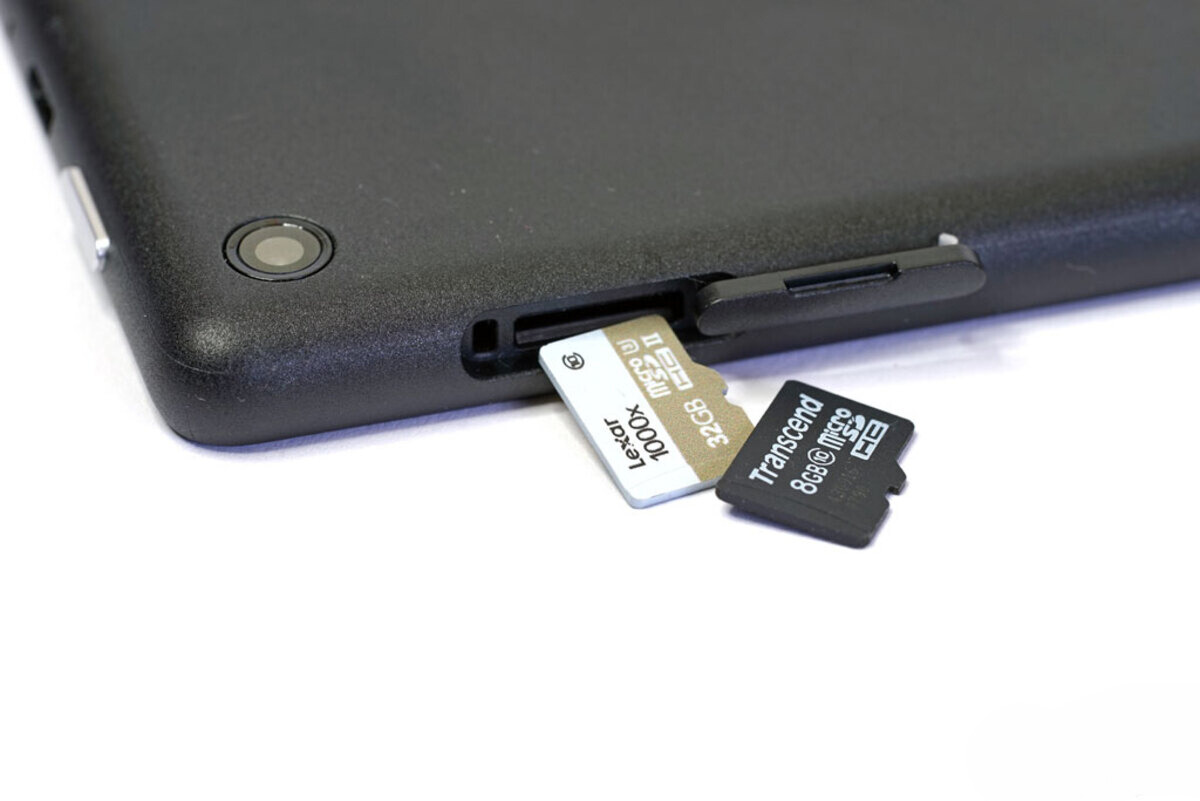
The articles here cluster around a few clear themes. One is expanding and re-routing storage: you’ll find help moving apps to an SD card on a Samsung tablet, connecting an external hard drive to an Android tablet, or using an SD card reader with a laptop. Another theme is cleaning and freeing space, with guides on clearing the Amazon Music cache on an iPhone, deleting history on a tablet, or managing files on a Fire tablet. A third group tackles specific device quirks, like checking the health of a Raspberry Pi SD card, understanding what a 1TB SSD actually means, or fixing a PS5 that won’t read an external hard drive.
Several pieces also address the “why” behind storage problems, for example, explaining why a Fire tablet says it has no space even when an SD card is inserted, or how to format a solid state drive for Linux Mint without losing data. The tone throughout is practical and cautious, helping readers avoid risky shortcuts and instead use official settings, safe formatting, and legitimate file transfers. If you need to move PS4 games between drives, save PS5 games when the SSD is full, or add an external drive as a scratch disk in Photoshop, these articles walk you through the process step by step.