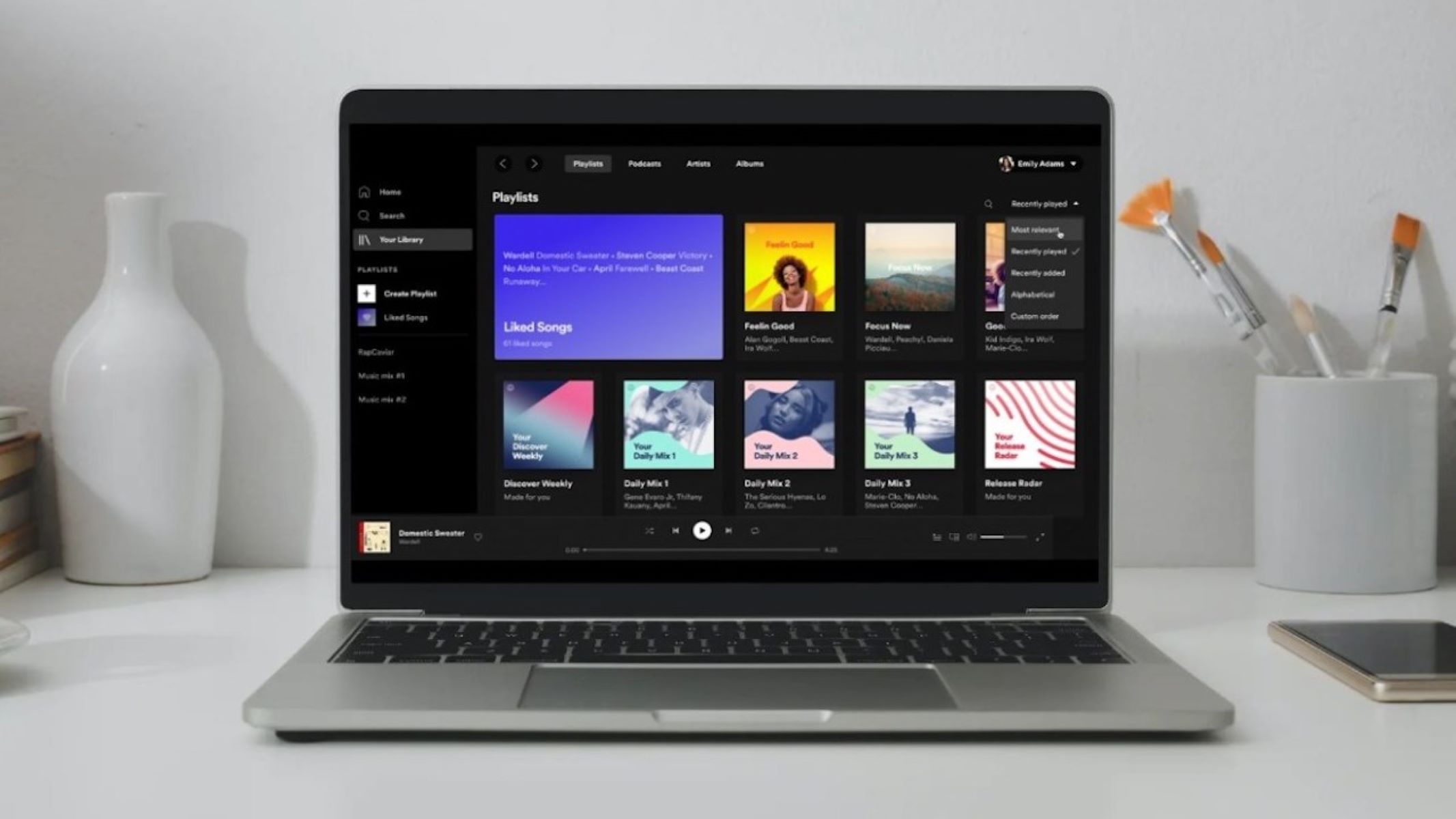
This tag collects Robots.net’s practical guides to Spotify, written for everyday listeners who want more control over their music, podcasts, and account settings. Whether you are new to the service or a long-time user looking to fine-tune your setup, these articles are for anyone who wants to get more out of Spotify without digging through confusing menus or relying on guesswork.

The articles solve common problems in three main areas. First, they help you manage your library and listening experience: you can learn how to add local files, organize playlists, set a sleep timer, and use Spotify offline. Second, they cover account and device management, including how to log out of all devices, check your password, add a friend, and understand the Family Plan. Third, they address playback and integration questions, such as using Spotify Web Player, pairing with external speakers, and even getting subtitles on podcasts. Several pieces also explain how to use Spotify Codes for sharing, how to see your listening minutes, and how to access Spotify Wrapped.

You will also find guidance on transferring playlists from Amazon Music, using gift cards, and logging into Hulu with your Spotify account. For safety and legal-alternative angles, the tag includes a guide on downloading music safely and quickly, plus an explanation of Spotify Premium APK that focuses on the risks and legitimate options rather than workarounds. Articles about installing Spotify on Mac, locating downloaded files, and putting your own music on Spotify round out the collection, helping you handle both everyday tasks and less obvious features with confidence.


How To Get Spotify Presale

To get Spotify presale tickets, you must first ensure your account is eligible to receive them, which involves adjusting your notification settings and, for the most exclusive offers, having an...

How Much Is Family Plan Spotify

Spotify's Family plan costs $21.99 per month, making the Spotify family plan cost a straightforward $21.99 for up to six individual Premium accounts. This single subscription covers everyone in your...

How To Add A Friend On Spotify

To add a friend on Spotify, search for their name or username in the search bar, then click the Follow button on their profile. This is the primary method to...

How Do I Look At My Spotify Wrapped

To look at your Spotify Wrapped, open the Spotify app on your mobile device and tap the search icon, then type "Wrapped" or the specific year (like "2025 Wrapped") into...

Where Are Spotify Downloads Stored

Where are Spotify downloads stored? On Windows and Mac, they are stored in an encrypted cache folder that you can see in Spotify Settings, but the files are not playable...

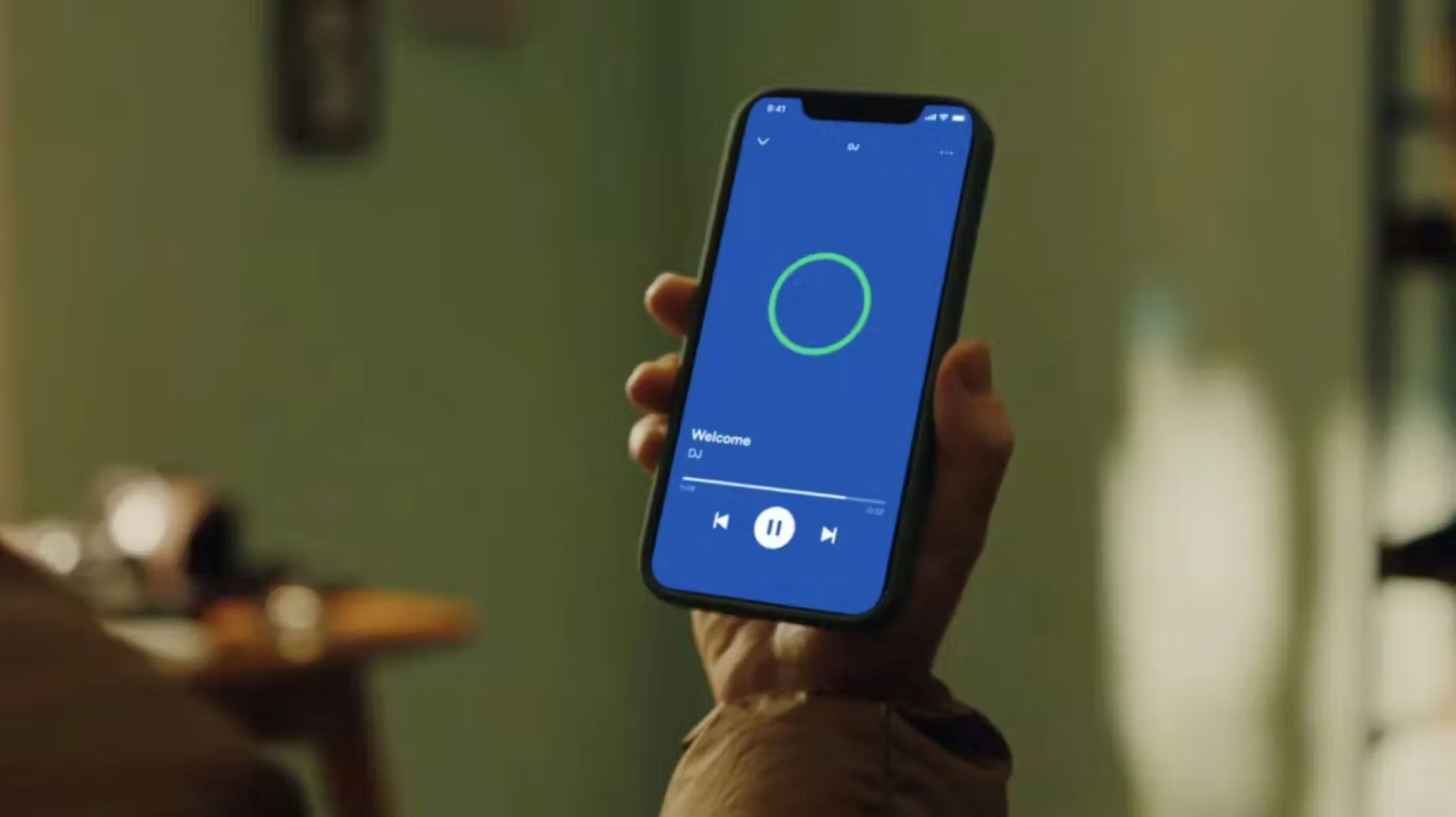
How To Use DJ On Spotify

Build and manage your music library to use dj on Spotify To use DJ on Spotify effectively, start by making sure your favorite tracks are actually inside Spotify. If you...

How To Turn Spotify Online

To turn off Spotify offline mode, open the Spotify app and uncheck the Offline Mode setting. On Windows, click the "More" button (three horizontal dots) in the upper-left corner, select...

How To Put My Music On Spotify

To put my music on Spotify, you must work with a digital music distributor, as direct uploads are not possible. The process involves three main phases: preparing your music and...

How To Use Spotify Offline

To use Spotify offline, you must first download music from Spotify to my computer or mobile device and then switch on Offline Mode in the app. There are two paths:...