Practical, everyday guides for people who want to keep their devices, accounts, and personal data safe, or who need to solve a specific security puzzle without resorting to risky workarounds. It is written for regular consumers, not IT professionals, and assumes you have a phone, a computer, or a smart gadget and want to use it more safely. The tone is straightforward and solution-oriented, focusing on what you can do yourself.
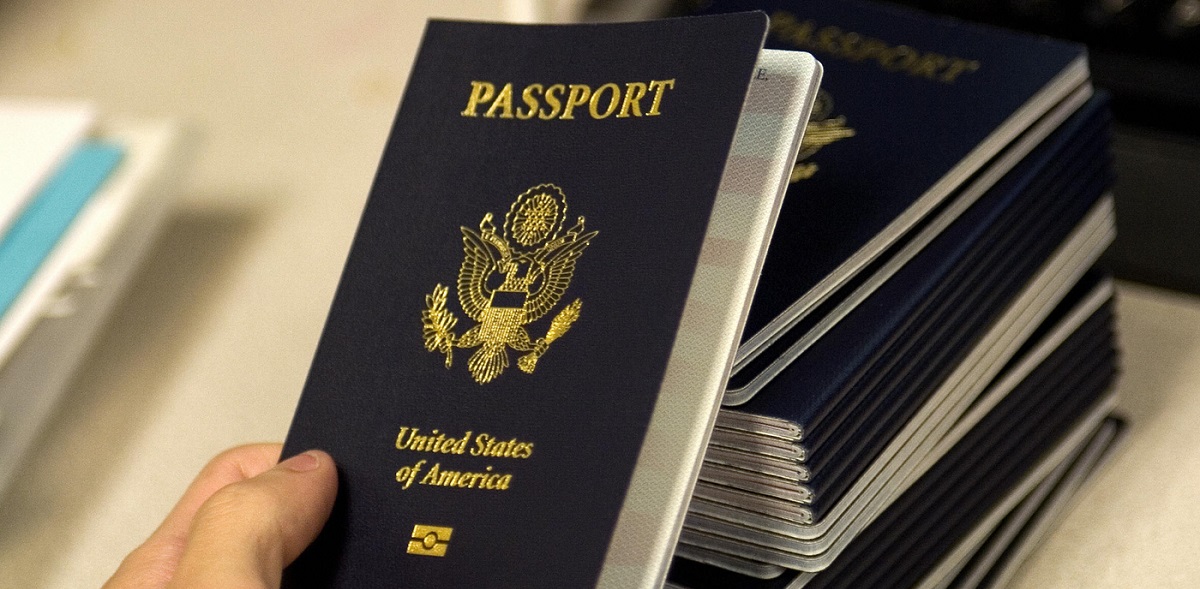
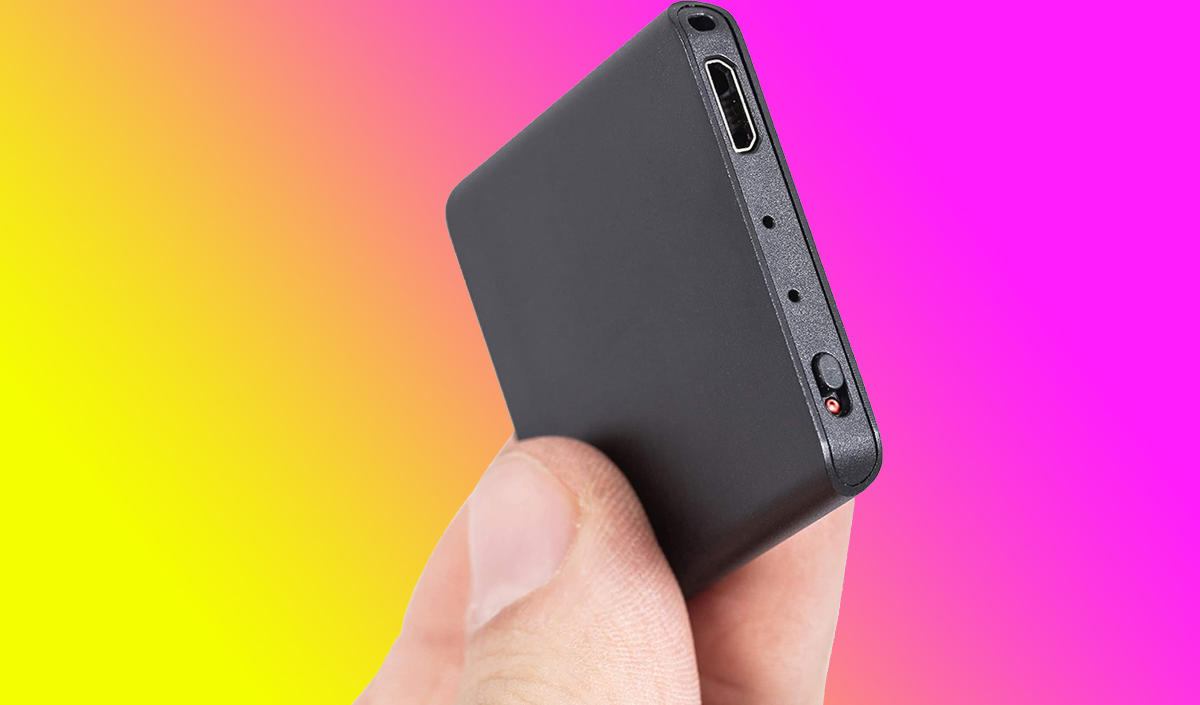
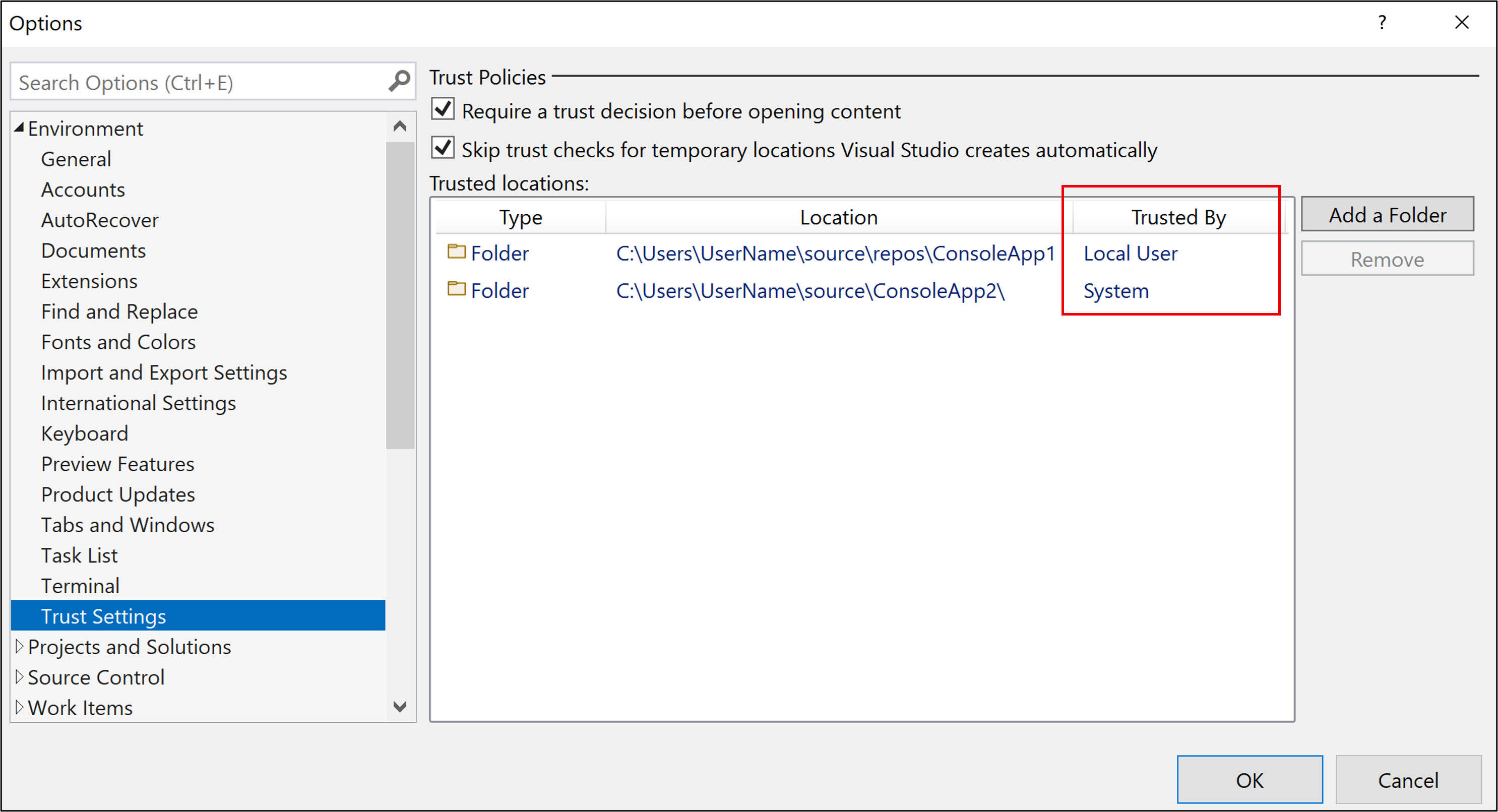
Several articles help you lock down your digital identity and accounts. You will find clear steps for recovering a Google account after a factory reset, checking your Chrome browser settings for anything suspicious, and understanding how to use Google Authenticator, including where to find or manage its setup key. Others address device-level protection, such as spotting signs that an Android phone has been hacked, temporarily disabling Face ID for all apps without losing your enrolled face, or safely trusting a downloaded file on Windows. A second theme covers physical and network security: blocking Bluetooth signals, finding a hidden voice recorder, locating the RFID chip in a US passport, and understanding how long a Chime card lock lasts before it automatically unlocks. A third, smaller group looks at the boundaries of legitimate access, covering topics like removing an Activation Lock on an Apple Watch only when you are the owner, the risks of jailbreaking a specific tablet, and what actually breaks when a blockchain bridge fails.
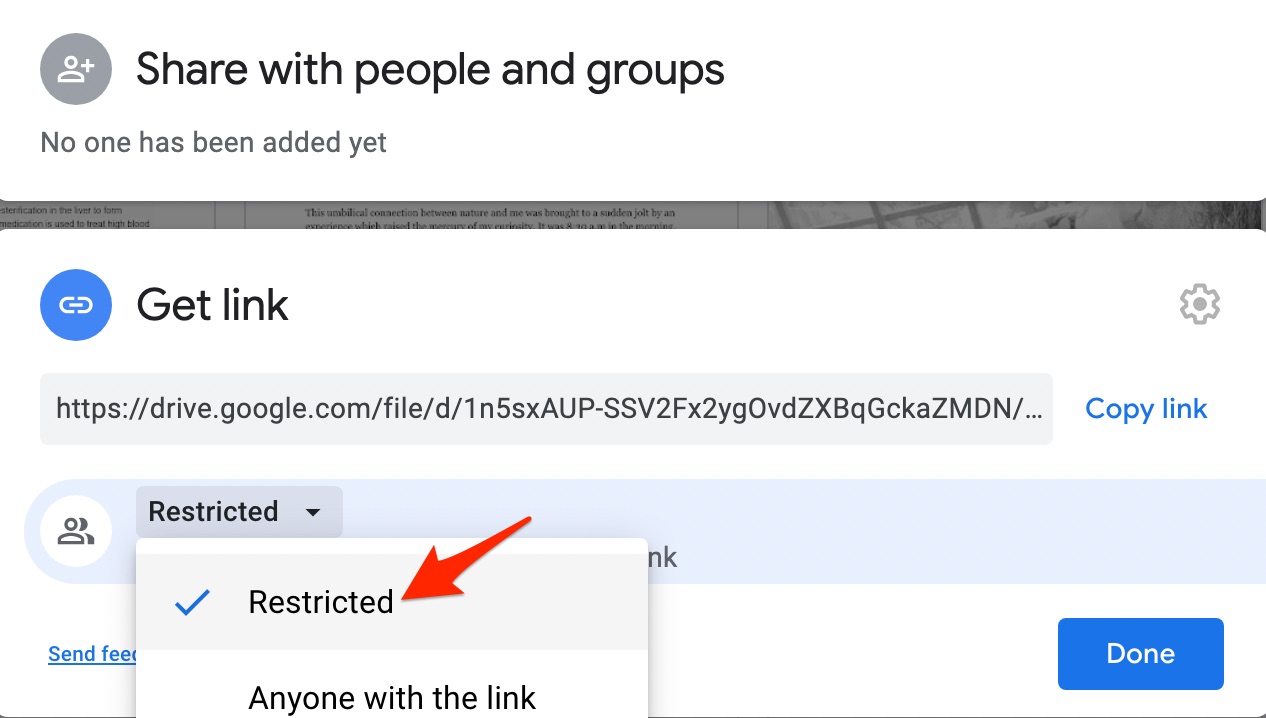
Across the board, these articles help you do three things: secure your accounts, protect your devices and data from unwanted access, and recognize the difference between a legitimate fix and a dangerous shortcut. Whether you are checking the safety of a Google Drive share, learning how to block a signal, or weighing the risks of a smart TV game cheat, the goal is always to keep you informed and in control, without crossing legal or ethical lines.
![[Full Guide] How to Bypass Google Account Verification After Reset](https://robots.net/wp-content/uploads/2023/11/How-to-Bypass-Google-Account-Verification-After-Reset.png)