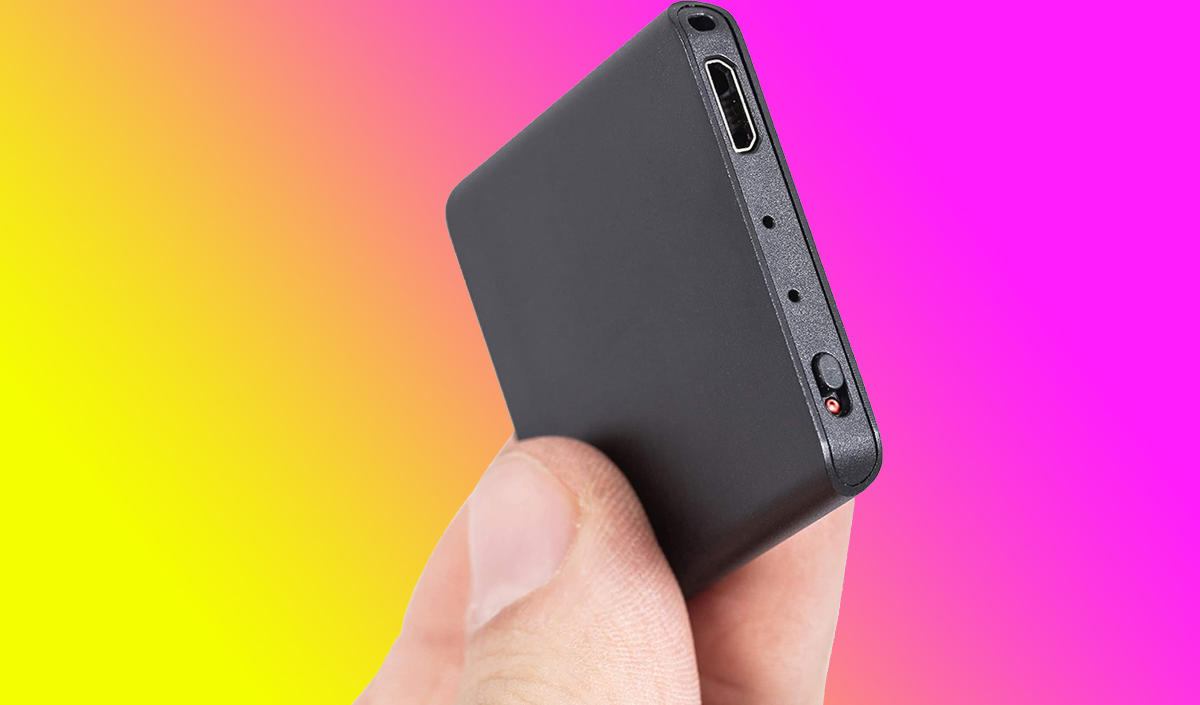
To find a hidden voice recorder, start by checking your smartphone's privacy indicators to catch an actively recording digital device. This quick step can reveal if an app is secretly using your microphone, giving you an immediate lead on a potential recorder.
How to find a hidden voice recorder: first steps
The goal is to physically locate a hidden voice recording device in a room or object, typically because you suspect unauthorized surveillance in a private space like a home, office, or hotel room. Your first action should be to check your smartphone's privacy indicators, which can instantly reveal if an app is actively recording audio.
Check your phone's privacy indicators
On Android 12 or higher, a green dot (indicating camera or microphone use) or an orange dot (indicating microphone use only) appears in the status bar when an app accesses these sensors. On iOS 14 or later, an orange dot in the status bar indicates microphone use, while a green dot signifies camera (or camera and microphone) use. If you see either dot, tap or swipe to view which app is using the microphone. This can help you identify a malicious recording app or confirm that a legitimate app is running when it should not be.
Perform a careful visual inspection
Systematically scan the room for out-of-place objects, LED lights, and signs of tampering. A recorder needs a clear line of sight for audio, so look for objects that could obstruct or enhance sound capture, such as unusual speakers, microphones, or soundproofing materials. Check for new nail holes, fresh paint, or other recent alterations that could indicate an attempt to hide a device. Pay close attention to any object that seems odd in its positioning or that would not typically be located in that area.
Search these common hiding spots
- Electrical outlets: Inspect for inconsistencies, unusual wiring, or bulges behind the faceplate.
- Furniture: Check seams, crevices, and underneath for signs of hidden devices.
- Wall-mounted frames: Examine the area behind frames, especially near desks or meeting areas.
- Air vents: Inspect thoroughly for any unusual objects or devices lodged inside.
- Electronics: Clocks, radios, speakers, and other devices can be modified; look for tampering or unusual wiring.
- Decorative items: Plants, flower arrangements, and decorations could conceal a recorder.
Look for suspicious wires and signals
Examine the area for unnecessary wiring, loose cables, or connections that do not serve a clear purpose. Check your phone's Bluetooth settings for unfamiliar devices that could indicate a hidden recorder transmitting recordings. Be cautious of objects that seem hollow or contain concealed compartments that could house a device. Pay attention to power sources like distinct power cables, adapters, or power strips that seem unusual for the area.
Use a professional detection device
For well-hidden or non-recording devices, escalate to technical tools. Radio frequency (RF) detectors scan for frequencies emitted by wireless voice recorders. Magnetic field detectors can locate devices that use magnets for attachment or activation. Infrared (IR) detectors identify signals used by some hidden recorders for communication or activation. Non-linear junction detectors (NLJD) scan for electronic components and irregularities in an area. Follow the manufacturer's instructions for each device to maximize effectiveness.
When to hire a professional
In high-stakes legal or corporate environments, or if you are unsure about conducting the search yourself, consider hiring a professional. Look for a reputable Technical Surveillance Countermeasures (TSCM) service with a proven track record, positive reviews, and certifications in hidden recording detection. Professionals have experience recognizing potential hiding spots, access to advanced detection equipment, and knowledge of relevant legal regulations. They provide an unbiased approach and can offer peace of mind that a thorough search has been conducted.
\nRelated reading: Does Using The PS5 Hidden Browser Risk A Console Ban, What Is Setup Key In Google Authenticator, and How To Get Secret Key For Google Authenticator.