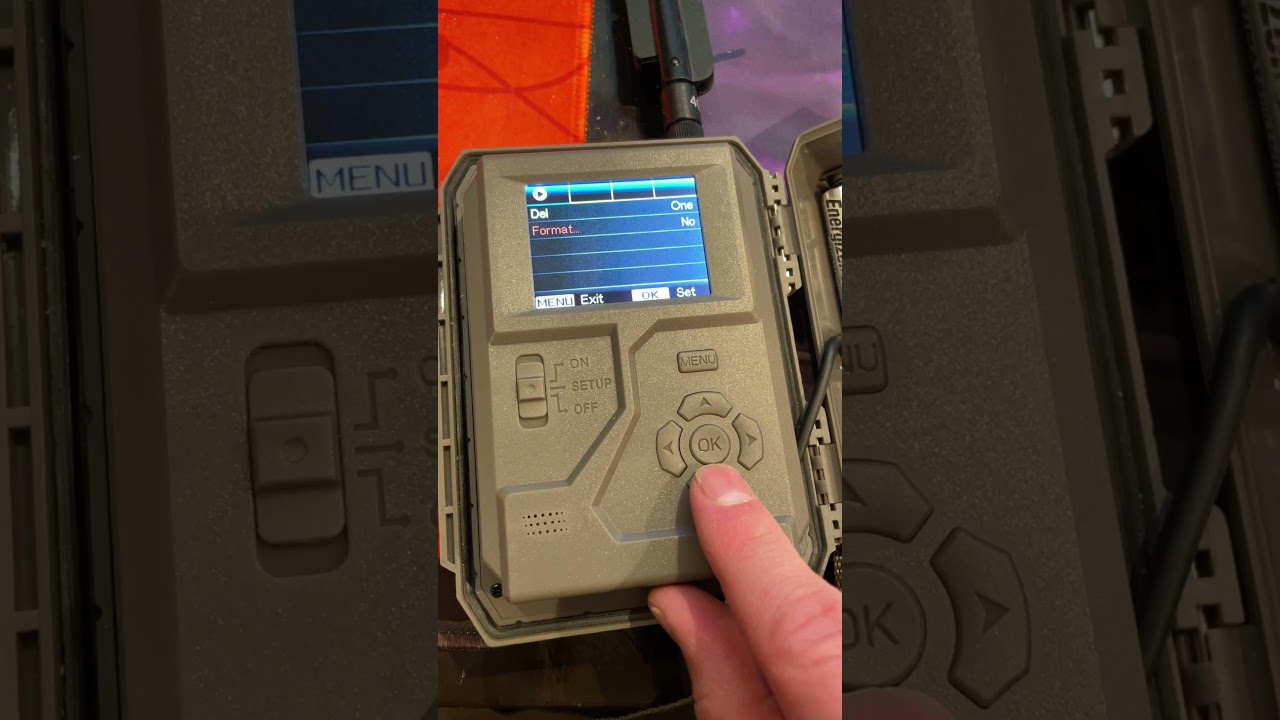
To clear SD card on Tactacam Reveal X, you must format it using a computer, never the camera's own menu. The correct method is to power down the camera, remove...
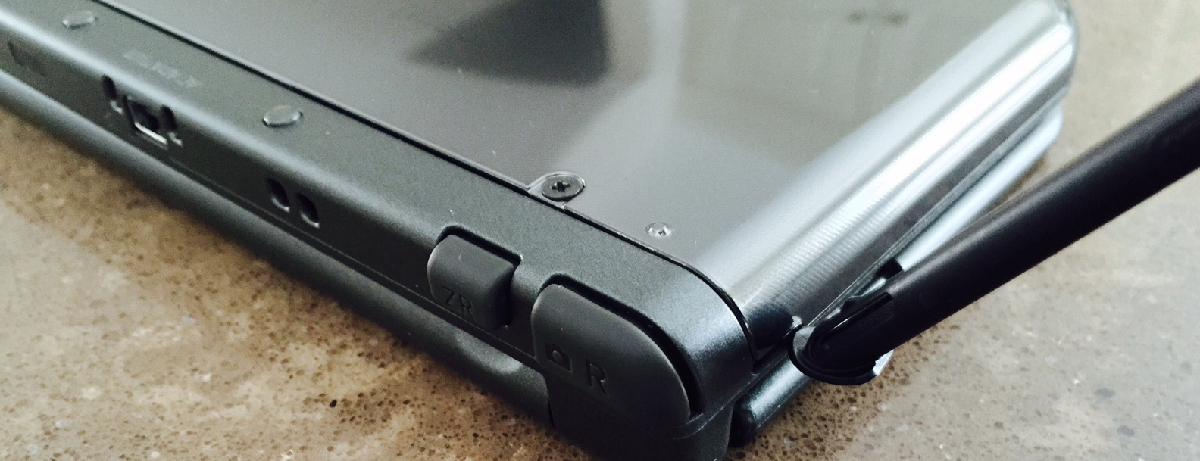
The microSD card slot on the New Nintendo 3DS XL is hidden underneath the console’s backplate, not on the side like older 3DS models. To find where is the sd...
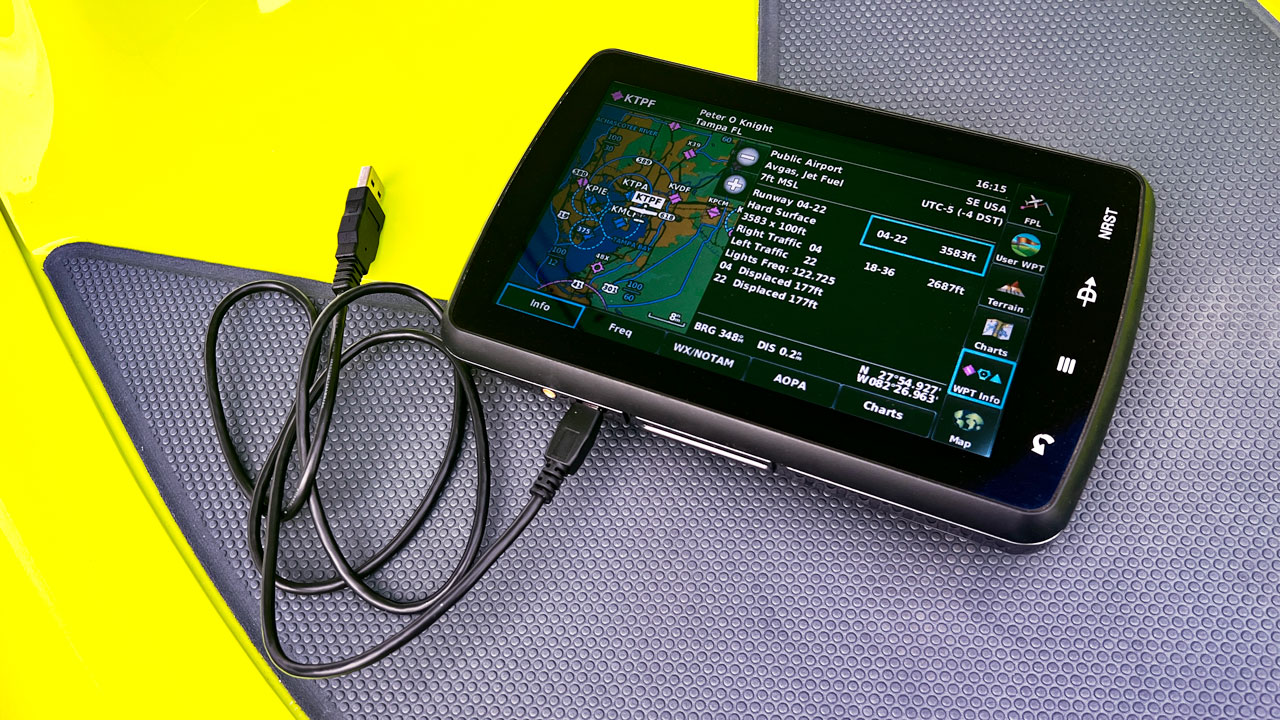
If your Garmin device is not recognizing an SD card, the most common fix is to ensure the card is formatted to the FAT32 file system and fully inserted. This...
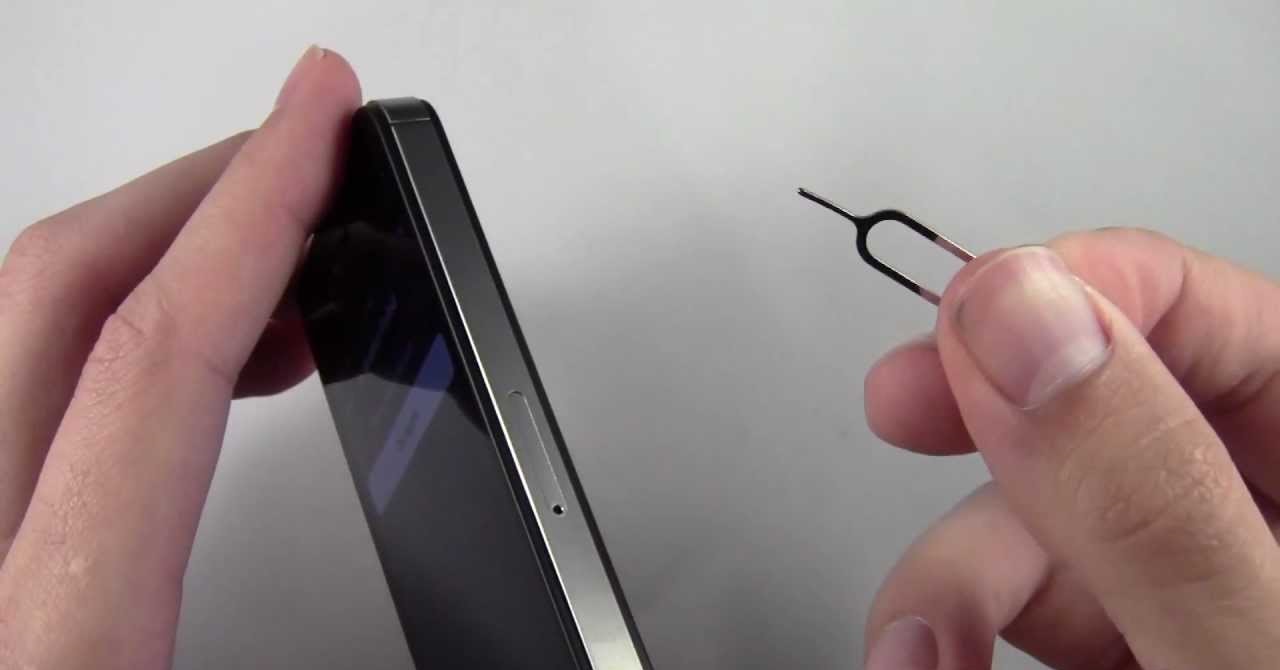
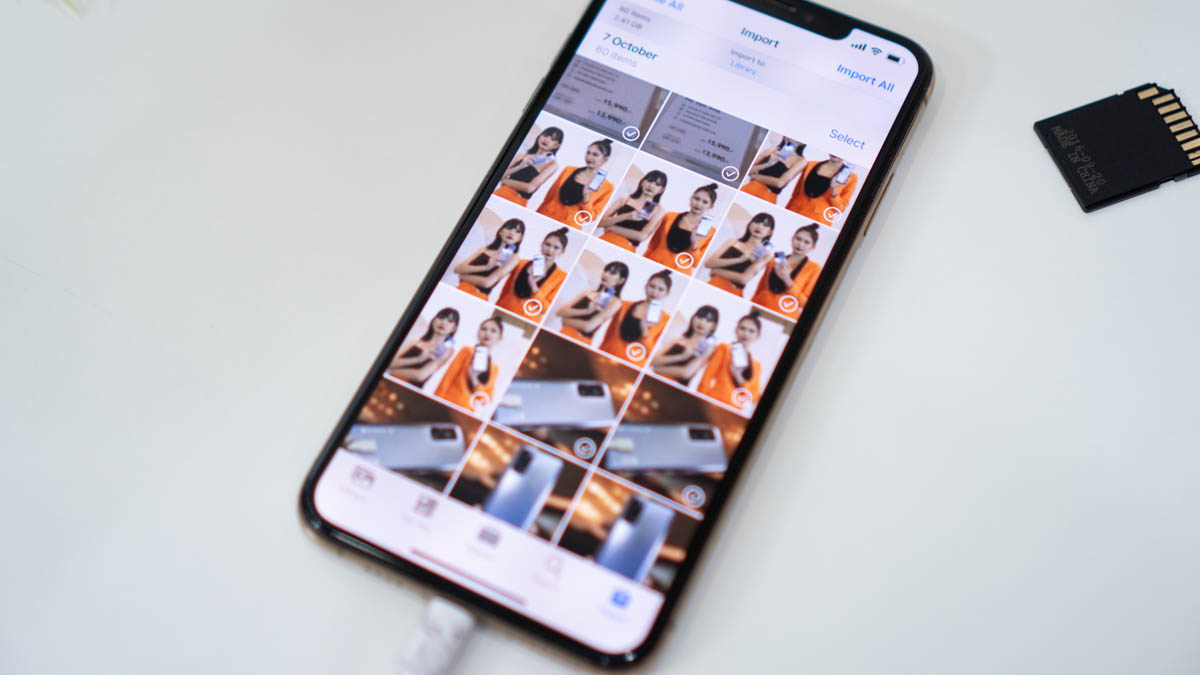
To remove an SD card from an iPhone, you are actually disconnecting an external SD card reader adapter, since iPhones do not have a built-in SD card slot. The process...
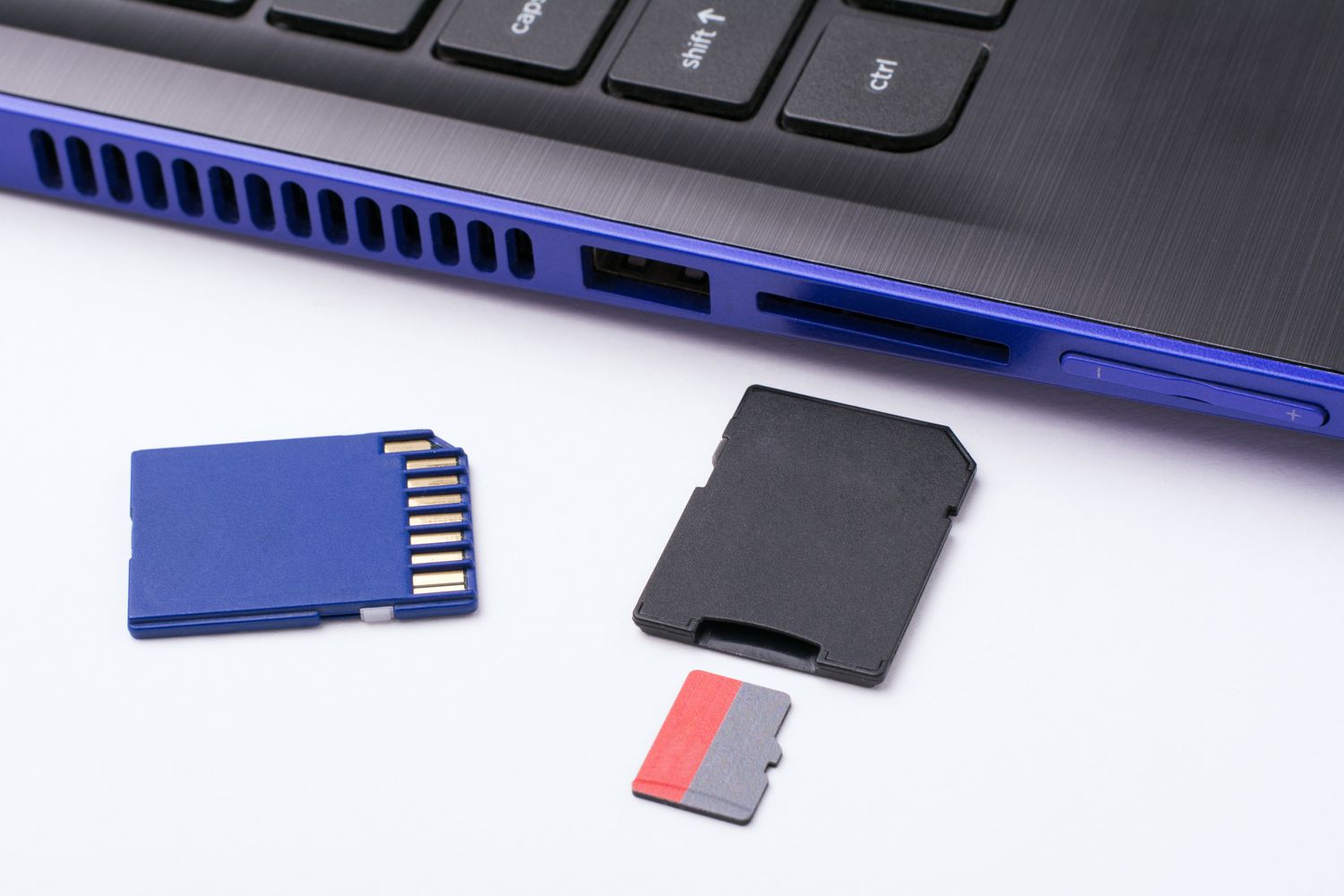
The HP computer SD card slot location is typically a thin, rectangular opening on the left or right edge of a laptop, or on the front panel of a desktop...
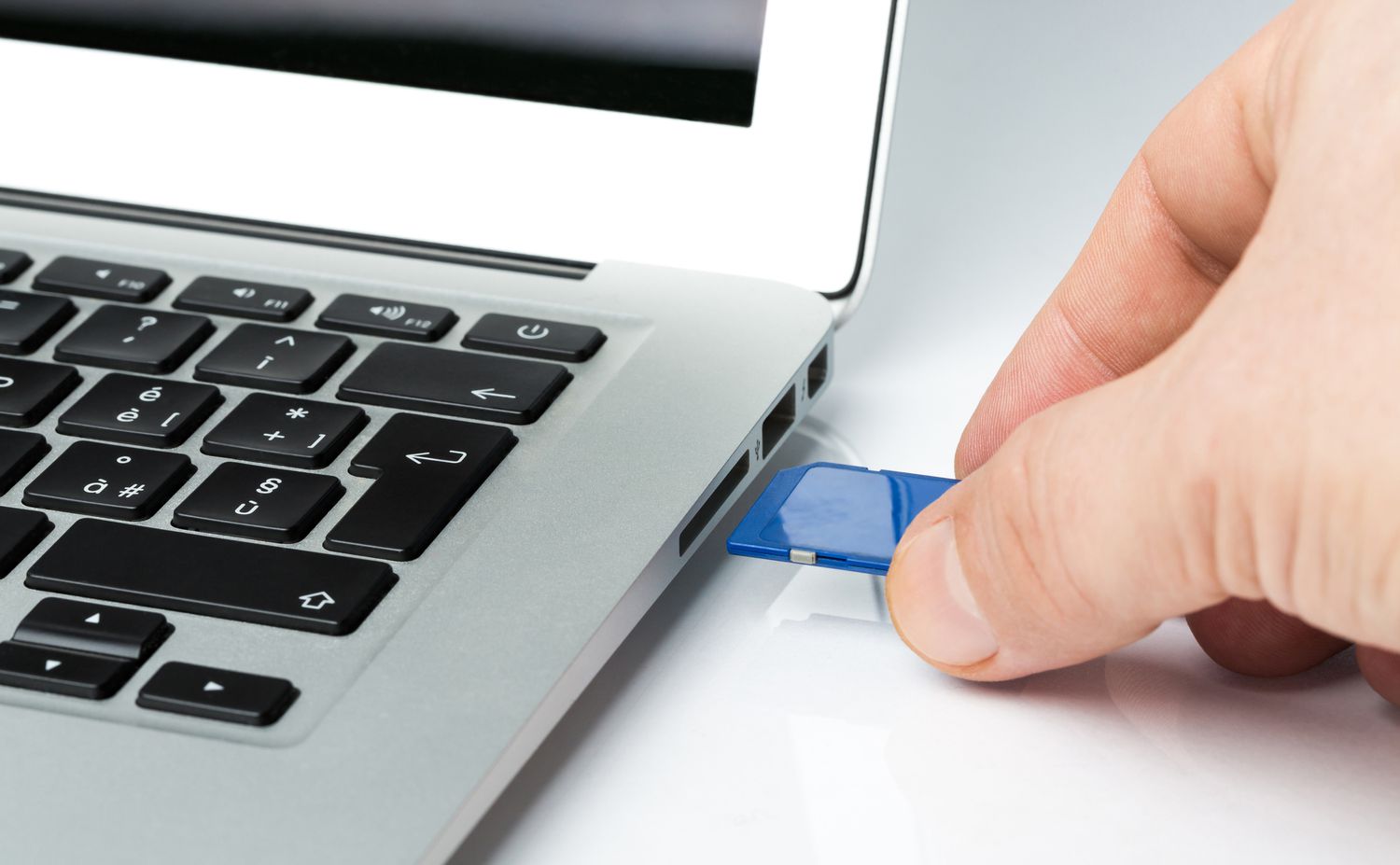
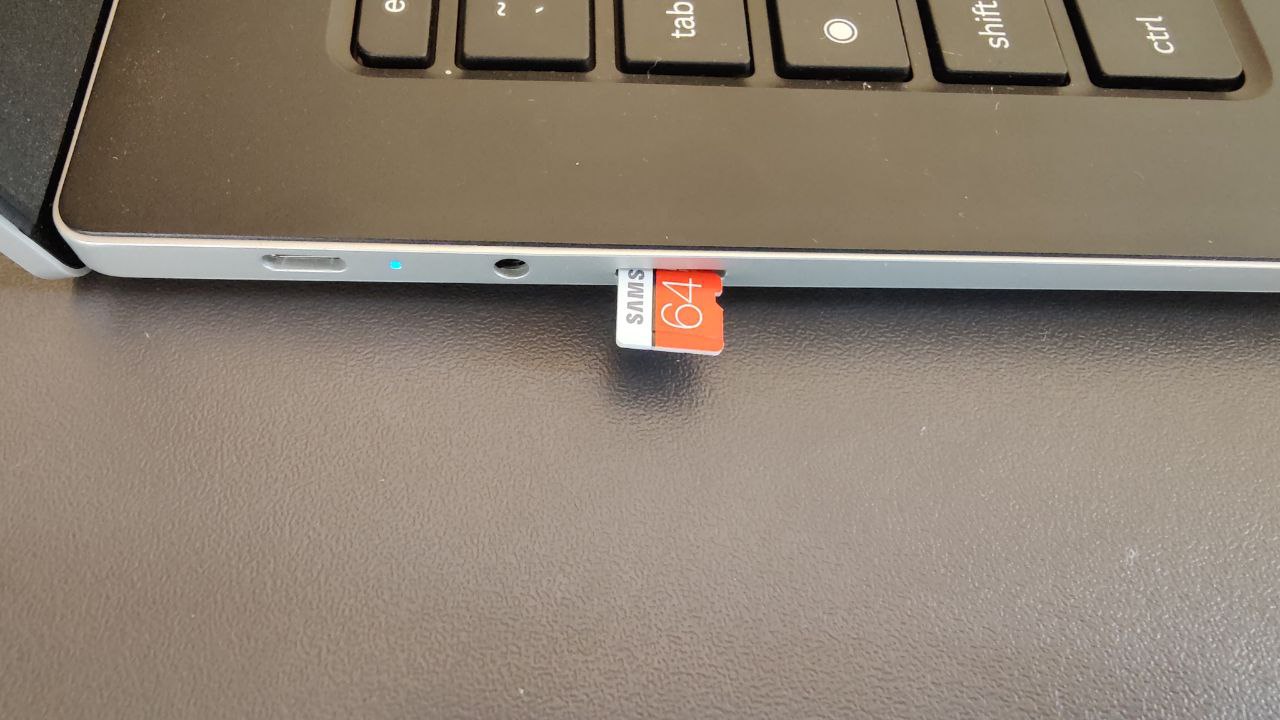
To insert an SD card into your laptop, first locate the built-in card slot on the side or front of the device, then gently push the card with the metal...
Finding your sd card reader slot To use an sd card reader, start by turning your laptop over or scanning its sides, many models place the slot along the left...
To access an SD card on Chromebook, insert the card into the slot and open the Files app. This process lets you view, manage, and transfer files to expand your...
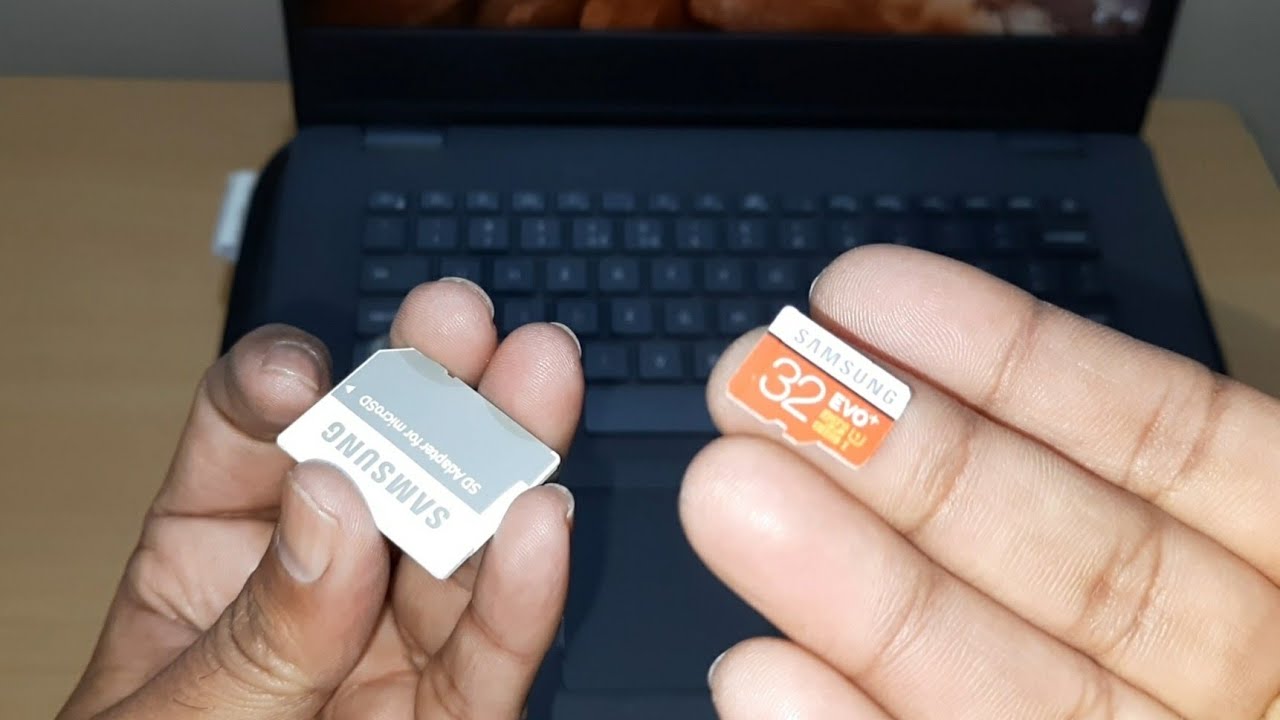
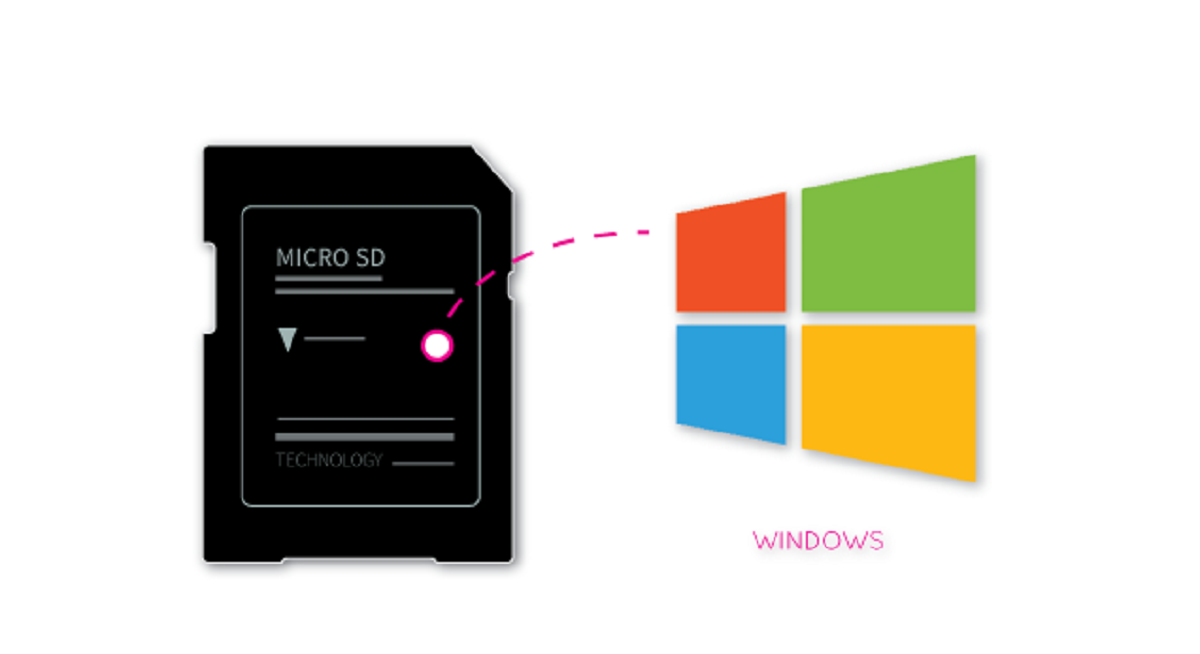
To make an SD card bootable, you need to write a complete operating system image directly onto the card, not just copy files. This process, often called "flashing," is essential...
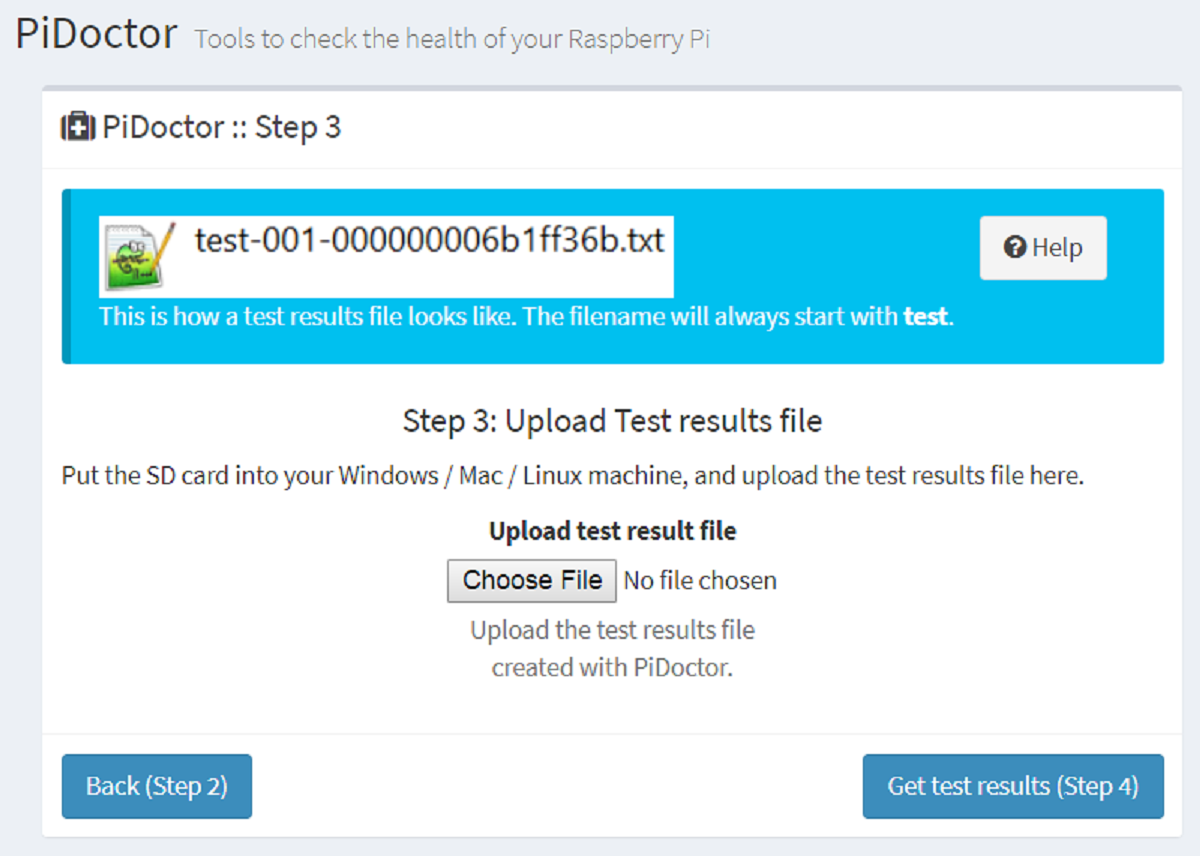
When to Check Your Raspberry Pi SD Card Health Run a check on your Raspberry Pi SD card health every few months if you use the Pi daily, and immediately...
This website uses cookies so that we can provide you with the best user experience possible. Cookie information is stored in your browser and performs functions such as recognising you when you return to our website and helping our team to understand which sections of the website you find most interesting and useful.
Strictly Necessary Cookies
Strictly Necessary Cookie should be enabled at all times so that we can save your preferences for cookie settings.
If you disable this cookie, we will not be able to save your preferences. This means that every time you visit this website you will need to enable or disable cookies again.