This tag collects practical, step-by-step guides for anyone managing a home network, from first-time router owners to people troubleshooting a stubborn connection. The articles are written for everyday users who want to fix problems themselves, without jargon or assuming prior networking knowledge. Whether you’re setting up a new device, trying to improve your Wi-Fi signal, or just curious about how your network works, these guides walk you through the process in plain language.

The most common theme is connectivity: getting specific devices online or back online. You’ll find instructions for connecting a computer to Wi-Fi, changing Wi-Fi settings on a Sonos speaker, or setting up a Chromecast on a new network. Several articles also address the gap between wired and wireless connections, such as how to use Ethernet instead of Wi-Fi, where to plug in Ethernet cables, or how to connect a router to a modem without an Ethernet cable. A second theme is network optimization and troubleshooting, for example, figuring out what GHz your Wi-Fi is, making a PlayStation download faster, or fixing high download latency. These pieces help you diagnose why things are slow or unreliable and take corrective action.

A third group focuses on security, privacy, and network boundaries. Some articles explain what you can do with someone’s IP address from a defensive standpoint, or how to find the default gateway IP address for your own router. Others cover setting up a separate IoT network to isolate smart devices, or how to turn off Wi-Fi without turning off the router. A few titles address legitimate access questions, like finding a Roku IP address without a remote or resetting a Wi-Fi extender, always framed as ways to manage your own equipment, not to bypass protections. The collection is a solid reference for maintaining a faster, safer, and more reliable home network.
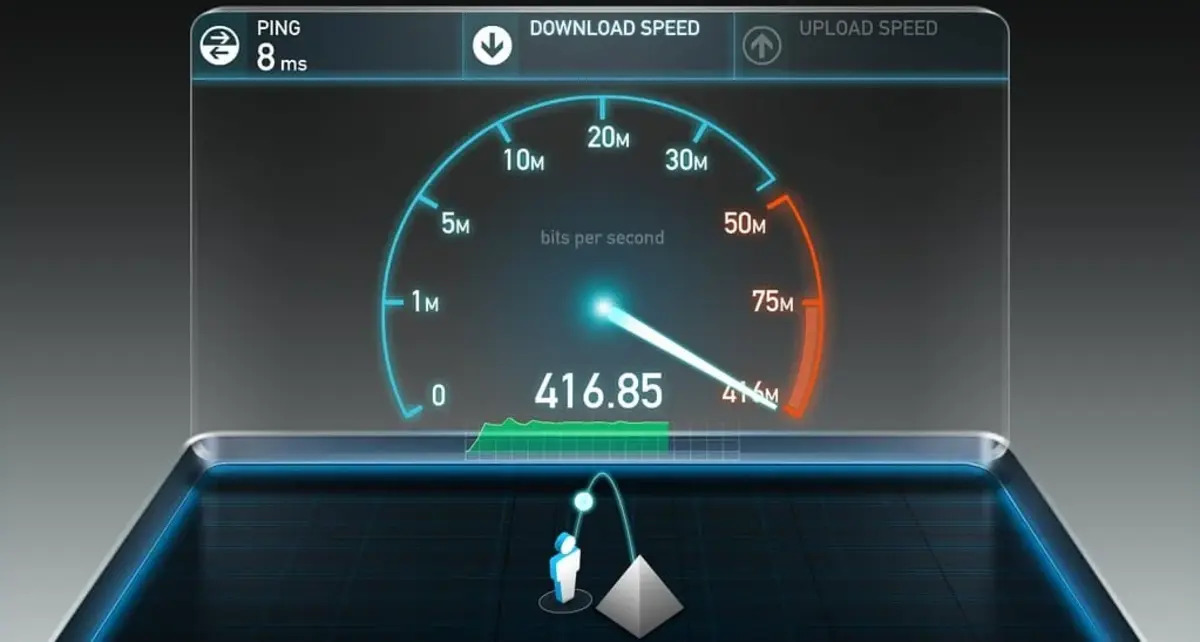
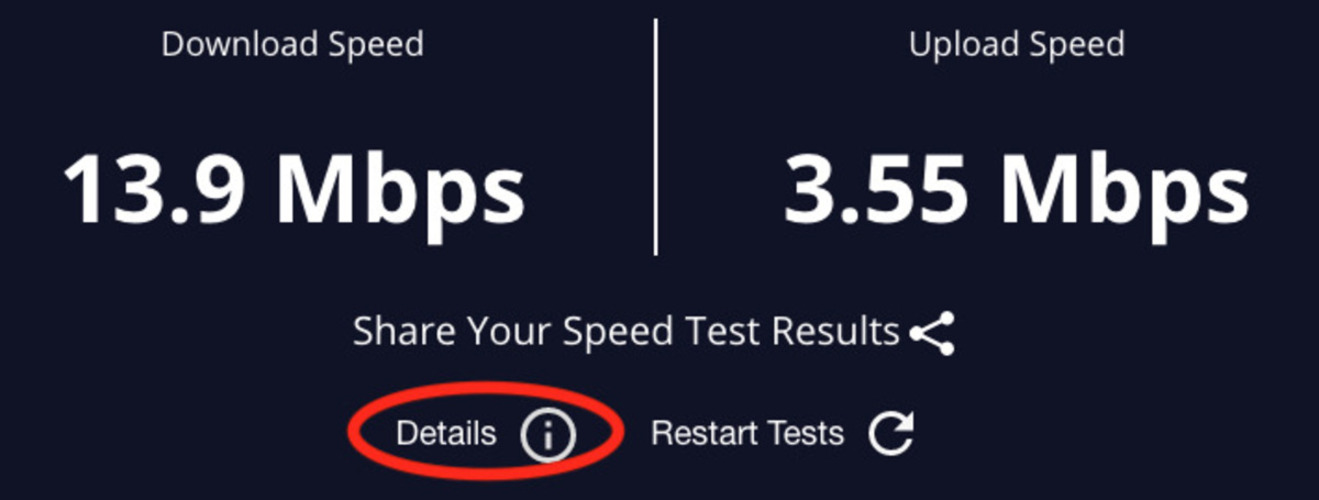
How To Have Faster Download Speed

To get a faster download speed right now, start by closing bandwidth-hogging apps and enabling your browser's parallel downloading feature. These two actions alone can often double your throughput without...

How To Reset Wireless Router

To reset a wireless router, you have two primary methods: a physical reset button on the device itself or a software-based reset through the router's web interface. A factory reset...

How To Fix High Download Latency

To fix high download latency, you need to target the delay before your download starts, not the speed of the transfer itself. This delay is often caused by network congestion,...

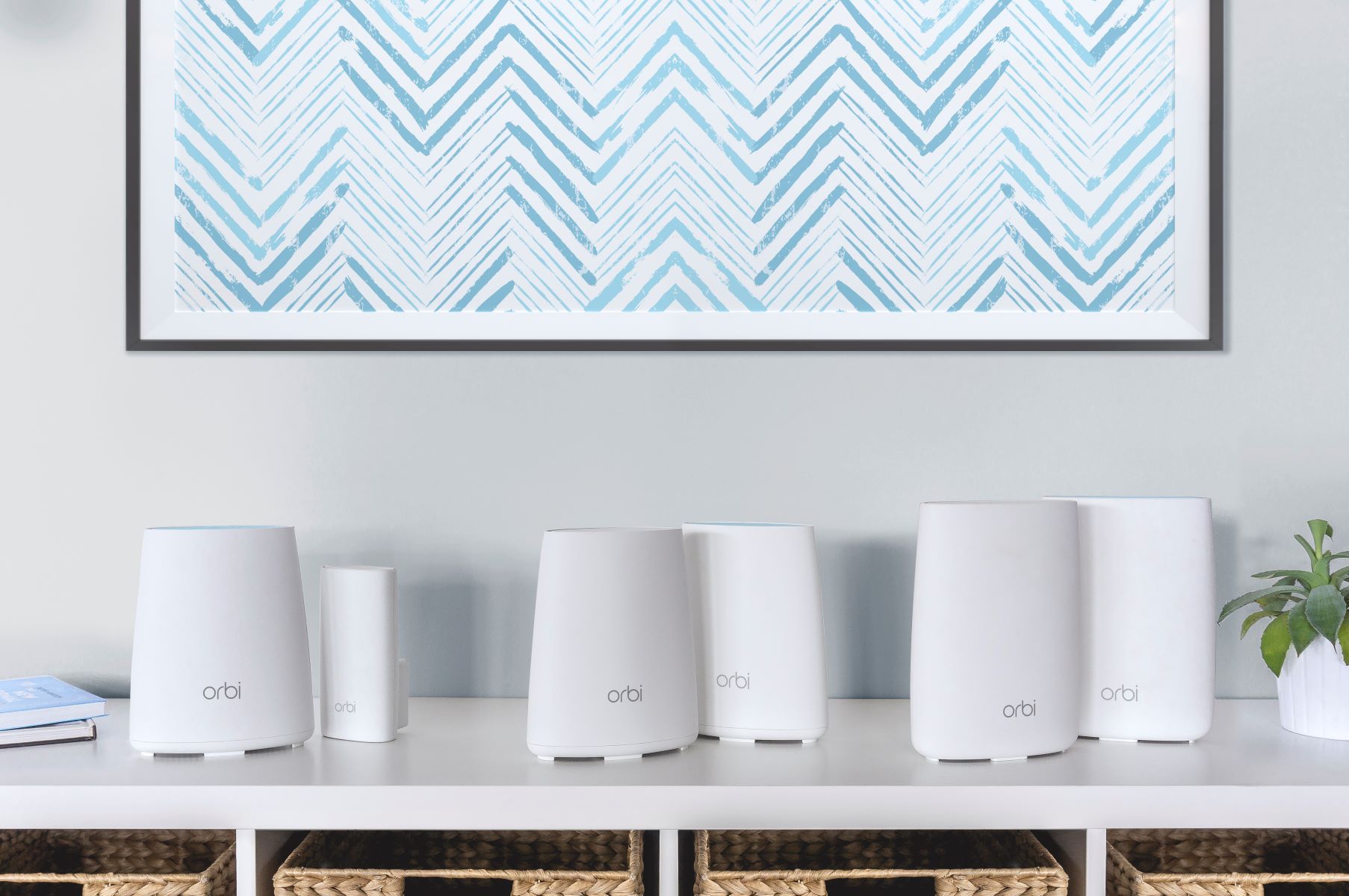
How To Connect Two Orbi Routers

To eliminate Wi-Fi dead zones by extending your existing network, you can configure a second Orbi router as an access point. This setup lets the second router broadcast the same...

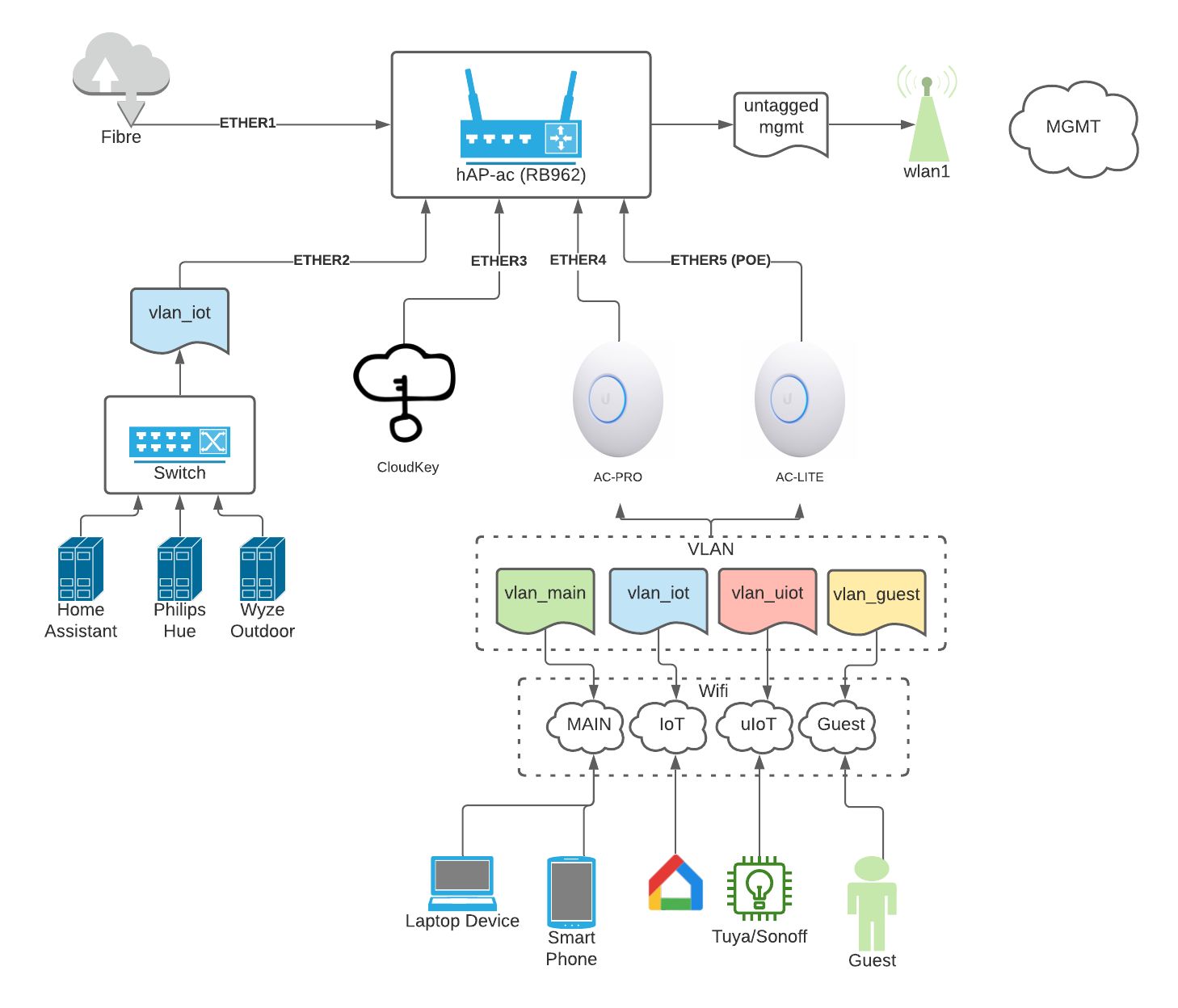
How To Set Up A Separate IoT Network

To set up a separate IoT network, you create a dedicated Wi-Fi network or VLAN that isolates your smart home devices from your main network. This prevents a compromised smart...

What Can I Do With Someones IP Address

With someone's IP address, you can find a general geographic location, report abuse to their internet service provider, or block that IP from your own server or website. However, you...

How To Find Default Gateway IP Address

Run a single command in your terminal or check one settings screen to find default gateway IP address on any device. The default gateway IP is your router's private address,...

How To Make Playstation Download Faster

First, understand what's actually making your PlayStation download slow Before you try to make PlayStation download faster by digging into console menus, take five minutes to figure out what is...

Why Won't My TV Connect To Wi-Fi

Why won't my TV connect to Wi-Fi? The most common reasons are an incorrect password, a weak signal, or a temporary glitch that a simple power cycle will fix. Before...

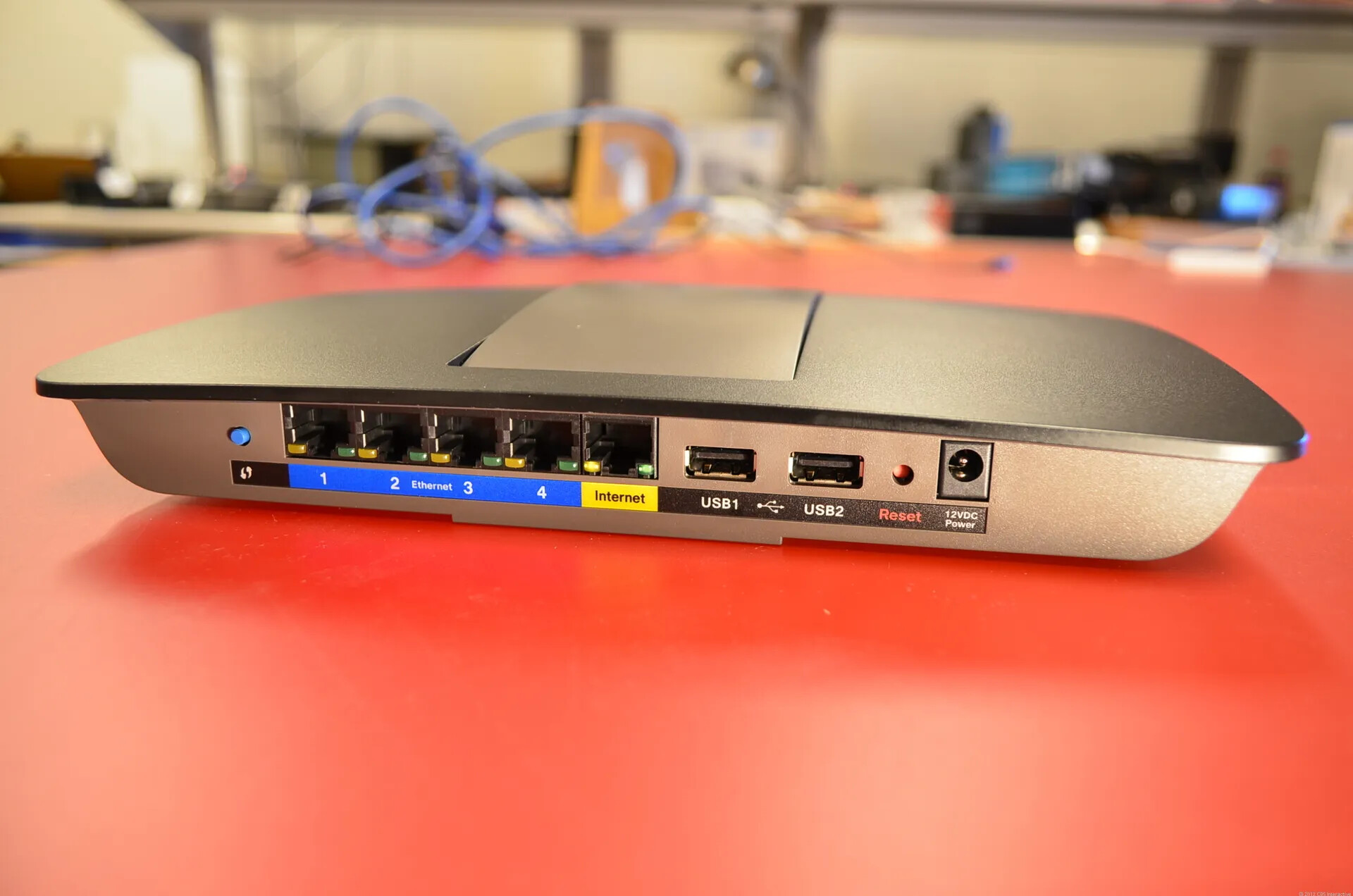
How To Use Ethernet Instead Of Wifi

To use Ethernet instead of wifi, plug one end of an Ethernet cable into your device's Ethernet port (or adapter) and the other end into an available port on your...