Setting up a new mesh Wi-Fi system A mesh Wi-Fi setup is a fundamentally different approach if you are replacing an older router: instead of one device doing all the...
To connect your phone’s mobile hotspot to a Wi-Fi router, you’ll need a router that supports Wi-Fi as WAN (also called WISP or Client mode) or USB tethering, and a...
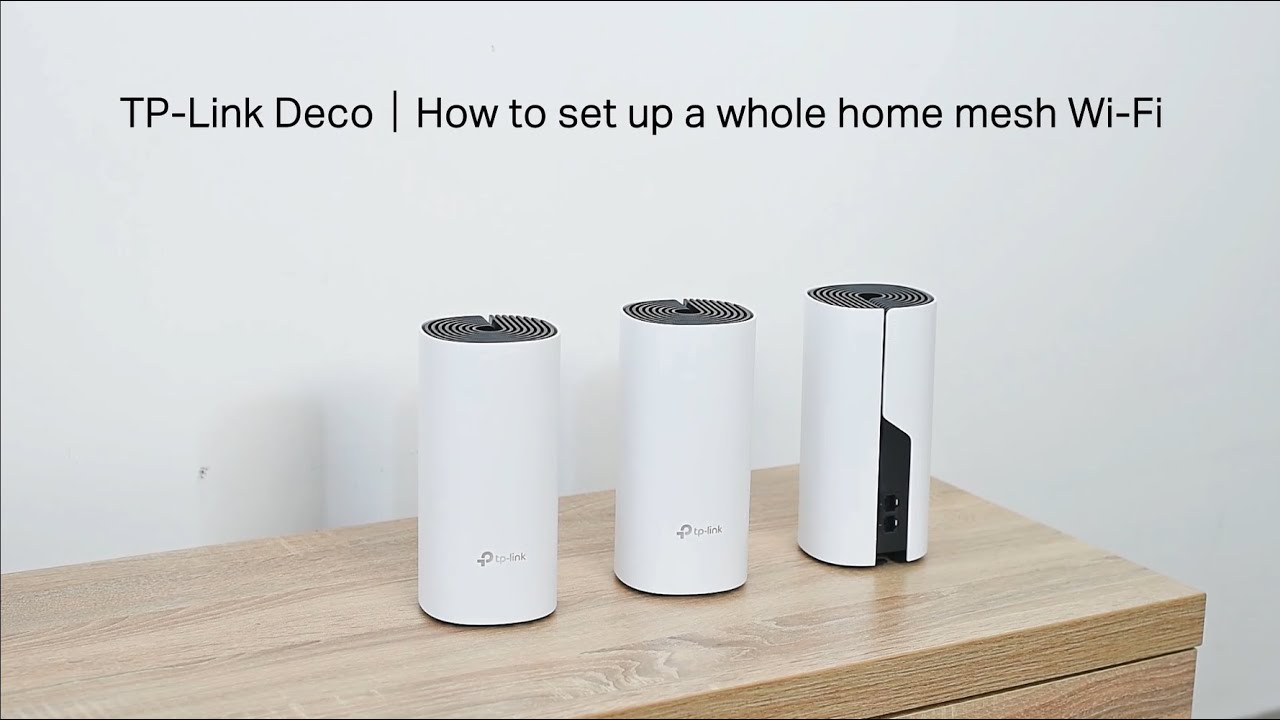
To set up TP-Link Deco, start by disabling Power-Saving mode on your phone and, for iOS 14 and above, enabling Local Network permission. Then, download the Deco app from Google...
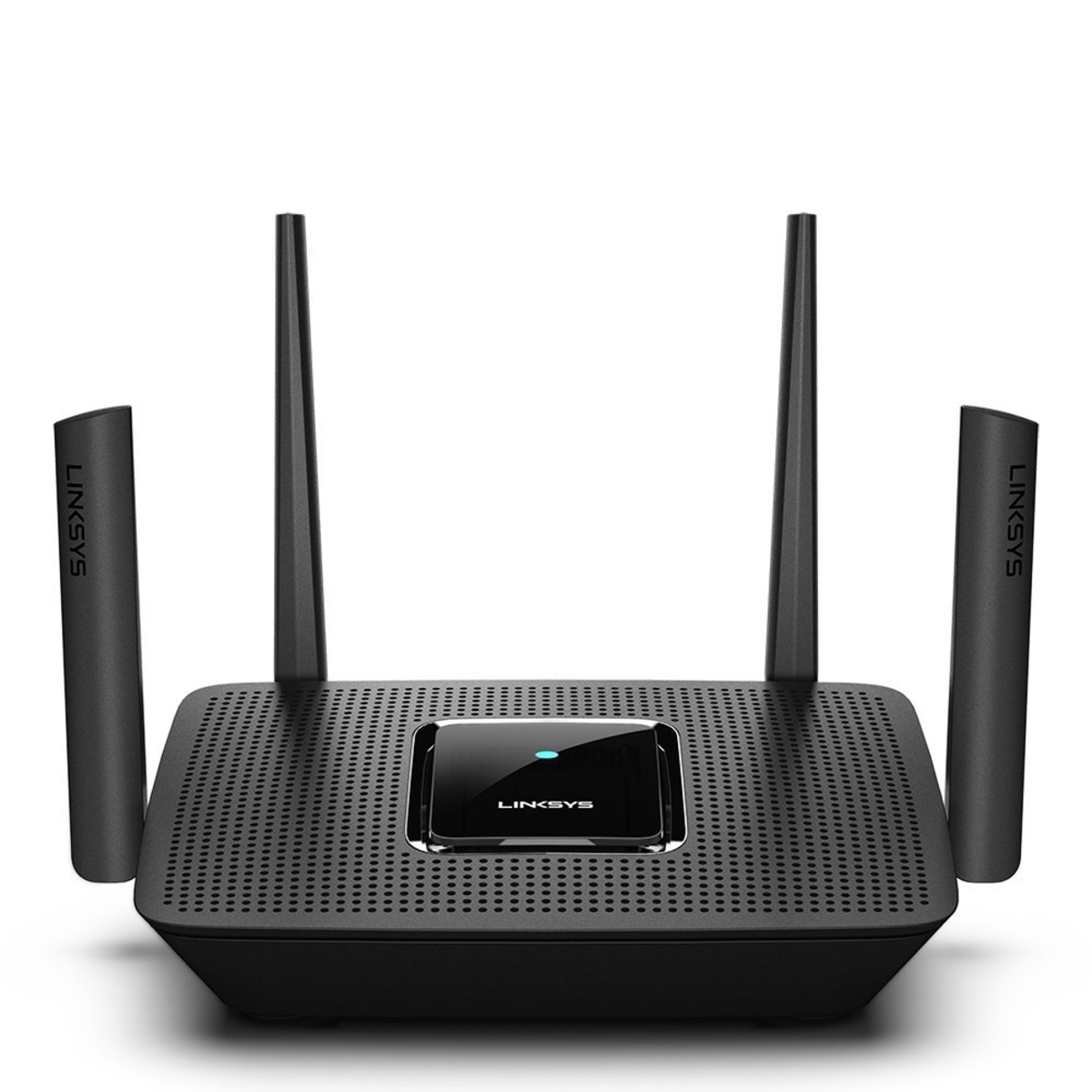
How To Setup Linksys Wireless Router Without CD You can setup Linksys router without CD entirely through a web browser on any computer or mobile device. This browser-based method replaces...
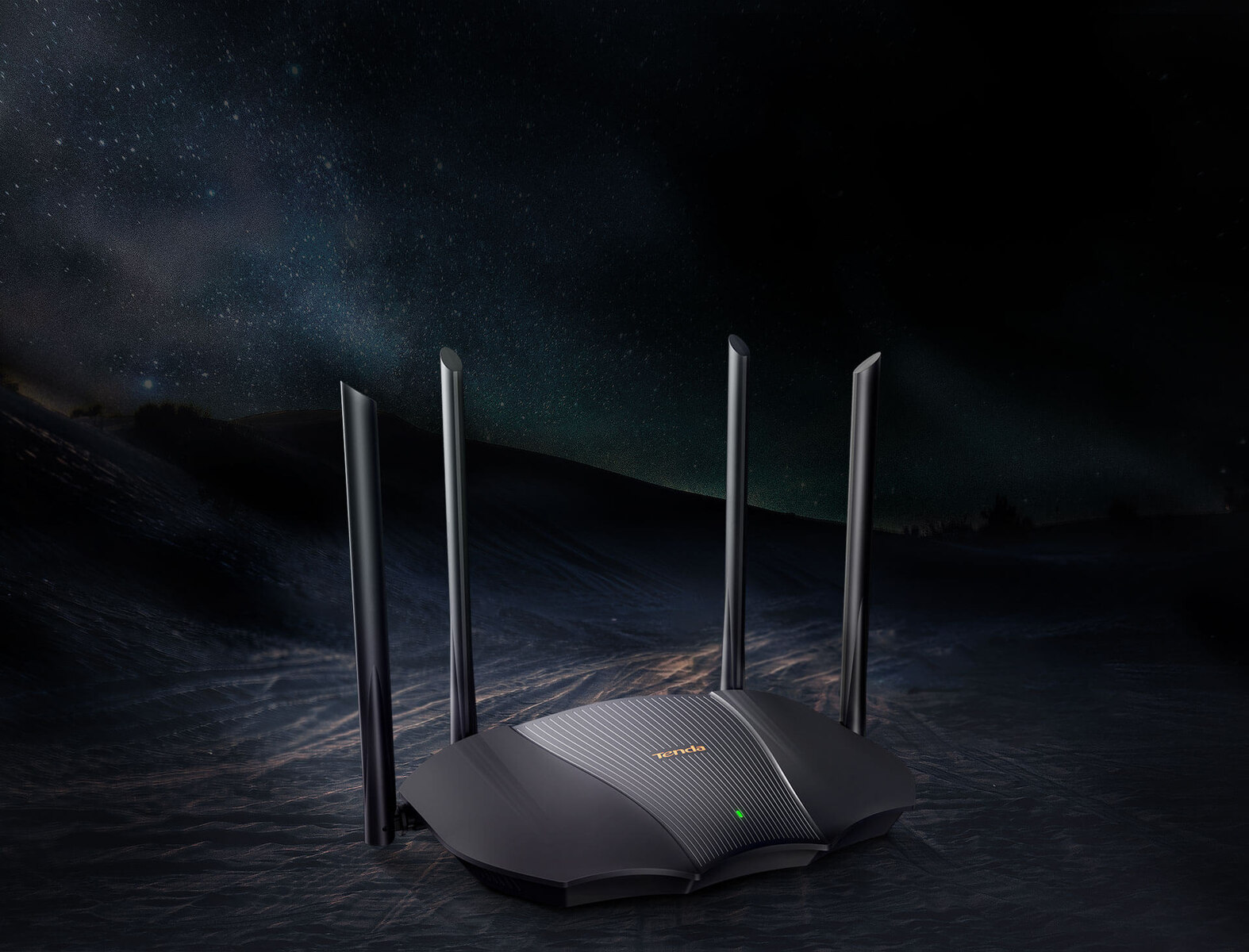
Quick setup tenda wireless router: the 5-minute method You can setup tenda wireless router in about five minutes using either the Tenda WiFi mobile app or a web browser on...
To set up wireless router for best performance, start by placing it in a central, elevated spot and then update its firmware before changing any other settings. This two-step foundation...
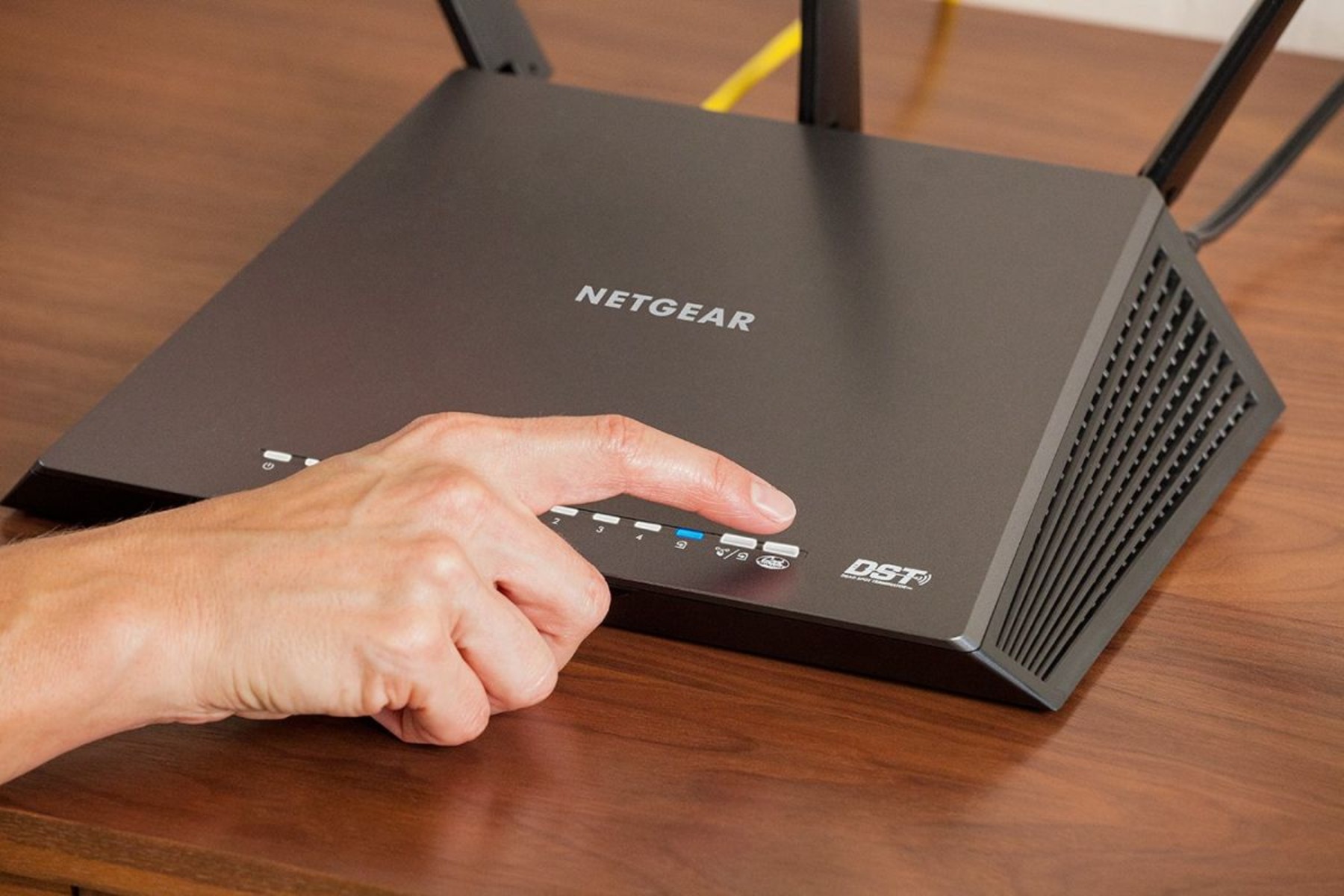
To change your Netgear wifi password, you have two straightforward options: use a web browser on any connected device or open the Nighthawk app if you own a compatible Netgear...
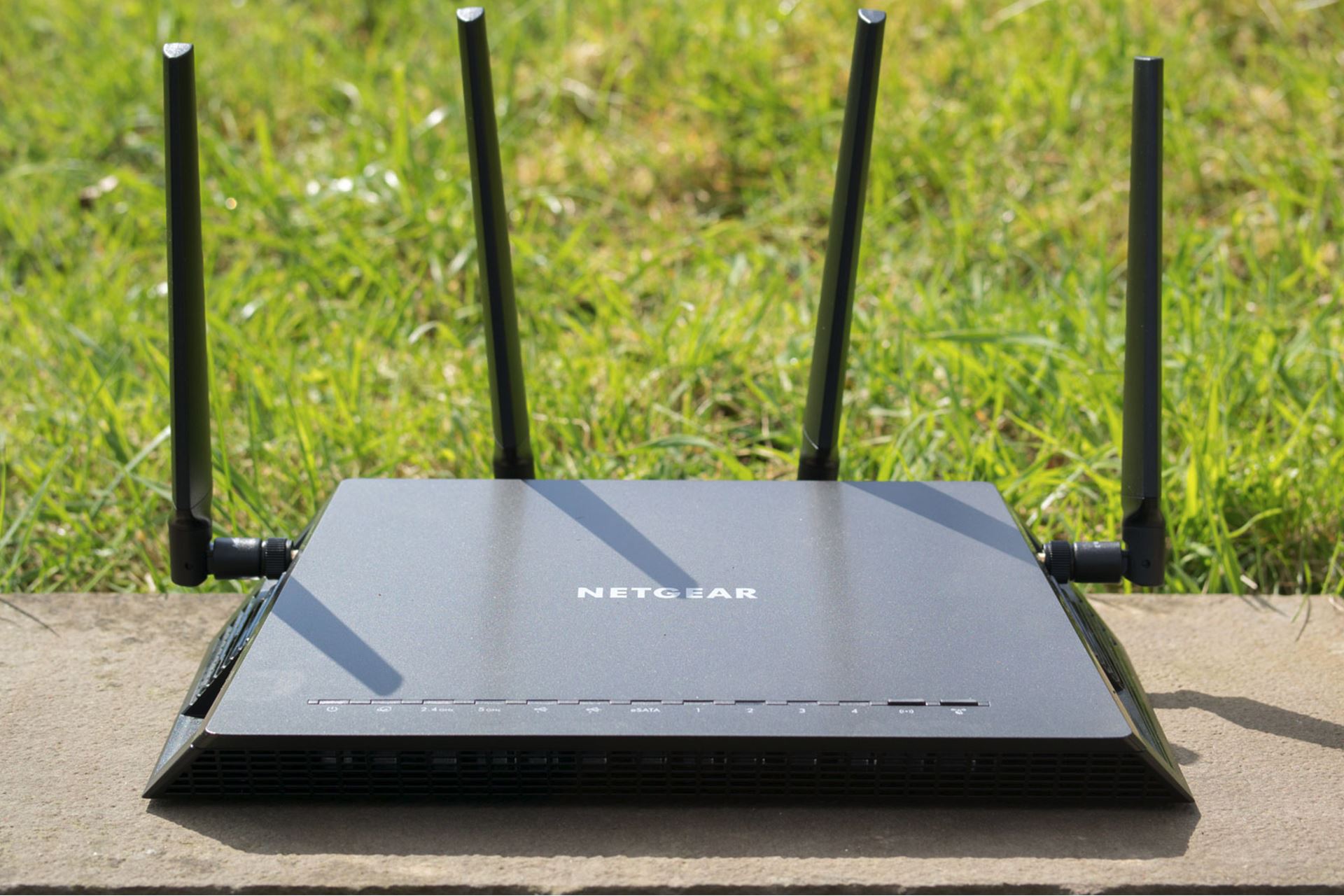
To set up two Netgear routers, you have two main options: a wired connection using Access Point (AP) mode for maximum stability, or a wireless connection using the second router...
Before you connect Google Nest to new wifi When you need to connect Google Nest to new wifi, pause before swapping hardware to decide whether you want to reuse your...
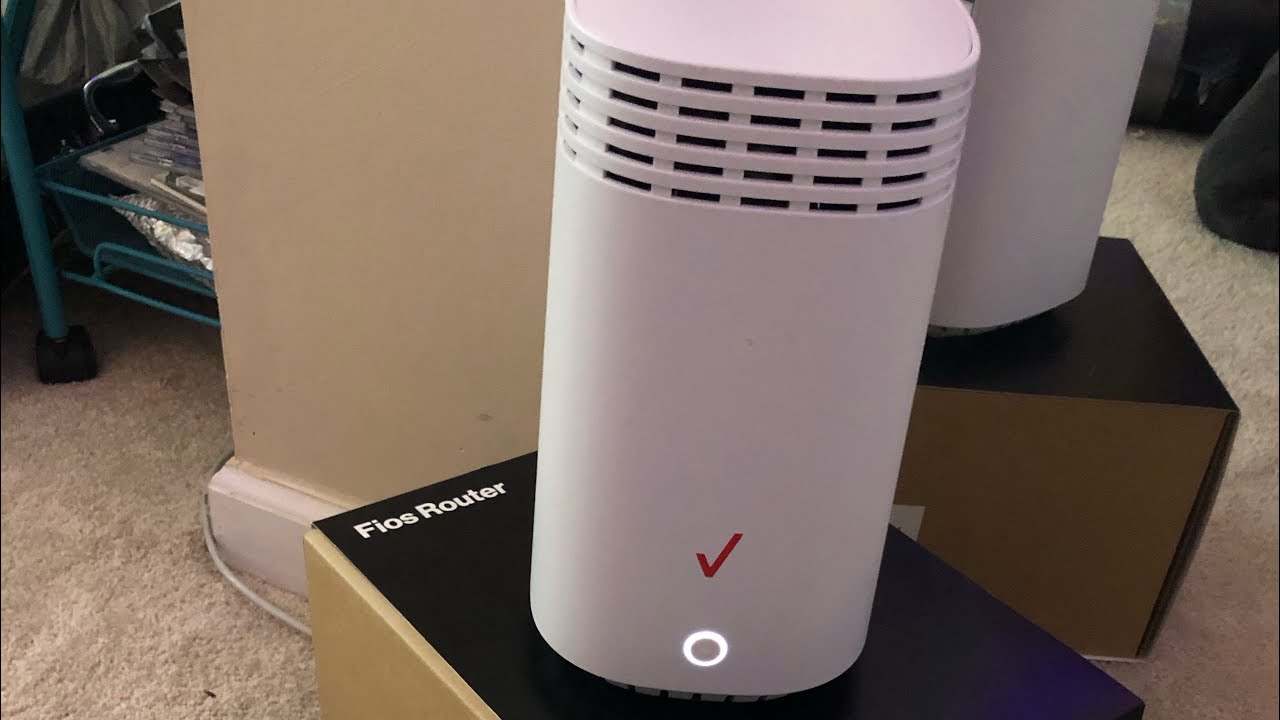
To setup Verizon wifi extender, begin by placing it directly next to your compatible Verizon router and using the WPS button method to pair the two devices wirelessly. Once paired,...
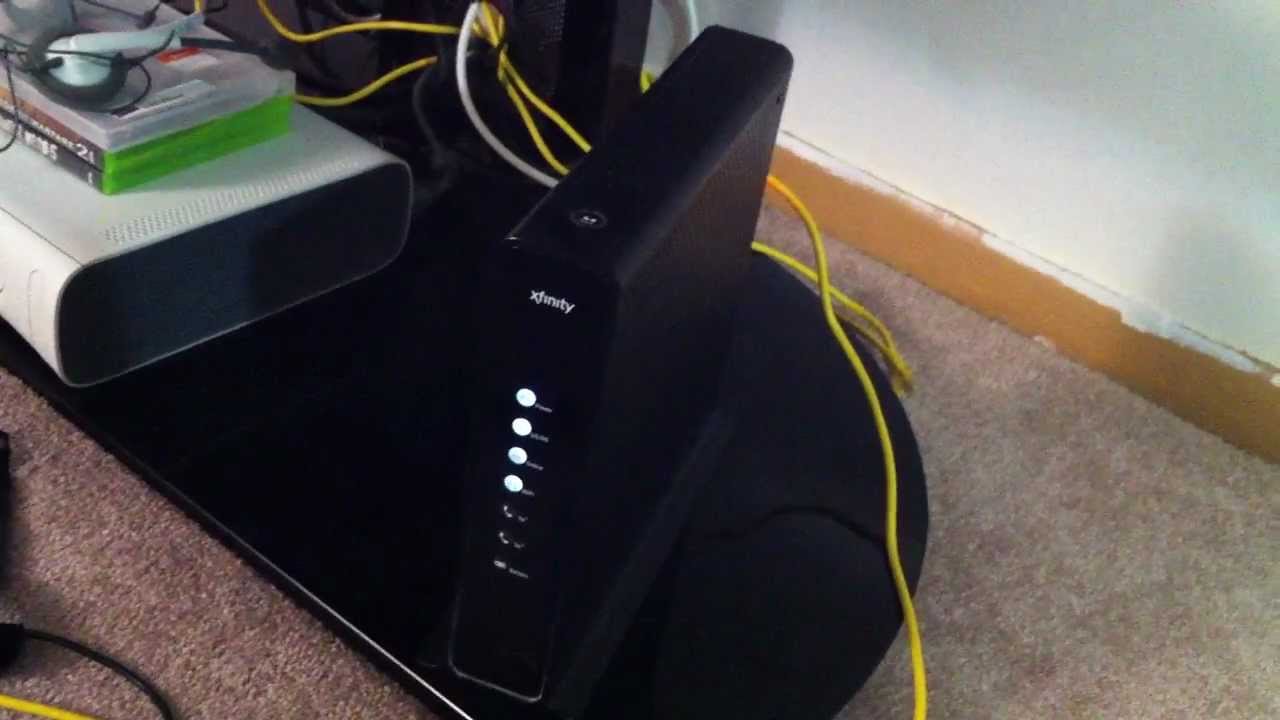
Before You Begin: What You Need to Set Up Your Xfinity WiFi Box To set up your Xfinity WiFi box, you'll need the Gateway unit, the coaxial cable, the power...
This website uses cookies so that we can provide you with the best user experience possible. Cookie information is stored in your browser and performs functions such as recognising you when you return to our website and helping our team to understand which sections of the website you find most interesting and useful.
Strictly Necessary Cookies
Strictly Necessary Cookie should be enabled at all times so that we can save your preferences for cookie settings.
If you disable this cookie, we will not be able to save your preferences. This means that every time you visit this website you will need to enable or disable cookies again.