The PlayStation tag on robots.net collects 105 articles written for people who own or are thinking about buying a Sony console, from the PS4 to the PS5. The material is aimed at everyday users, not hardcore modders, who want to get more out of their hardware, fix common annoyances, or decide what to play next. Whether you are setting up a new machine, troubleshooting a loud fan, or comparing the platform to its main rival, these guides assume you are starting from scratch.

The articles fall into a few practical themes. One group is about setup and connectivity: you can learn how to join a PlayStation party on PC, connect a controller to a computer, set up Ethernet on the PS5, or play the console on a laptop through HDMI. Another cluster focuses on maintenance and error codes, such as rebuilding the PS4 database, upgrading the hard drive, fixing the WS-37398-0 error, or dealing with a PS4 fan that has become too noisy. A third set covers purchases and subscriptions, including how to add funds to your PSN wallet, refund a PlayStation Plus subscription, and understand recent membership changes.

Specific titles you will see here include reviews of Ghost of Tsushima, Demon’s Souls Remake, and Ratchet and Clank: Rift Apart, as well as guides to accessories like the Logitech G29 steering wheel and whether FIFA 23 is cross-platform. There are also comparison pieces, like which is better, PlayStation or Xbox, and explainers on linking Discord to your account. Throughout, the tone is practical and safety-conscious, so when topics touch on account access or refunds, the advice sticks to official, supported methods rather than workarounds.
How To Gift Games On Playstation

You can't gift games on PlayStation directly through the PlayStation Store, as there is no "send as gift" button on any game page. To gift games on PlayStation, you must...

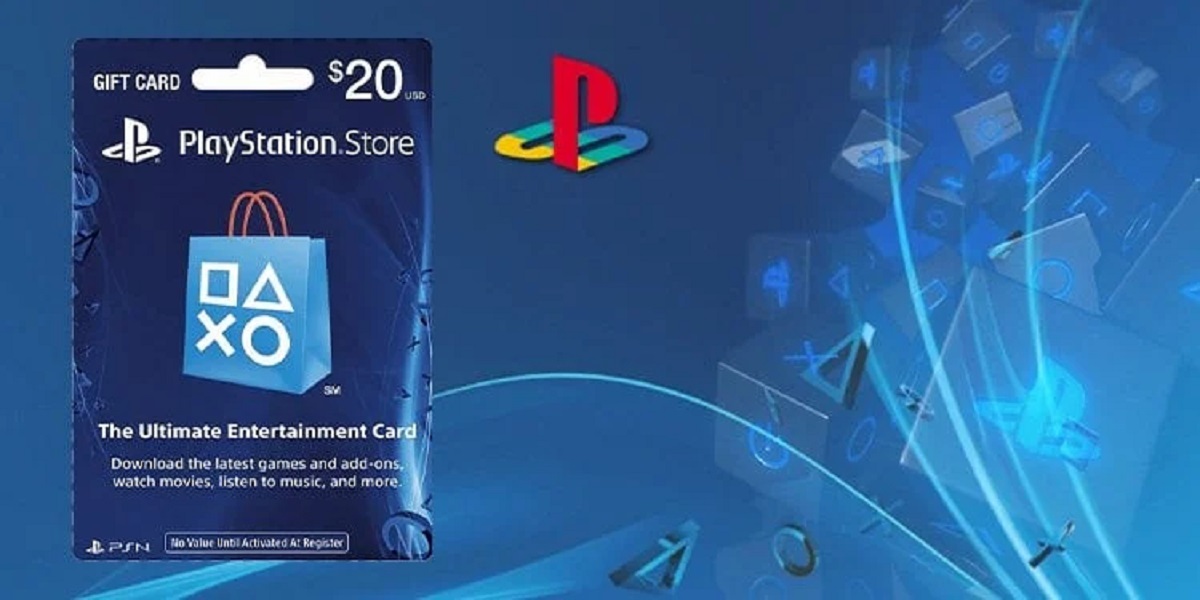
How To Redeem A Playstation Gift Card

To redeem a PlayStation gift card, you need to enter the 12-digit code on your console, the PlayStation website, or the PlayStation App to add funds to your wallet. However,...

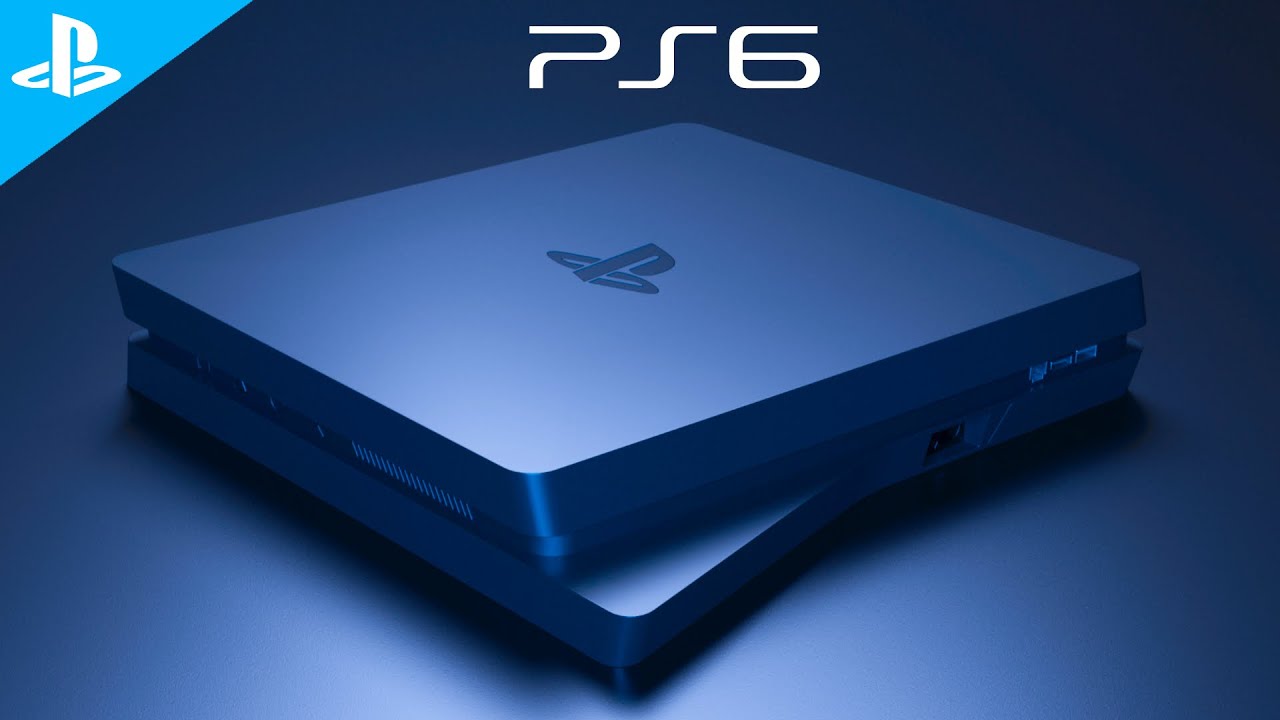
What Does A Playstation 6 Look Like

The latest PlayStation 6 rumors point to a console that hasn't been officially announced, but credible leaks suggest Sony is preparing a major leap forward. Based on insider reports, the...

How To Check Your Playstation Wallet

To check your PlayStation wallet balance, sign in to your account at store.playstation.com, click your profile icon, and select Payment Management; your current balance appears at the top of the...

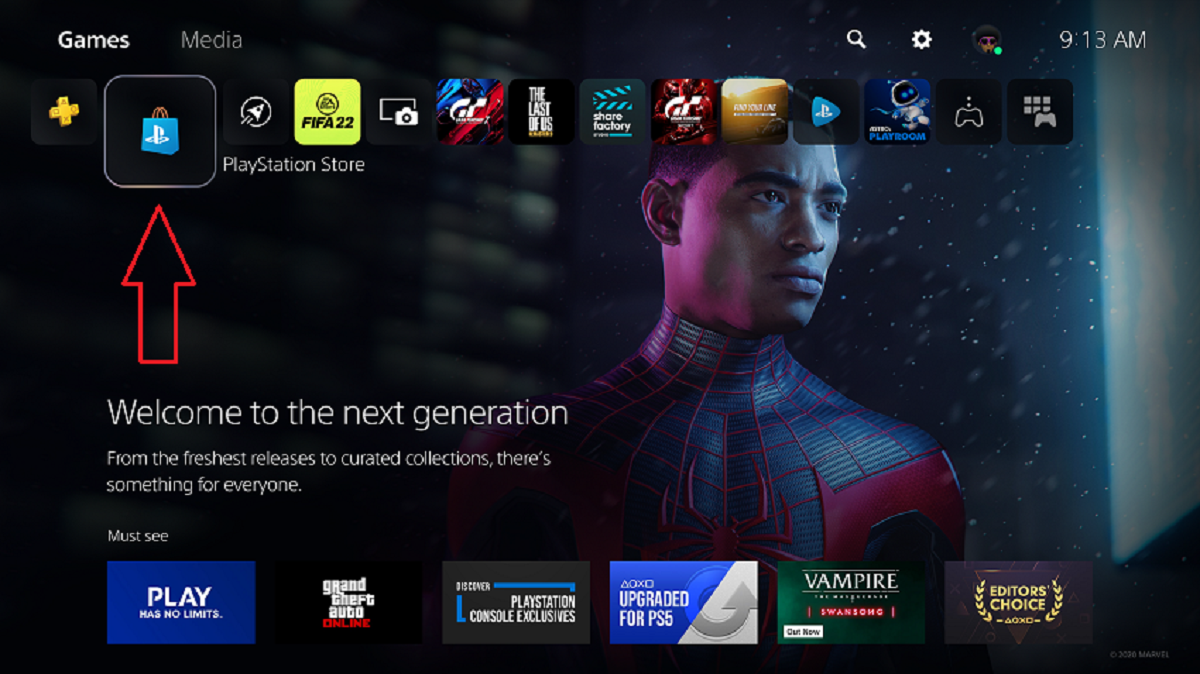
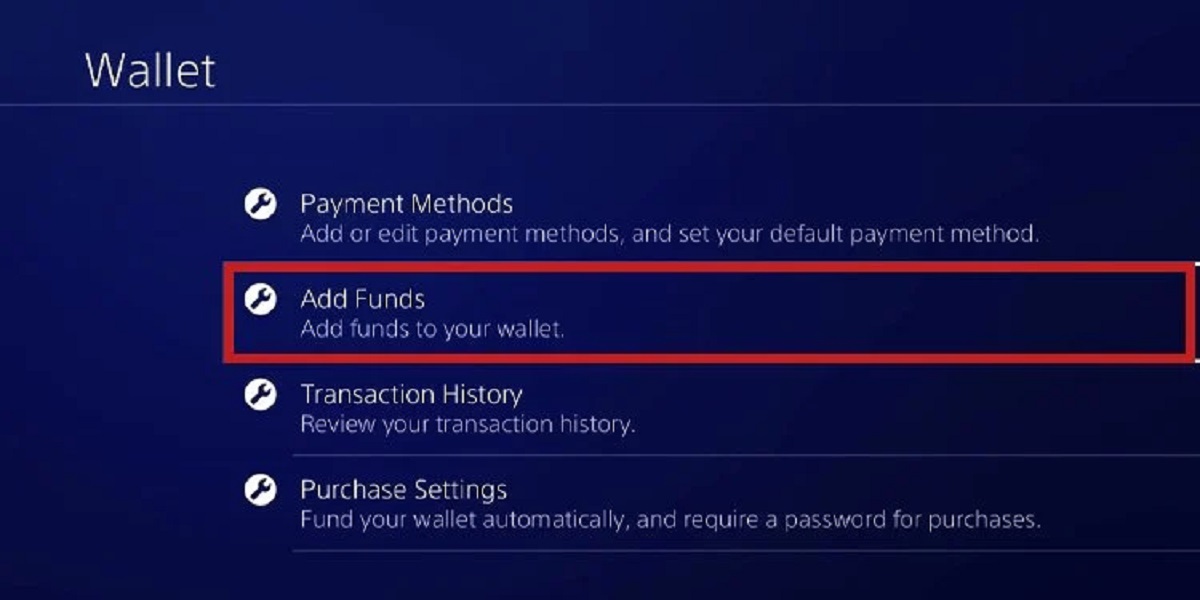
How To Add Funds To Playstation Account

To add funds to your PlayStation account, go to Settings > Users and Accounts > Account > Payment and Subscriptions > Add Funds on your PS5, or use the equivalent...

Why Does My Playstation Keep Overheating

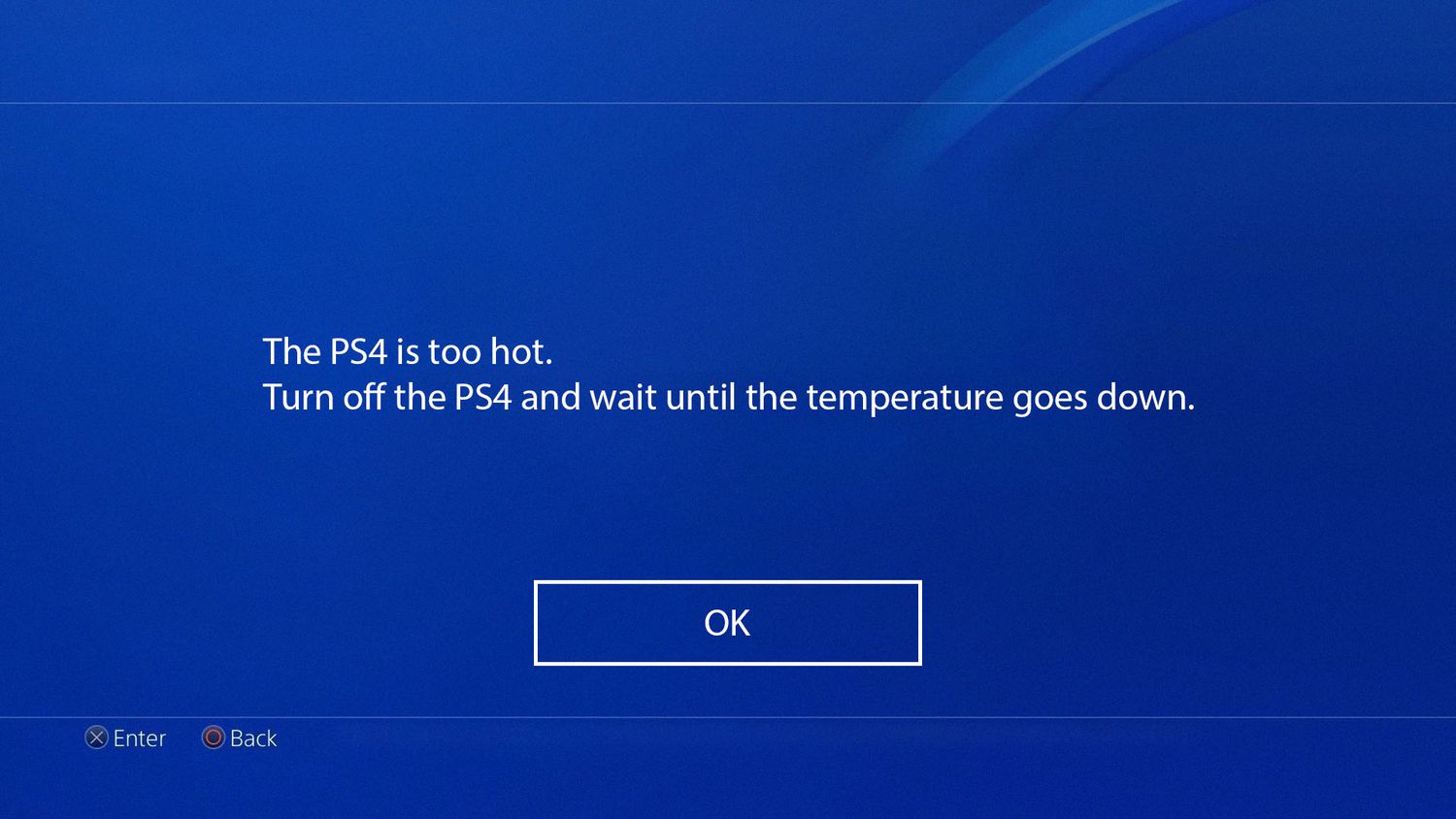
Your PlayStation keeps overheating because dust buildup, poor ventilation, and intense gaming sessions combine to overwhelm its cooling system. If you see a "Your PS5 is too hot" or "The...

How To Redeem V Bucks On Playstation

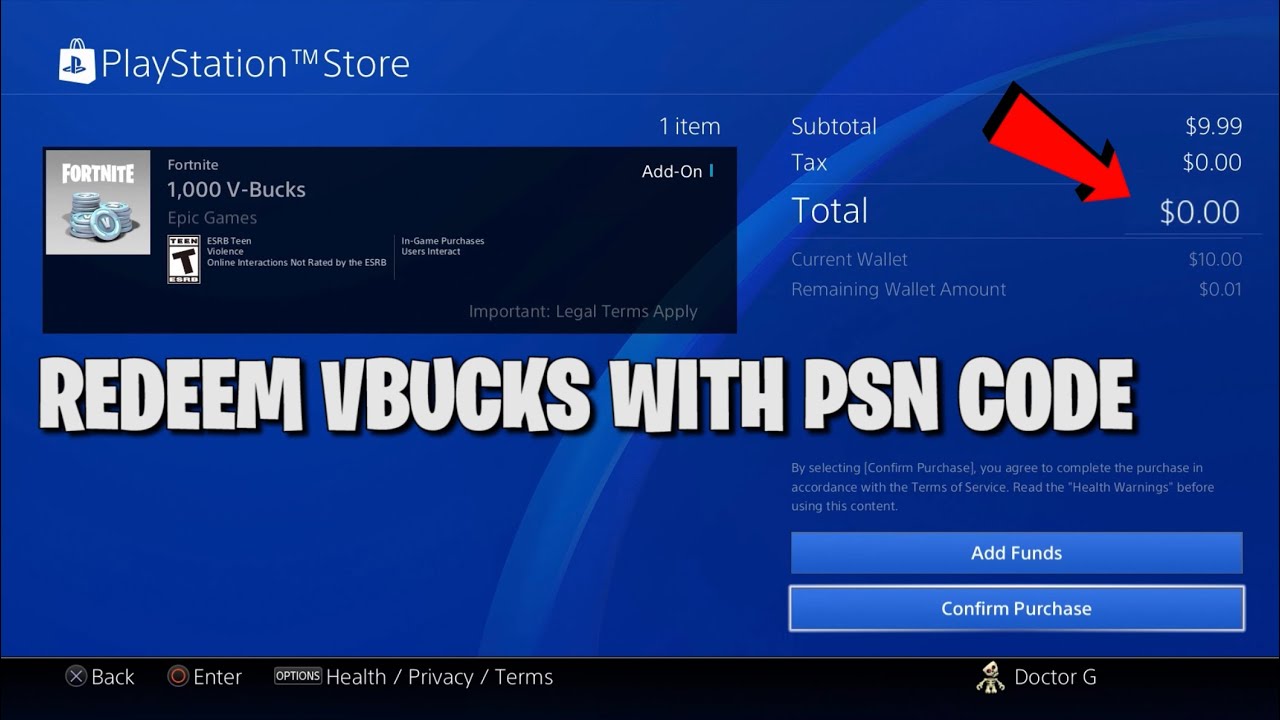
To redeem V Bucks on PlayStation, first visit the Epic Games website and select PlayStation as your platform. This prepares your code for use on your console, ensuring the V-Bucks...

Why Did My Playstation Turn Off By Itself

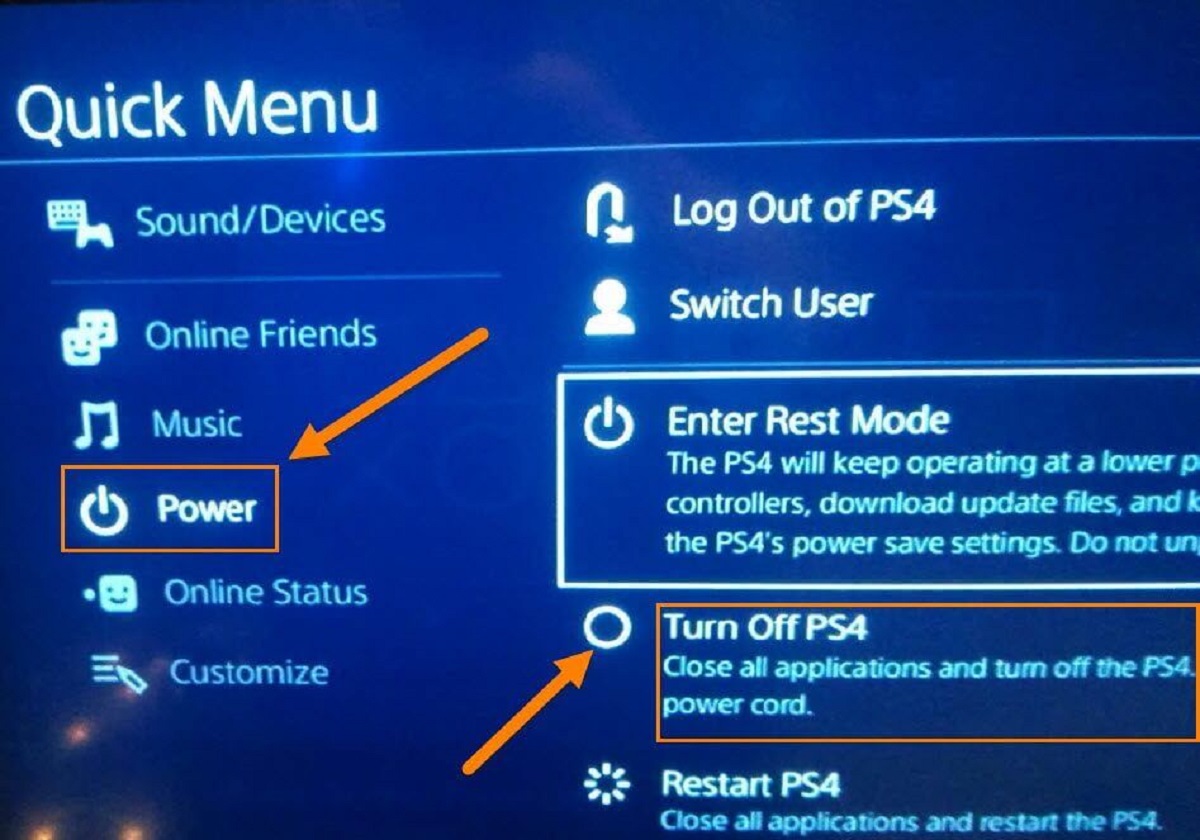
Why did my PlayStation turn off by itself? Quick triage Your PlayStation is turning off by itself because it's either overheating, losing power, or hitting a software error. The fastest...