This tag collects practical guides for moving digital photos between devices, apps, and storage media. It is written for everyday consumers, people who have accumulated pictures on a phone, tablet, camera, or cloud service and need to get them somewhere else without losing quality or wasting time. Whether you are switching from an iPhone to an Android tablet, clearing space on a camera, or backing up years of family photos to an external drive, these articles walk through the steps in plain language.
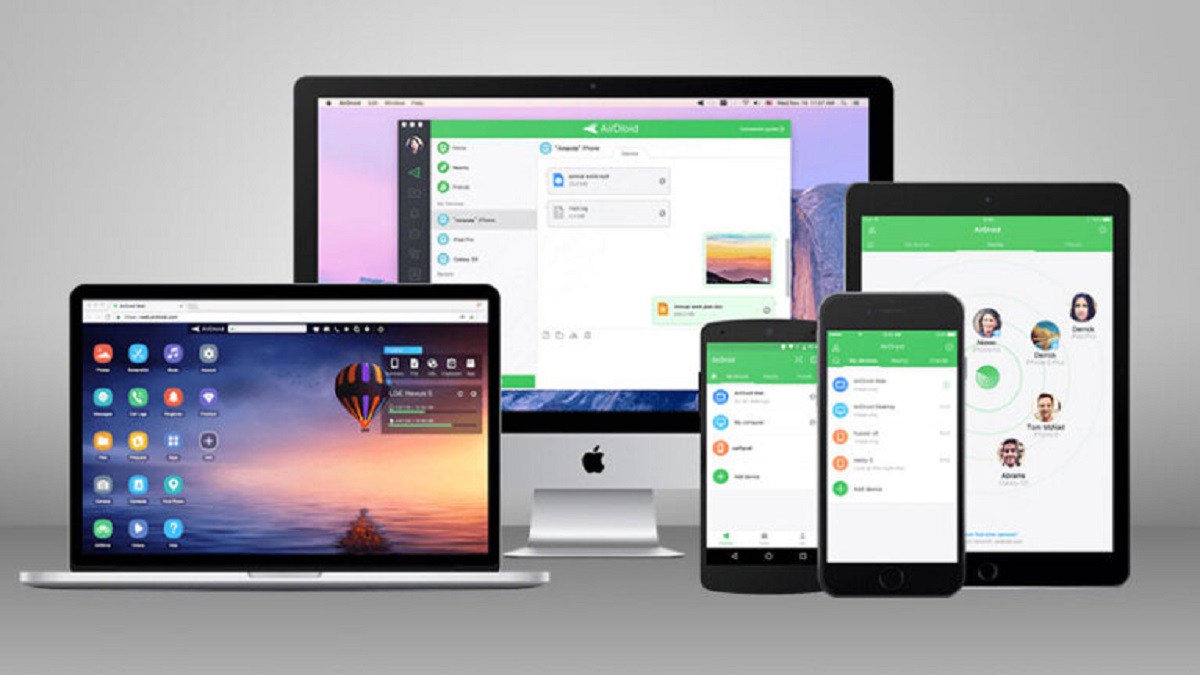
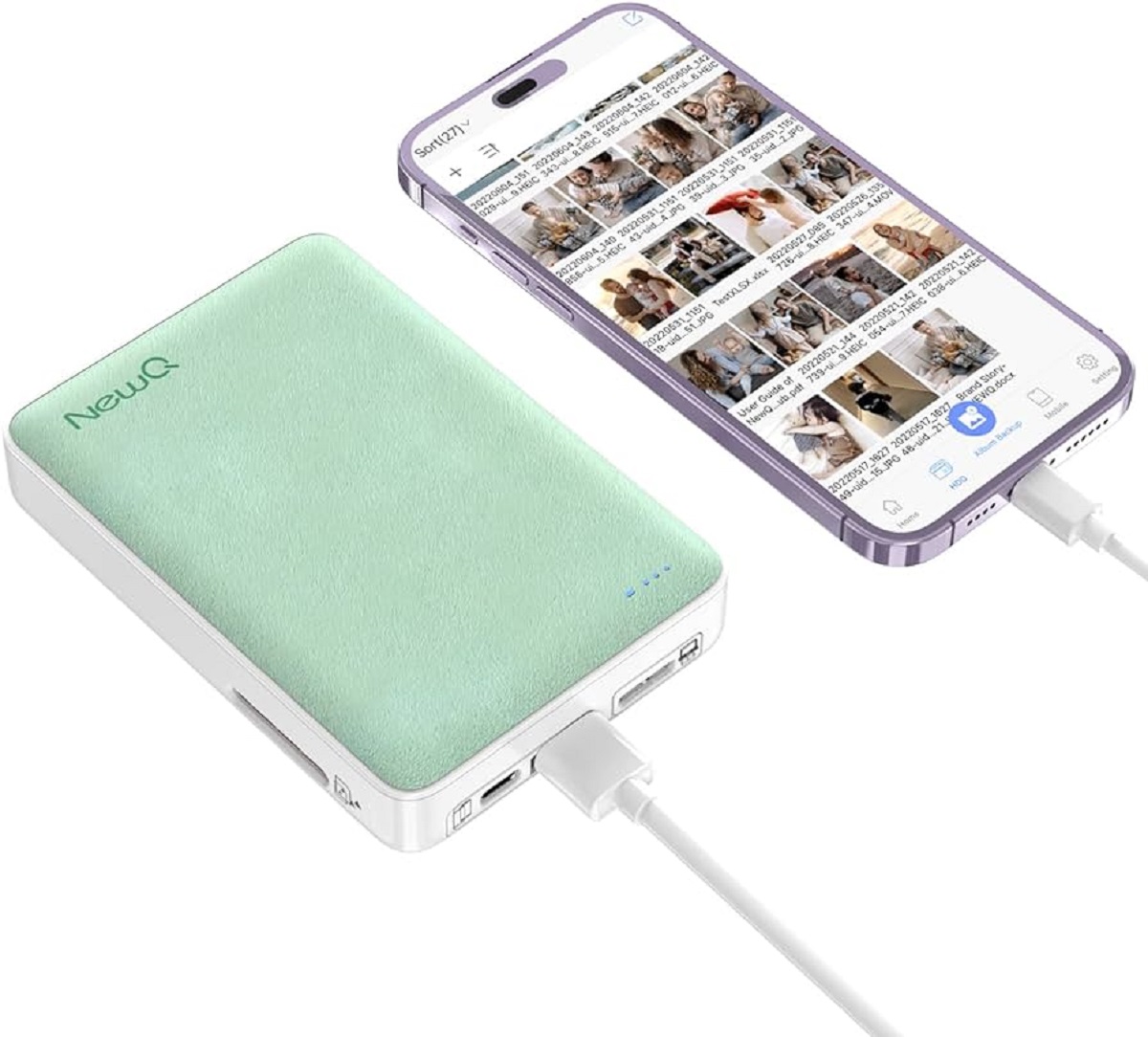
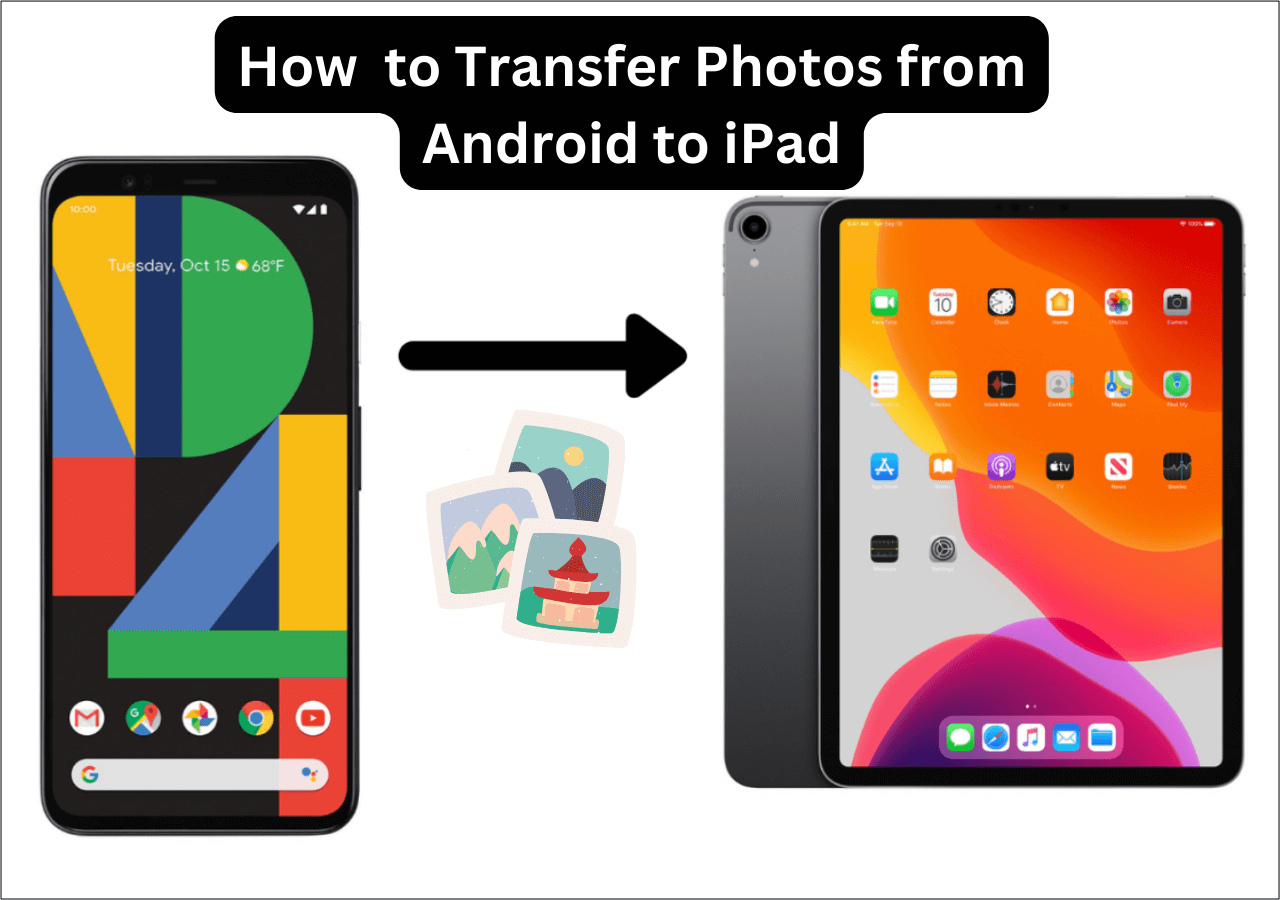
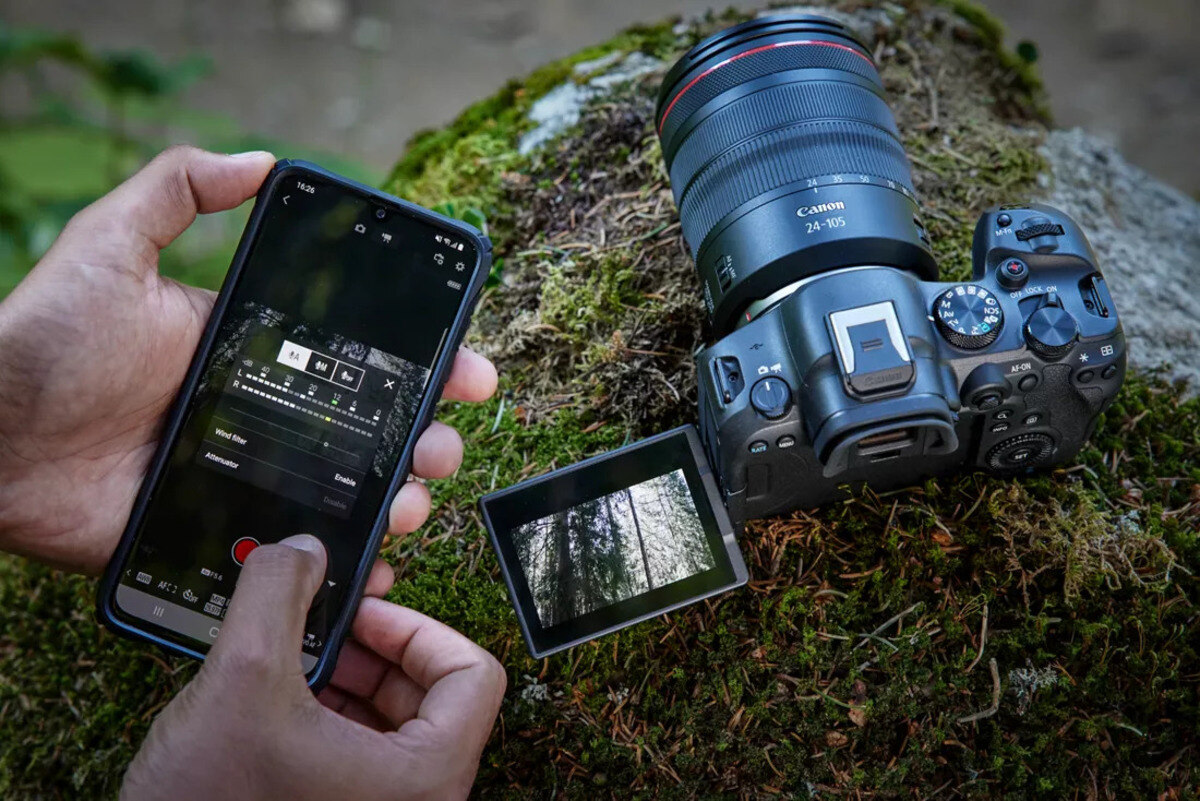
The problems covered here fall into a few clear themes. One is moving photos between phones and tablets, such as transferring pictures from an iPhone to an Android tablet or from an Android phone to a tablet. Another theme is getting photos off dedicated devices and memory cards, for example, downloading pictures from a Canon Powershot or from a SIM card to a computer. A third theme is consolidating cloud and local storage, including moving photos from Google Photos to Apple Photos, downloading all Google Photos to an iPhone, or exporting from Amazon Photos to an external hard drive. Several articles also address storage hardware directly, like transferring photos from an iPhone to a Seagate external drive.
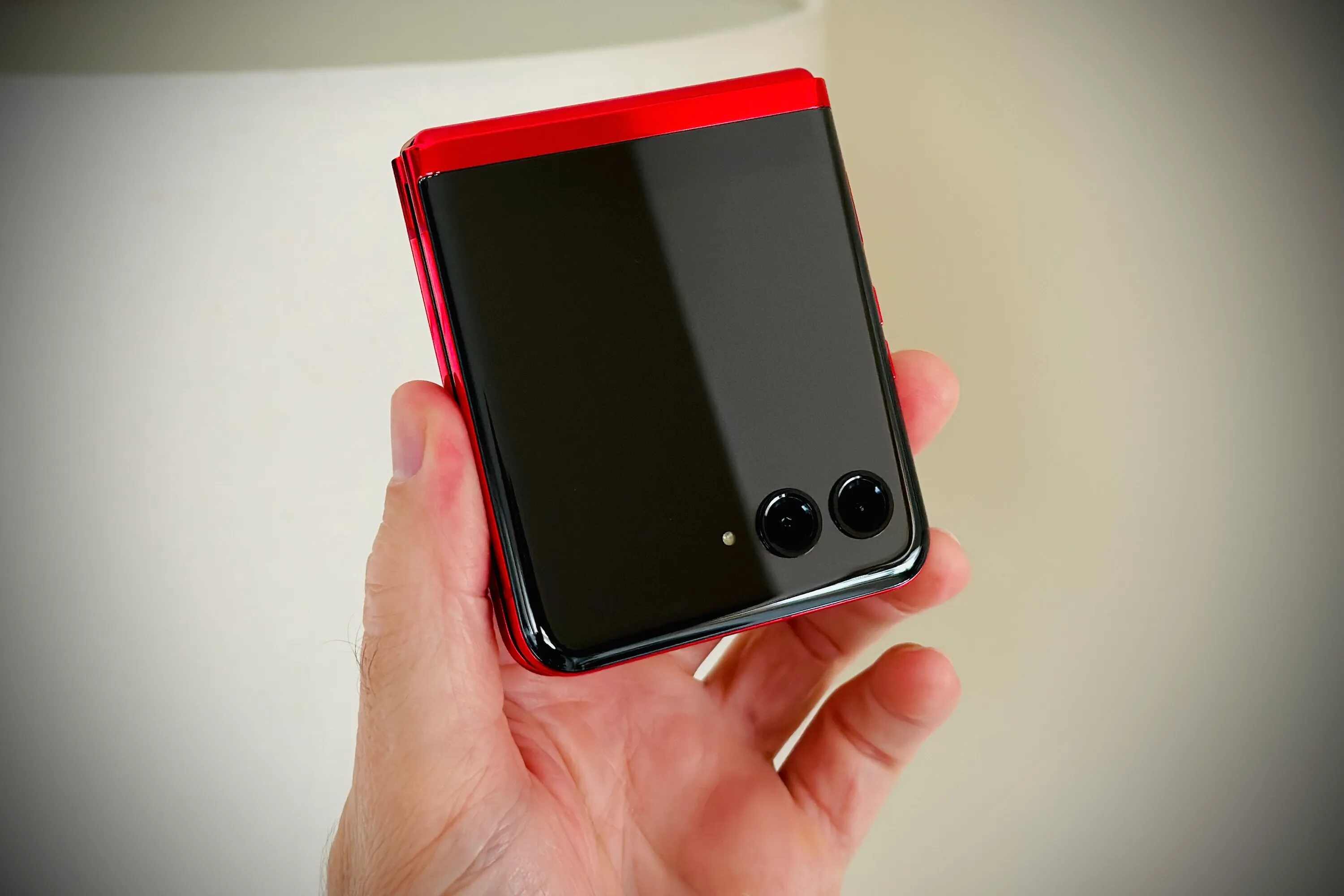
Some titles point to safer, more deliberate approaches. The guide to transferring photos from an iPhone without a SIM card, for instance, explains legitimate ways to move files when cellular service is unavailable or deactivated. Similarly, the article on moving pictures from a Motorola Razr to a PC focuses on standard cable and software methods, not on circumventing device protections. Across the tag, the emphasis is on straightforward, legal, and secure transfers, helping readers keep their memories accessible while avoiding risky shortcuts.