The Keyboard Shortcuts tag collects 51 practical guides for anyone who uses a computer day to day and wants to spend less time hunting for keys or clicking through menus. These articles are written for everyday consumers, students, remote workers, gamers, and home users, who need clear, step-by-step answers to common keyboard questions. Whether you are on a Chromebook, a Dell laptop, a Windows PC, or using a Logitech keyboard, the focus is on getting a specific task done quickly without jargon.

The articles cluster around a few recurring problems. One group helps you locate and type symbols and characters that are not obvious on a standard layout, such as the apostrophe, backslash, division sign, Euro sign, squared symbol, or Roman numerals. Another group covers system and app controls, including how to undo, save a document, highlight text, go full screen on Windows 10, adjust the browser window size, or take a snippet. A third set is device-specific, addressing things like how to turn on a Chromebook, disable the touchpad on a Dell laptop, print screen with a Logitech keyboard, or use the Command key on that same brand. Some articles also cover gaming and communication tools, such as opening inventory in Minecraft PC, seeing coordinates in Java, zooming with Optifine, or unmuting on Discord.

Beyond simple how-tos, several pieces handle safety, security, or legitimate alternatives. For example, articles about unlocking a Logitech keyboard or turning on a webcam on an HP laptop focus on restoring access to your own hardware. The guide on Control Alt Delete for Chromebook explains a standard system function, while the one on how to right-click on a Dell laptop offers a trackpad gesture as a safe alternative to a physical button. None of these entries encourage bypassing protections or cheating; they are straightforward instructions for everyday tasks.

How To Zoom With Optifine

To zoom with OptiFine in Minecraft Java Edition, press and hold the default C key to instantly magnify the center of your screen, then release it to return to your...

How To Go Full Screen On Windows 10

To go full screen on Windows 10, press the F11 key on your keyboard. This method instantly fills the screen with your active application or browser, and pressing F11 again...

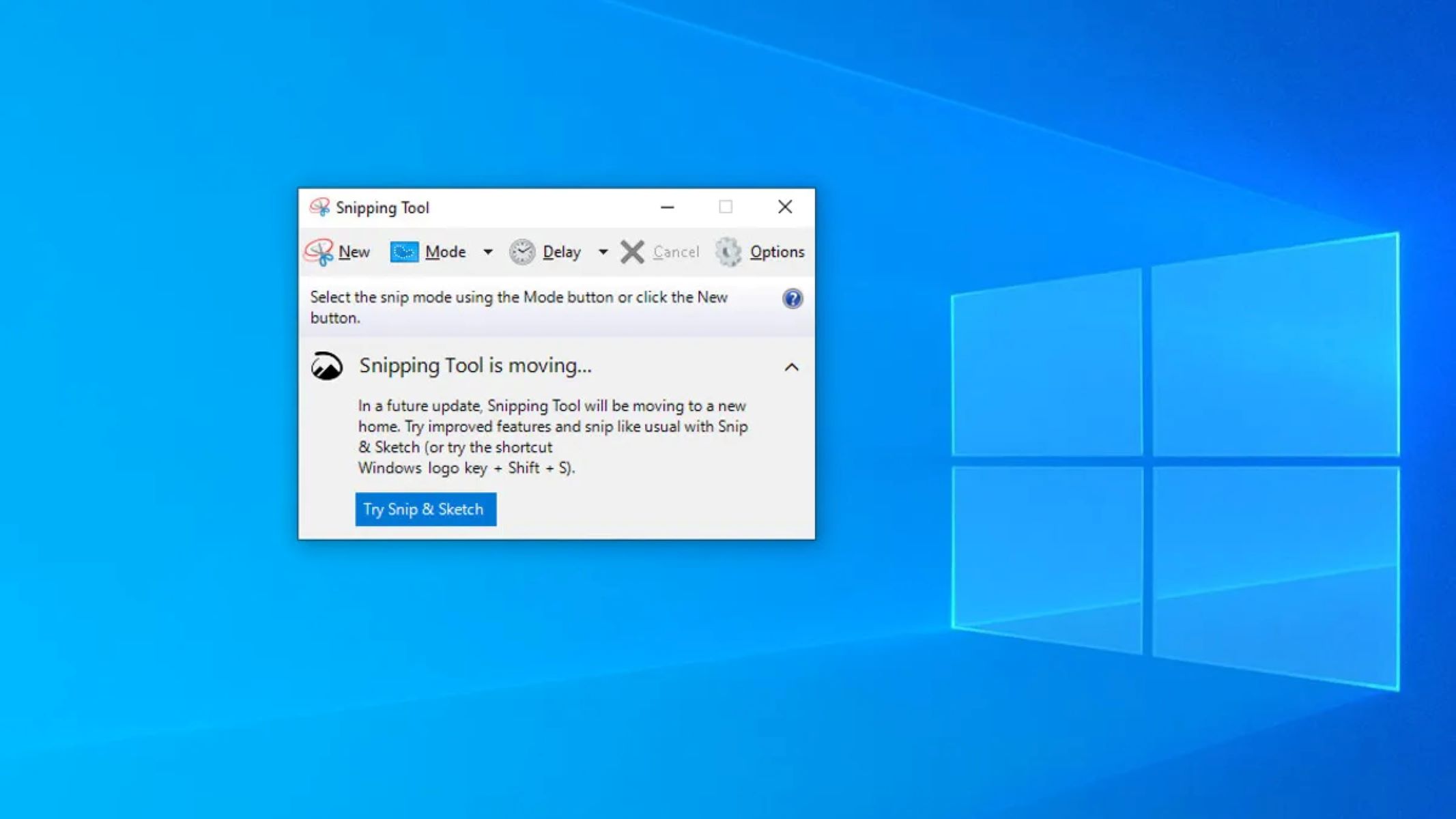
How To Snippet On Windows

To snippet on Windows, press the Windows logo key + Shift + S to instantly open the Snipping Tool overlay. This built-in app lets you capture any part of your...

How To Unmute On Discord

The fastest way to unmute on Discord is to press Ctrl + Shift + M on Windows or ⌘ + Shift + M on Mac to toggle your microphone off...

How To Control Alt Delete On Chromebook

The Chromebook task manager shortcut you need is Search + Esc. Pressing these two keys simultaneously opens the Task Manager, which lets you force-quit any unresponsive app, because the familiar...

How To Turn On My Chromebook

How to turn on my Chromebook and use basic power controls If you can't turn on my Chromebook and the screen stays dark, the device might be in a deep...

How To Adjust Browser Window Size

To adjust browser window size, use the Windows key + Left or Right arrow keys to snap a window to half the screen, or press Alt + Spacebar, then select...

How To Disable Touchpad On Dell Laptop

To disable touchpad on Dell laptop, press the Fn + F3 keys simultaneously, or toggle the Touchpad switch to Off in Windows Settings. If you use an external mouse, untick...

How To Right Click On Dell Laptop

To right click on a Dell laptop, the quickest method is a two-finger tap anywhere on the touchpad. Alternatively, you can press the lower-right corner of the touchpad to open...

How To Copy And Paste On A Dell Laptop

To copy and paste on a Dell laptop, use the standard Windows keyboard shortcuts Ctrl+C to copy, Ctrl+X to cut, and Ctrl+V to paste. These methods work identically to any...

Where Are The Keys Located On The Keyboard

The keys on a standard QWERTY keyboard are physically divided into four main sections: the central alphanumeric block, the top function key row, the right-side numeric keypad, and the middle...

How To Type Squared Symbol On Keyboard

The fastest way to type the squared symbol on keyboard is to use the Windows Alt code or the Mac Character Viewer shortcut. For Windows, hold down the Alt key...