Practical, step-by-step guides for anyone who uses an iPhone as part of their daily routine, whether you’re a longtime owner or just switched from Android. These articles are written for everyday people who want to fix a small annoyance, change a setting, or get two devices to work together, without needing to visit a repair shop or dig through dense manuals.
The guides here cluster around a few recurring themes. One is connectivity and device pairing: you’ll find help with getting an iPhone to show on a TV via HDMI, transferring files from an Android phone over Bluetooth, connecting to a Chromebook, or stopping AirPods from automatically jumping to another device. Another theme is managing apps and media storage, for example, clearing the Amazon Music cache, locating Spotify downloads, or moving video from an SD card into the iPhone’s photo library. A third theme is interface and security controls, such as changing the Apple Watch home screen, finding saved Face ID passwords, or turning off Face ID for recently deleted photos so they stay hidden until you choose to view them.
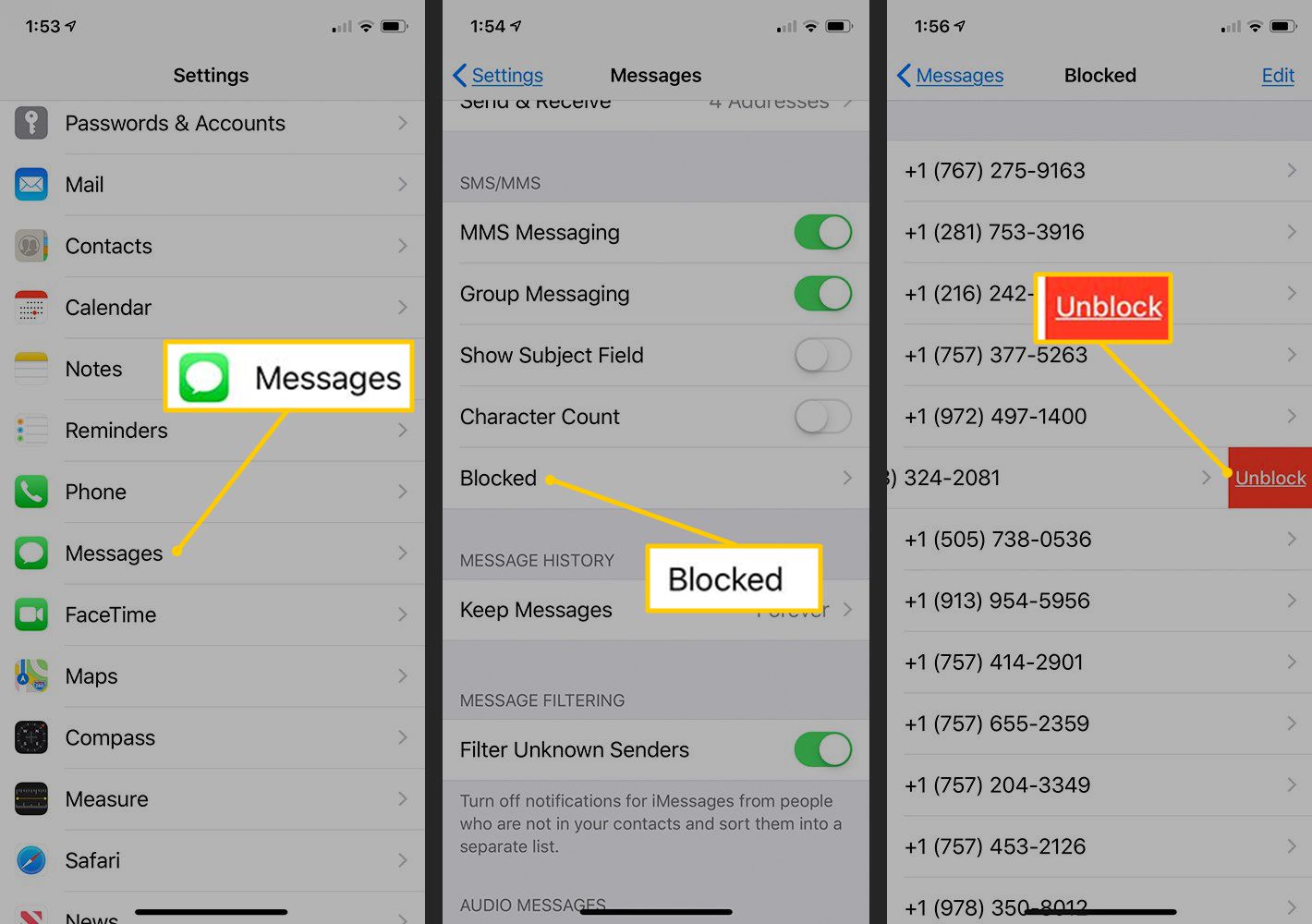
Several articles also address safety and privacy in a straightforward way. You can learn what the SOS icon next to Wi‑Fi means, why your Wi‑Fi might show a privacy warning, or how to interpret an Android user’s blocked status on your iPhone. Others focus on legal, everyday adjustments like installing Waze voices, adding a Spanish keyboard, or setting a Spotify song as your alarm. The overall goal is simple: help you get your iPhone, its accessories, and your other devices working the way you want, with clear instructions you can follow at your own pace.